Avada Blog Element Examples
The Avada Blog Element dynamically showcases your blog posts in a variety of layouts—grid, masonry, timeline, carousel—so you can filter by categories, tags, or authors and choose what metadata (date, author, excerpt etc.) appears; it blends content curation with design flexibility to present your stories in the look and format that aligns with your brand.
The Avada Blog Element is set up as follows: Posts Per Page (3), Post Status (Published), Post Offset (8), Pull Posts By (Category), Categories, Exclude Categories, Order By (Date), Order (Descending), Show Thumbnail (Yes), Show Title (Yes), Content Display (Excerpt), Excerpt Length (8 Words), Strip HTML From Posts Content (Yes), Show Meta Info (Yes), Show Author Name (Yes), Show Categories (Yes), Show Comment Count (Yes), Show Date (Yes), Show Read More Link (Yes), Show Tags (No), Blog Layout (Grid), Number of Columns (3), Column Spacing (40px), Equal Heights (Yes), Title Size (H3), Link Title to Post (No), Content Alignment (Left), Pagination Type (Pagination), Grid Box Color, Grid Element Color, Grid Separator Style (No Style), Blog Grid Text Padding, and Margin.
The Avada Blog Element is set up as follows: Posts Per Page (2), Post Status (Published), Post Offset (0), Pull Posts By (Category), Categories, Exclude Categories, Order By (Date), Order (Descending), Show Thumbnail (Yes), Show Title (Yes), Content Display (Excerpt), Excerpt Length (30 Words), Strip HTML From Posts Content (Yes), Show Meta Info (Yes), Show Author Name (Yes), Show Categories (Yes), Show Comment Count (Yes), Show Date (Yes), Show Read More Link (Yes), Show Tags (No), Blog Layout (Medium), Title Size (H3), Font (Custom), Link Title to Post (No), Pagination Type (No Pagination), and Margin.
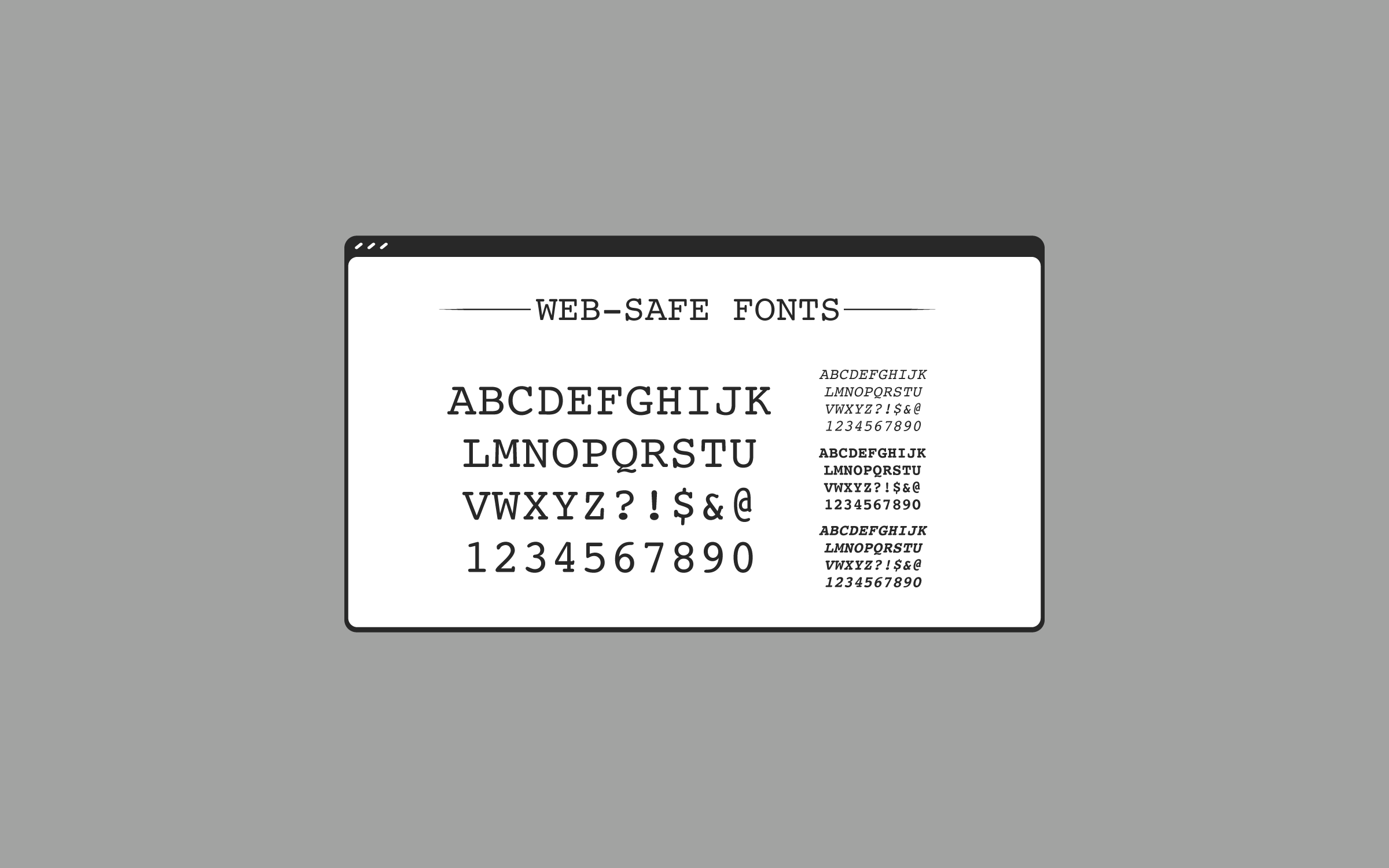
The Best Web Safe Fonts for Accessible Design
When designing for the web, accessibility should always come first. One of the most overlooked...
Avada Roadmap: August (2025) Progress Update
Work on Avada 8 has continued steadily through the summer,...
June 2020

The Latest Avada Giveaway Winners Have Been Selected
By michaelb|2023-02-24T13:00:39+00:00June 2nd, 2020|Avada|
Our latest Avada giveaway...
May 2020
Win 1 of 7 Avada Website Builder Licenses
By michaelb|2023-02-25T08:52:29+00:00May 25th, 2020|Avada|
The Avada Giveaway via @wpmayor...
April 2020

Security Fix Added in 6.2.3
By michaelb|2024-06-10T13:15:43+00:00April 24th, 2020|Avada|
For the release of Avada...
March 2020
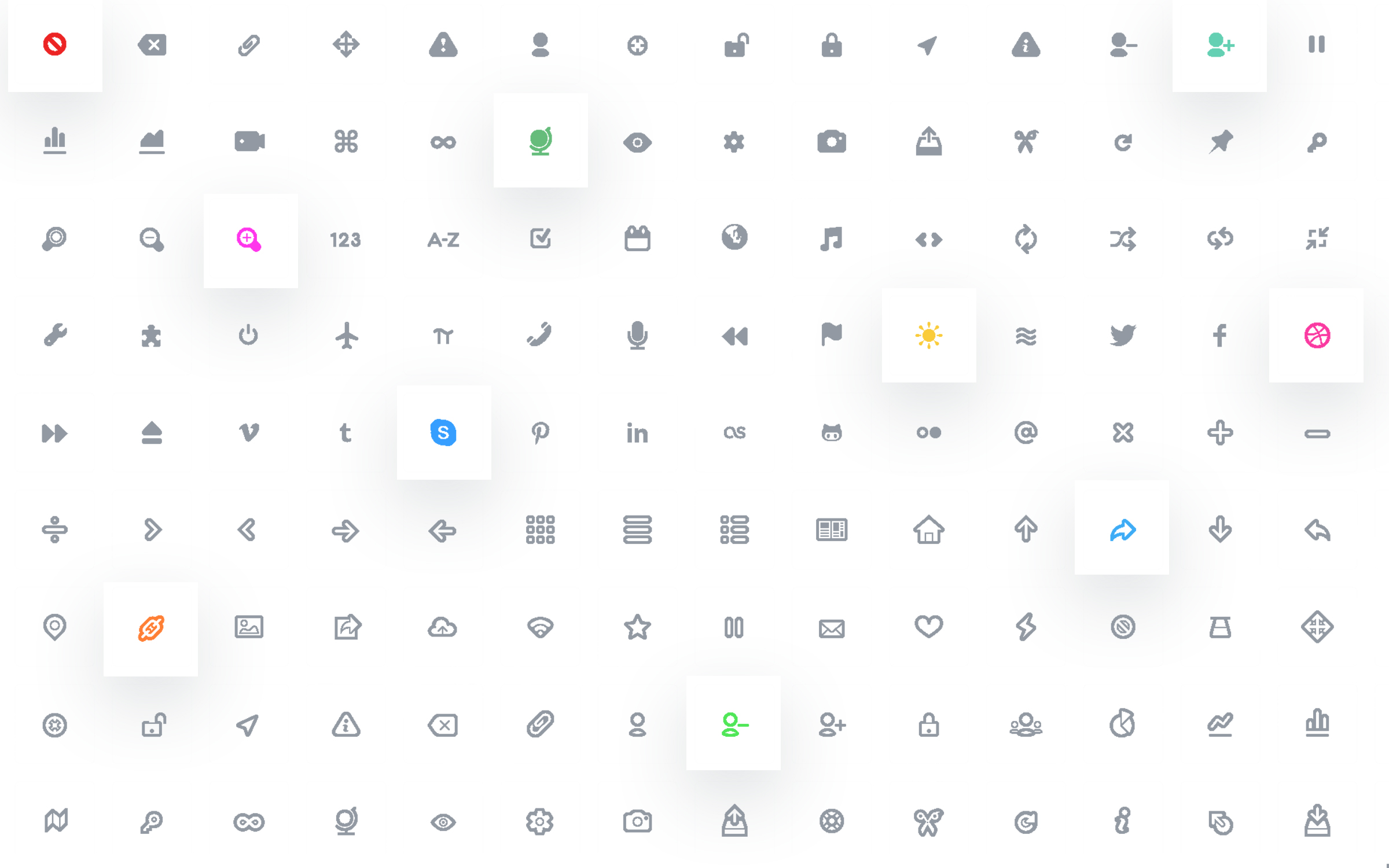
Want to use Custom Icons in Avada? Here’s how to do it!
By Geoff|2024-06-06T14:40:26+00:00March 19th, 2020|Avada|
In this article, we're going...

Congratulations to the Avada Giveaway Winners
By michaelb|2023-02-24T12:58:42+00:00March 5th, 2020|Avada|
Our recent Avada giveaway...
The Avada Blog Element is set up as follows: Posts Per Page (5), Post Status (Published), Post Offset (10), Pull Posts By (Category), Categories, Exclude Categories, Order By (Date), Order (Descending), Show Thumbnail (Yes), Show Title (Yes), Content Display (Excerpt), Excerpt Length (5 Words), Strip HTML From Posts Content (Yes), Show Meta Info (Yes), Show Author Name (Yes), Show Categories (Yes), Show Comment Count (Yes), Show Date (Yes), Show Read More Link (Yes), Show Tags (No), Blog Layout (Timeline), Title Size (H3), Link Title to Post (Yes), Content Alignment (Textflow), Pagination Type (No Pagination), Grid Box Color, Grid Element Color, Grid Separator Style (Single Border Solid), Blog Grid Text Padding, and Margin.

Version 7.9.1 Security Update

Version 7.8.2 Security Update

Turn Your Avada Website Into A Marketing Powerhouse With HubSpot

Happy Birthday Avada: 10 Years Young
The Avada Blog Element is set up as follows: Posts Per Page (4), Post Status (Published), Post Offset (16), Pull Posts By (Category), Categories, Exclude Categories, Order By (Date), Order (Descending), Show Thumbnail (Yes), Show Title (Yes), Content Display (No Text), Show Meta Info (No), Blog Layout (Masonry), Number of Columns (2), Column Spacing (20px), Masonry Image Aspect Ratio (1.0), Masonry 2X2 Width (2000), Title Size (H4), Font (Custom), Link Title to Post (No), Content Alignment (Center), and Pagination Type (No Pagination).
Examples can include the individual option values set for that particular instance; however, in some cases, not all Element variations can be shown as they may be too numerous. Where a live example cannot be shown, an image representation will be used as a substitute. For more detailed information, please refer to the related Element documentation and videos.