Avada Logo
Avada Design Elements

Breadcrumbs

The Avada Breadcrumbs Element enhances navigation and SEO by showing users where they are on your site, with full styling, schema support, and design options for better usability and clarity.

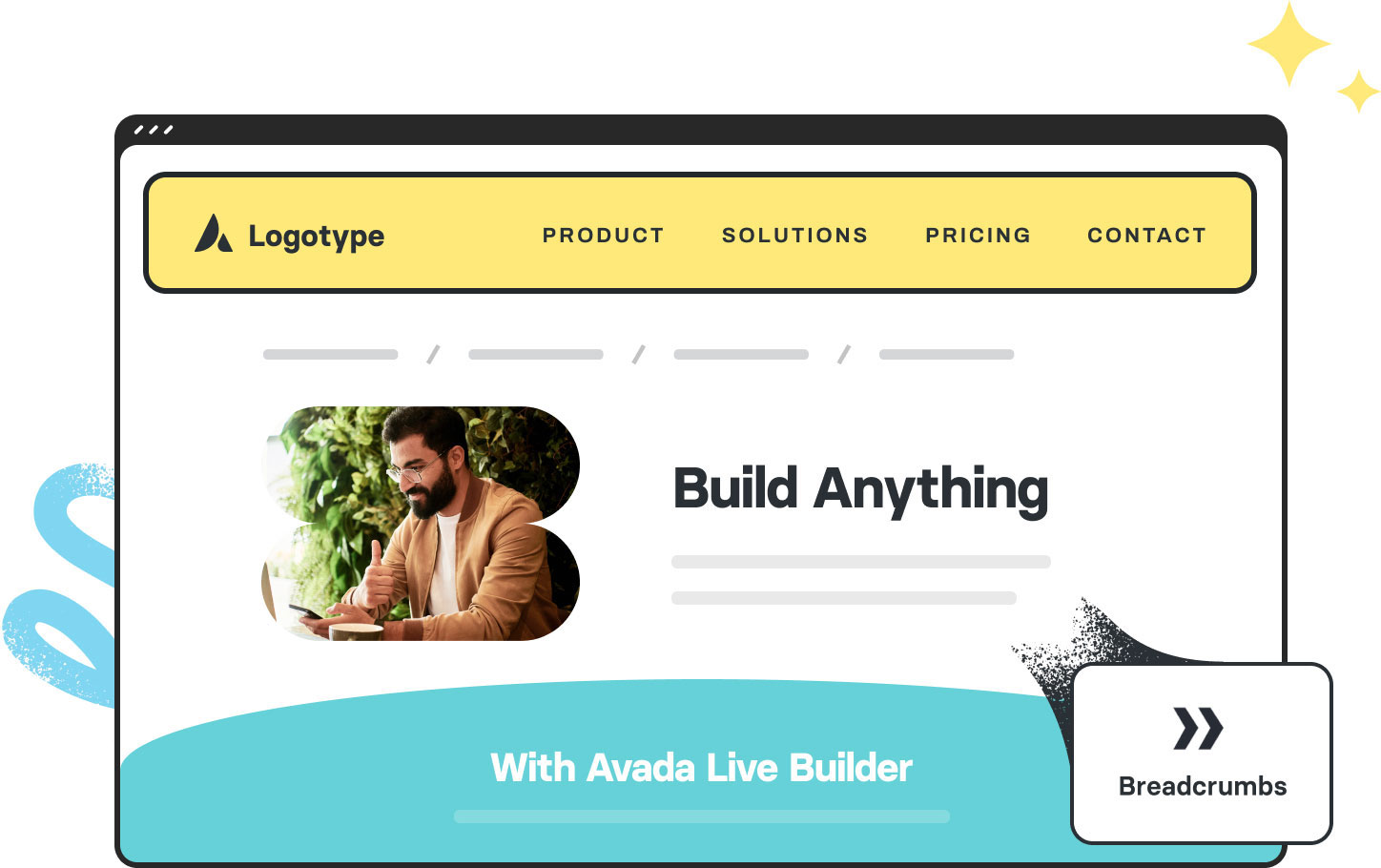
Avada breadcrumbs Element Featured Image

Enhanced Usability

Helps visitors easily navigate and reorient themselves through various sections of your site.

SEO Friendly

Supports schema markup to help search engines understand the site structure.

Fully Customizable

You can control separators, typography, alignment, and spacing to ensure it visually integrates with your design.

Avada Breadcrumbs Element Examples

The Avada Breadcrumbs Element adds navigational clarity by showing users their path through the site—from the homepage through categories or parent pages—letting them understand where they are and easily navigate backward. It comes with style controls, schema support, and flexible settings, so it both looks good and improves usability and SEO.

The Breadcrumbs Element is set to show Categories/Terms (Yes), Post Type Archives (Yes), Post Name (Yes), custom Text Color, and alignment (Center).

The Breadcrumbs Element is set to show custom Prefix Text (You Are Here), custom Homepage Anchor Text (Homepage), custom Separator (|), Post Name, and alignment (Right).

The Breadcrumbs Element is set to show custom Homepage Icon, custom Separator (–), Categories/Terms (Yes), Post Type Archives (Yes), and alignment (Center).

The Breadcrumbs Element is set to show custom Homepage Anchor Text (My Homepage), custom Separator Icon, Categories/Terms (Yes), Post Type Archives (Yes), Post Name,  custom Text Color, and alignment (Left).

The Breadcrumbs Elements are set to show custom Homepage Icon, Categories/Terms (Yes), Post Type Archives (Yes), a custom separator text (/) and then icon, and a custom current page color. The custom design for this breadcrumbs example uses a four-column Avada Nested Columns layout with a background color and corner border radius applied to each inner Column.

Examples can include the individual option values set for that particular instance; however, in some cases, not all Element variations can be shown as they may be too numerous. Where a live example cannot be shown, an image representation will be used as a substitute. For more detailed information, please refer to the related Element documentation and videos.
Avada Tooltip Element Featured ImageTooltip
Avada Flickr Element Featured ImageFlickr
Go to Top