| Heading | | Description | | Privacy Text | | Controls the privacy text which will show above the form. |
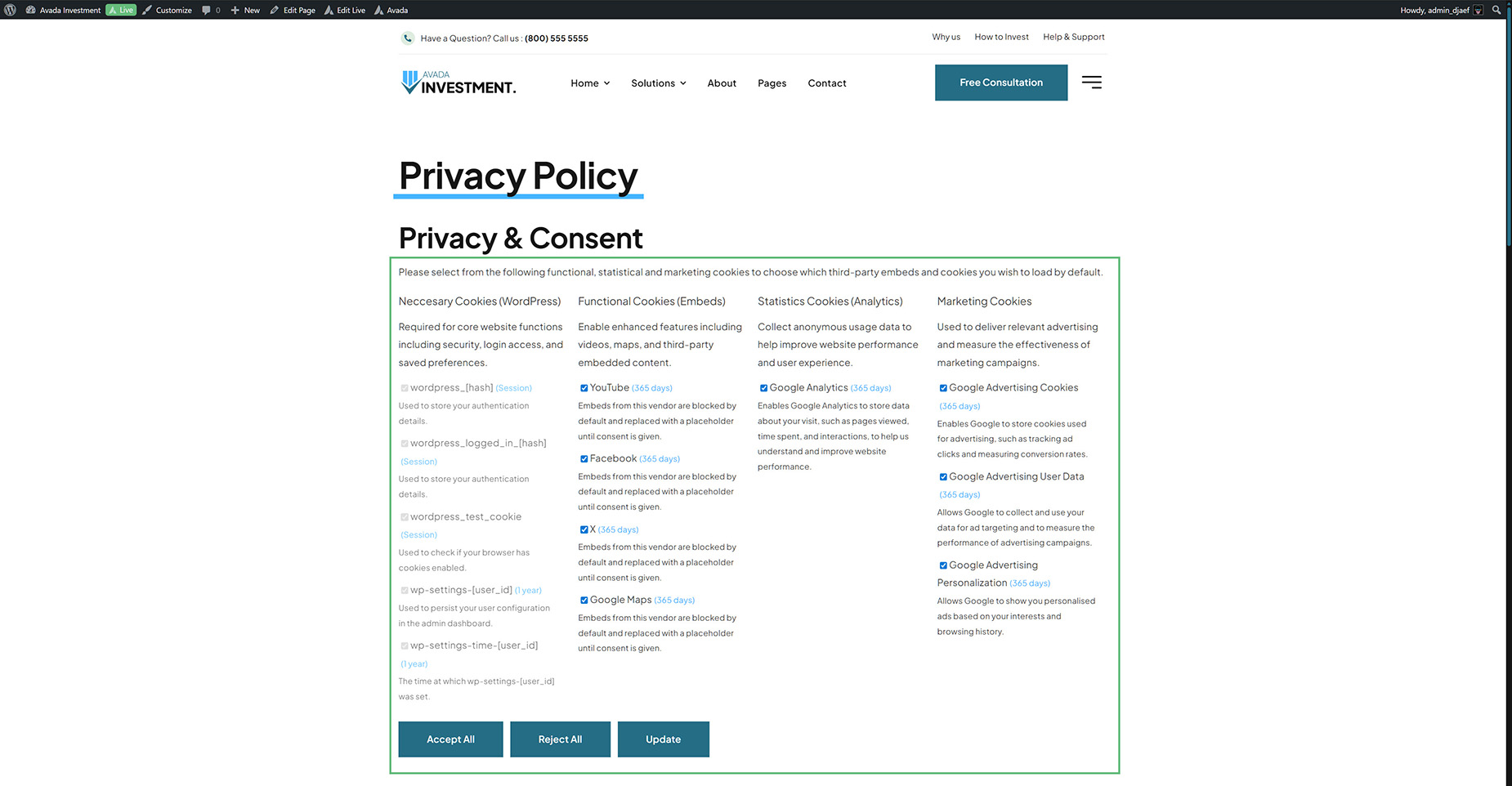
| Cookie Grouping Layout | | Choose whether to display cookies in groups (by category) or as a flat list. |
| Group Display | | Choose whether groups are stacked vertically or arranged side by side in columns. In Columns mode, groups wrap automatically when they reach the minimum width. |
| Column Minimum Width | | Minimum width of each column in pixels. Columns wrap to the next line automatically when they can no longer fit at this width. |
| Column Gap | | Gap between columns. Accepts any CSS value, e.g. 1em, 20px. |
| Visible Cookie Groups | | Choose which cookie groups to display and drag to reorder them. Groups on the left are active; drag to the right to hide. |
| Show Group Titles | | Whether to display the category title for each cookie group. Only applies to the Grouped layout. |
| Collapsible Groups | | Collapsible adds a toggle to each group title. Accordion allows only one group open at a time. |
| Collapsed on Load | | Whether groups start collapsed when the page loads. |
| Group Master Toggle | | Display a master checkbox next to each group title to enable or disable all items in the group at once. The "Necessary" group is excluded. "Default" uses the Theme Option setting. |
| Group Title HTML Tag | | Choose the HTML tag for the group title headings. |
| Consent Item Style | | Choose between standard checkboxes or slide toggles for the consent items and master toggles. |
| Show Group Description | | Set to "yes" to display the category description set in the Consent Categories for each cookie group. Only applies to the Grouped layout. |
| Form Field Layout | | Choose if form checkboxes should be stacked and full width, or floated inline. |
| List WordPress Necessary Cookies | | Enable to automatically list standard WordPress necessary cookies in the Necessary group. If WooCommerce or The Events Calendar are active, their necessary cookies are included automatically. "Default" inherits from Global Options. |
| Show Cookie Lifespan | | Whether to display the cookie lifespan next to each consent item. |
| Show Cookie Description | | Whether to display the cookie description for each consent item. |
| Cookie Description Toggle | | Add a toggle button next to each consent item to expand/collapse its description. Descriptions start collapsed. "Default" uses the Theme Option setting. |
| Show Update Button | | Choose whether to display the Update / Save consent button. When building a custom consent layout with multiple Privacy elements on one page (e.g. one per cookie group in separate columns or tabs), only one element needs to show this button — submitting it will automatically collect and merge choices from all instances. |
| Update Button Text | | Label for the Update button. Defaults to "Update" if left empty. |
| Show Accept All Button | | Choose whether to display an Accept All button that checks all optional items and saves. |
| Accept All Button Text | | Label for the Accept All button. Defaults to "Accept All" if left empty. |
| Show Reject All Button | | Choose whether to display a Reject All button that unchecks all optional items and saves. |
| Reject All Button Text | | Label for the Reject All button. Defaults to "Reject All" if left empty. |
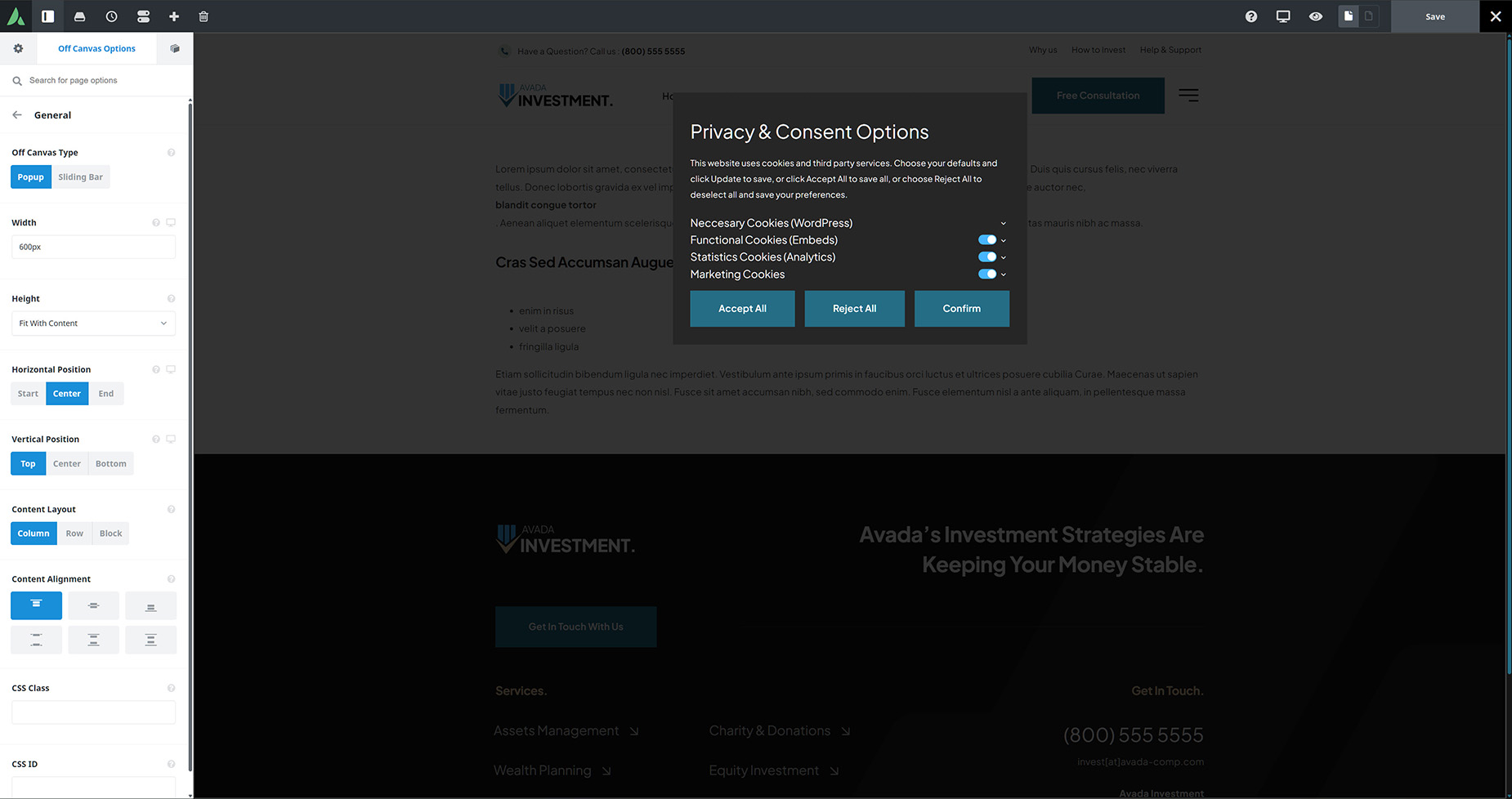
| Save Action | | "Reload Page" submits the form and reloads to re-render consent-gated content. "AJAX" saves client-side, replaces visible placeholders immediately, and fires an event (useful when the element is inside an Off Canvas). |
| Element Visibility | | Choose to show or hide the element on small, medium or large screens. |
| CSS Class | | Add a class to the wrapping HTML element. |
| CSS ID | | Add an ID to the wrapping HTML element. |
| Heading | | Description | | Margin | | Enter values including any valid CSS unit, ex: 4%. |
| Padding | | Enter values including any CSS unit, ex: 20px, 2.5em. |
| Group Title Typography | | Controls the typography of the cookie group titles. |
| Main Text Typography | | Controls the typography of the consent item labels and body text. Leave empty to inherit. |
| Consent Item Toggle Inactive Color | | Track color when a consent item is disabled. |
| Consent Item Toggle Active Color | | Track color when a consent item is enabled. |
| Consent Item Toggle Thumb Color | | Color of the consent item toggle thumb. |
| Necessary Cookies Opacity | | Controls the opacity of necessary cookie items. "Default" inherits from Global Options. |
| Cookie Lifespan Color | | Controls the color of the cookie lifespan text. |
| Cookie Description Color | | Controls the color of the cookie description text. |
| Cookie Description Font Size | | Controls the font size of the cookie description. Enter value with unit, ex: 0.85em, 13px. |
| Buttons Alignment | | Select the alignment of the buttons row. |