
Avada Design Elements

Select Field

The Avada Select Field Element adds dropdown menus for single-choice selections, supporting grouped options, placeholders, and full control over colors and styles.

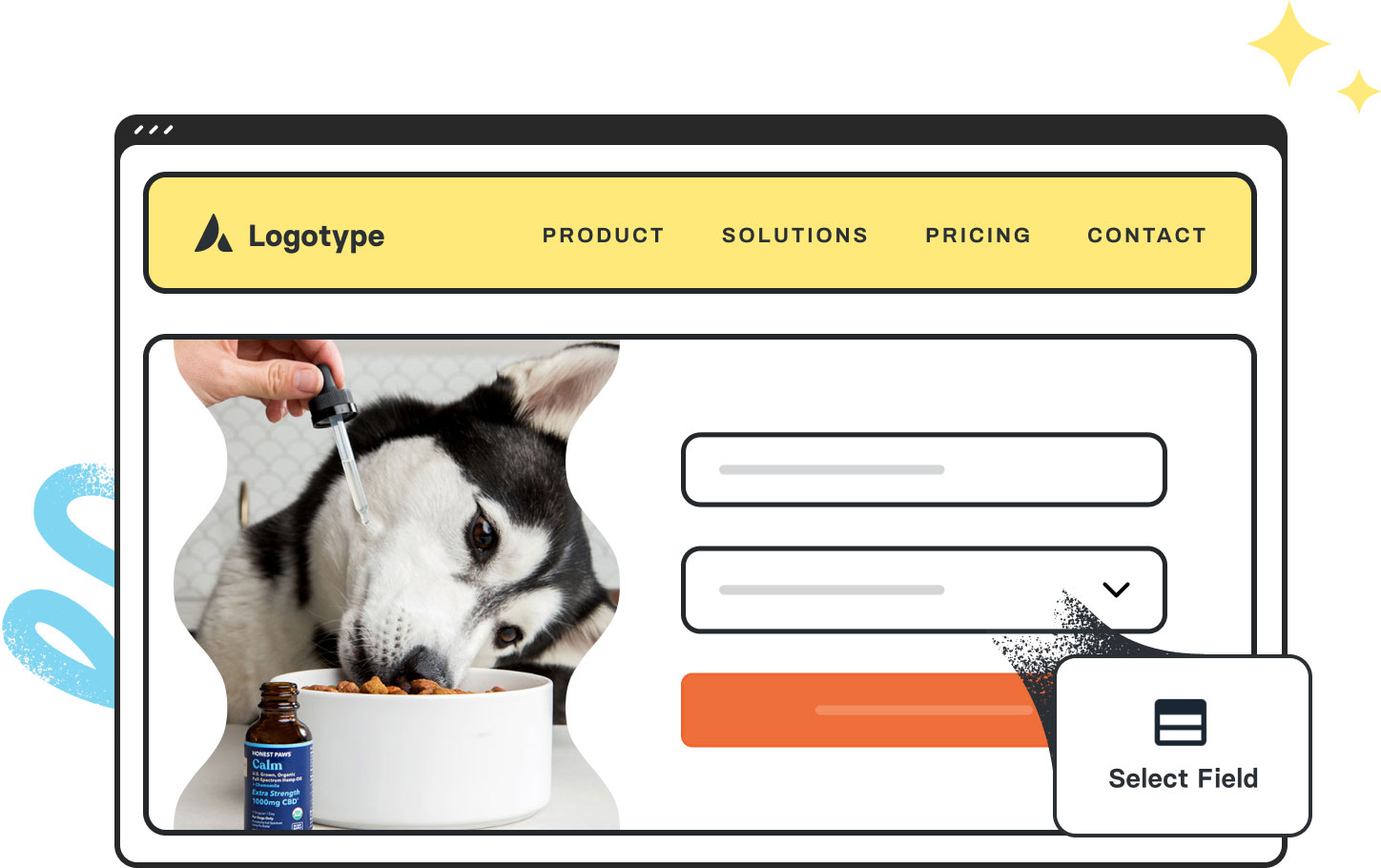
Avada Forms Select Field Featured Image

Single-Choice Selection

The Element utilizes dropdowns to conserve space while providing multiple options.

Group Management

It supports option groups, default selection, & placeholders for an enhanced experience.

Style Control

You can style the font, colors, hover effects, & dropdown arrow for visual consistency.

Avada Select Field Element Examples

The Avada Select Field Element adds a dropdown (select) menu to your forms, allowing users to choose a single option from a list. You can supply custom choices, set default selection, placeholder text, group options, and style the dropdown’s appearance, typography, colors, and hover states to integrate seamlessly.

The Avada Select Field Element is an Avada Form Builder Element that functions as a dropdown menu, allowing users to choose from a predefined list of options within an Avada Form. It’s useful for streamlining selections, reducing input errors, and keeping forms organized, while also supporting styling and conditional logic to fit seamlessly into any design.

Examples can include the individual option values set for that particular instance; however, in some cases, not all Element variations can be shown as they may be too numerous. Where a live example cannot be shown, an image representation will be used as a substitute. For more detailed information, please refer to the related Element documentation and videos.

Avada Forms reCAPTCHA Featured ImagereCAPTCHA Field
Avada Forms Submit Button Featured ImageSubmit / Button
Go to Top





















































































































