

AI Tools, Built Into Avada
One assistant for the whole job: ask, build, write and create images, without leaving your site.
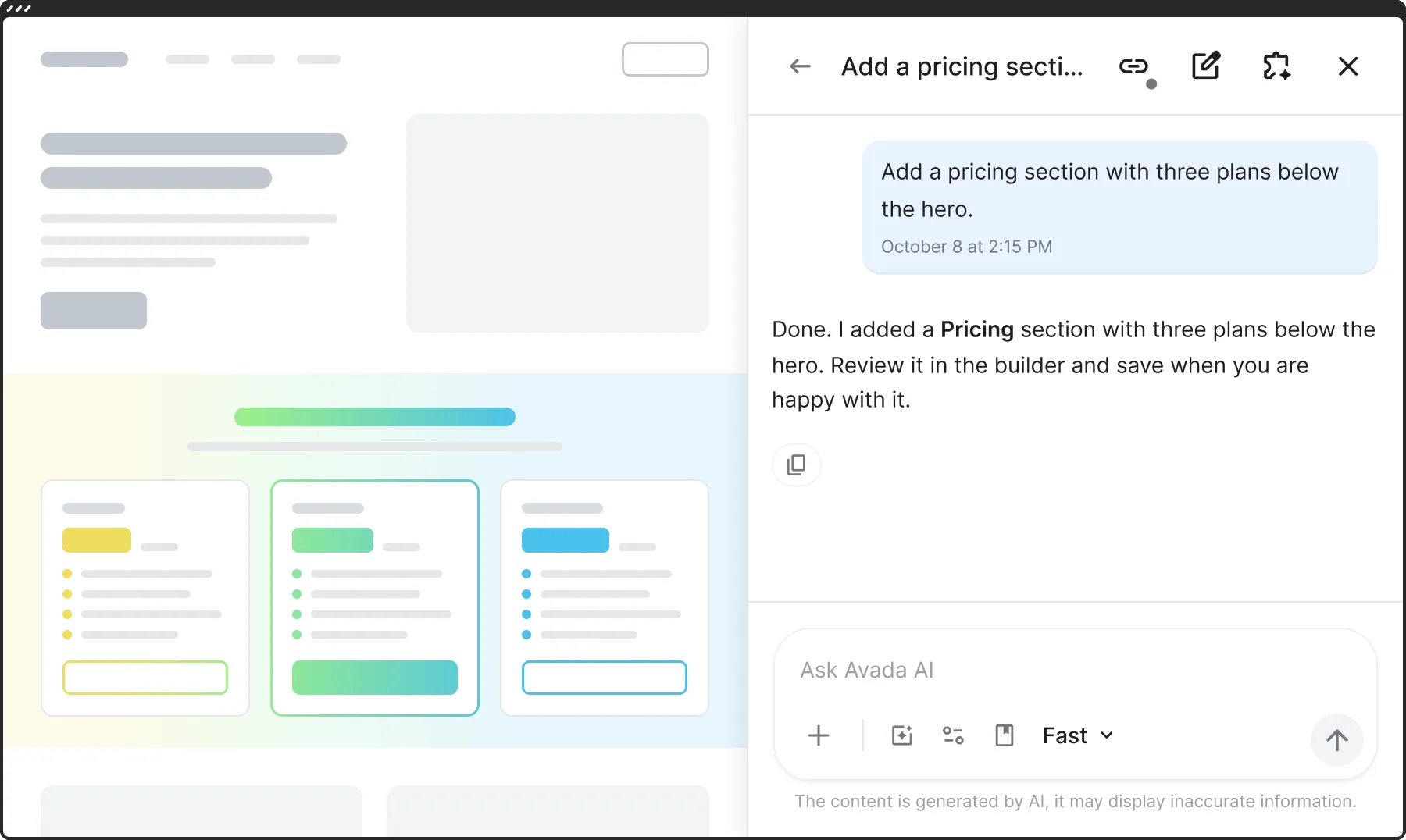
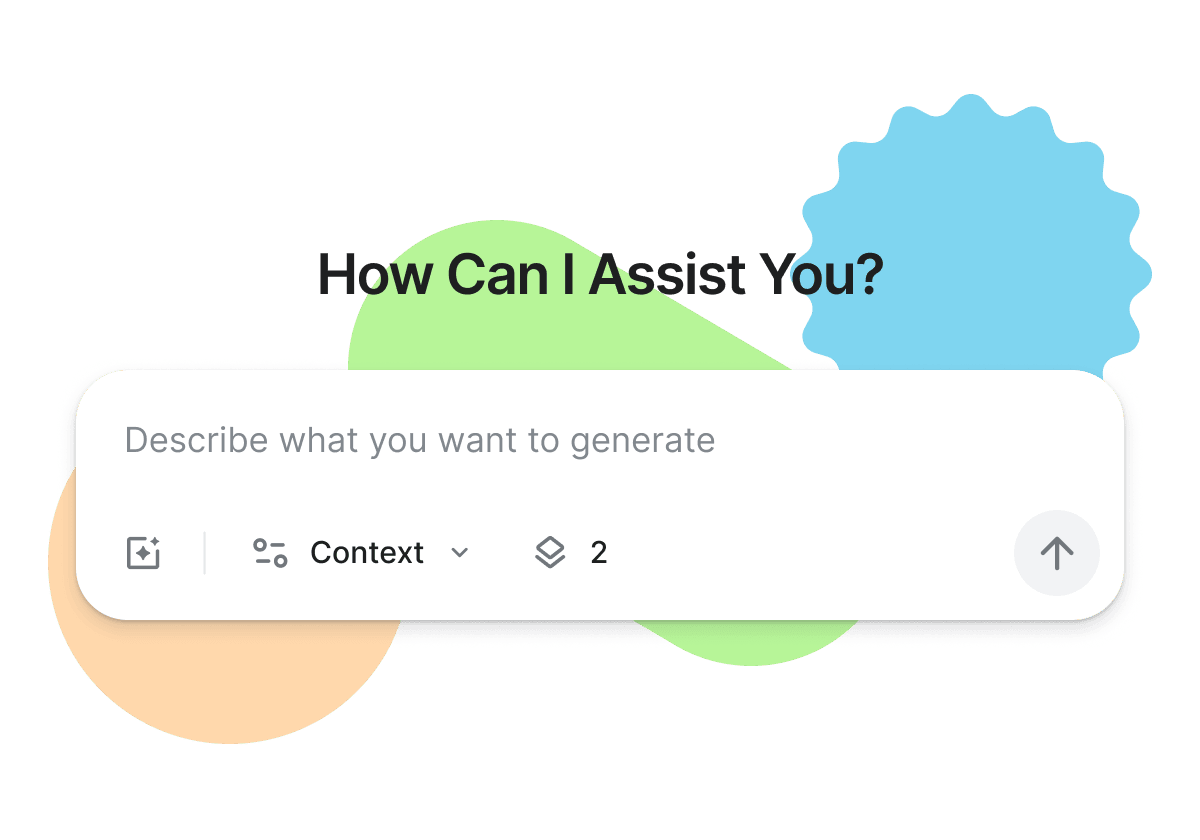
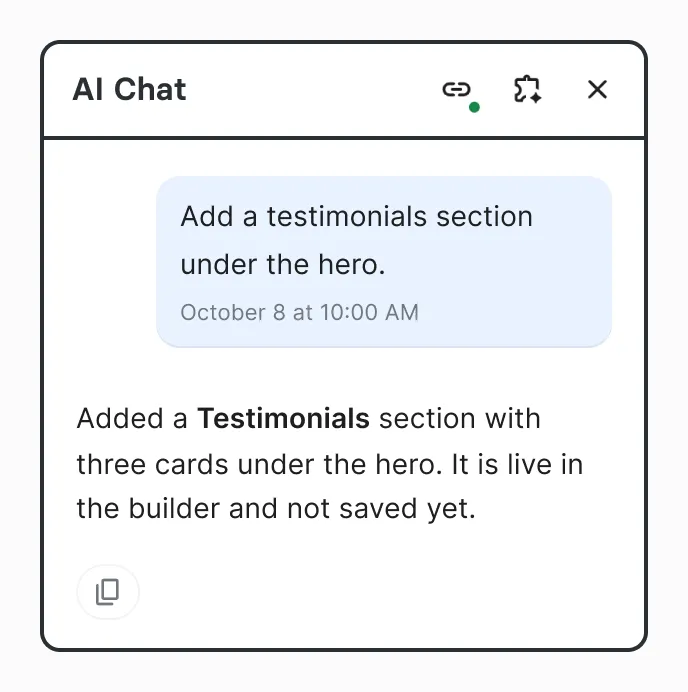
Ask anything, or ask for a change. The chat knows Avada and can work on the page you have open.
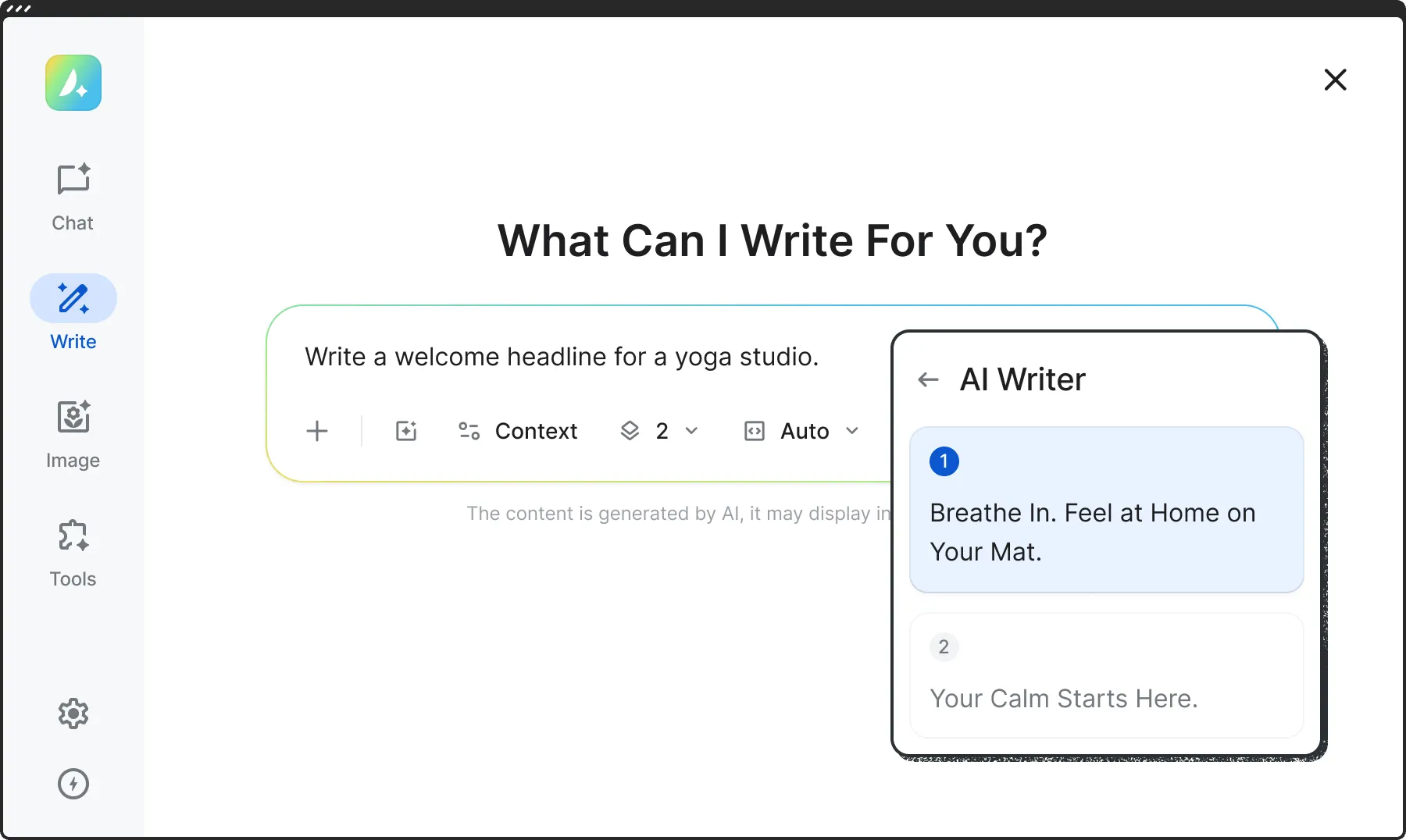
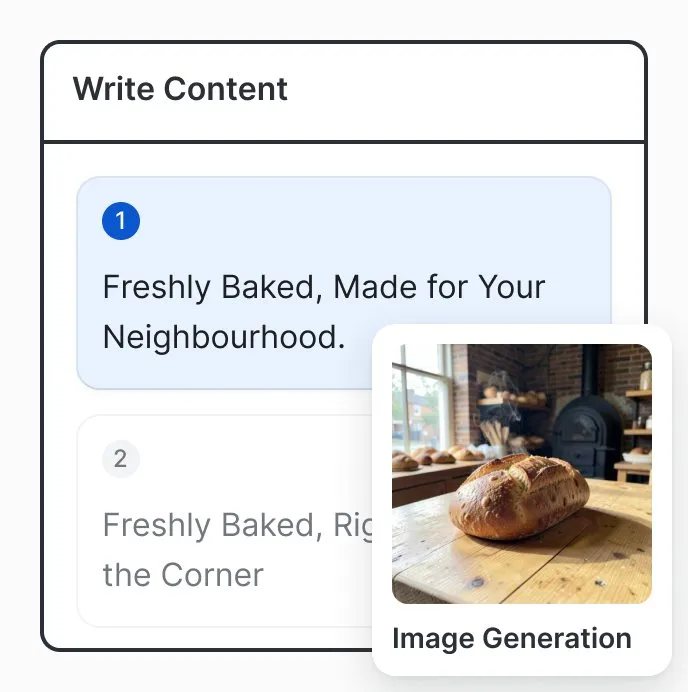
Headlines, SEO copy, alt texts and variations, written with the context of your site.
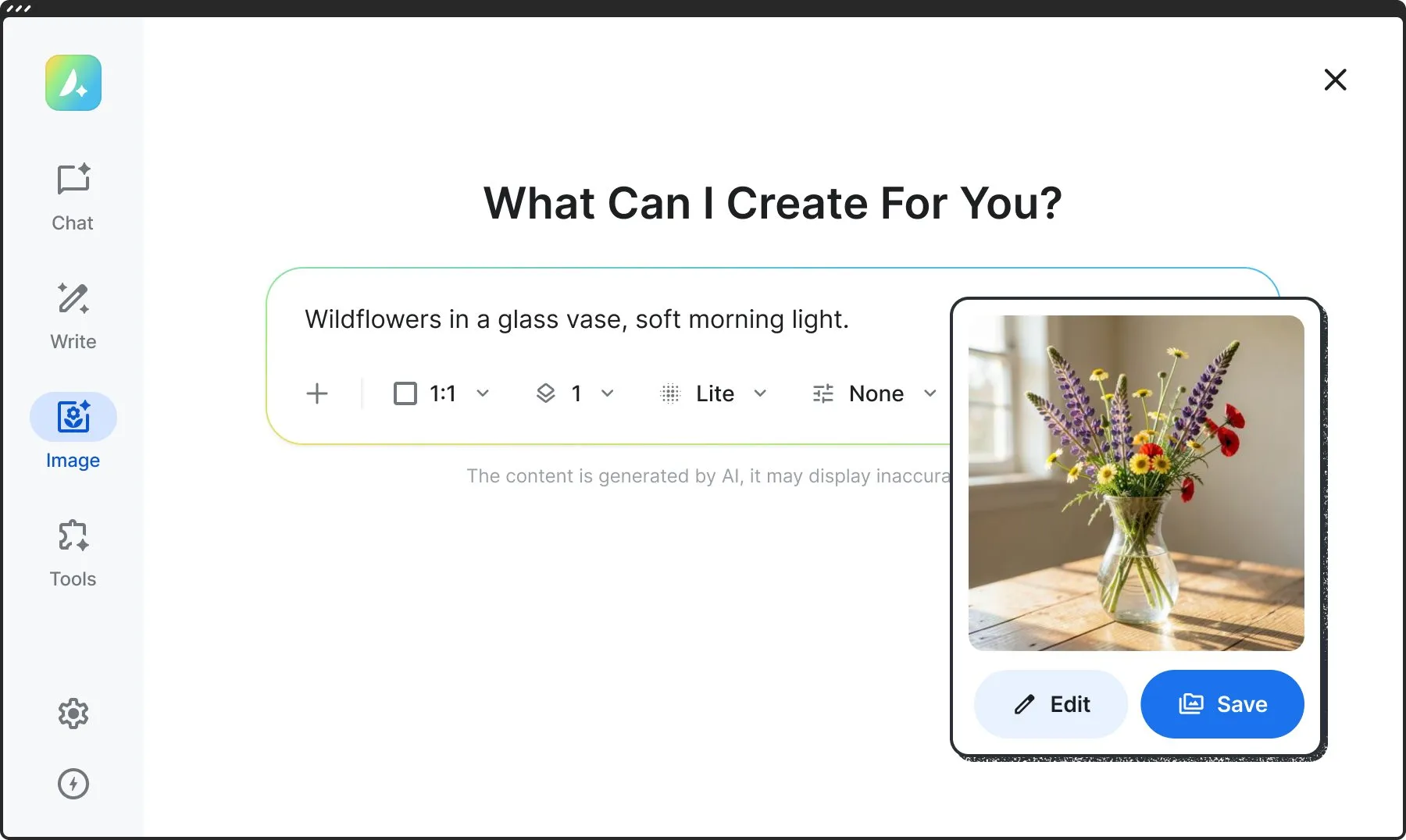
Create images from a prompt or edit the ones you have, in the size and style you choose.
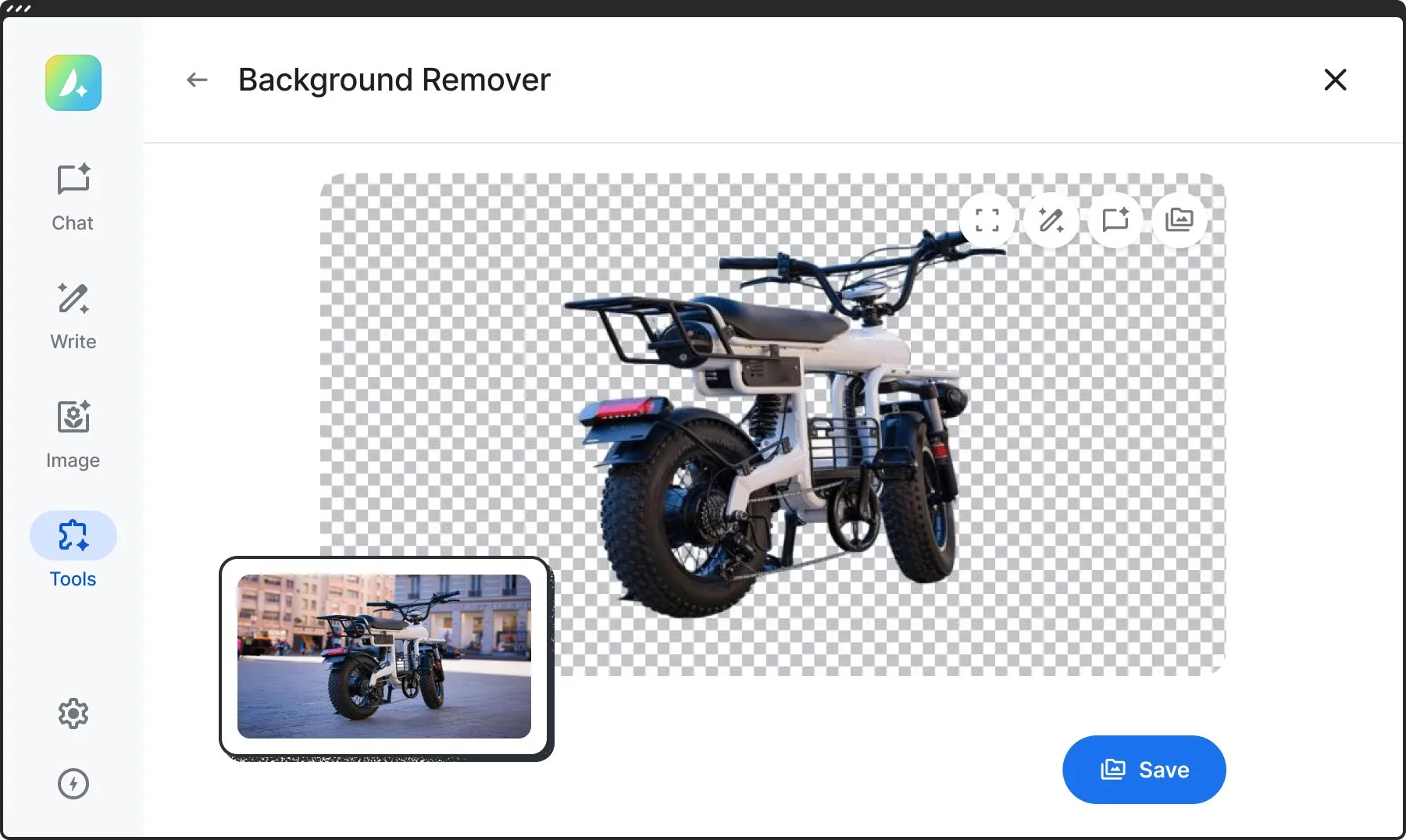
Remove the background of any image in seconds.
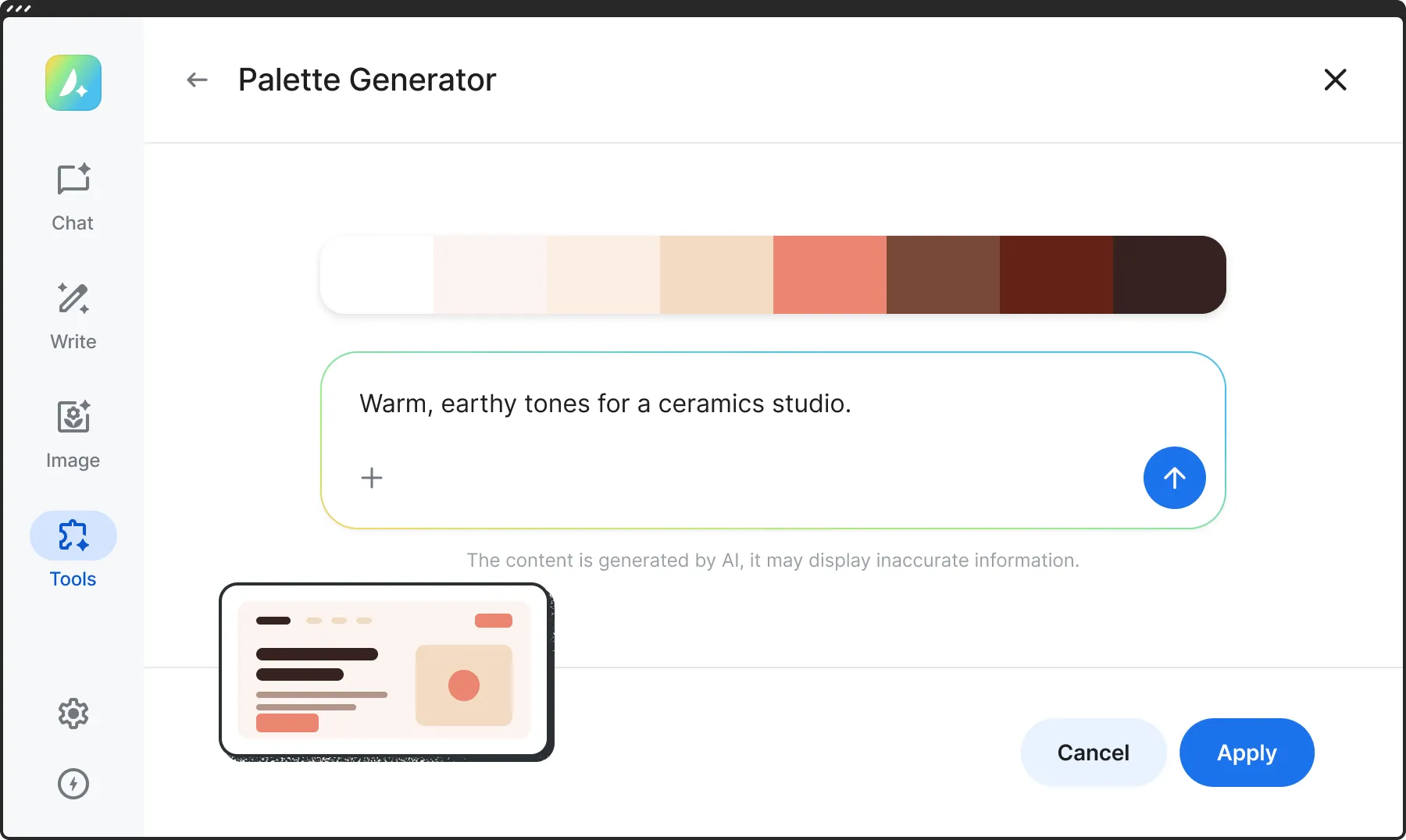
Describe a mood or drop in an image, and get a color palette for your whole site.
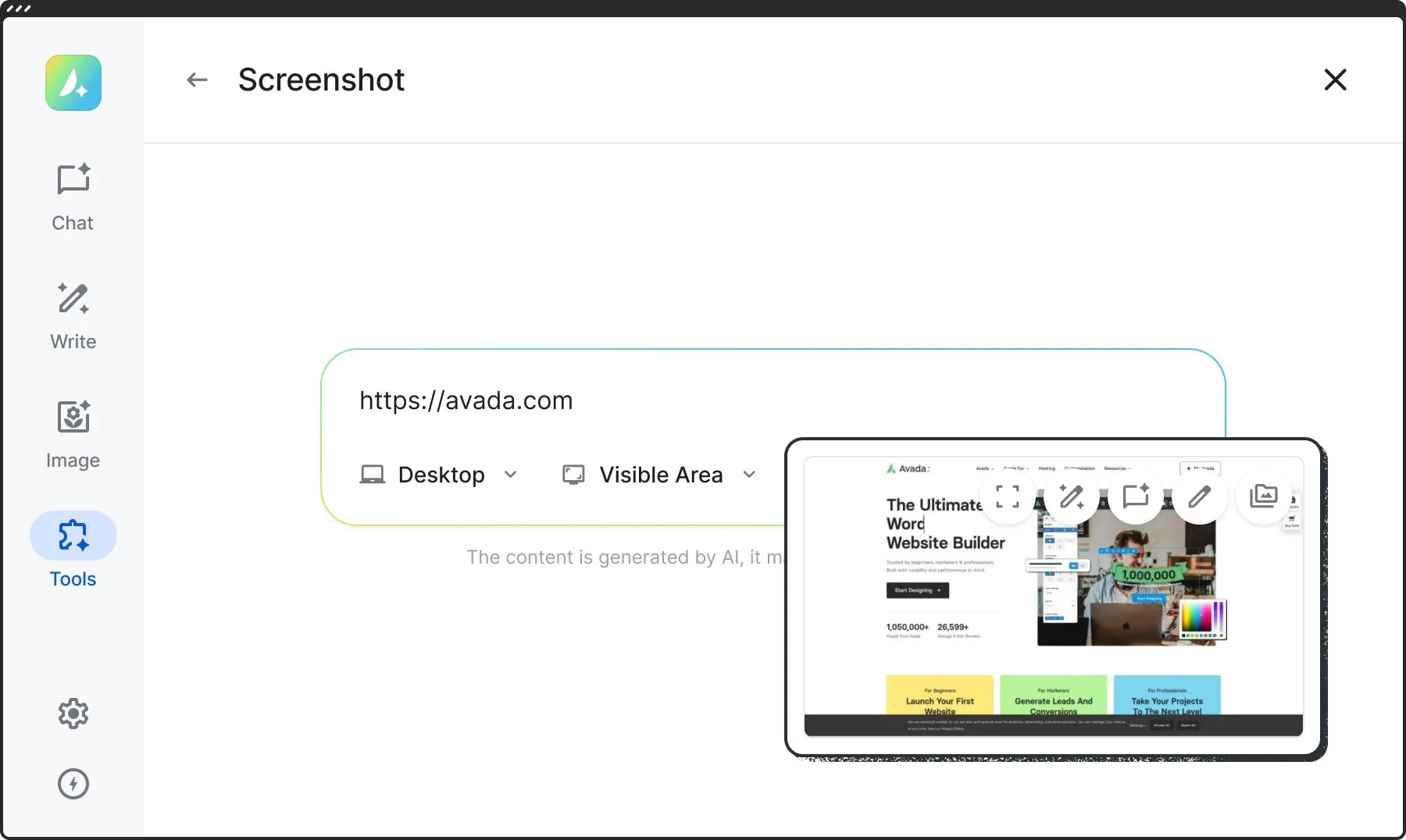
Paste the address of any page and get a screenshot of it, on desktop, tablet or phone.
You See Every Change. You Decide What Is Saved.
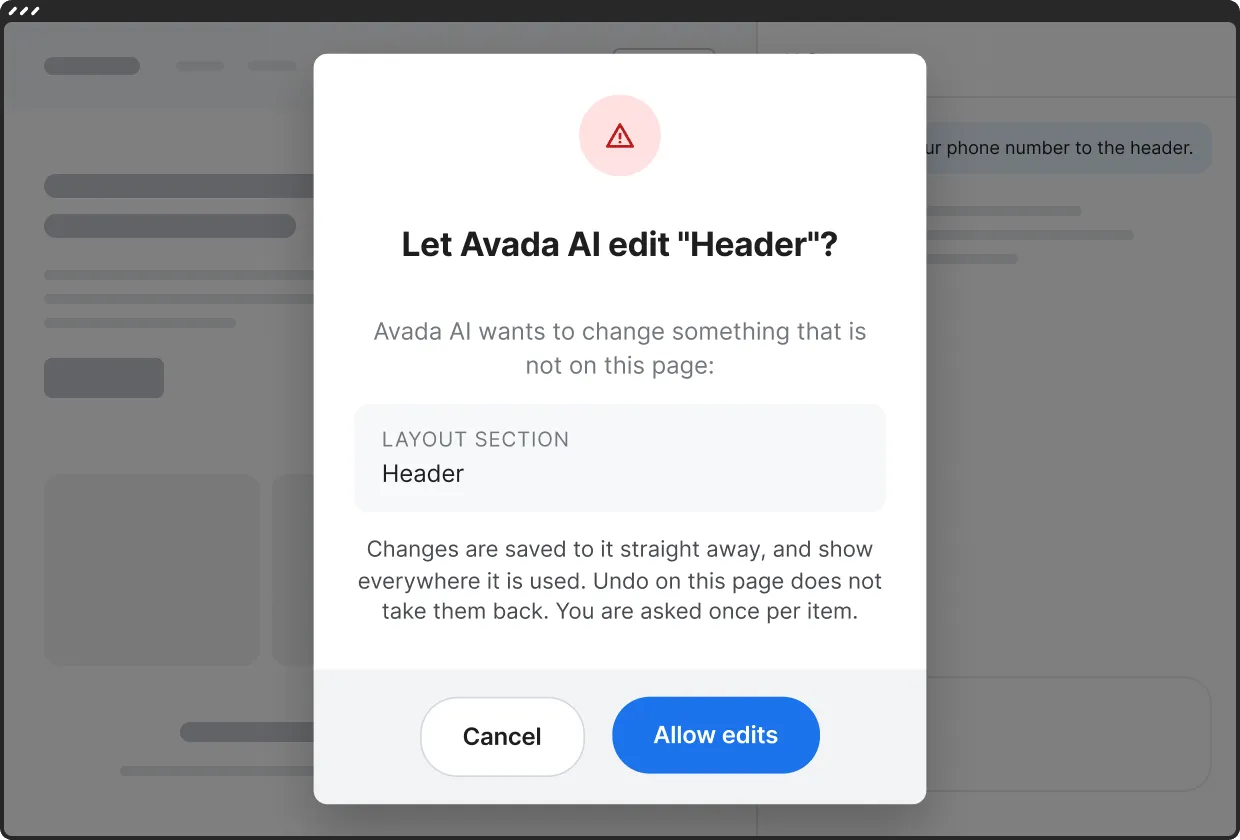
Changes to the page you are editing happen live in the builder, and nothing is saved until you save it. When Avada AI needs to change something outside the page, like your header, your footer or a post card, it asks for your approval first.
Use The AI App You Already Know.
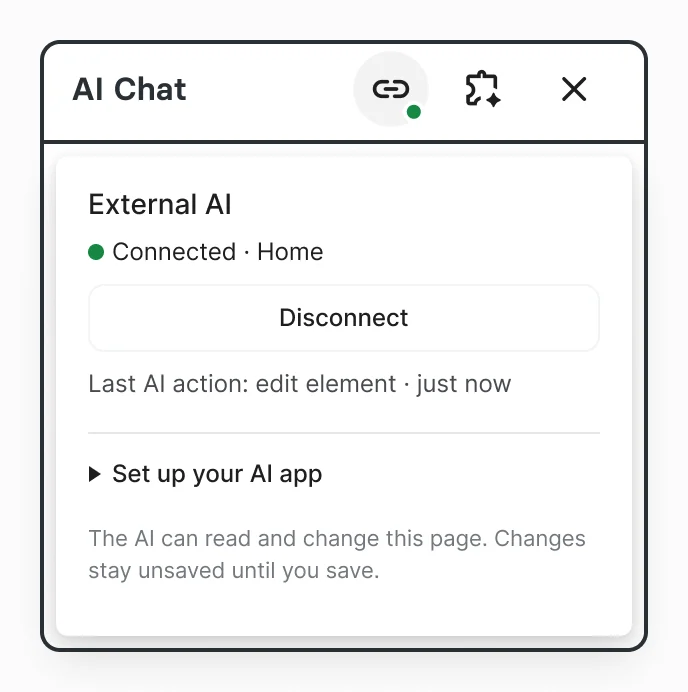
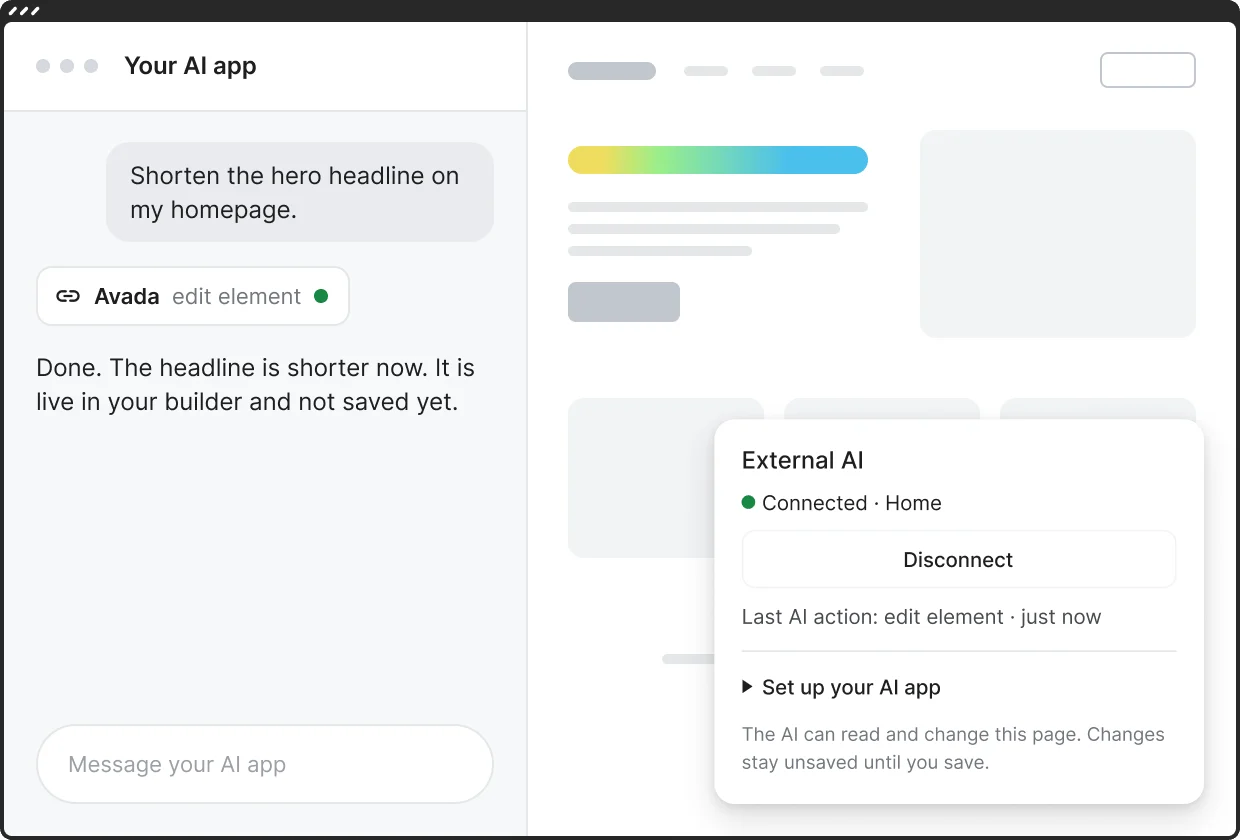
With External AI, the AI app you already use can read and edit the page you are working on. You chat there, and the changes show up live in the builder. Nothing is saved until you save.
- 1Copy the connection link in AI Chat.
- 2Add it as a custom connector in your AI app.
- 3Connect the page and start chatting.
Additional Features
Answers That Know Avada
The chat draws on Avada’s own help articles, prebuilt websites and Live Builder knowledge.
Presets And Context
Save your best prompts with their context, and use them again in one click.
Fast, Thinking Or Pro
Pick a mode for each request: Fast for quick edits, Thinking for building something bigger, and Pro for the hardest tasks.