

Avada Logo
Avada Design Elements

reCAPTCHA Field

The Avada reCAPTCHA Field Element integrates Google’s reCAPTCHA for human verification, securing your forms against spam with invisible or visible protection modes.

Avada Forms reCAPTCHA Featured Image

Spam Protection

It blocks automated bot submissions using Google’s reCAPTCHA technology.

Flexible Modes

The Element supports both visible challenge & invisible reCAPTCHA v3 modes.

Seamless Integration

It wraps the verification field to fit naturally into your styled Avada forms.

Avada reCAPTCHA Field Element Examples

The Avada reCAPTCHA Field Element integrates Google’s reCAPTCHA (v2 or v3) into Avada forms, helping protect against bots and spam by requiring a human verification step. You can choose visible or invisible modes, set site/secret keys, and style the wrapper to blend with your form design.
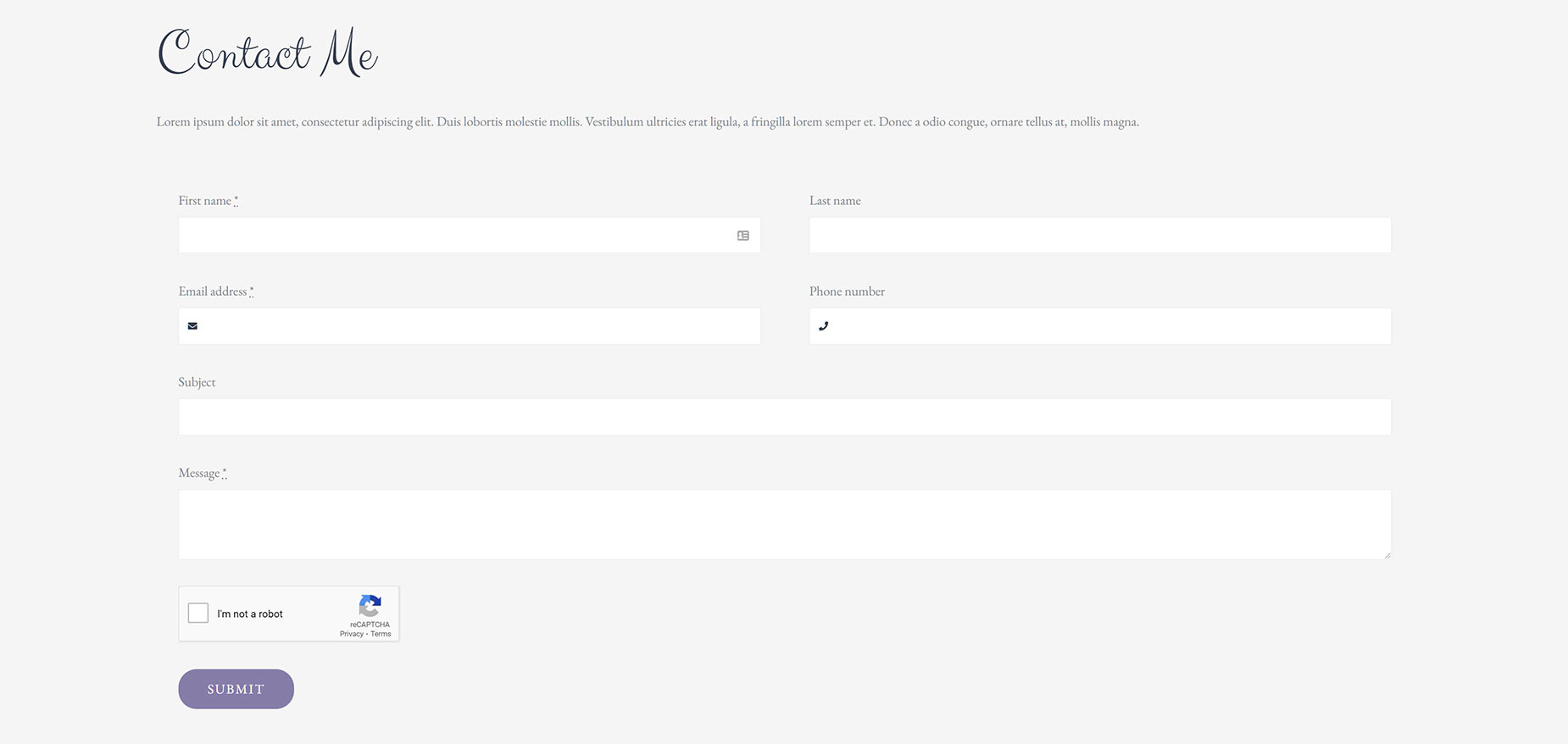
The Avada reCAPTCHA Field Element is an Avada Form Builder Element used to protect forms from spam and automated submissions by integrating Google’s reCAPTCHA service. It adds a verification step, such as a checkbox or invisible validation, to ensure that the person submitting the form is human, enhancing site security and preventing bots from abusing form entries.

Examples can include the individual option values set for that particular instance; however, in some cases, not all Element variations can be shown as they may be too numerous. Where a live example cannot be shown, an image representation will be used as a substitute. For more detailed information, please refer to the related Element documentation and videos.

Avada Rating Field Featured ImageRating Field
Avada Forms Select Field Featured ImageSelect Field
Go to Top





















































































































