Avada Post Slider Element Examples

The Avada Post Slider Element makes it easy to showcase posts, portfolio items, or custom content in an elegant, animated slider. With options for featured images, titles, excerpts, metadata, and navigation controls, it lets you highlight your latest or most important content in a dynamic, engaging way that fits seamlessly into any layout.

  • Avada Tag Cloud Element

    How to Use the Avada Tag Cloud Element in WordPress

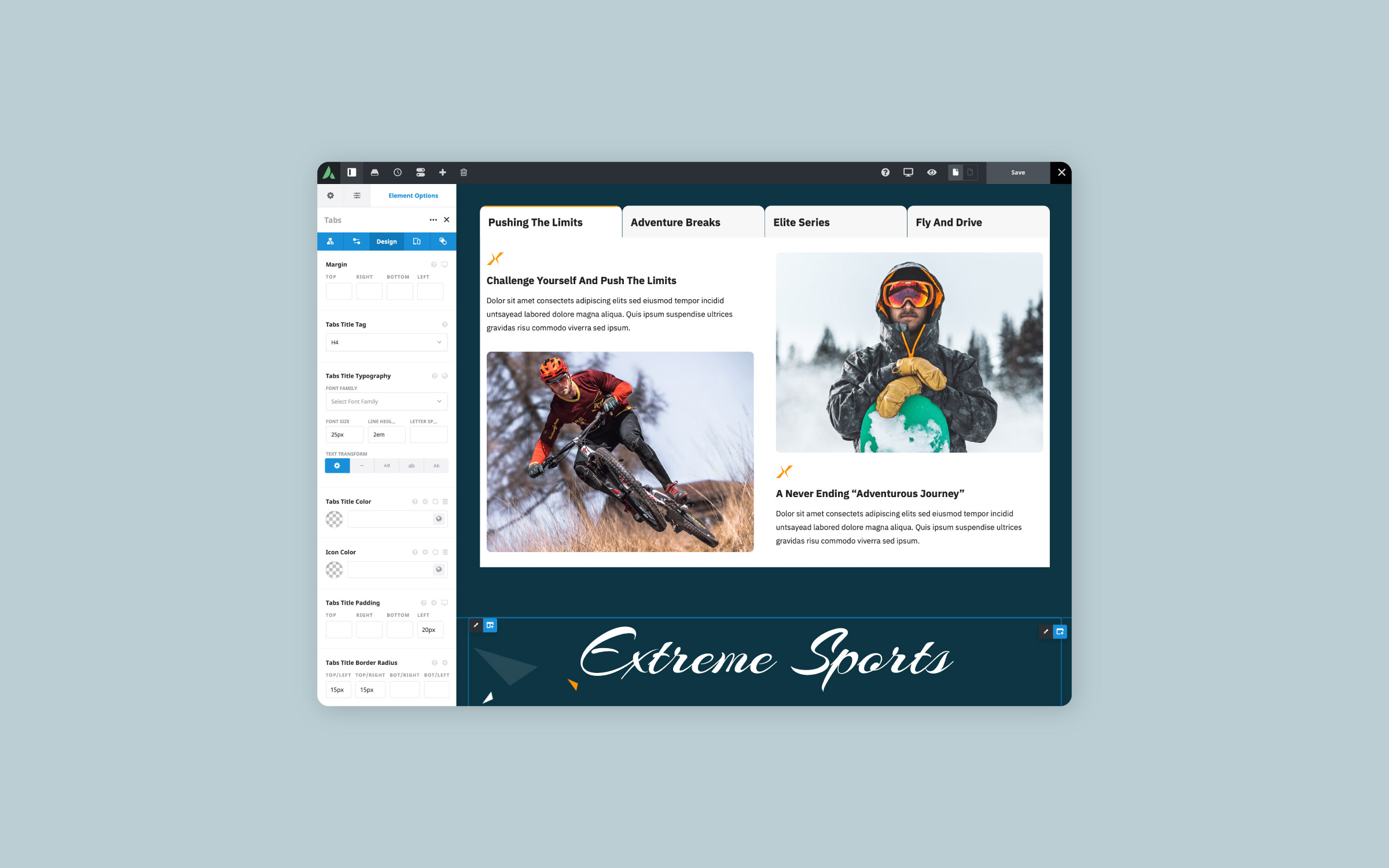
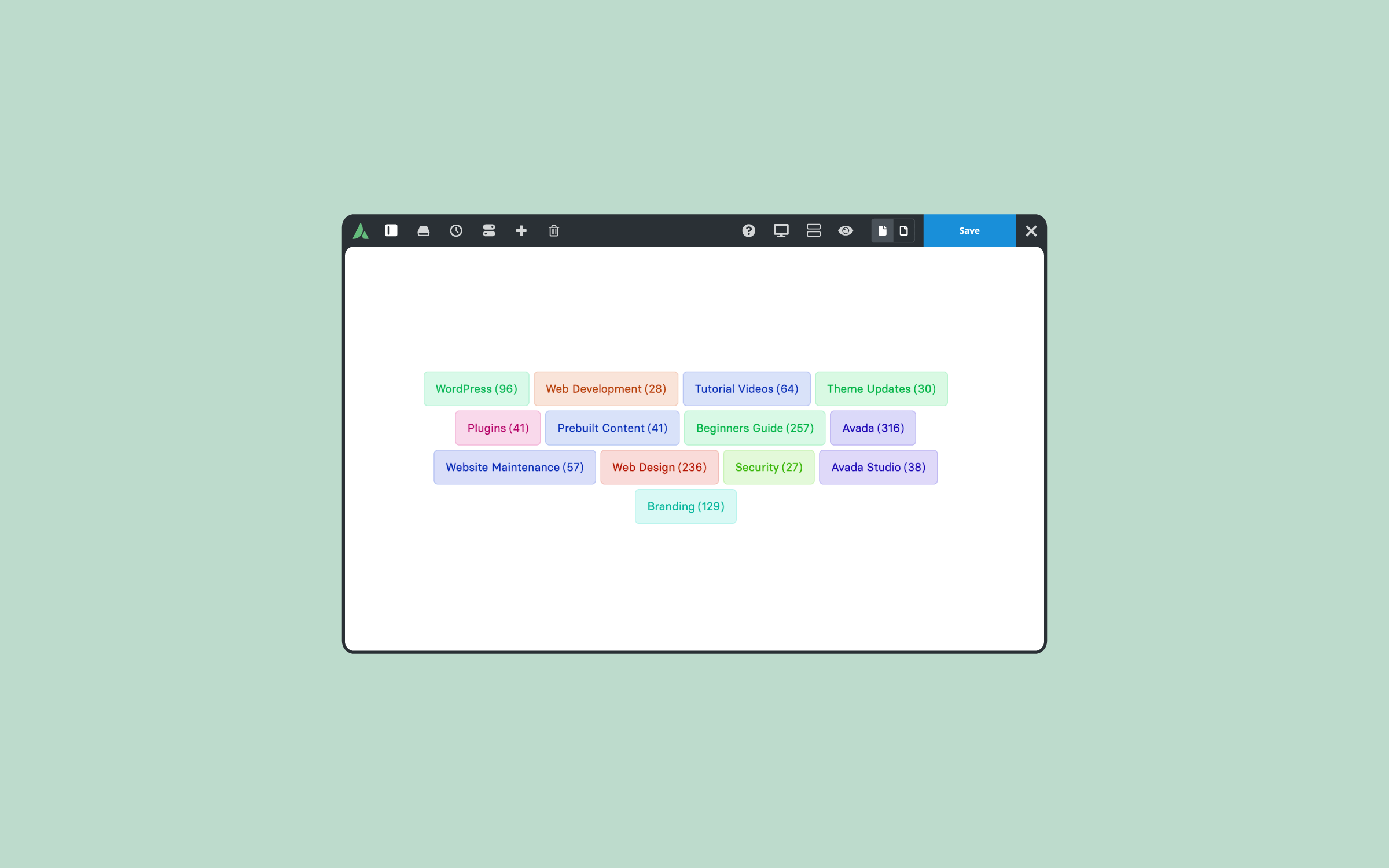
    At first glance, the Avada Tag Cloud Element might seem simple, but it offers a lot more once you explore its options. Many WordPress users think of tag clouds as just blog sidebar features, but...

  • Avada Notices Element

    How to Use the Avada Notice Element in Forms

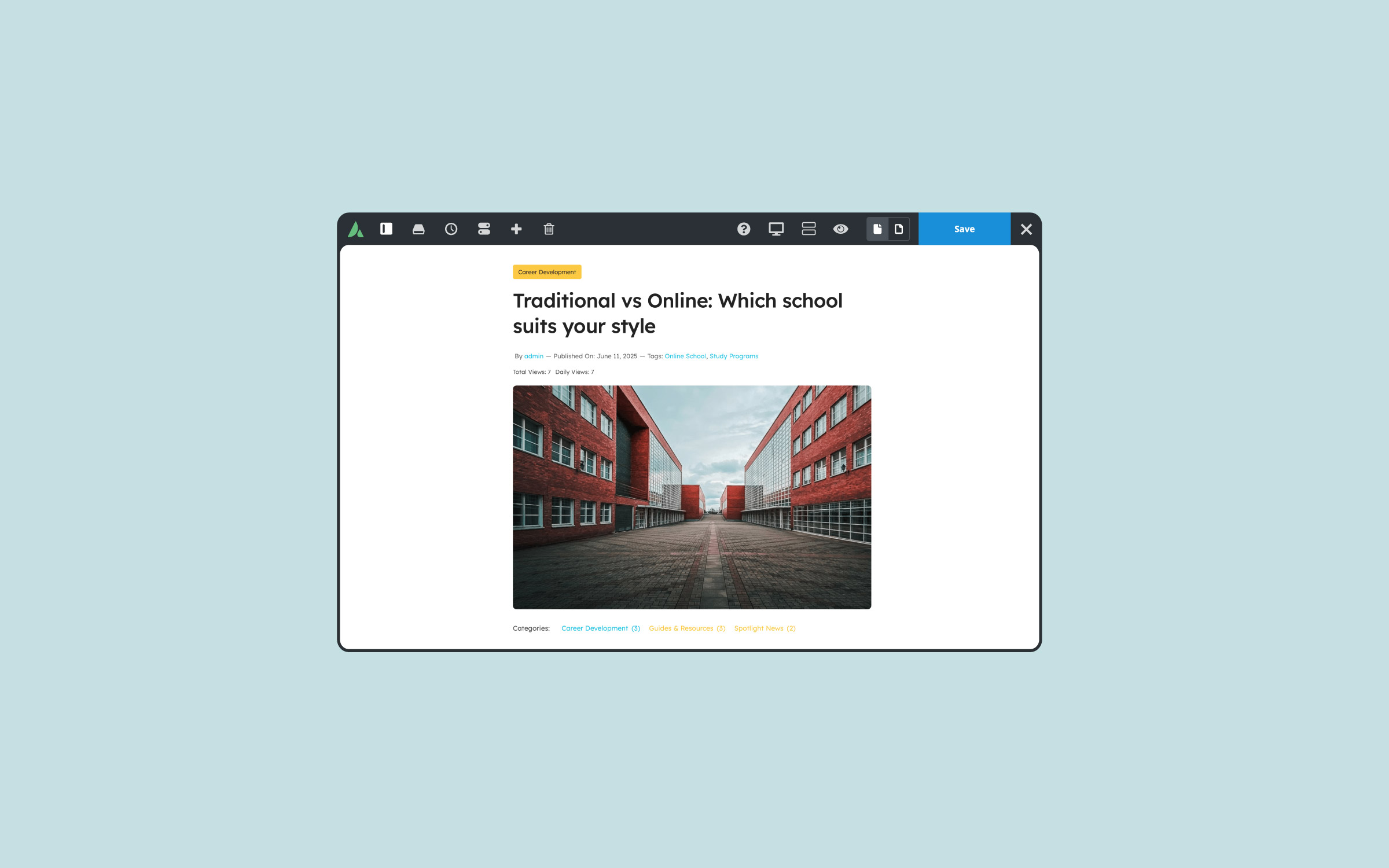
    When building forms with Avada, focus often goes to the fields, layout, and submit button. However, a small Element can greatly enhance user experience after submission: the Avada Notice Element. The Notice Element displays a...

  • Breadcrumbs In Web Design

    What Are Breadcrumbs In Web Design?

    When navigating a large WordPress website, visitors can easily lose track of where they are. That’s where breadcrumbs come in. In web design, a breadcrumb is a secondary navigation aid that shows users their current...

These two Avada Post Slider Elements are set up as follows: Layout (Posts With Title and Posts With Title and Excerpt), Categories, and Number of Slides (5 and 3).

Examples can include the individual option values set for that particular instance; however, in some cases, not all Element variations can be shown as they may be too numerous. Where a live example cannot be shown, an image representation will be used as a substitute. For more detailed information, please refer to the related Element documentation and videos.

Avada Post Cards Element Featured ImagePost Cards
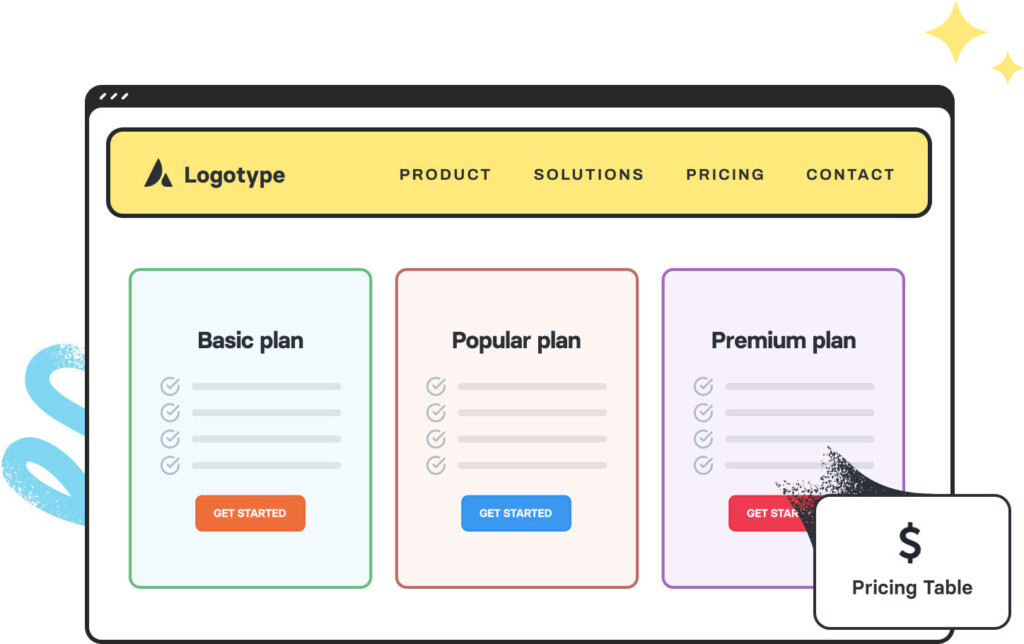
Avada Pricing Table Element Featured ImagePricing Table