
Share
When navigating a large WordPress website, visitors can easily lose track of where they are. That’s where breadcrumbs come in. In web design, a breadcrumb is a secondary navigation aid that shows users their current location within a website’s structure. It helps them understand how the page they’re viewing fits into the bigger picture, and it gives them a simple way to move back to higher-level pages.
Breadcrumb navigation is especially useful on content-rich websites that are organised hierarchically, such as blogs, online stores, or documentation sites. On smaller, flat websites with only a few pages, breadcrumbs are often unnecessary. But as soon as a site grows in depth and complexity, they become a valuable usability feature.
Overview
Why Breadcrumbs Matter for User Experience
Breadcrumbs quietly improve user experience without demanding attention. Instead of forcing visitors to rely on the main menu or browser back button, breadcrumbs provide a clear, logical trail that shows where they are and where they can go next.
For example, on an eCommerce site with multiple product categories and subcategories, breadcrumbs make it easy to jump back to a parent category, return to the shop overview, or head back to the homepage. This reduces frustration and helps users explore more confidently, ultimately leading to better engagement and conversions.
The same applies to blogs. When readers land on a post, breadcrumbs can show the blog archive and category structure, making it clear how the content is organised and encouraging further reading.
Breadcrumbs in Avada Websites
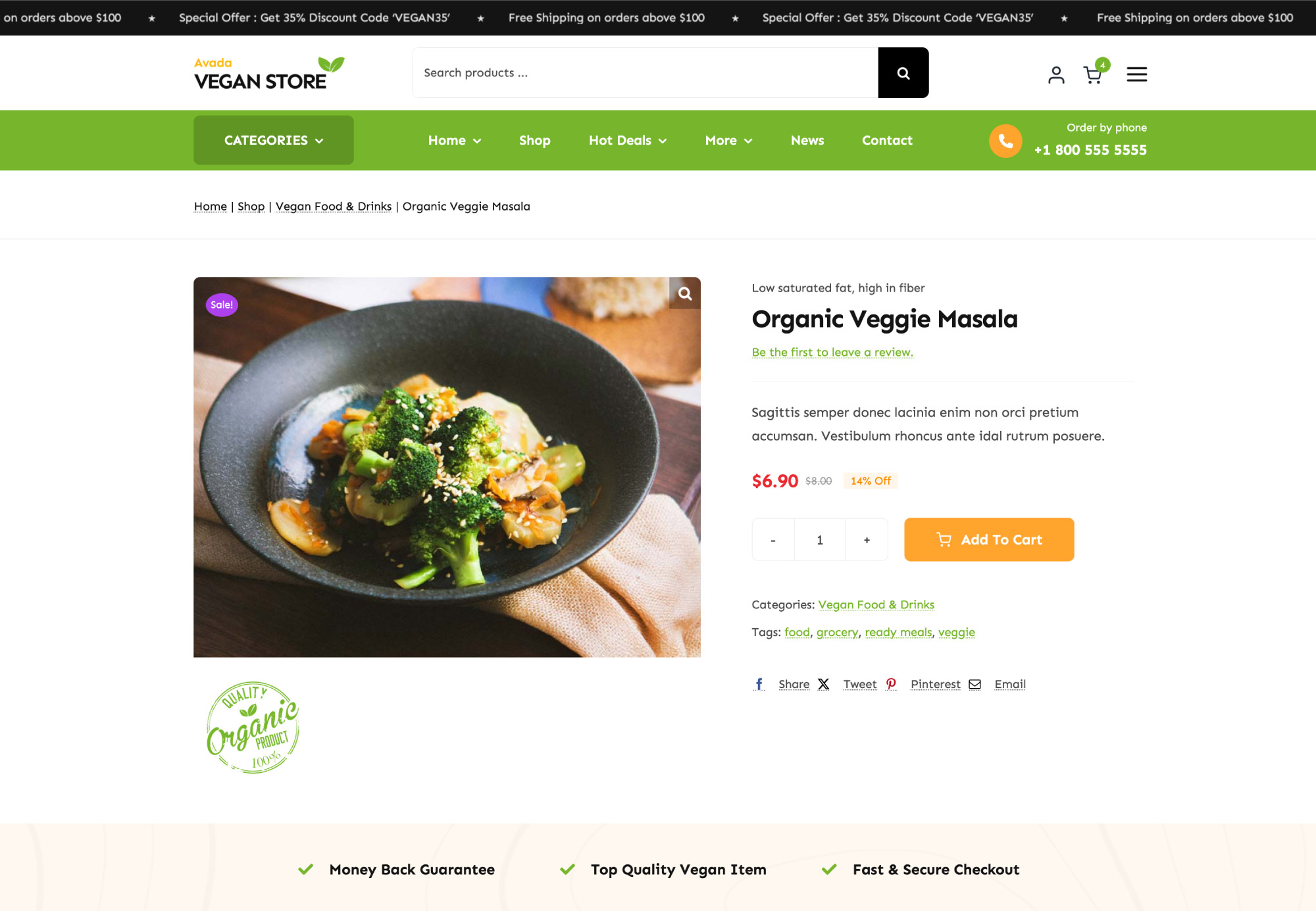
Avada includes a dedicated Breadcrumbs Element that works seamlessly across layouts and content types. A good example of this can be seen in the Avada Vegan Store website. If you take a look at this Vegan Store product, you’ll see breadcrumbs in the page title bar. As users move through a product category and then to an individual product, the breadcrumb path updates automatically, clearly showing the journey from the homepage to the product they are viewing.
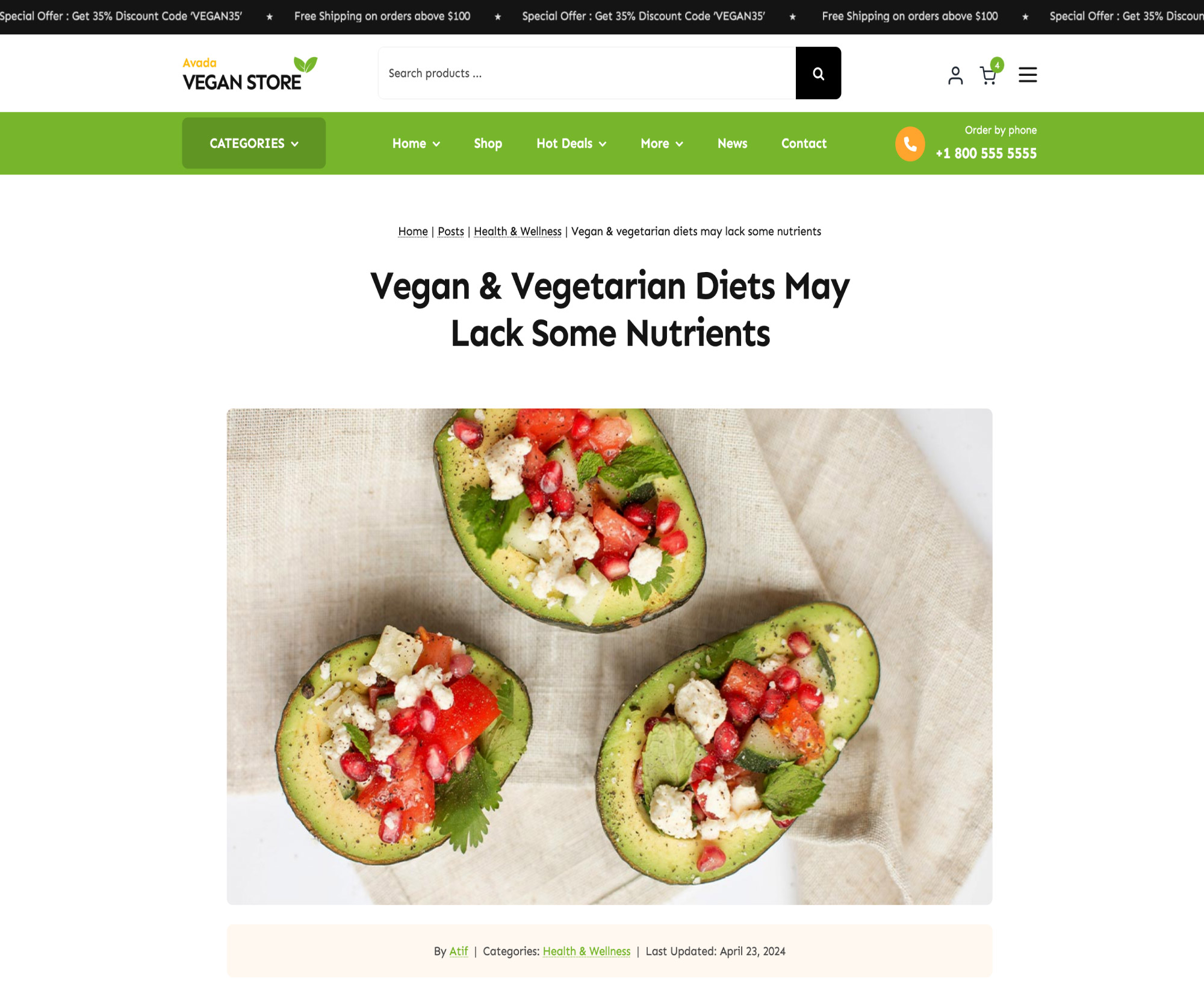
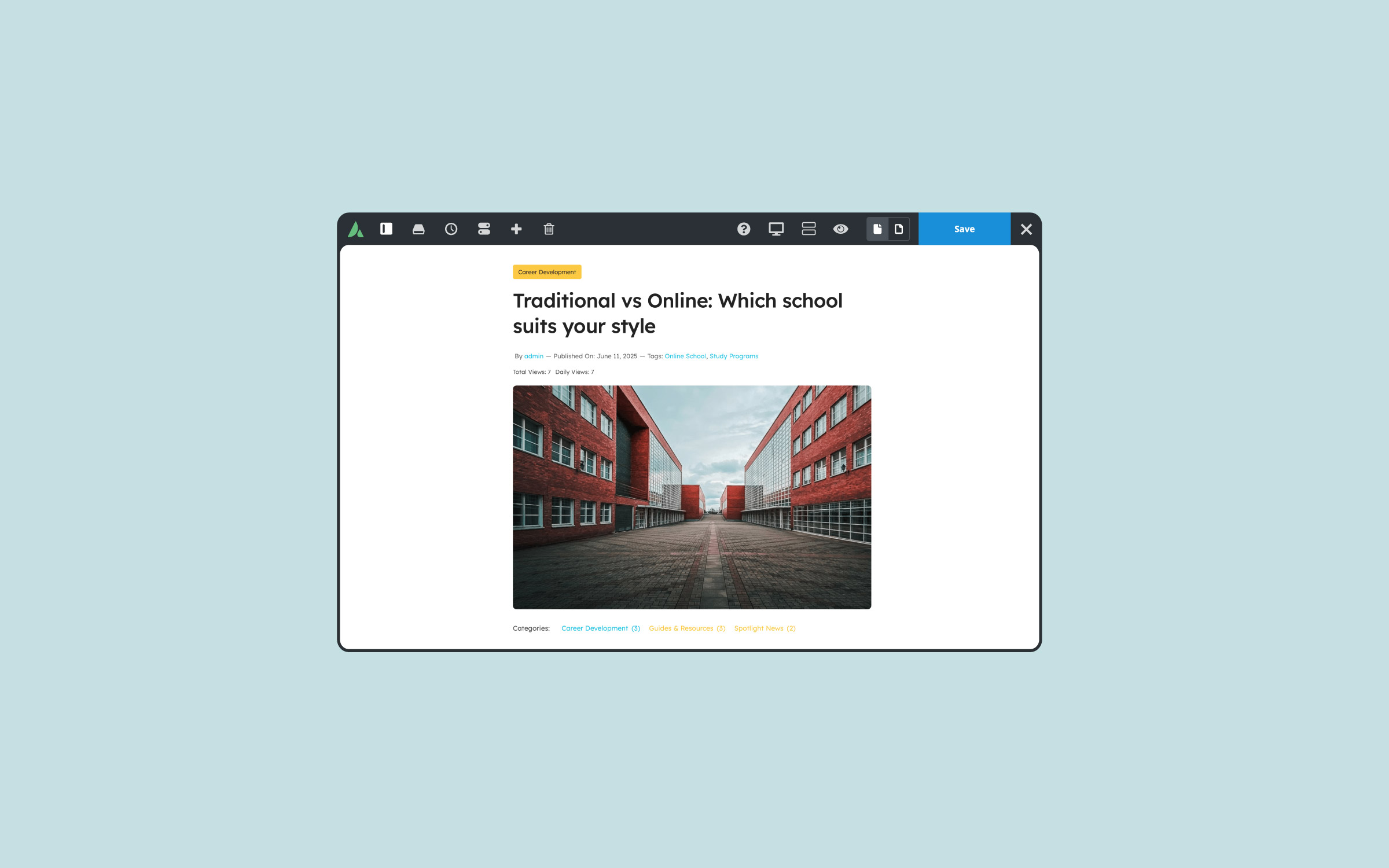
The same approach works just as well on blog posts. Breadcrumbs can be placed in a page title bar layout section and reused across blog archives, categories, and single posts. As visitors move deeper into the site, the breadcrumb trail updates to reflect their position, always keeping them oriented.
Setting Up Breadcrumbs in Avada
The best place to start with Avada Breadcrumbs is the Global Options. Because breadcrumbs may be used in multiple places across a website, setting sensible defaults here ensures consistency. Avada Global Options controls default text, colors, and behavior that individual Avada Breadcrumb Elements can then inherit.
Once the global settings are in place, the Breadcrumbs Element can be added anywhere, though it is most commonly placed inside a Layout Section, such as a page title bar. Avada’s layout system makes it easy to reuse this setup across different post types and templates, ensuring breadcrumbs appear consistently throughout the site.
When previewing breadcrumbs, Avada’s Dynamic Data options allow designers to simulate different posts or pages. This makes it easy to see how the Breadcrumb trail will behave across categories, products, and individual posts before going live.
Important Notes About SEO Plugin Conflicts
One important thing for Avada users to be aware of is potential conflicts with SEO plugins. If third-party WordPress plugins such as Yoast SEO or Rank Math are active and have their own breadcrumb functionality enabled, they will override Avada’s Breadcrumb output. Avada clearly notifies users when this happens by displaying a message inside the Breadcrumbs Element settings.
For this reason, Avada Breadcrumbs should only be used if an SEO plugin’s breadcrumb feature is disabled to avoid conflicts. Alternatively, users can rely entirely on their SEO plugin for breadcrumbs, but it’s important not to have both systems active at the same time.
Customising the Avada Breadcrumbs Element
The Avada Breadcrumbs Element is designed to be flexible and customizable. It includes an option to add a prefix, such as “You are here,” which appears before the breadcrumb path. The homepage link can use text or an icon, depending on the desired style, and separators can be simple characters or icons for a more visual approach.
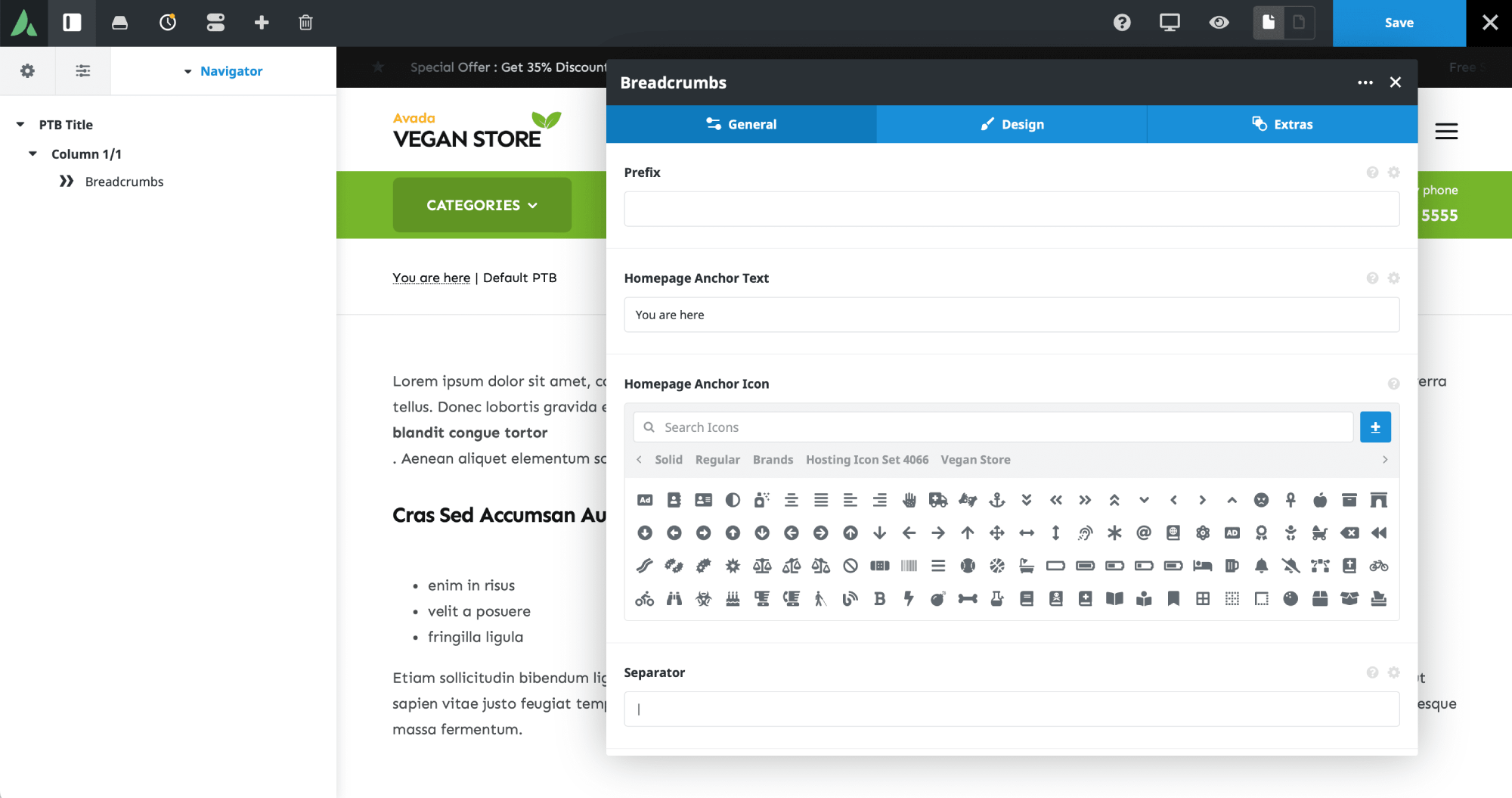
Breadcrumbs can also be configured to show or hide categories, post type archives, and post names. This makes it easy to tailor the breadcrumb trail to suit different types of content while still keeping navigation clear and logical.
From a design perspective, alignment, font size, colors, and spacing can all be adjusted. These settings often inherit from global defaults to ensure visual consistency, but they can also be customised for specific layouts if needed. Animations can even be applied through the Extras tab for those who want a more dynamic feel.
Summary
Avada Breadcrumbs are most effective on websites with deep structures and lots of interconnected content. Online stores, blogs with multiple categories, and large business or portfolio sites all benefit from this kind of navigation aid. On simpler websites with only a handful of pages, breadcrumbs usually add little value.
For Avada users building content-rich websites, breadcrumbs are an easy win. They improve usability, help visitors stay oriented, and quietly guide them through the site without getting in the way.



















































































































Really helpful breakdown of breadcrumbs, especially from a practical Avada perspective. 👍
I like how you explained not just what breadcrumbs are, but when they actually make sense. A lot of smaller sites add them just because they see them elsewhere, without considering whether the structure really requires it. Your point about them being most valuable on deep, content-heavy or eCommerce sites is spot on.
The clarification about SEO plugin conflicts (like Yoast or Rank Math overriding Avada breadcrumbs) is also super useful — that’s something many users run into and don’t immediately understand.
Overall, this is a clear, beginner-friendly explanation that also gives actionable setup guidance. Thanks for sharing!