
How To Use Breadcrumbs in Avada
Last Update: February 9, 2026
A breadcrumb is a secondary navigational aid that improves SEO, usability, and the overall user experience by helping users understand their location on a website. You usually find breadcrumbs on websites that have a large amount of content organized in a hierarchical manner.
Read on to understand how best to implement breadcrumbs throughout your Avada website. View the Breadcrumbs Element help file for a listing of all options in the Element, and check the Avada Breadcrumbs Element for live examples.
Avada Global Options For Breadcrumbs
Breadcrumbs can be used in many ways and places on your website, and therefore, the best place to start is with the Breadcrumbs Global Options, at Avada > Global Options > Breadcrumbs, where you can style the defaults for breadcrumbs on your site.
You can set a full range of content and styling options for what and how Breadcrumbs should display. As you might set the Avada Breadcrumbs Element in more than one place, it makes sense to configure the Global Options first.
Where To Add Breadcrumbs On Your Website
Breadcrumbs are not typically placed directly on a single page, though it is possible to do so, but rather in a Layout Section, such as a Page Title Bar Layout Section. This allows the Breadcrumbs Element to be added once and displayed on all pages, posts, etc. that use that layout section.
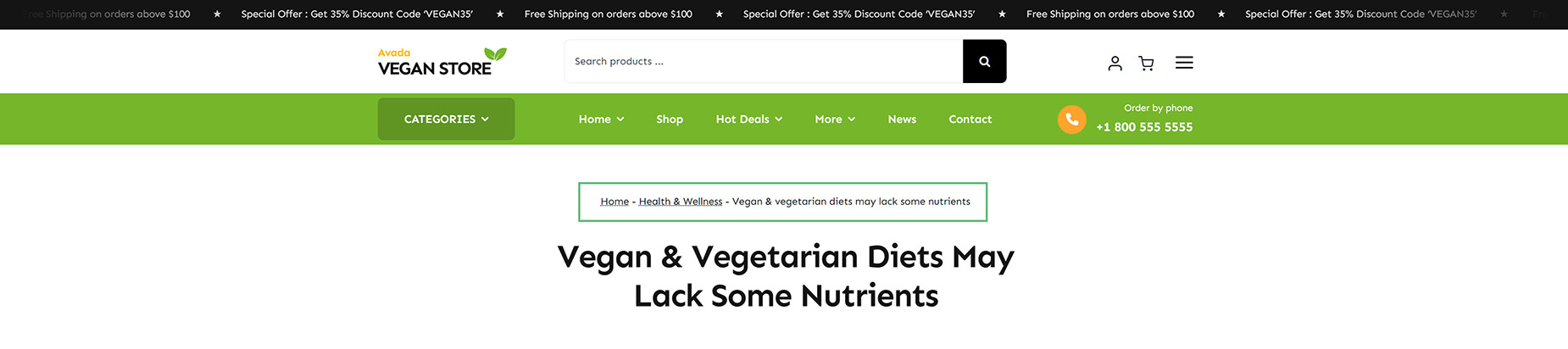
The most common places you will see breadcrumbs are in WooCommerce products and in blog posts. In the image below, you can see the breadcrumbs in a page title bar layout section at the top of a blog post on the Avada Vegan Store prebuilt website.
Breadcrumbs & SEO Plugin Conflicts
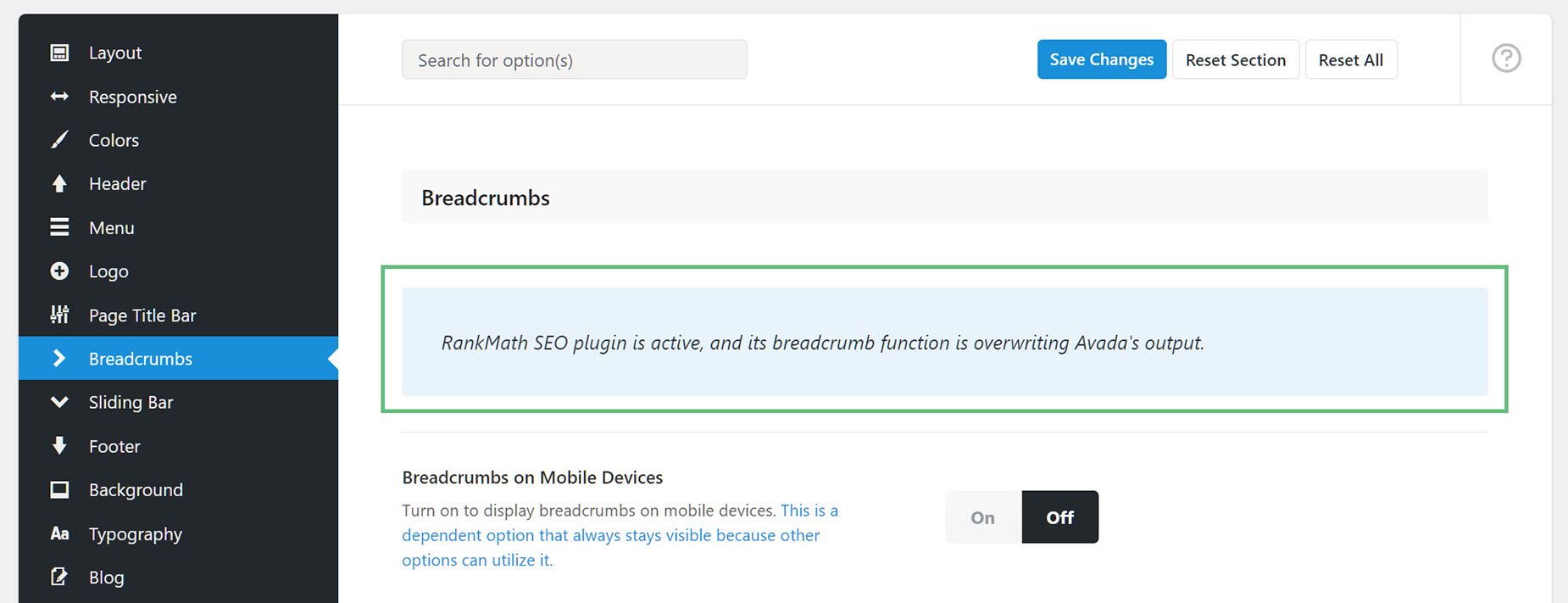
One thing to note about Avada Breadcrumbs is that you can potentially experience third-party plugin conflicts. If you have the Yoast SEO or Rank Math plugin activated, you will see a message at the top of the Element and in the Global Options that lets you know that a plugin is active and that its breadcrumb function is overwriting Avada’s output. If you want to use Avada Breadcrumbs and still use an SEO plugin, ensure you have turned the Breadcrumbs feature off in the plugin.
The Avada Breadcrumbs Element
Breadcrumbs are added with the Breadcrumbs Element. There are several options that affect both what the Breadcrumbs show and how they display. These Element options will override any Global Defaults, allowing you to style different instances of the Bradcrumbs Element in different ways.
You can select a Prefix, a Separator, font size, text color, and alignment. You can also choose whether to show Post Categories and Post Type Archives in the Breadcrumb path. If you wish to make further customization, there are options for Element Visibility, as well as fields for a CSS Class and a CSS ID. There is also an “Extras” tab, if you wish to customize how the Breadcrumbs will load on the page. See the Breadcrumbs Element help file for a detailed description of all Element options.


















































































































