
Avada Logo
Avada Design Elements

Woo Cart Table

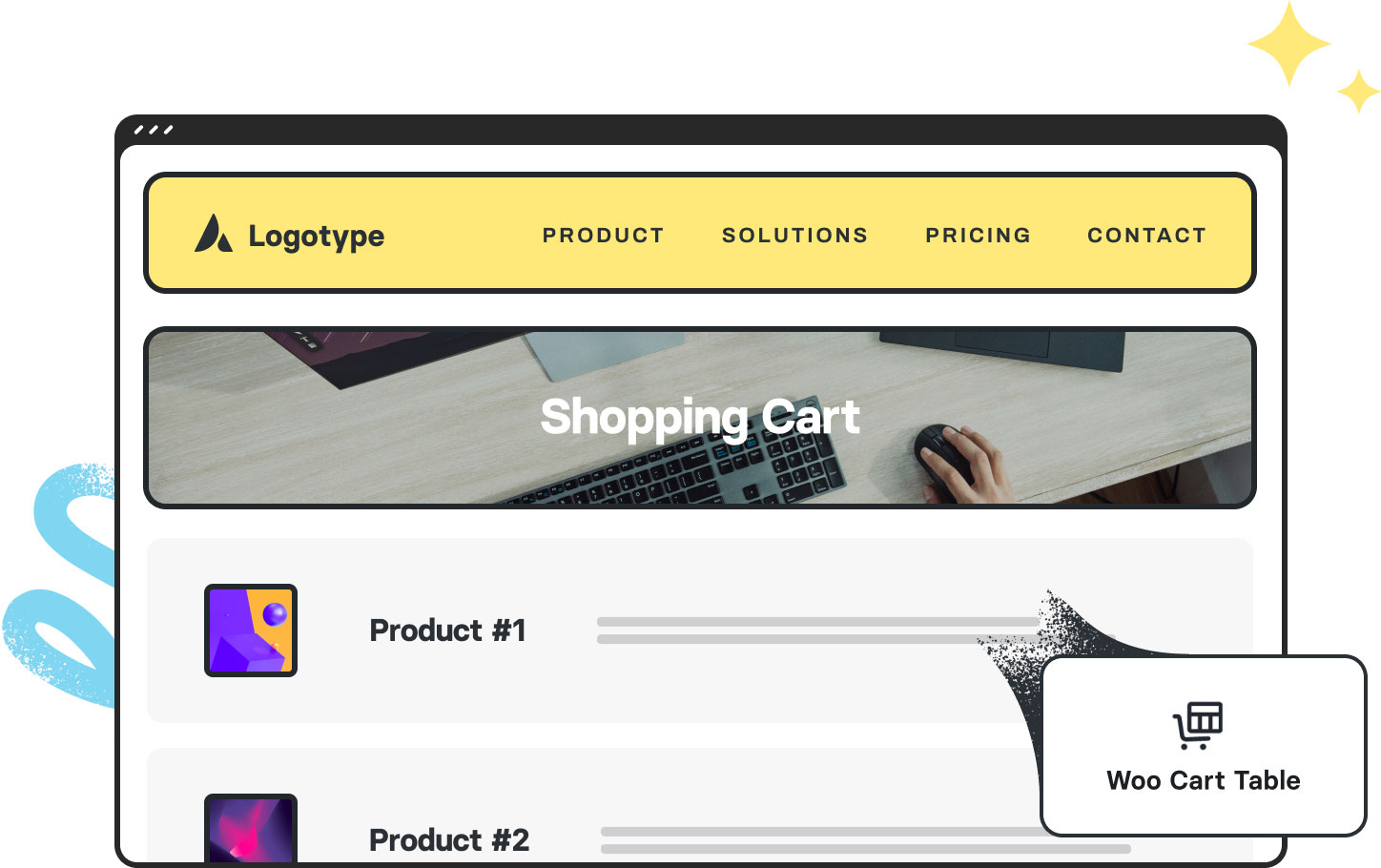
The Avada Woo Cart Table Element displays cart contents—products, prices, and totals — in a clean, editable format, enabling easy quantity updates and full design customization.

Avada Woo Cart Table Element Featured Image

Detailed Cart Display

Shows products, images, prices, quantities, & totals for a positive customer experience.

Interactive Cart

Your customers can easily update quantities or remove items from their shopping cart.

Branded Styling

You can control the typography, spacing, & colors to match your store’s brand identity.

Avada Woo Cart Table Element Examples

The Avada Woo Cart Table Element displays the contents of a customer’s shopping cart, including product images, names, prices, quantities, and subtotals. With options to update quantities or remove items, and full styling controls, it ensures the cart is both functional and user-friendly, fully aligned with your WordPress site’s design.
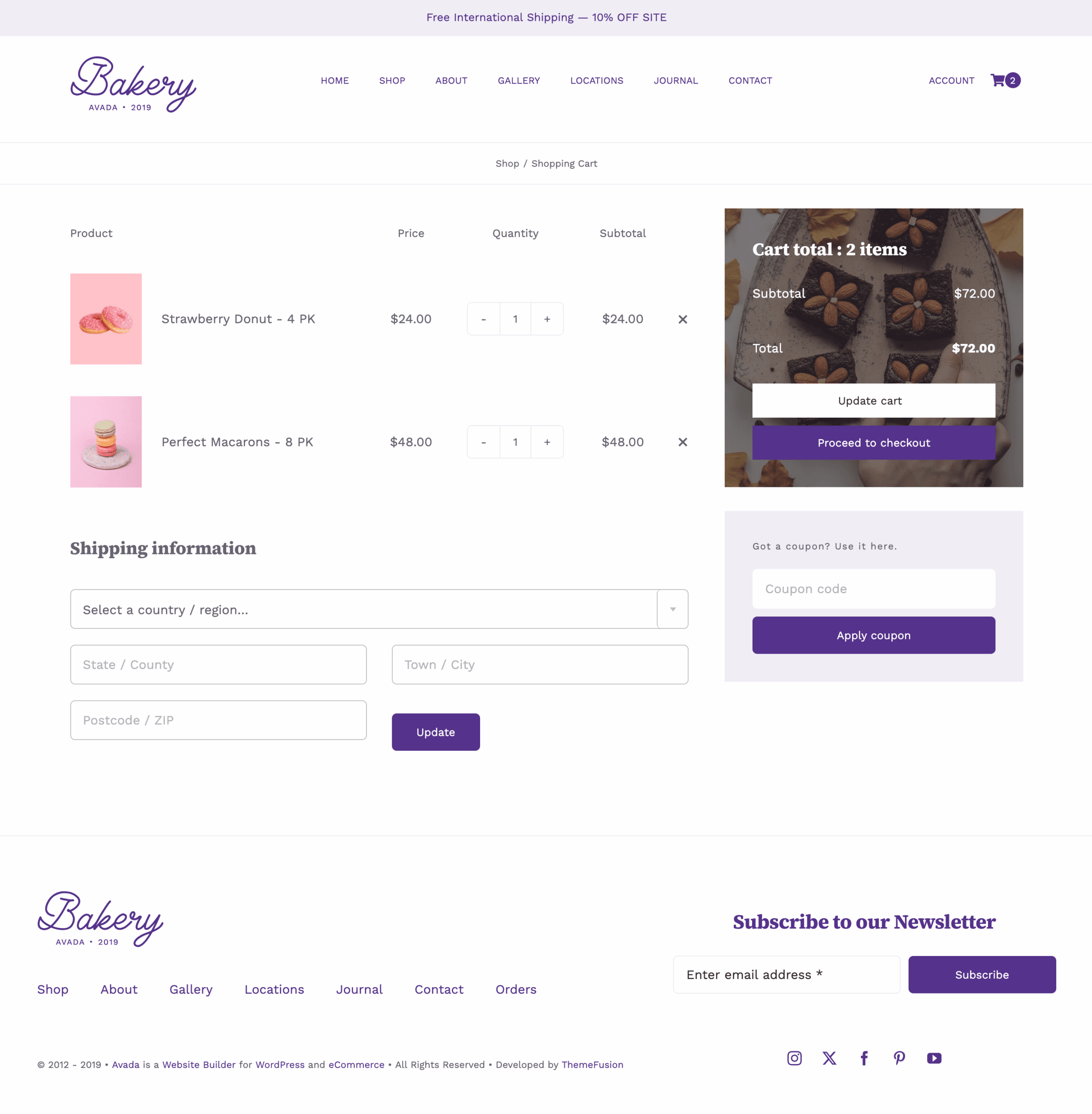
Avada Retail Woo Order Table Page

The Avada Cart Table Element displays the contents of a customer’s WooCommerce shopping cart in a clear, organized table format. It shows each product with details such as name, image, price, quantity, and subtotal, along with options to update quantities or remove items. Seamlessly integrated with Avada and WordPress, it ensures that the cart experience is visually consistent with the rest of your site while offering full customization to align with the store’s design and functionality.

Examples can include the individual option values set for that particular instance; however, in some cases, not all Element variations can be shown as they may be too numerous. Where a live example cannot be shown, an image representation will be used as a substitute. For more detailed information, please refer to the related Element documentation and videos.
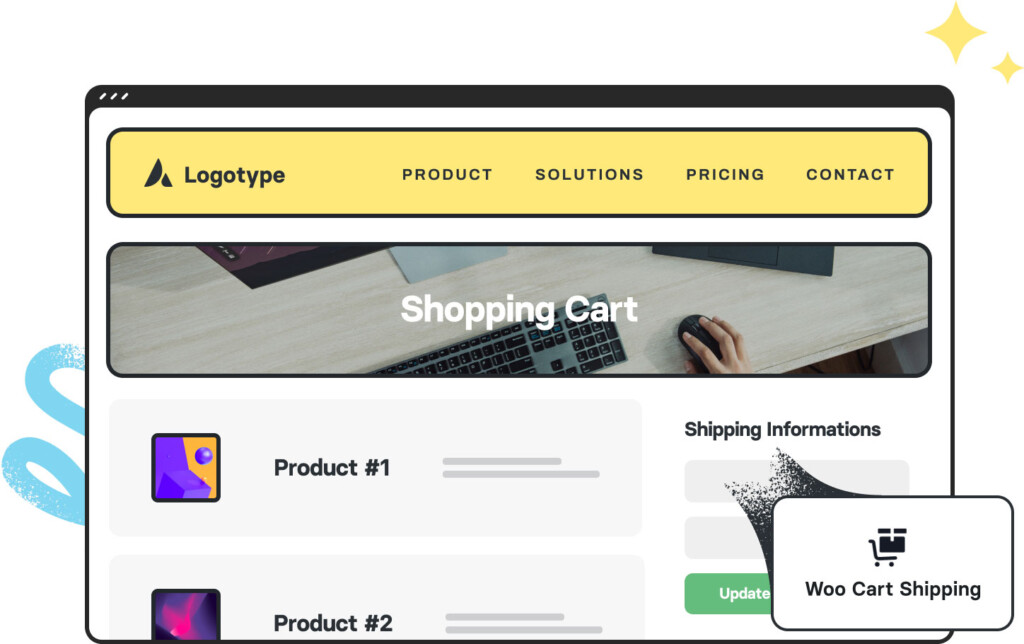
Avada Woo Cart Shipping Element Featured ImageWoo Cart Shipping
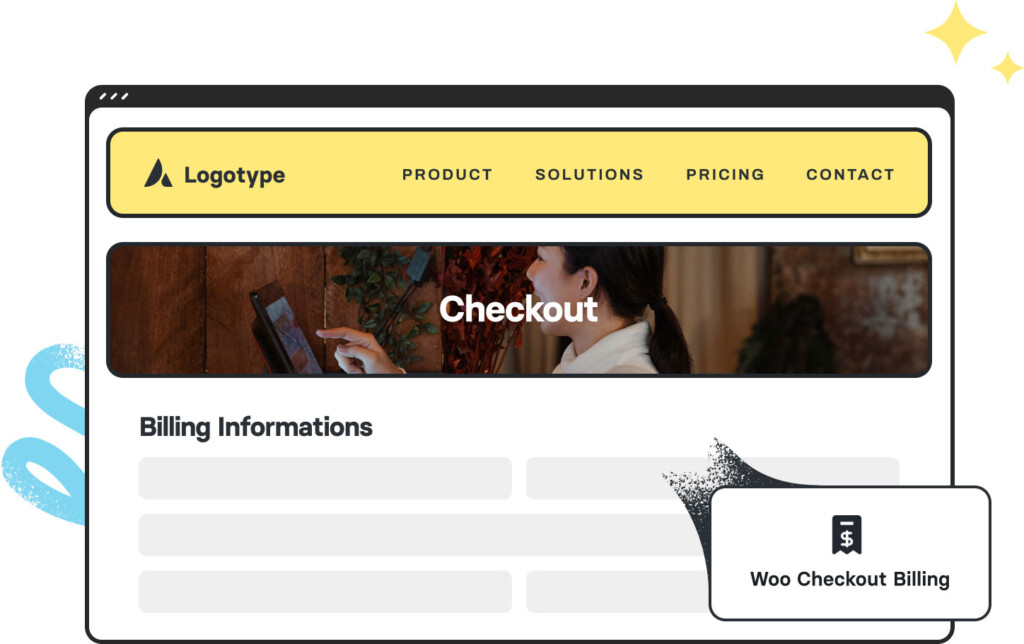
Avada Woo Checkout Billing Element Featured ImageWoo Checkout Billing
Go to Top





















































































































