
Avada Design Elements

Range Field

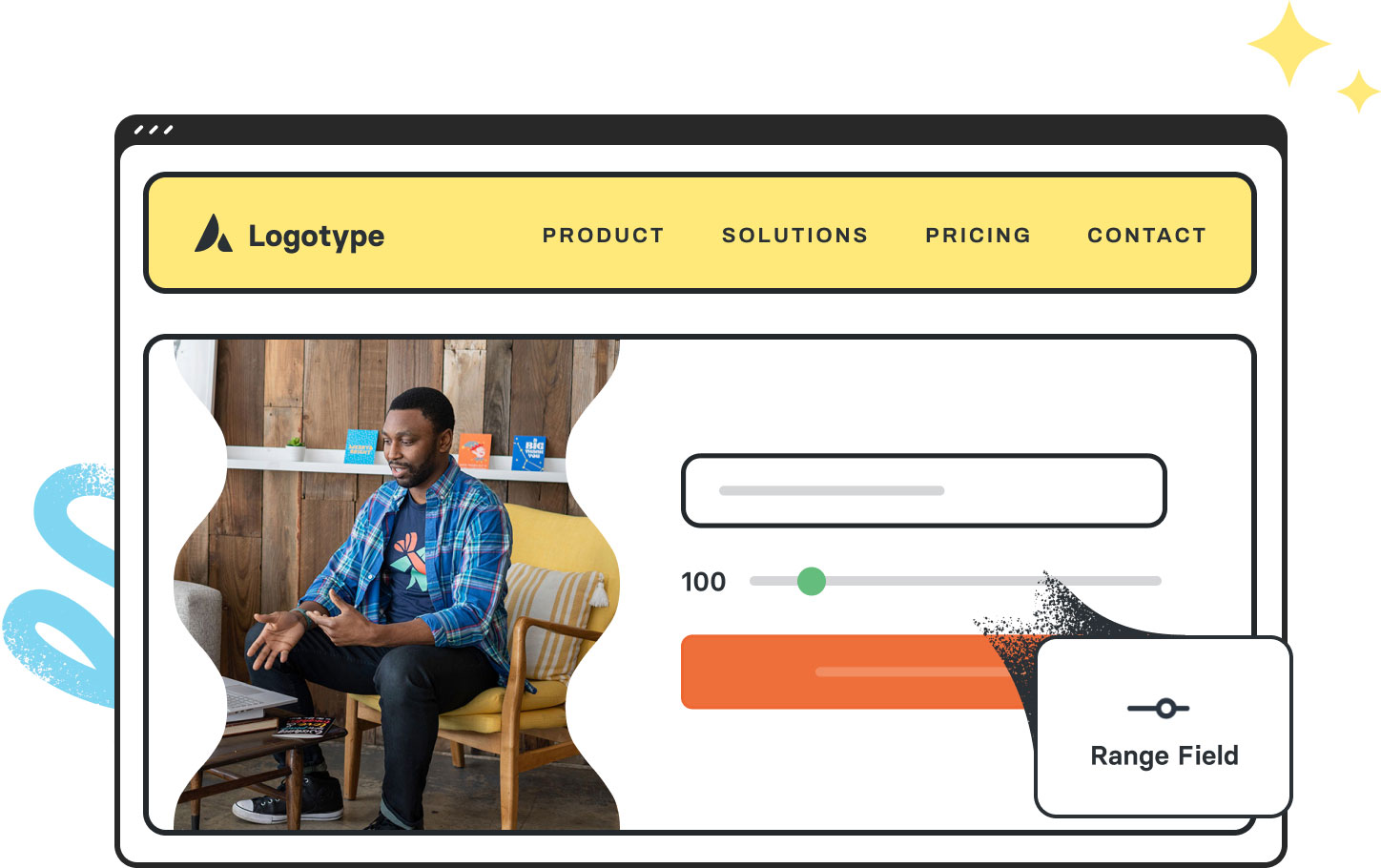
The Avada Range Field Element uses a slider to select numeric values within specified limits, offering full styling of the track, handle, labels, and tooltips for visual precision.

Avada Range Field Featured Image

Intuitive Slider Input

It allows users to visually select a value within a defined range by dragging the slider.

Precise Range Control

Easily configure the min, max, step increments, & default values for the field.

Custom Styling

Style the track, handle, labels, & tooltips for form integration & visual consistency.

Avada Range Field Element Examples

The Avada Range Field Element provides users with a slider input to select a numeric value within a defined range, making it ideal for settings such as ratings, budgets, or quantity sliders. You can specify the minimum, maximum, and step values, as well as the default starting point, and style the slider track, handle, labels, and tooltips to match your design.

The Avada Range Field Element is an Avada Form Builder Element that allows users to select a numeric value by sliding a handle along a horizontal track, providing a visual and interactive way to choose within a defined range. It can be customized for minimum and maximum values, step increments, and styling to match the Avada Form’s design.

Examples can include the individual option values set for that particular instance; however, in some cases, not all Element variations can be shown as they may be too numerous. Where a live example cannot be shown, an image representation will be used as a substitute. For more detailed information, please refer to the related Element documentation and videos.


Avada Radio Field Featured ImageRadio Field
Avada Rating Field Featured ImageRating Field
Go to Top





















































































































