How To Use My Avada
Last Update: February 6, 2026
The My Avada Dashboard is a centralized hub that lets you manage every aspect of your Avada experience in one place. From this Dashboard, you can register and manage your Avada licenses, access downloads, track your support history, vote for features, and more.
My Avada connects your ThemeForest marketplace purchase directly to your account, making it easy to stay organized and keep your Avada licenses under control. Below, we will take an overview look at the various features available.
Log in Options
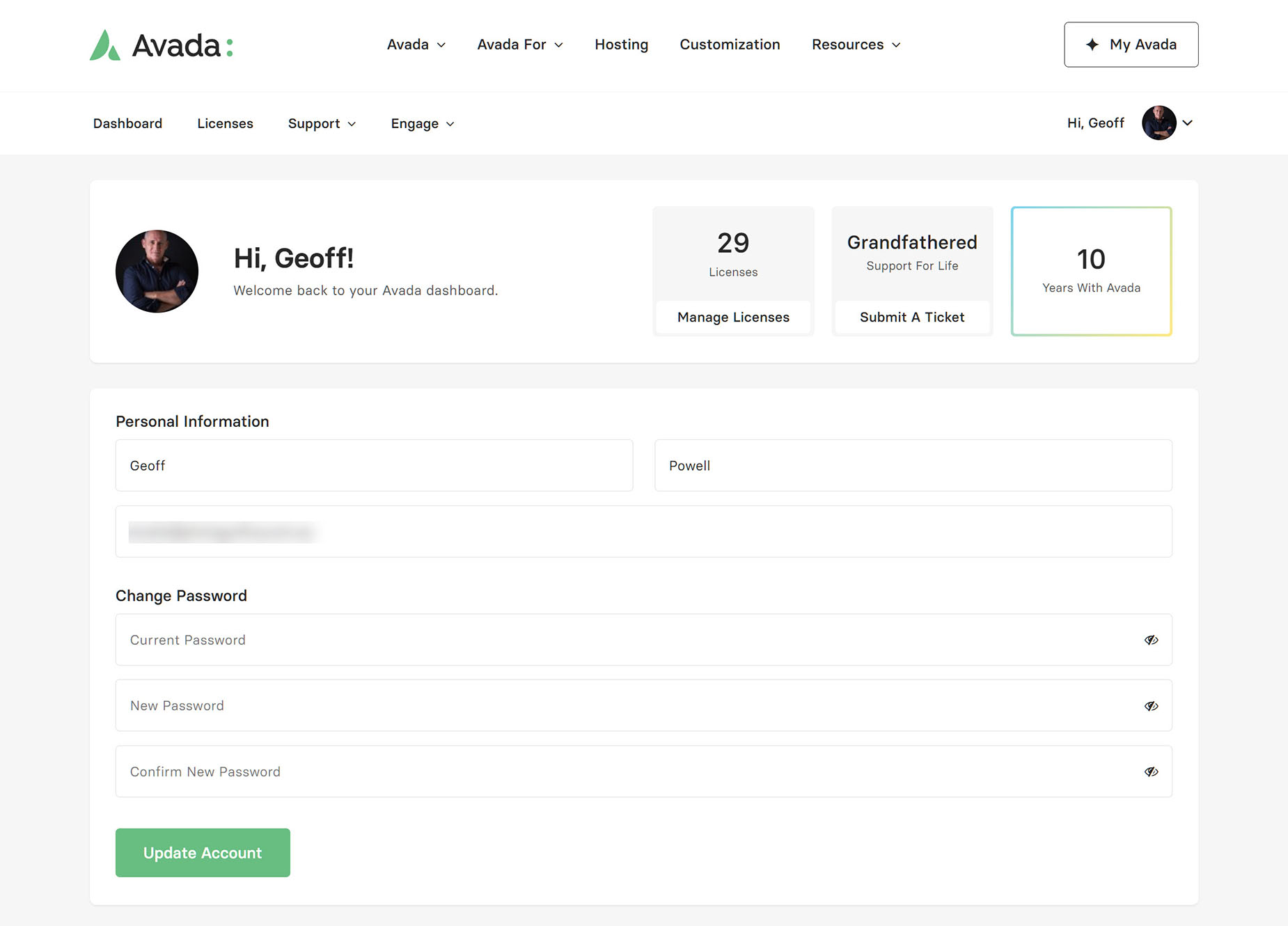
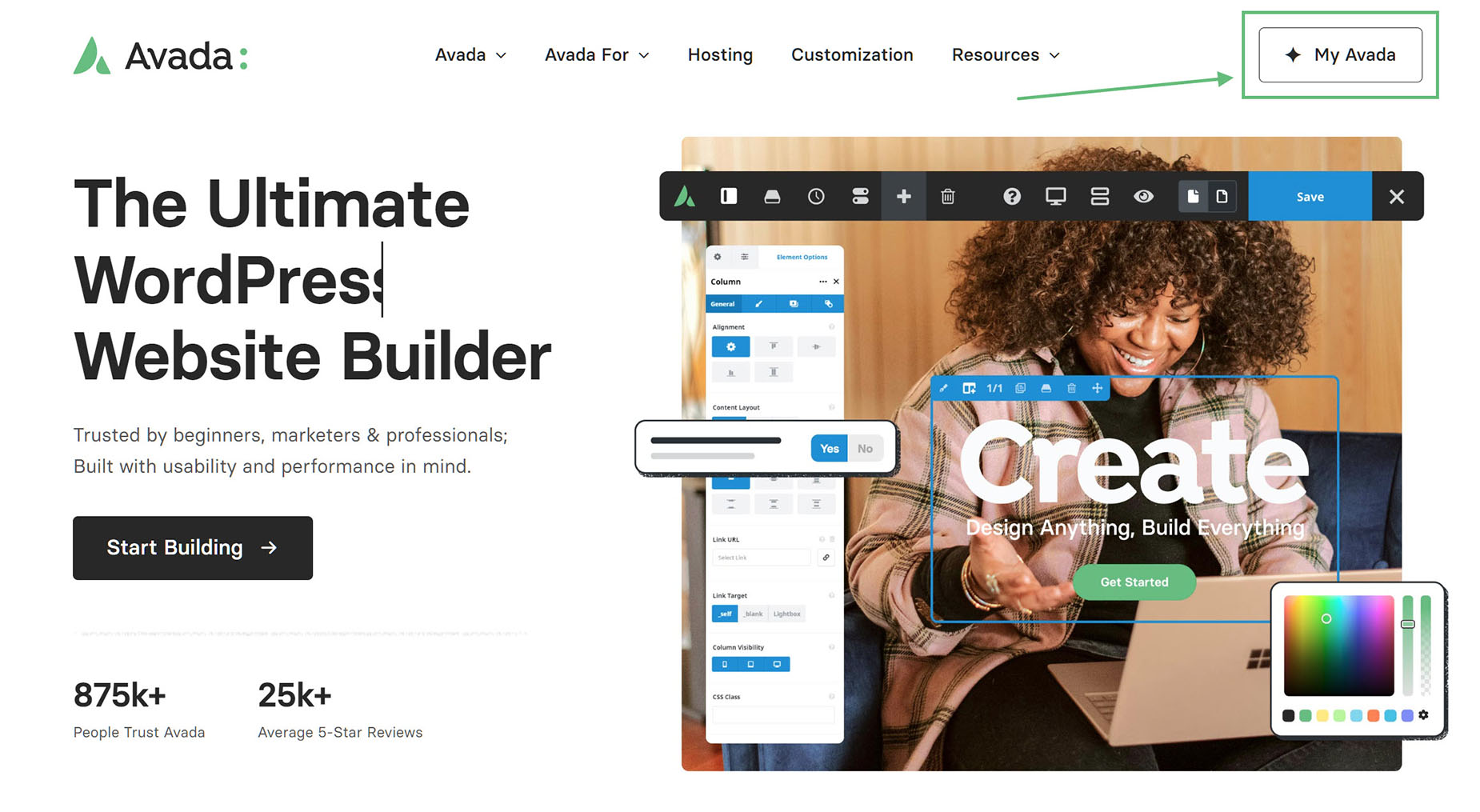
You can find the link to My Avada in the top right of the Avada website, or via this link.
Overview: My Avada Dashboard
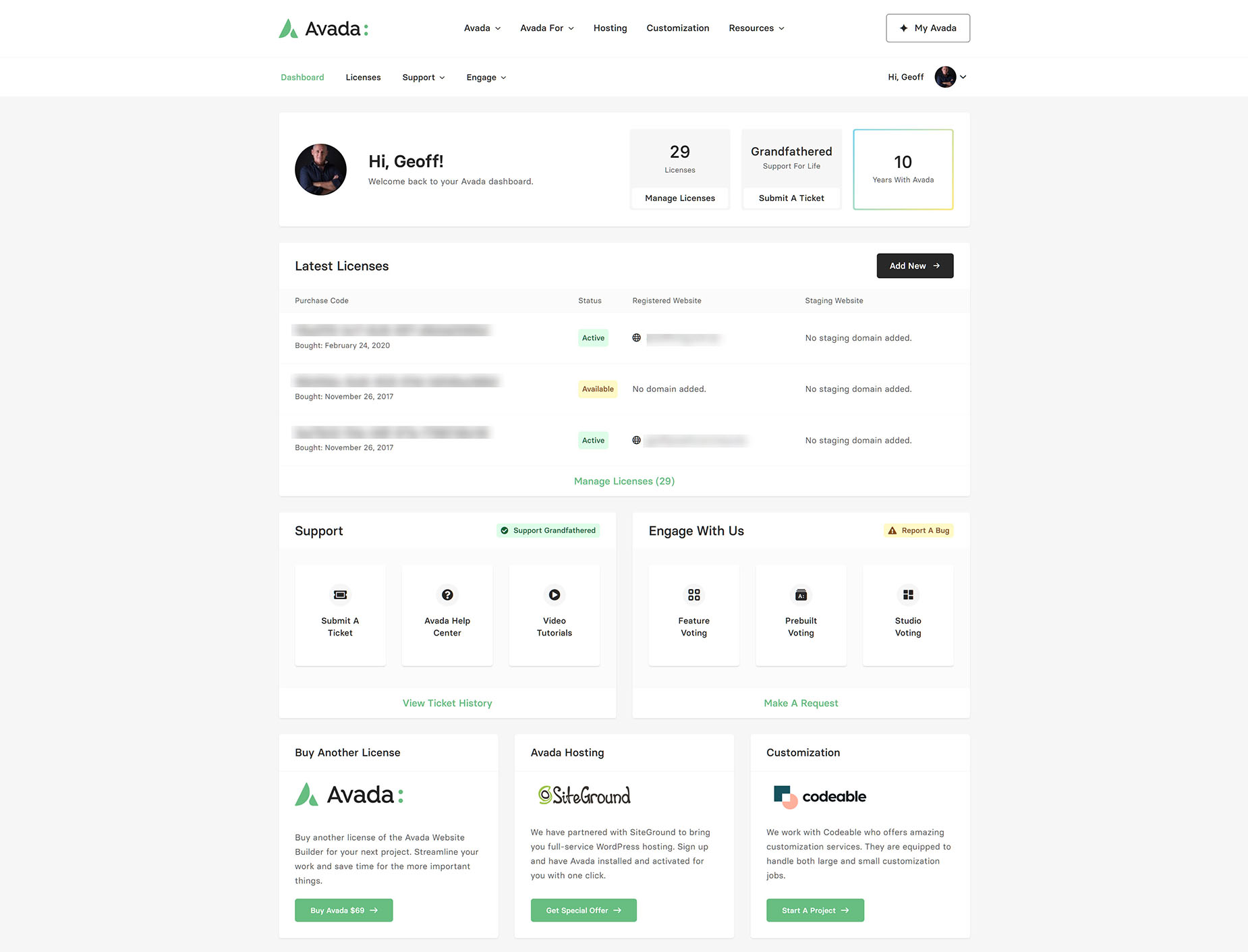
Whether you’re managing a single website or multiple websites, the My Avada Dashboard streamlines your workflow and gives you a clear overview of everything related to your account. Beyond license management, you have direct access to a wide range of options, for example:
Licenses
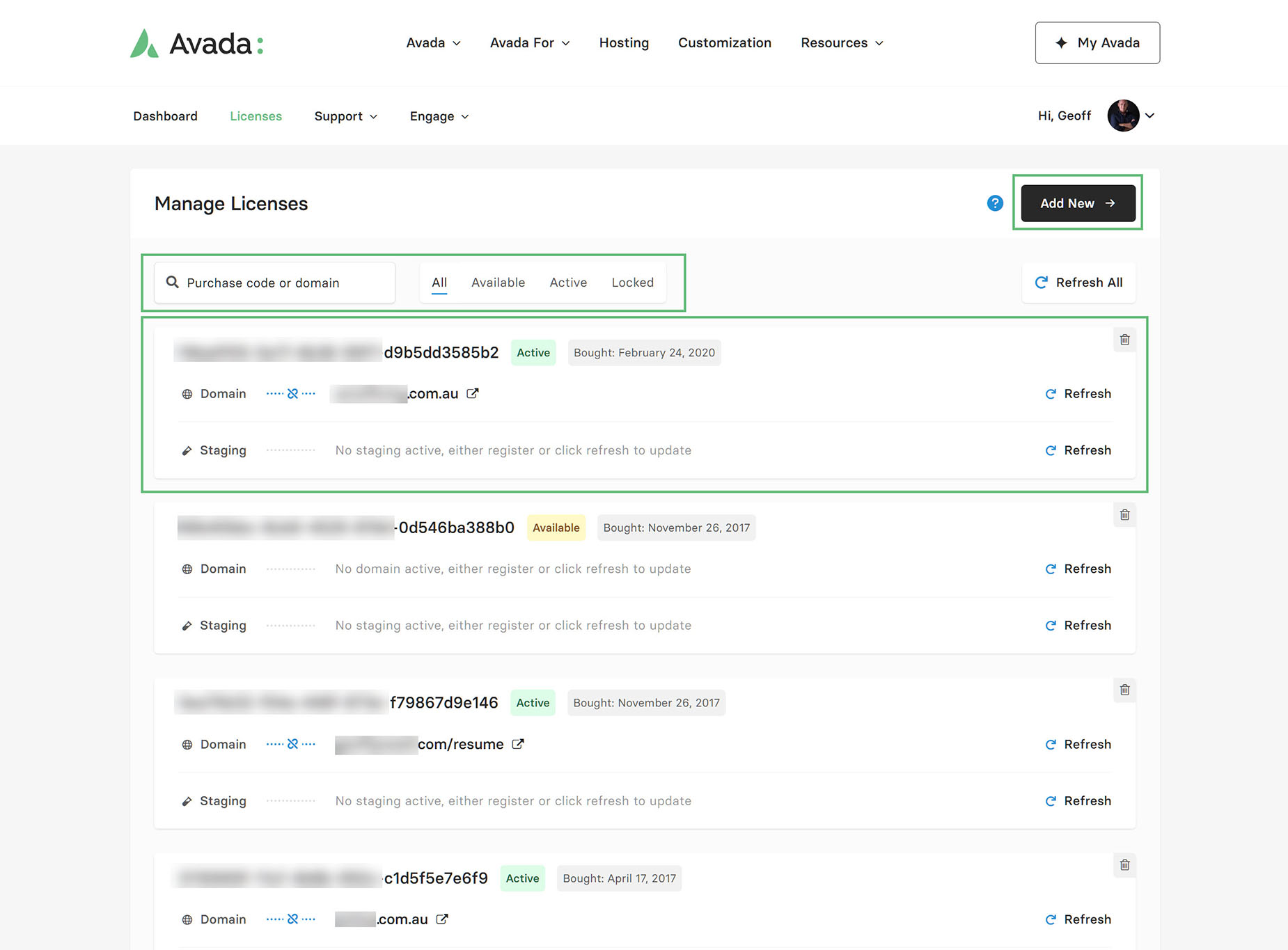
This is where you can manage your Avada licenses in one place. You can search and filter the licenses, view their status (Active/Available/Locked), and which domains and/or staging sites they are connected to. Including when they were purchased, registering/deregistering licenses, and adding new purchased licenses to your account.
Support
The Support menu offers four links: Submit A Ticket, Support Ticket History, License Unlock, and Downloads.
Submit A Ticket
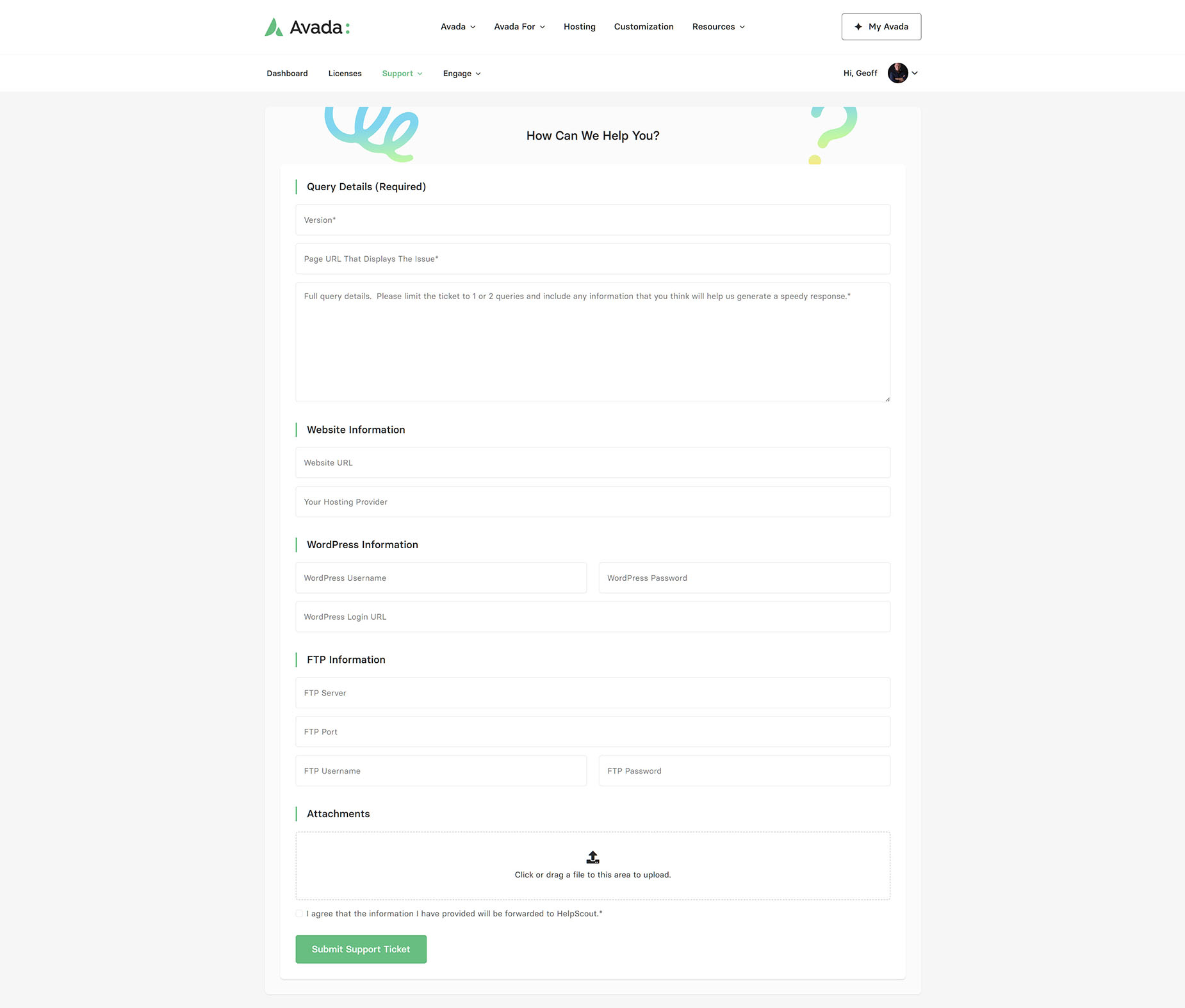
This is where you can submit a support ticket. Start by entering a short description of your issue, and this will filter possible solutions for you. If these don’t resolve your issue, clicking “Continue” takes you to the Ticket details page, as shown below.
Add as many details as possible on this page to help speed up a resolution to your issue. One of our support team members will be in touch as soon as possible and will follow through with you via email until your issue is resolved. Also, please see the Before You Submit A Ticket help file to ensure your issue is resolved as quickly as possible.
Ticket History
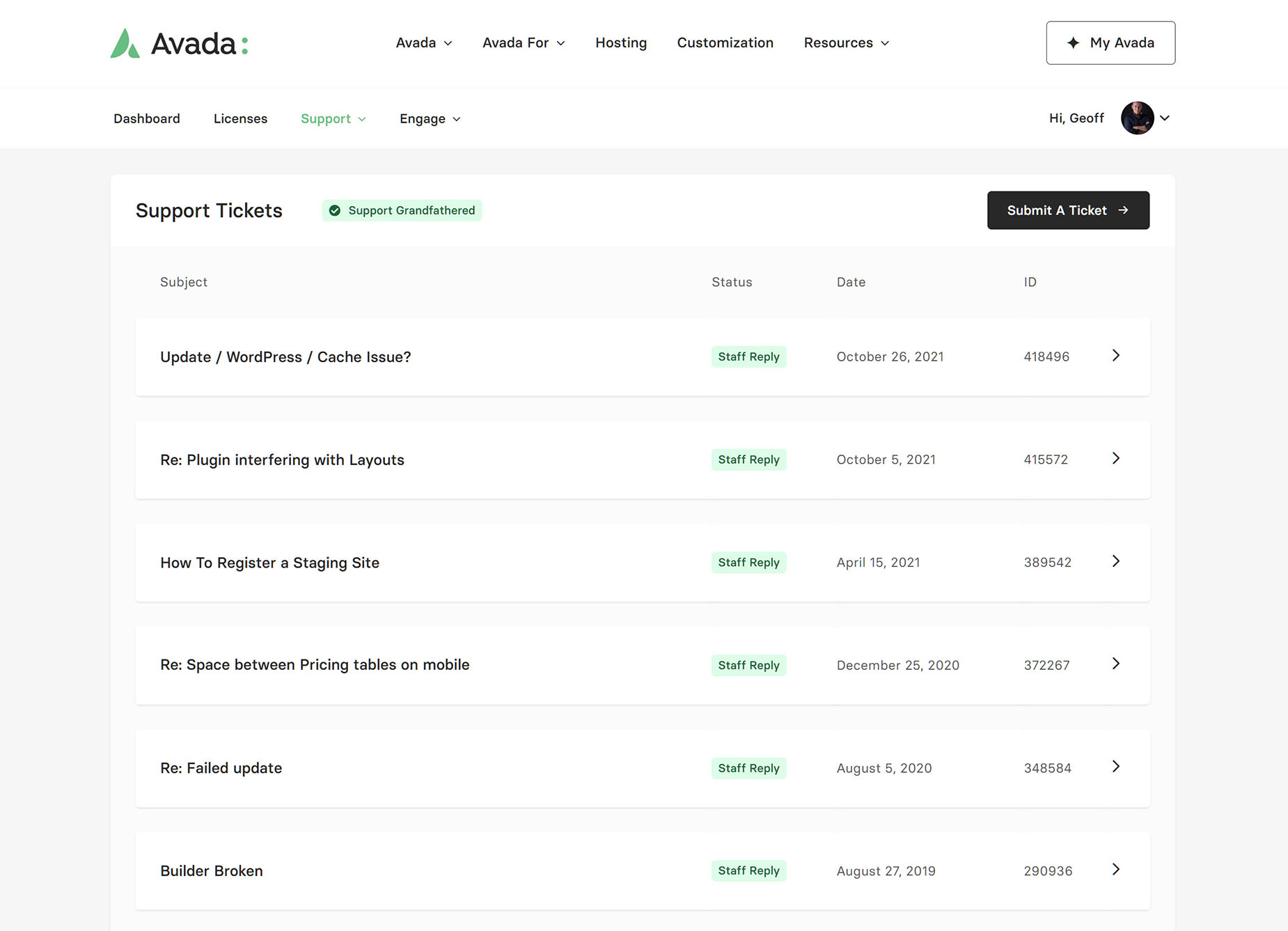
This section displays your entire support ticket history, including the ticket’s status and its date. You can enter any of these tickets to review the conversation, and even post a reply if needed.
Status Definitions For Support Tickets
License Unlock
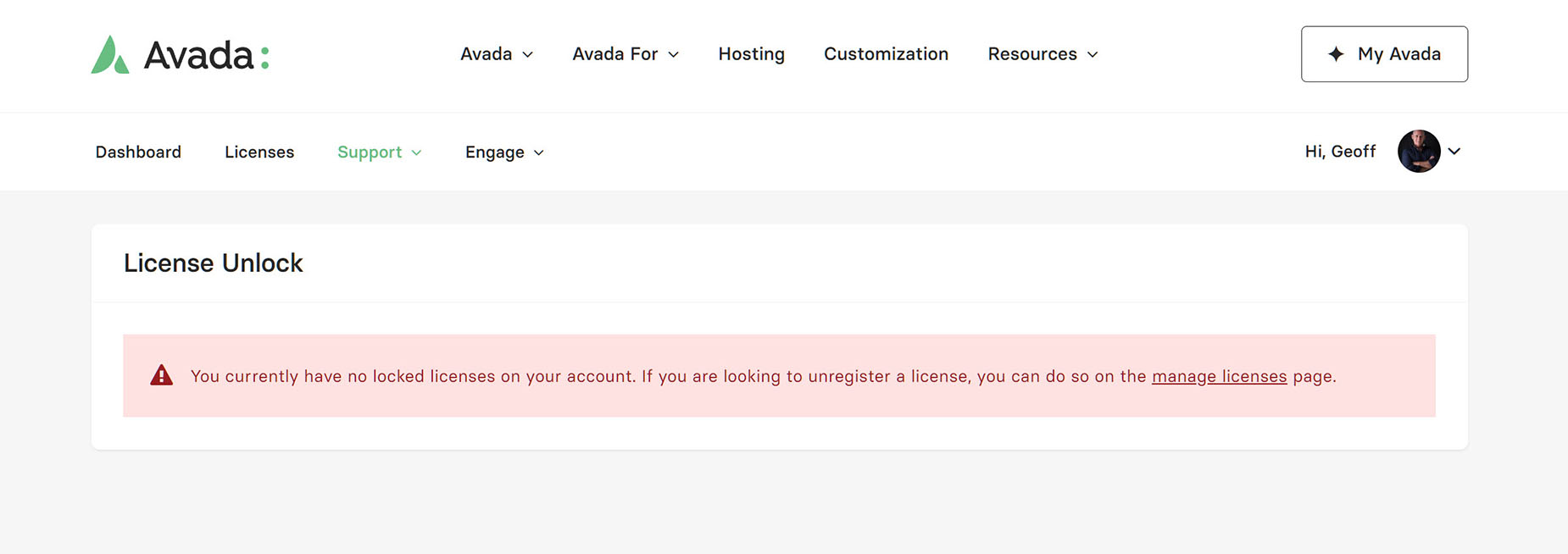
This section lists any licenses on your account that are locked. Because Envato does not offer multi-domain licensing, and if a single Avada license is used to register more than one domain, the license can be locked if our system flags it for contravening Envato’s licensing terms and conditions.
When a license is locked, automatic updates will not work, and it cannot be used to register a new website. If your Avada license is locked, you can request an unlock via the unlock license page.
Downloads
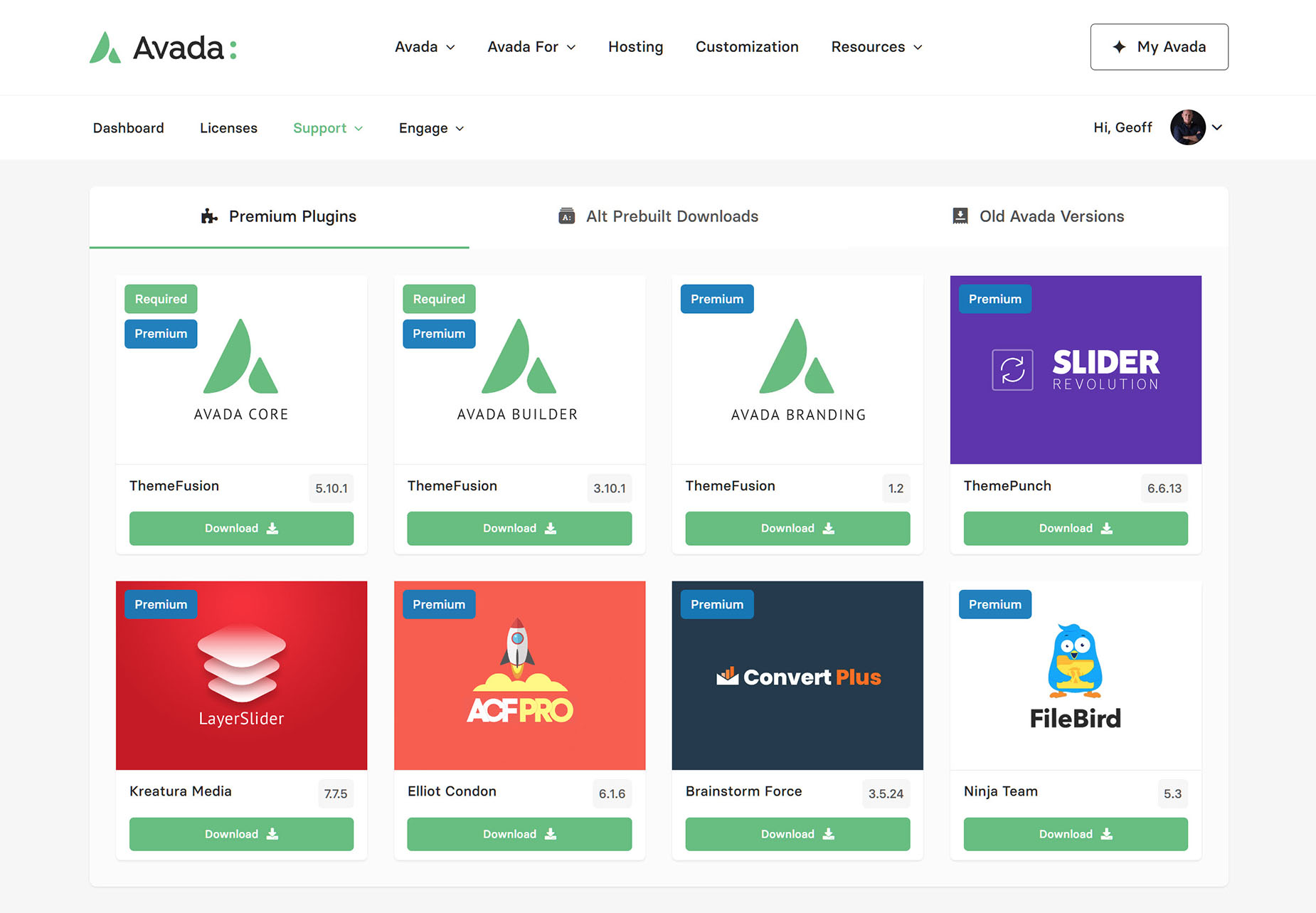
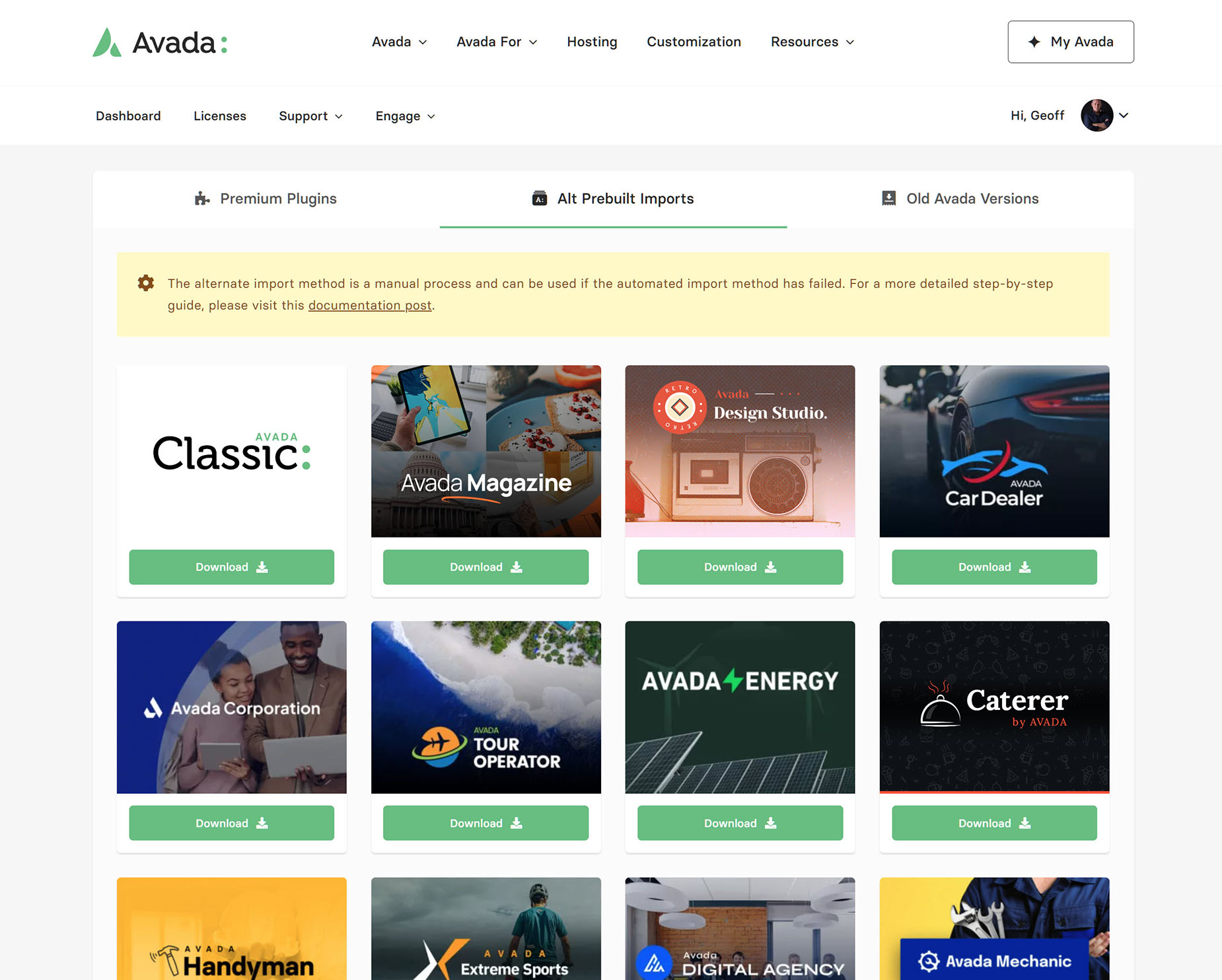
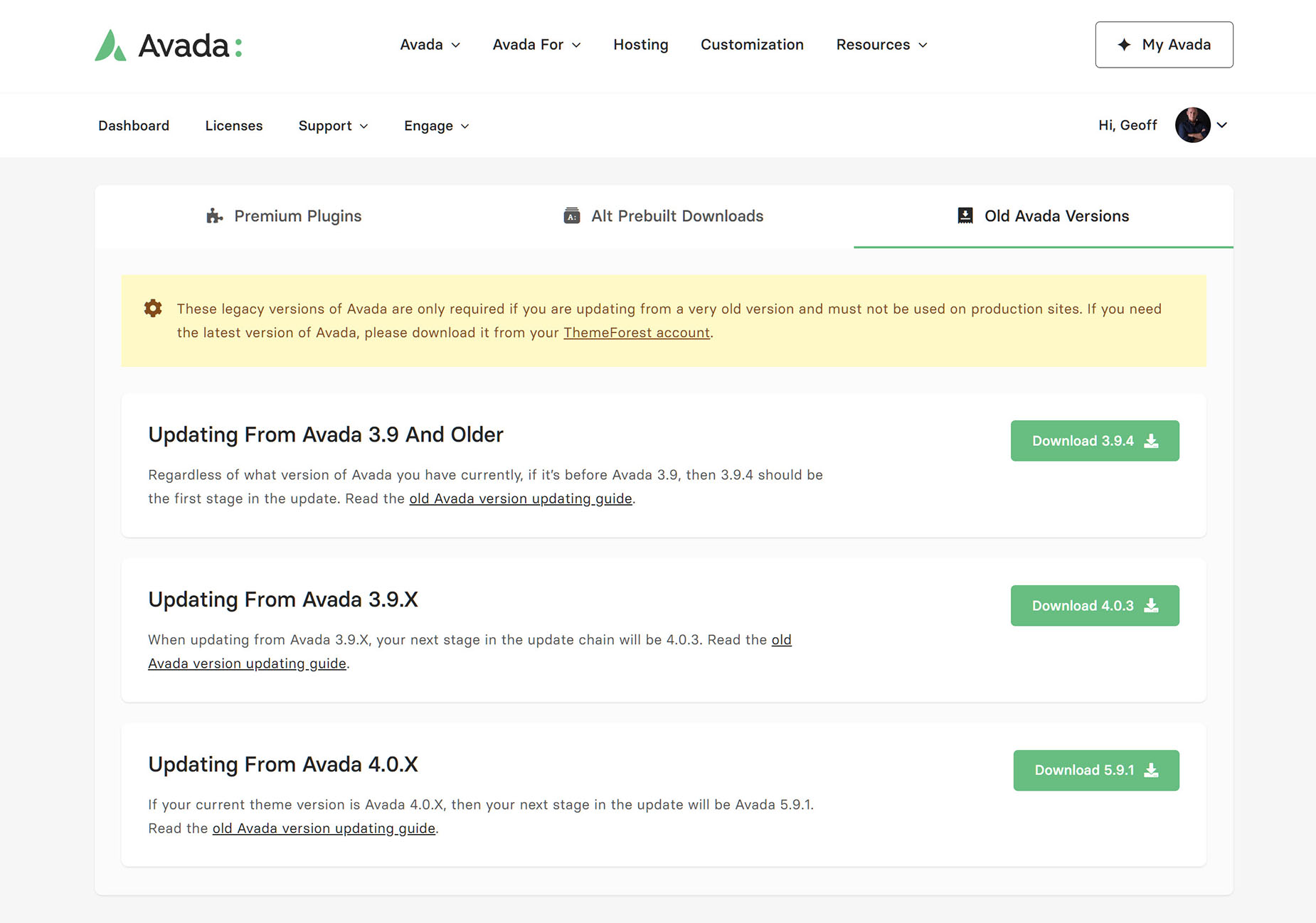
On the Downloads page, you have access to three main areas: Premium Plugins, Avada Prebuilt Websites, alternative downloads, and Old Avada Versions.
In this section, you can access an alternative download method for premium plugins or Avada prebuilt websites, or, if you are updating from an old version of Avada, key step releases to get you up to date.
Premium Plugins
Prebuilt Websites Alternative Downloads
Old Avada Versions
Engage
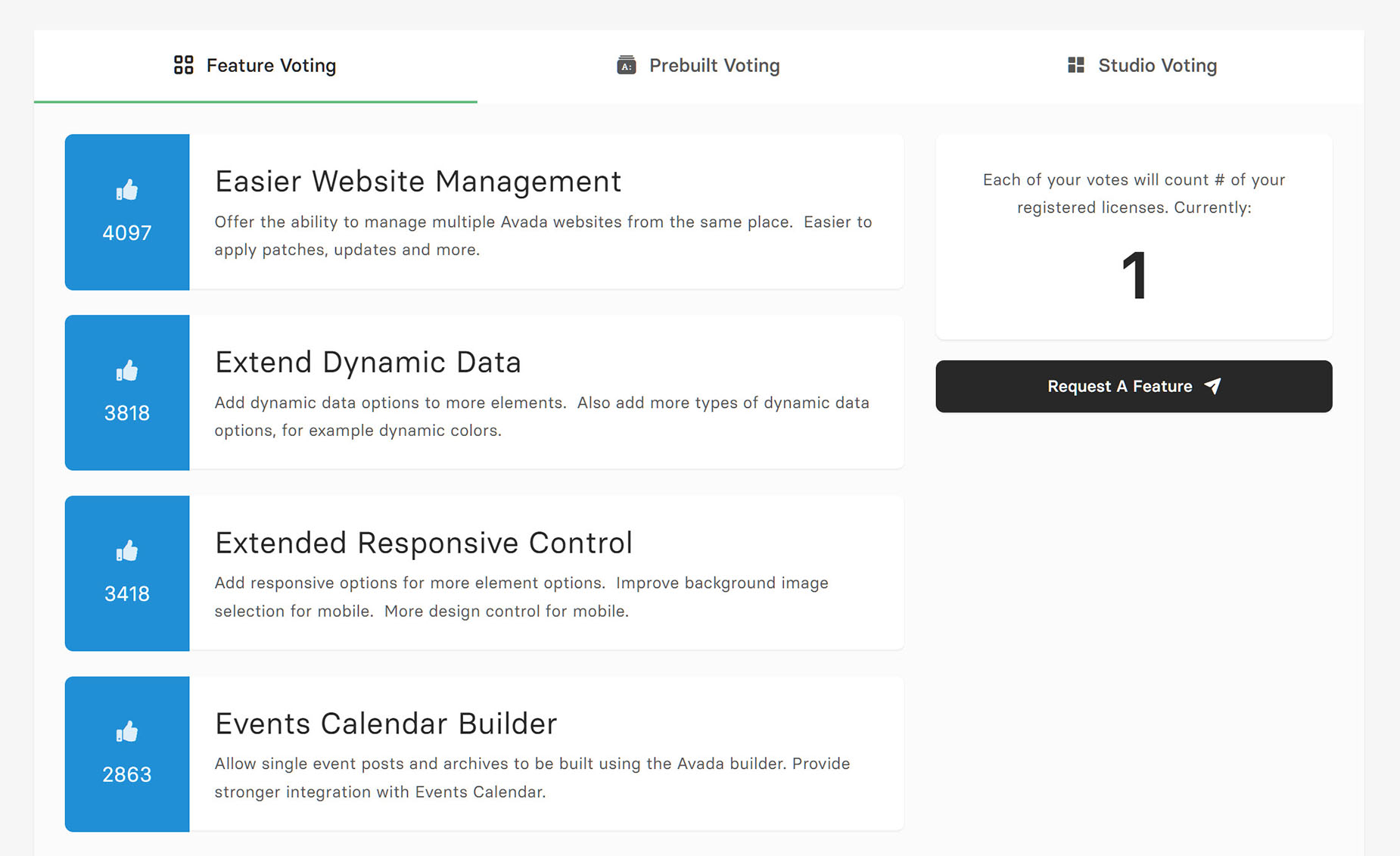
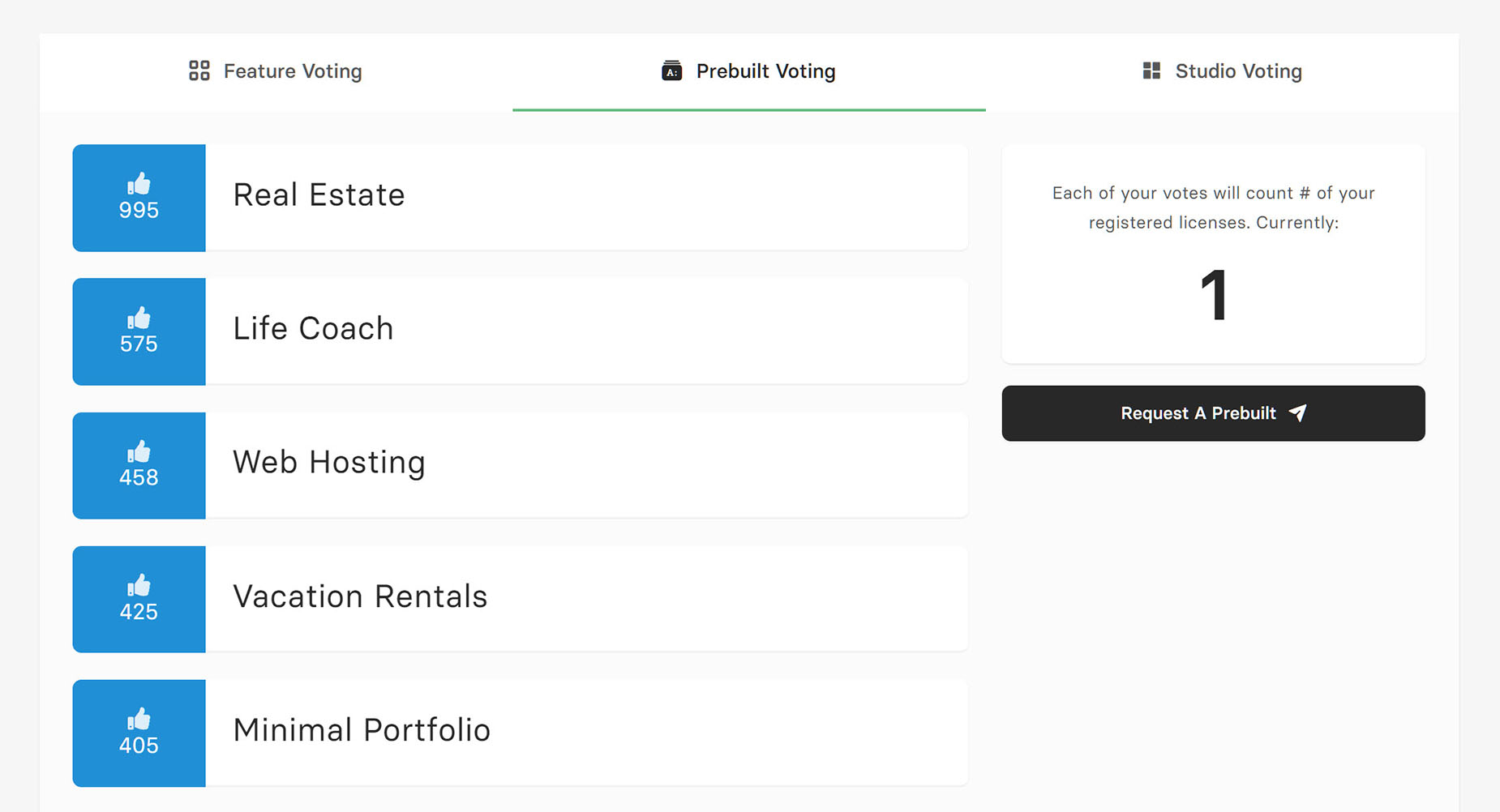
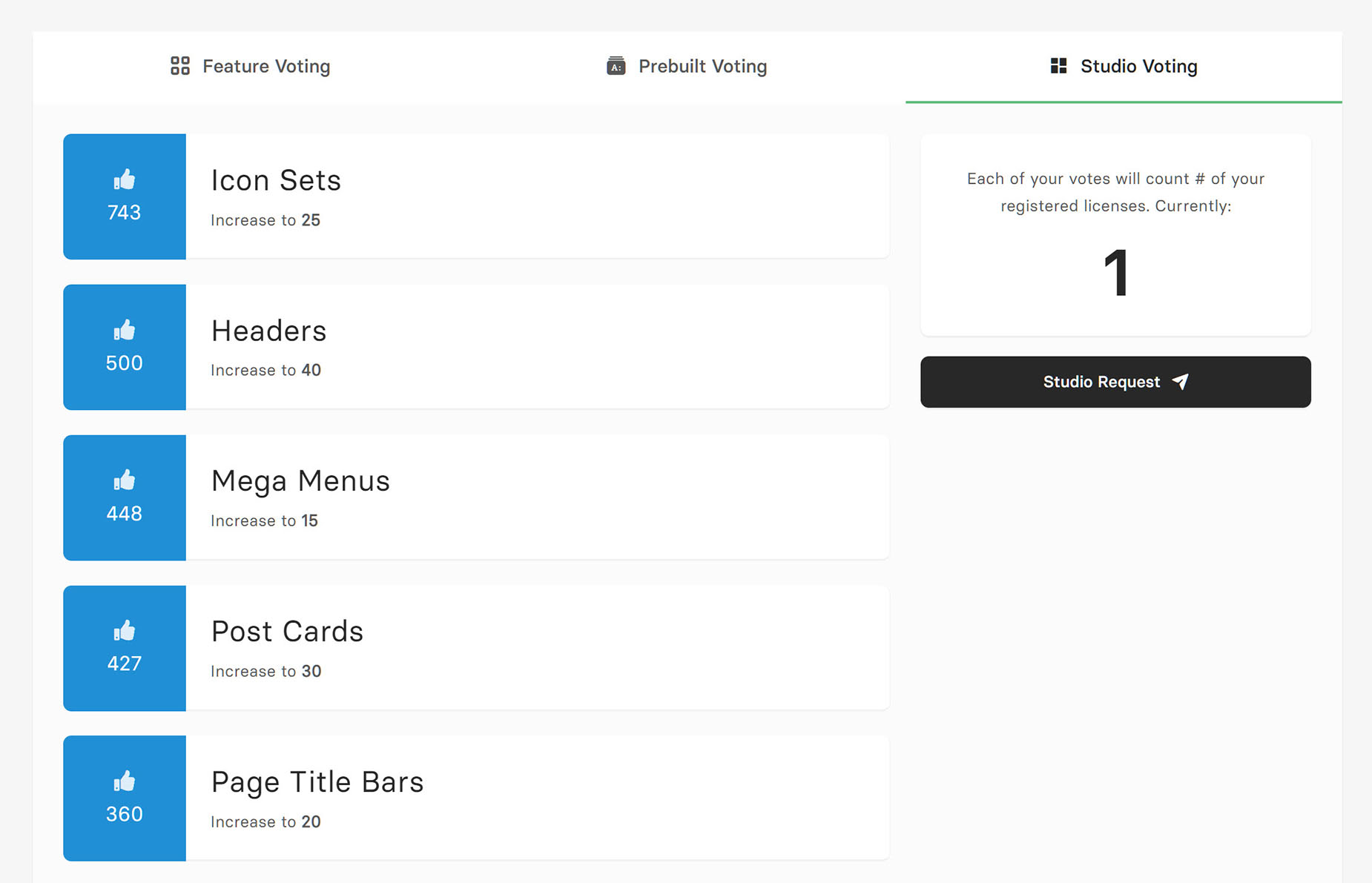
We encourage user voting for new Avada prebuilt websites, Avada features, and Avada Studio content because Avada is built around real-world use cases and the needs of its community. Voting gives users a direct voice in shaping what we design, build, and release next, ensuring that new layouts, tools, and creative assets reflect how Avada is actually being used across different industries and projects.
User Voting
By listening to votes and feedback, we can prioritize the ideas that matter most, focus development time on areas that deliver the greatest value, and continuously improve Avada in meaningful ways. This collaborative approach helps us deliver more relevant outcomes—while giving users confidence that their input directly influences the future of Avada. The more licenses you have, the more votes you can submit!
Avada Feature Voting
Prebuilt Website Voting
Studio Content Voting
Make A Request
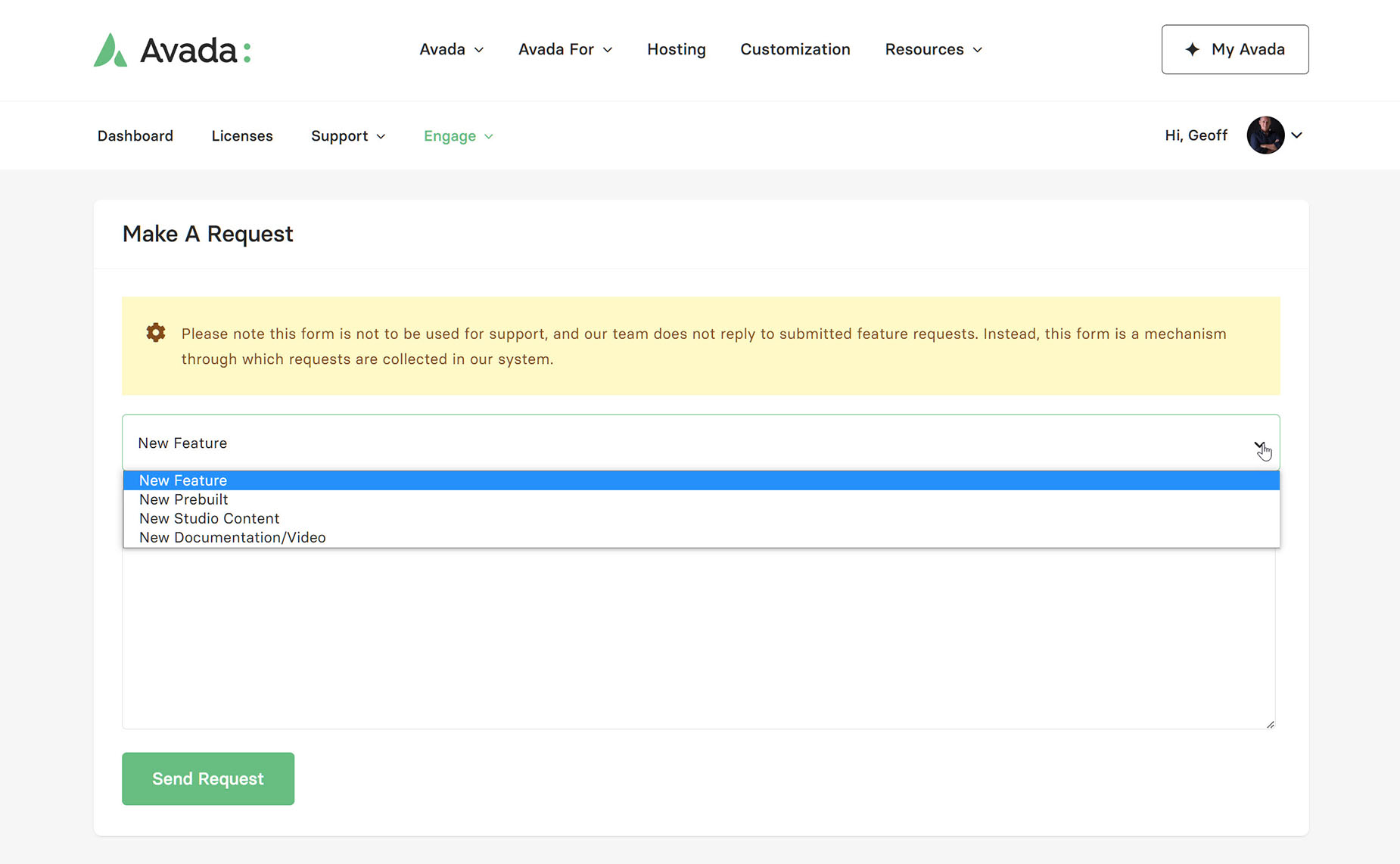
Under Make A Request, you can submit any specific requests you have for Avada. This might be a New Feature, an idea for a New Prebuilt Website, New Studio Content, or New Documentation or Tutorial Videos. We are always interested in User feedback, and this is a great way to collate your requests.
Report A Bug
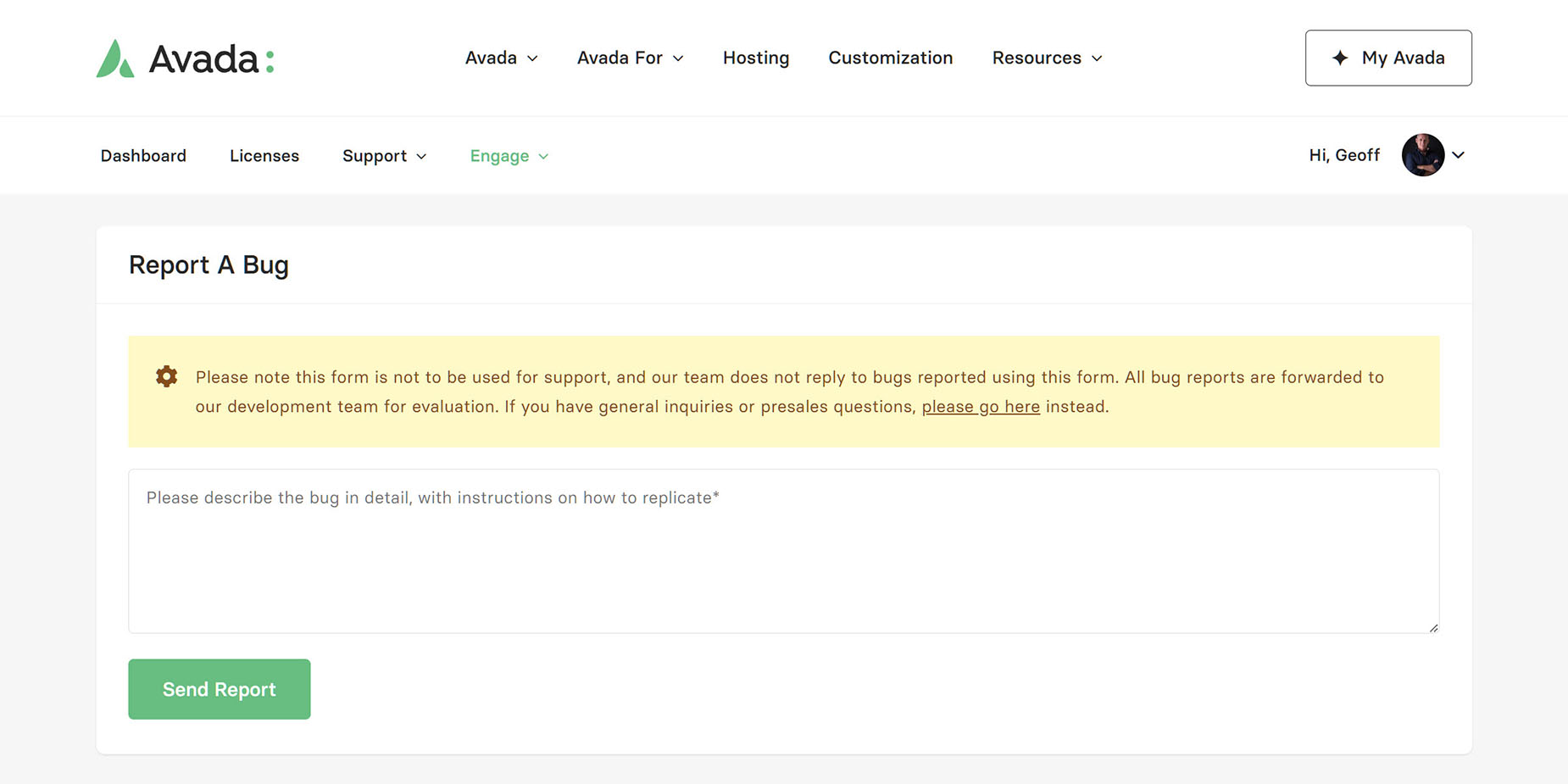
If you find a bug in Avada, please report it to us as soon as possible. These reports are forwarded to developers for confirmation, and if verified, will be added to the development cycle, or if urgent, a maintenance patch will be released. No software is entirely bug-free, but we are dedicated to resolving any bugs as quickly as possible.
Profile
In this section, you can edit your My Avada account information. You can change the name and email associated with the account, and reset your password. Just be aware that ticket history is tied to an email address, so if you change that address, you will not be able to view the support ticket history.