
Avada Grandfathered Support
Last Update: May 12, 2026
ThemeFusion (the creators of Avada) is fully committed to our customers, and so we took the initiative to introduce Grandfathered support for any purchases made before September 1st, 2015. Purchases made after September 1st, 2015, must comply with Envato’s paid support requirement. It is important to note that paid support is an Envato initiative, while Grandfathered Support, with Envato’s agreement, is an initiative we (ThemeFusion) created.
Any item purchased on the Themeforest marketplace includes 6 months of support with paid options to extend. Check this help file to see what is included with your purchase of Avada.
What Is Avada Grandfathered Support?
Grandfathered Support applies to any customer who purchased Avada BEFORE September 1, 2015. This entitles qualifying customers to continue receiving hands-on support via our system, without the need to extend or renew their support via Envato, for as long as we continue to develop and maintain Avada.
Do I Qualify For Grandfathered Support?
To qualify for Grandfathered Support, you need to have purchased a copy of Avada from ThemeForest before September 1st, 2015. Continue reading below to learn how to verify your purchase date.
How To Verify Your Purchase Date
To know if you’re qualified for Grandfathered Support, you must first verify your purchase date. Please see below for instructions on how to view the exact purchase date of your Avada license.
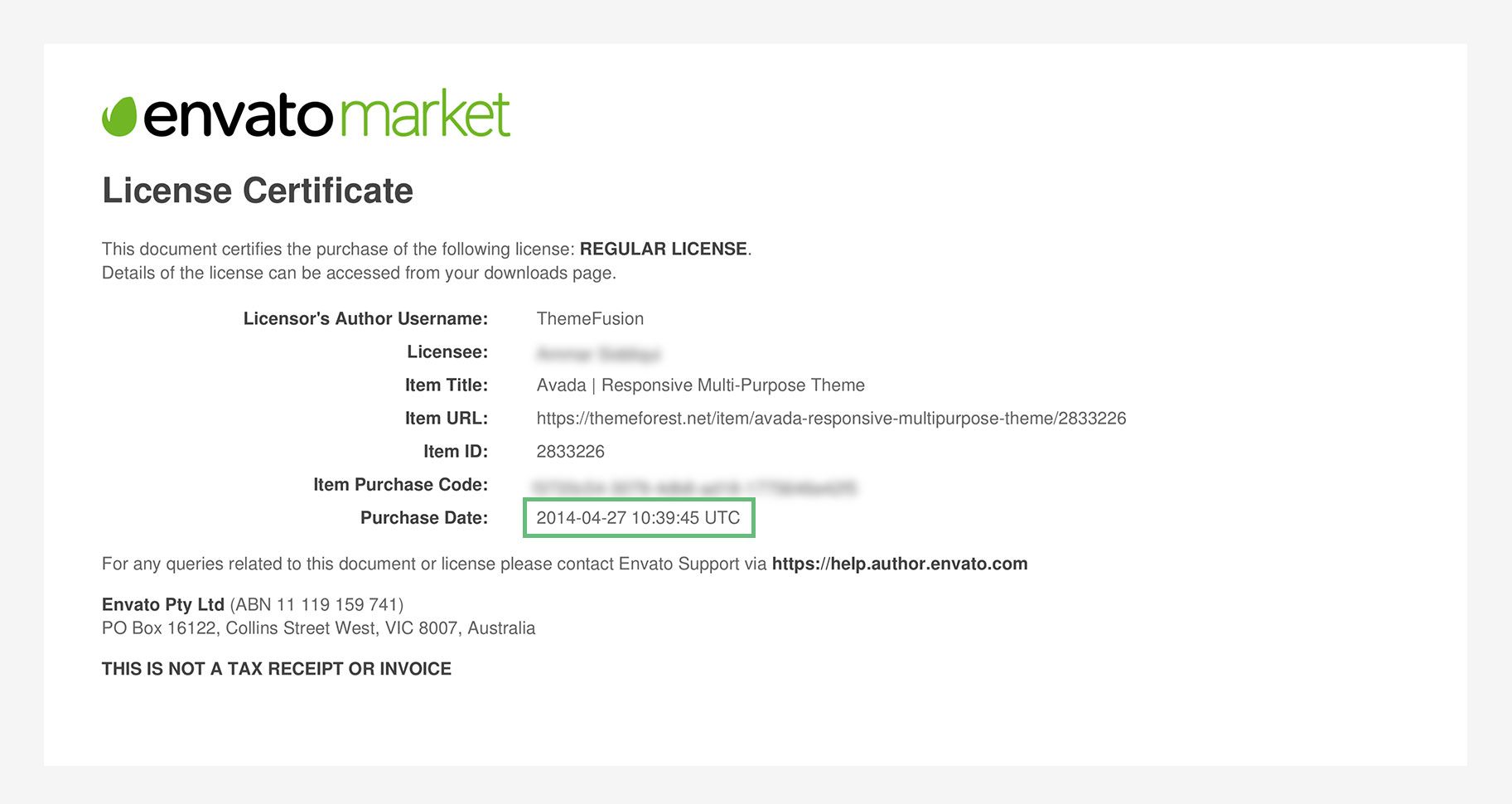
Envato’s System Vs. Avada’s System
It is important to note that Avada’s support system does not synchronize with Envato’s system. If you are qualified for Grandfathered Support, when you view your account on ThemeForest, you will most likely see a “Support Expired” badge because you were only eligible for support 6 months from the purchase date.
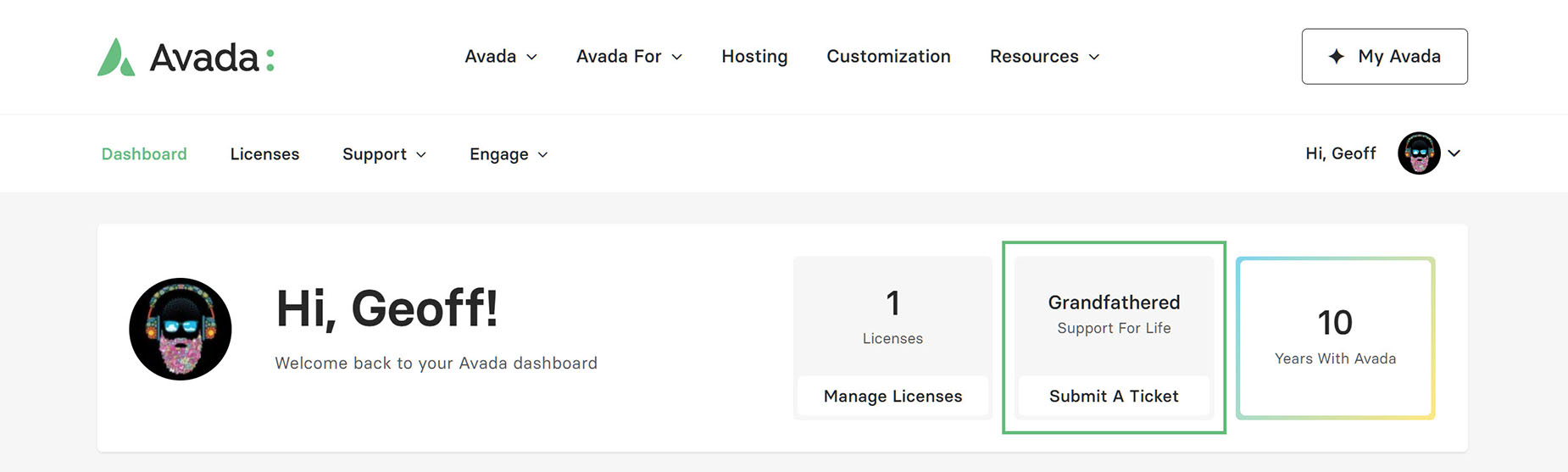
My Avada is where you will receive Grandfathered support. Register for or log in to our support site to access all support resources and our ticket system. If you have a registered license that was purchased before September 1, 2015, you will see a grandfathered badge at the top of the dashboard.
Need To Setup An Avada Support Account?
Most users will already have a support account and can log in at my.avada.com/login. If you do not have an account yet, please follow the steps outlined in the How To Register For Avada Support doc to get set up.


















































































































