
How To Locate Your Purchase Code On Themeforest
Last Update: February 5, 2026
Whenever you purchase Avada via the Themeforest marketplace, the purchase includes a purchase code. The purchase code is used to validate and register your Avada website.
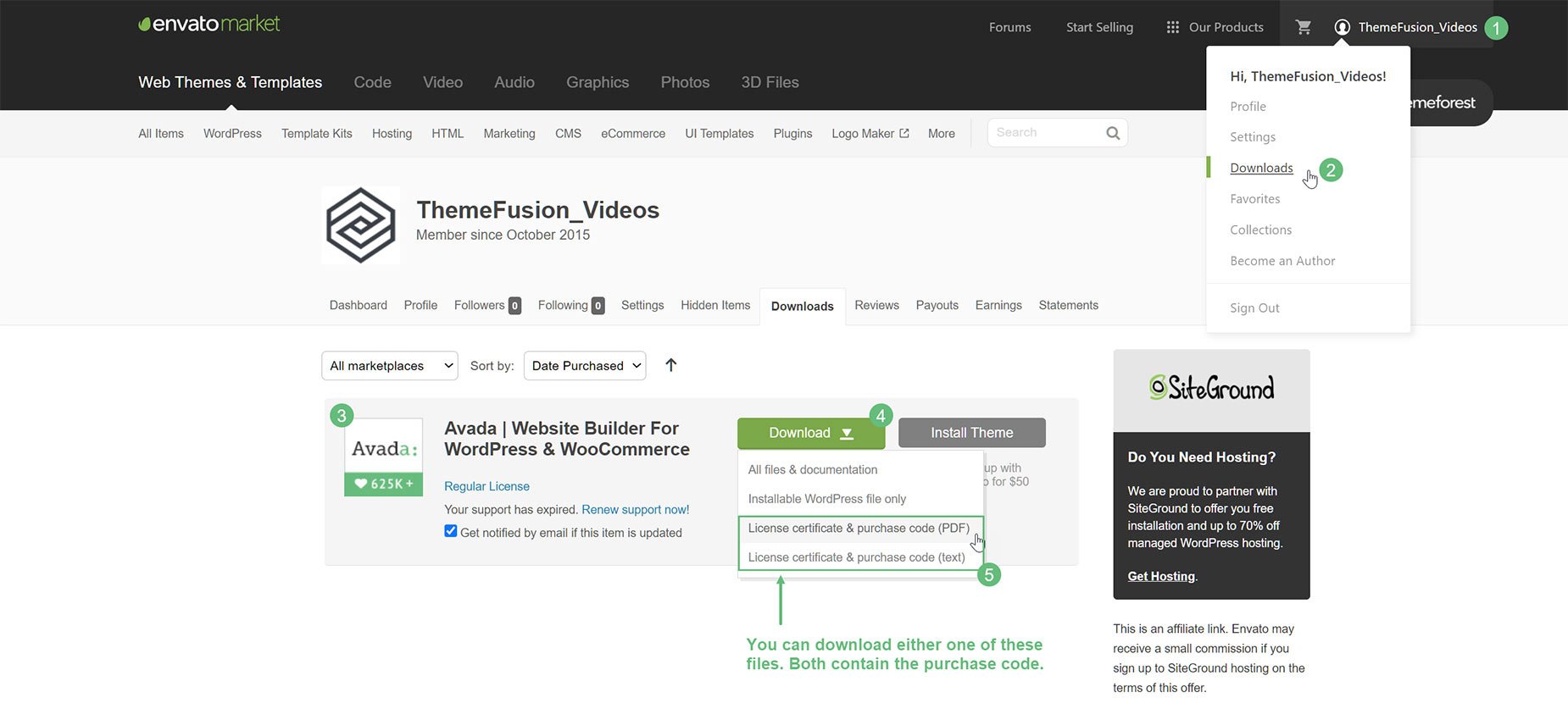
How To Download The Avada Purchase Code
Avada License Information
Make sure you familiarize yourself with Avada’s full license terms. This document outlines the terms of the license and explains exactly how to use it for development installations, such as localhost and staging sites.
Avada License/Registration FAQ
Please see the Avada License/Registration FAQ’s for answers to many commonly asked questions about Avada licensing and registration.


















































































































