Avada Logo
Avada Design Elements

Woo Notices

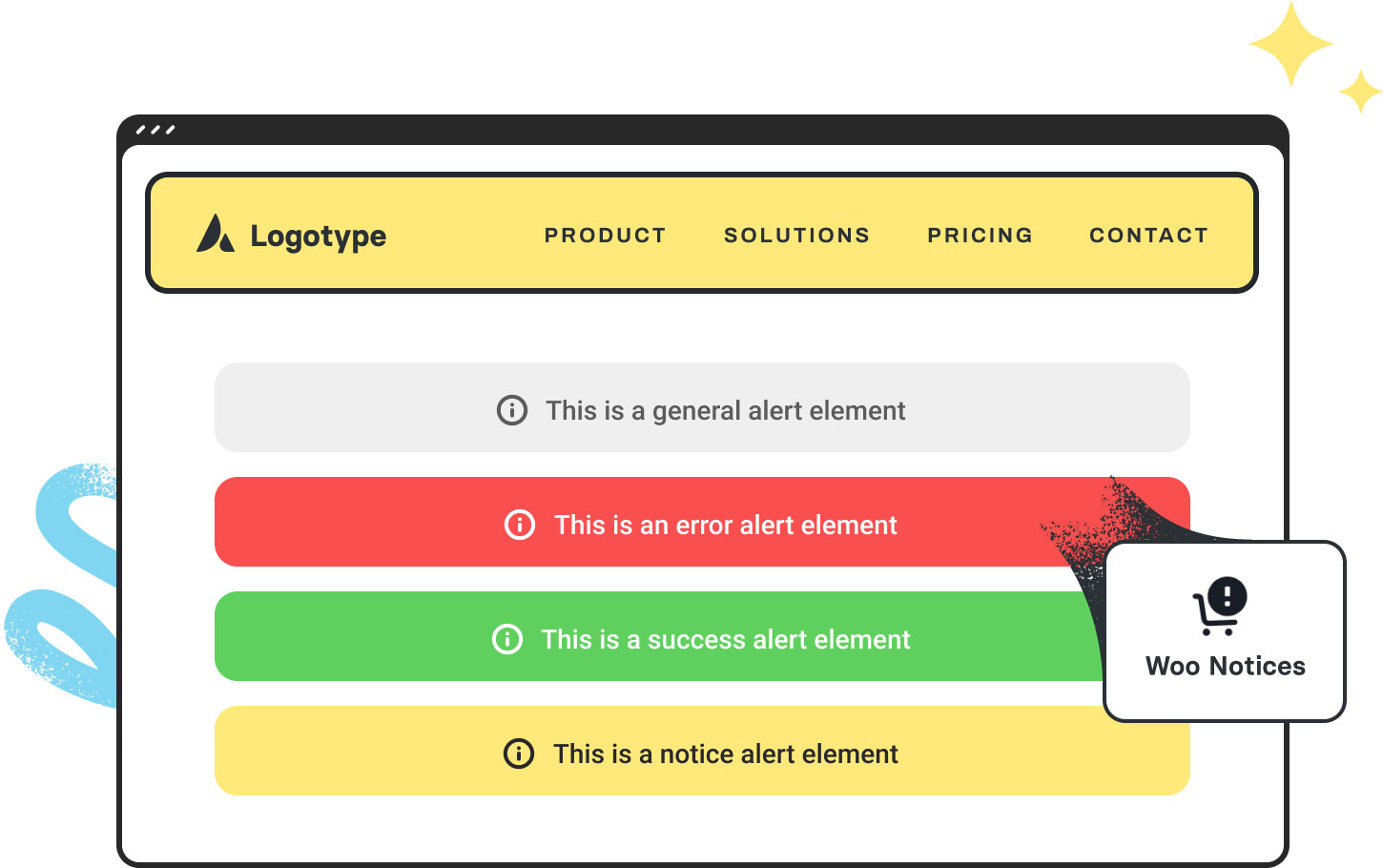
The Avada Woo Notices Element displays WooCommerce messages—errors or confirmations — in a consistent, styled format, ensuring important updates stand out to users.

Avada Woo Notices Element Featured Image

System Messages

It displays Woo alerts, such as errors, confirmations, & updates for a smooth shopping experience.

User Experience

It ensures customers stay informed throughout the shopping & checkout process, boosting confidence.

Custom Styling

You can easily control the colors, borders, spacing, & typography to your online store's aesthetic.

Avada Woo Notices Element Examples

The Avada Woo Notices Element displays WooCommerce system messages such as errors, confirmations, and alerts in a fully customizable style. By integrating seamlessly with your design, it ensures that customers don’t miss important updates during their shopping or checkout journey, while maintaining consistency with your store's design.
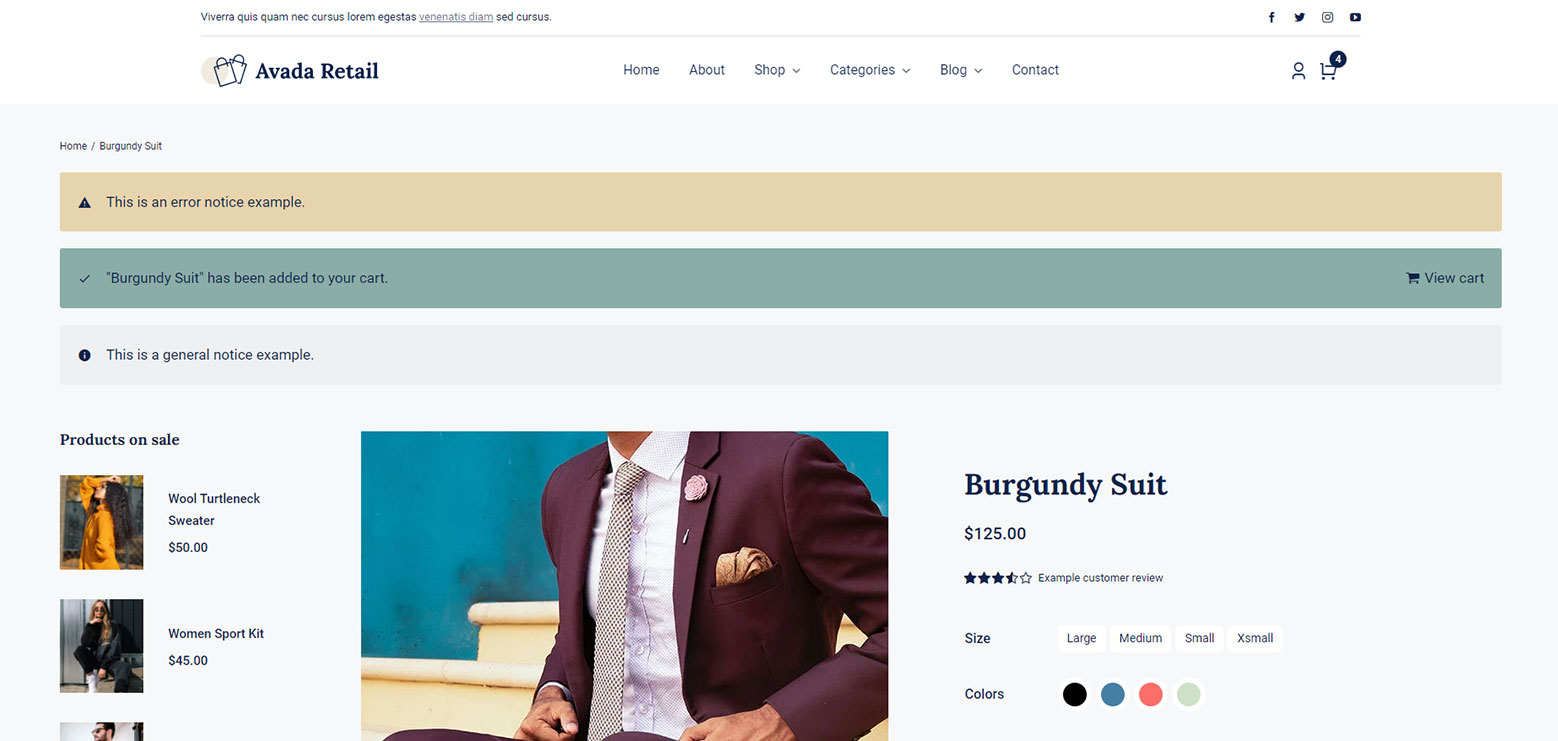
Avada Retail Notices Element

The Avada Woo Notices Element displays WooCommerce system messages, such as errors, confirmations, and alerts, related to customer actions, including adding items to the cart, applying coupons, or completing a purchase. It ensures these essential messages are clearly visible and styled consistently with the rest of your site. With customization options in Avada, you can control where and how these notices appear, enhancing both usability and the overall shopping experience.

Examples can include the individual option values set for that particular instance; however, in some cases, not all Element variations can be shown as they may be too numerous. Where a live example cannot be shown, an image representation will be used as a substitute. For more detailed information, please refer to the related Element documentation and videos.
Avada Woo Tabs Element Featured ImageWoo Checkout Tabs
Avada Woo Shortcodes Element Featured ImageWoo Shortcodes
Go to Top