
Avada Logo
Avada Design Elements

Password Field

The Avada Password Field Element provides a secure password input with visibility toggle, strength indicator, and full styling for a polished, user-friendly form.

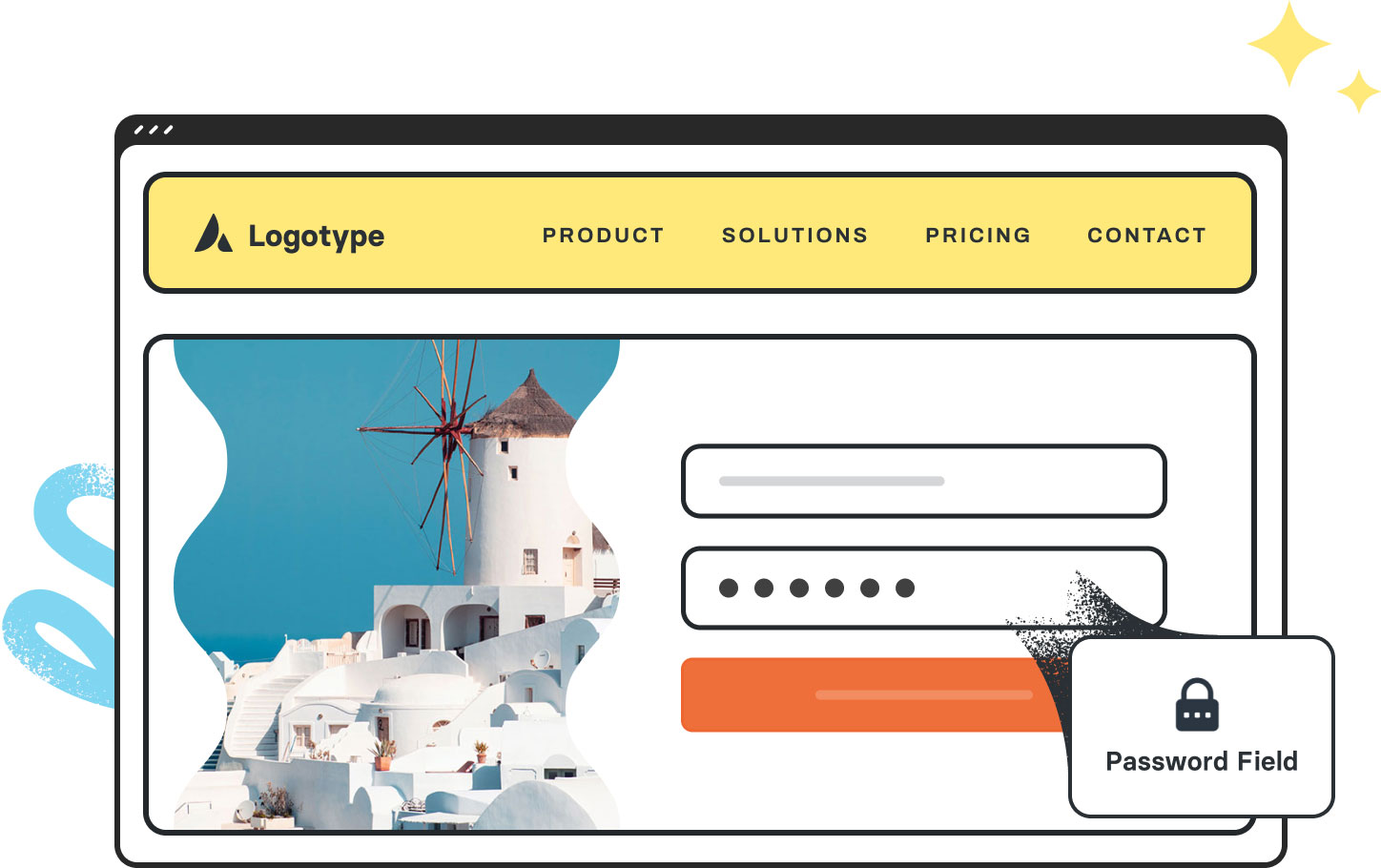
Avada Password Field Featured Image

Secure Input Handling

The Element masks inputs by default, with an optional toggle to change visibility.

Validation Support

Optionally display password strength or validation criteria for an enhanced experience.

Styling Flexibility

Easily customize the placeholder, border, text, & focus states for visual consistency.

Avada Password Field Element Examples

The Avada Password Field Element offers a secure input field for users to enter passwords, with optional visibility toggles (show/hide), validation hints, and strength meters. You can mark it required, configure placeholder text, and style the input’s appearance.
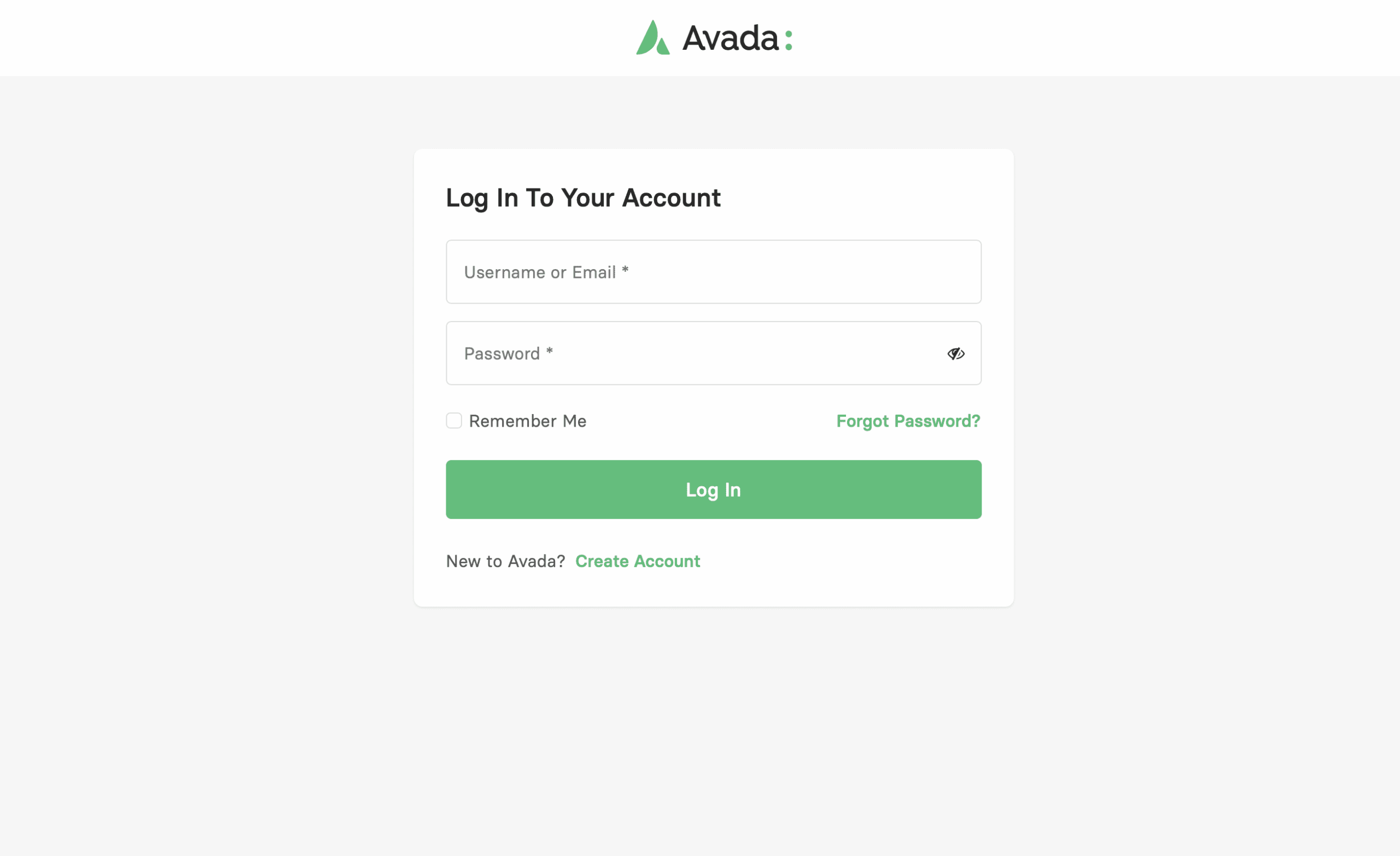
The Avada Password Field Element is an Avada Form Builder Element designed to collect passwords, ensuring that the entered characters are hidden for privacy and security. The field supports validation options to enforce password requirements, integrates with the Avada Form Builder for designing registration or login workflows, and can be customized to match the website’s design.

Examples can include the individual option values set for that particular instance; however, in some cases, not all Element variations can be shown as they may be too numerous. Where a live example cannot be shown, an image representation will be used as a substitute. For more detailed information, please refer to the related Element documentation and videos.


Avada Number Field Featured ImageNumber Field
Avada Phone Number Field Featured ImagePhone Number Field
Go to Top





















































































































