

Avada Design Elements

Next Page

The Avada Next Page Element divides long content into multiple pages, improving readability and load time with automatic pagination links that fit your site’s visual style.

Avada next Page Element Featured Image

Improves Readability

Breaks lengthy content into manageable sections for a better user experience.

Automatic Pagination

You can create navigation links that guide users through content seamlessly.

Customizable Styling

You can style pagination links to match your site’s typography and design.

Avada Next Page Element Examples

The Avada Next Page Element provides a simple way to split long content into multiple pages, enhancing readability and load performance. It automatically generates pagination links, ensuring users can navigate through multi-page articles or posts with ease while giving you control over the styling and layout of the links.
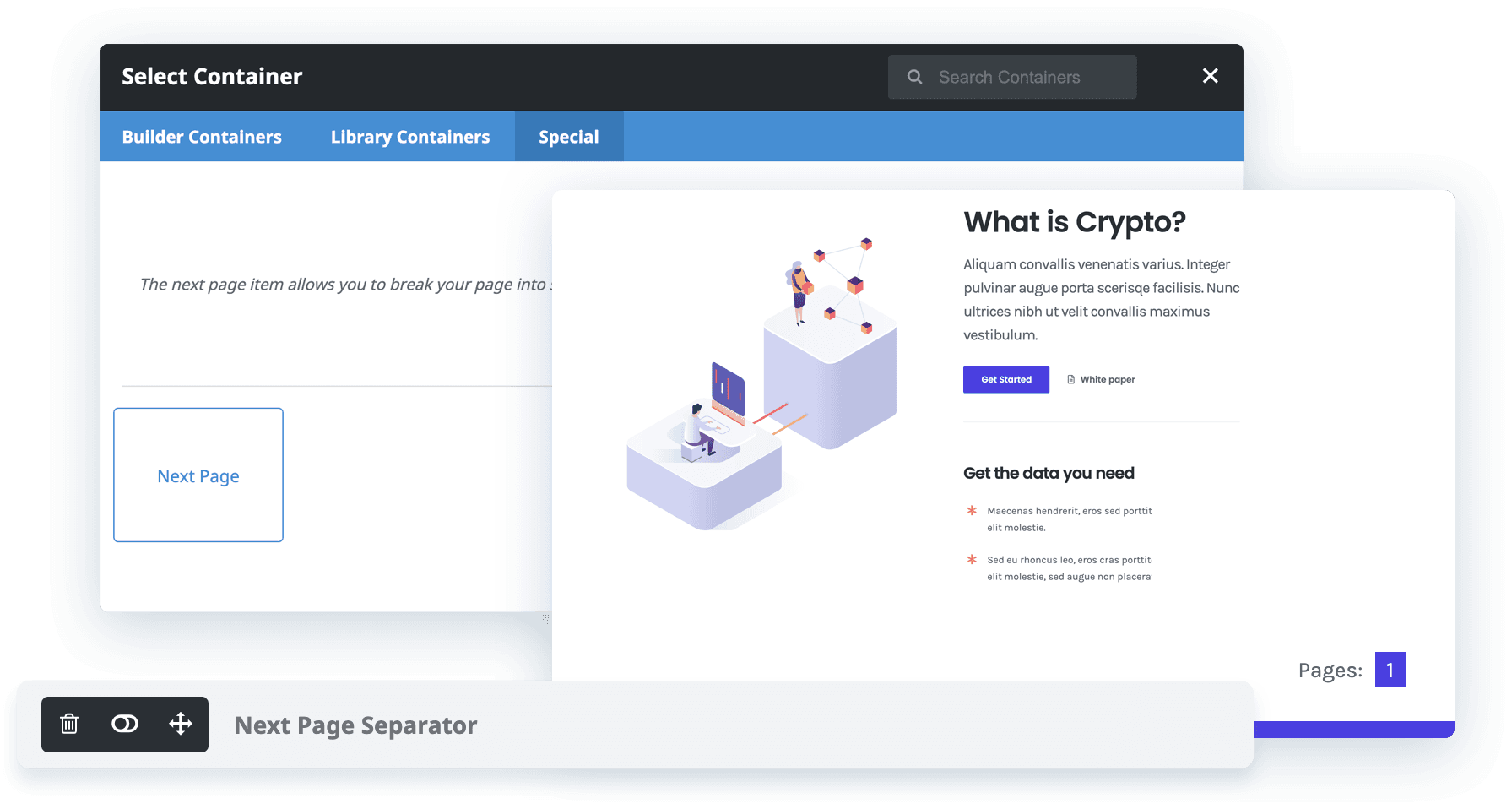
Avada Next Page Montage

The Avada Next Page Element is a pagination Element that allows you to add a page break after any Avada Container Element in your page or post content. You can use this Element to create a series of linked segments out of one page, which is particularly useful for pages with a lot of content.

Examples can include the individual option values set for that particular instance; however, in some cases, not all Element variations can be shown as they may be too numerous. Where a live example cannot be shown, an image representation will be used as a substitute. For more detailed information, please refer to the related Element documentation and videos.
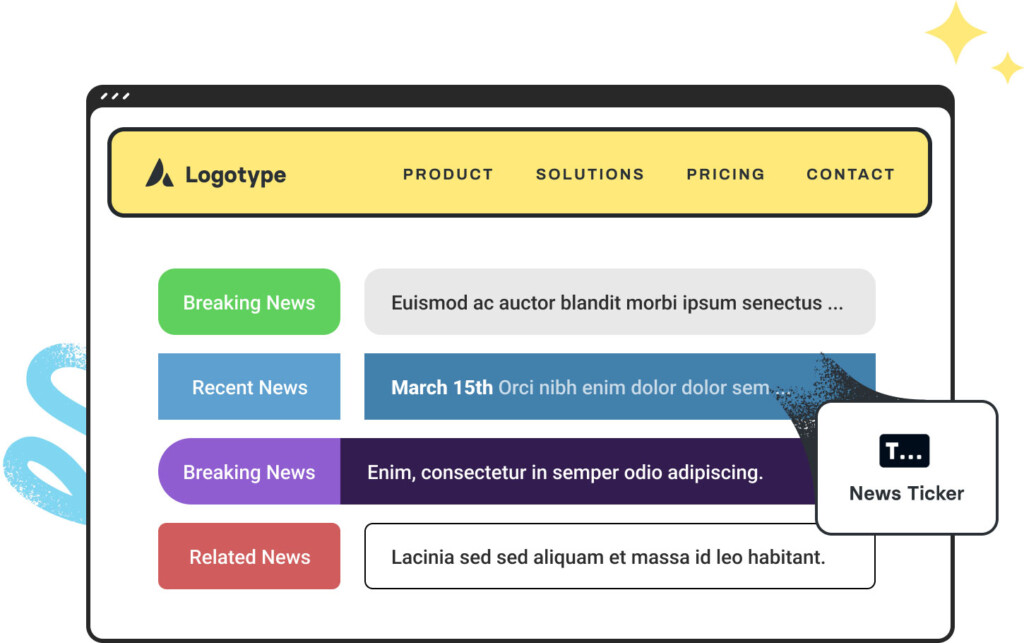
Avada News Ticker Element Featured ImageNews Ticker
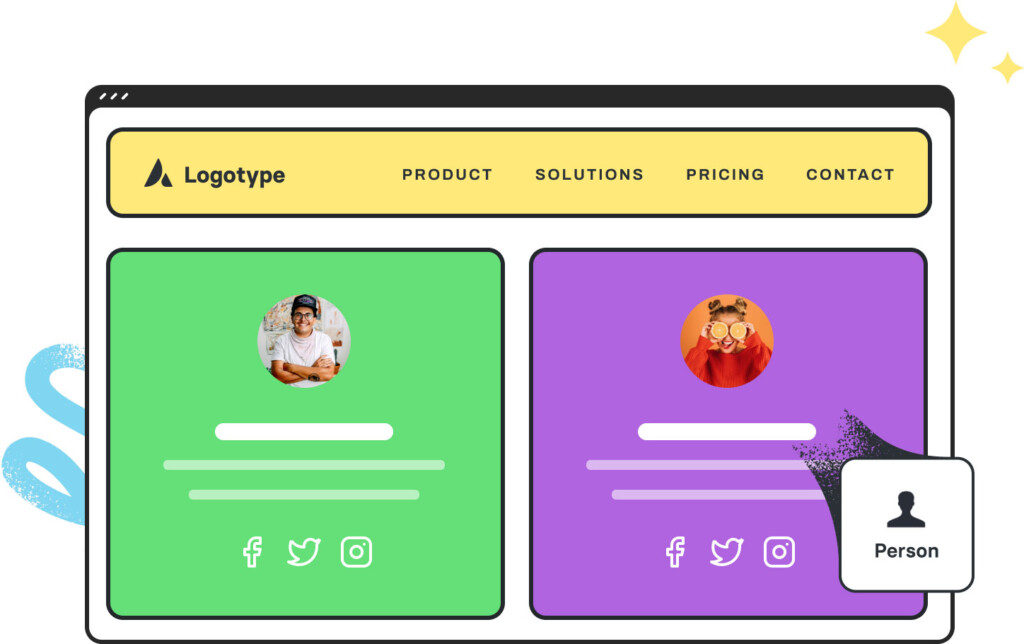
Avada Person Element Featured ImagePerson
Go to Top





















































































































