Avada Menu Anchor Element Examples
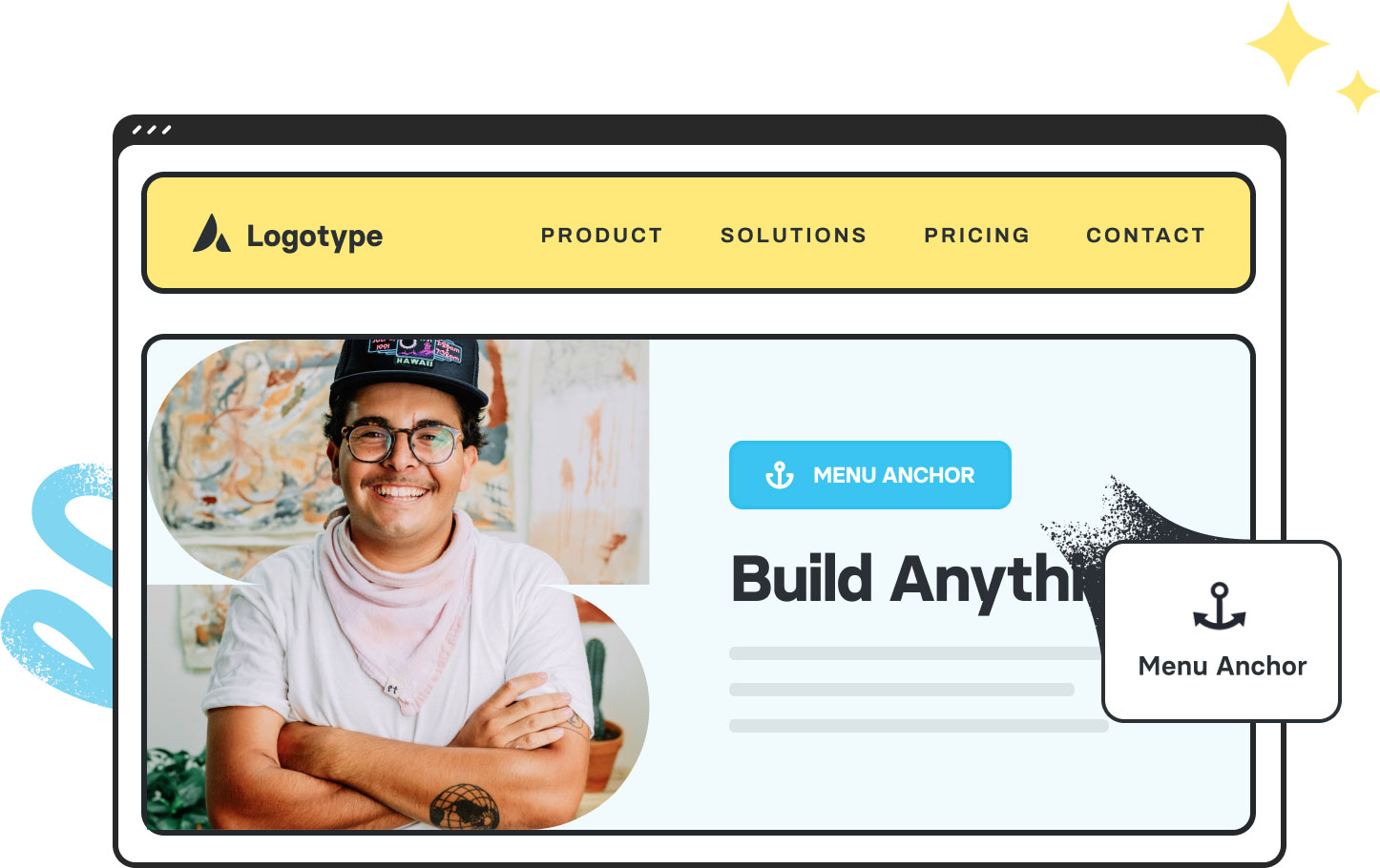
The Menu Anchor Element provides smooth, link-to-scrolling navigation for single-page layouts by creating invisible anchors within your content. When linked to a menu item, clicking it scrolls users directly to the anchored section, delivering a polished and user-friendly one-page experience.
Examples can include the individual option values set for that particular instance; however, in some cases, not all Element variations can be shown as they may be too numerous. Where a live example cannot be shown, an image representation will be used as a substitute. For more detailed information, please refer to the related Element documentation and videos.