

Avada Logo
Avada Design Elements

Honeypot Field

The Avada Honeypot Field Element adds an invisible anti-spam trap that bots fill but users don’t, protecting forms from spam automatically without affecting user flow.

Avada Honeypot Field Featured Image

Spam Prevention

The Element detects online bots by checking hidden fields that should remain empty.

Zero User Impact

It is invisible to real users, with no added steps or additional reCAPTCHA option requirements.

Seamless Integration

It works silently within Avada forms to enhance security without needing design changes.

Avada Honeypot Field Element Examples

The Avada Honeypot Field Element helps reduce spam by adding a hidden input that real users don’t see—bots may fill it, triggering spam filters. It’s a simple, invisible anti-spam measure that runs automatically without user friction.
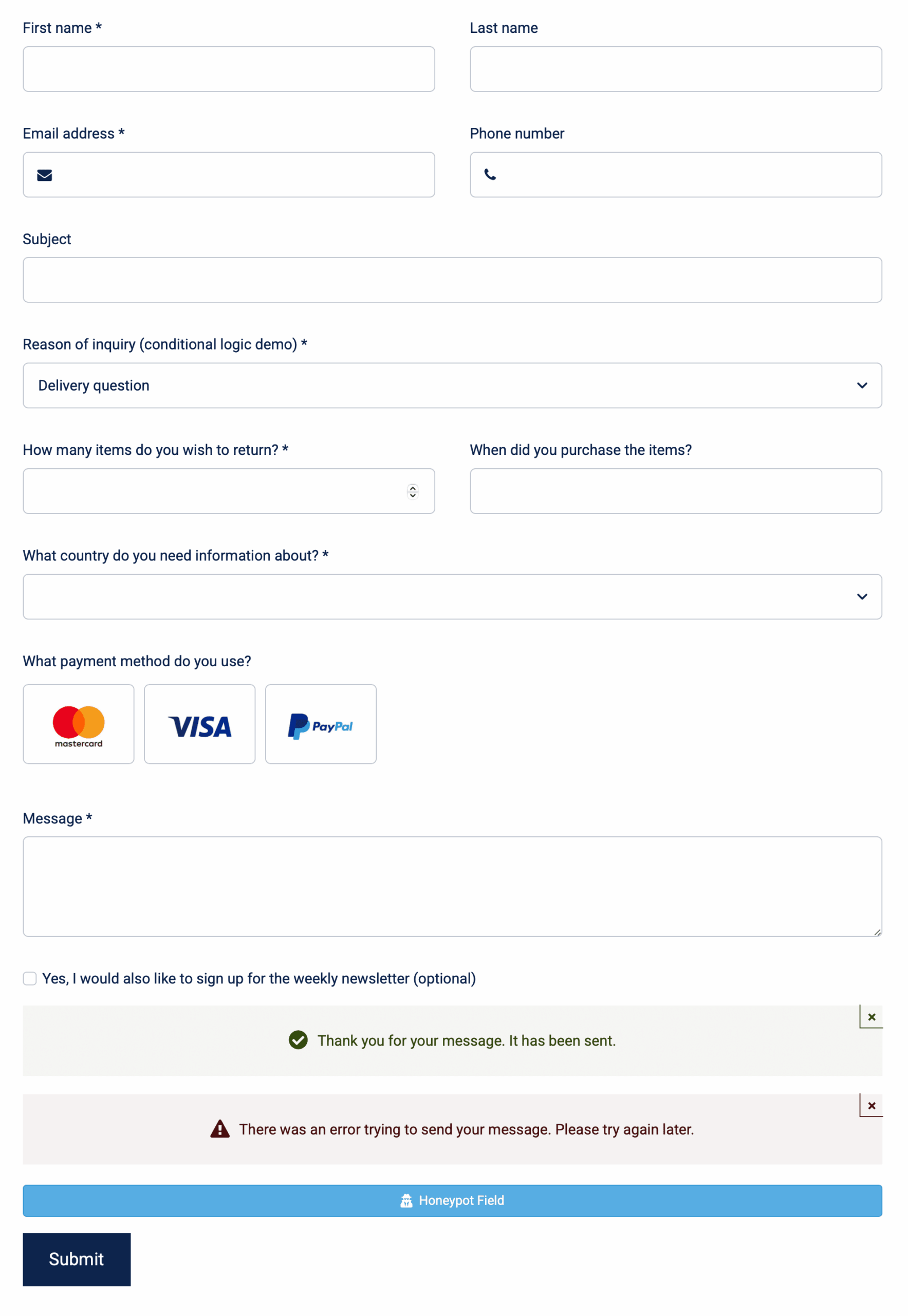
The Avada Honeypot Field Element is an Avada Form Builder Element designed to serve as a spam prevention tool for Avada Form. It works by adding a hidden field designed to trap automated bots. Since legitimate users never interact with this invisible field, any submission that includes data in it can be flagged as spam and blocked.

Examples can include the individual option values set for that particular instance; however, in some cases, not all Element variations can be shown as they may be too numerous. Where a live example cannot be shown, an image representation will be used as a substitute. For more detailed information, please refer to the related Element documentation and videos.

Avada Hidden Field Featured ImageHidden Field
Avada Image Select Field Featured ImageImage Select Field
Go to Top





















































































































