

Avada Logo
Avada Design Elements

Email Field

The Avada Email Field Element captures email inputs with validation and styling options, ensuring clean, error-free entries that align visually with your form design.

Avada Email Field Featured Image

Built-in Validation

This ensures that users enter valid email addresses before submitting the form.

Required Options

Make the field mandatory to prevent incomplete form submissions.

Custom Styling

Easily style the placeholder, border, text, & focus states for visual consistency.

Avada Email Field Element Examples

The Avada Email Field Element provides a dedicated input for capturing email addresses in forms or layout areas, with built-in validation to catch incorrect formats. You can mark it as required, set placeholder text, and style font, color, borders, and focus states to blend with your branding.

The Avada Email Field Element is an Avada Form Builder Element designed to capture email addresses with built-in validation, ensuring proper formatting before submission. It integrates seamlessly with the Avada Form Builder, allowing you to style it consistently with your site’s design while providing a reliable collection of accurate contact information for registrations, inquiries, or newsletter sign-ups.

Examples can include the individual option values set for that particular instance; however, in some cases, not all Element variations can be shown as they may be too numerous. Where a live example cannot be shown, an image representation will be used as a substitute. For more detailed information, please refer to the related Element documentation and videos.
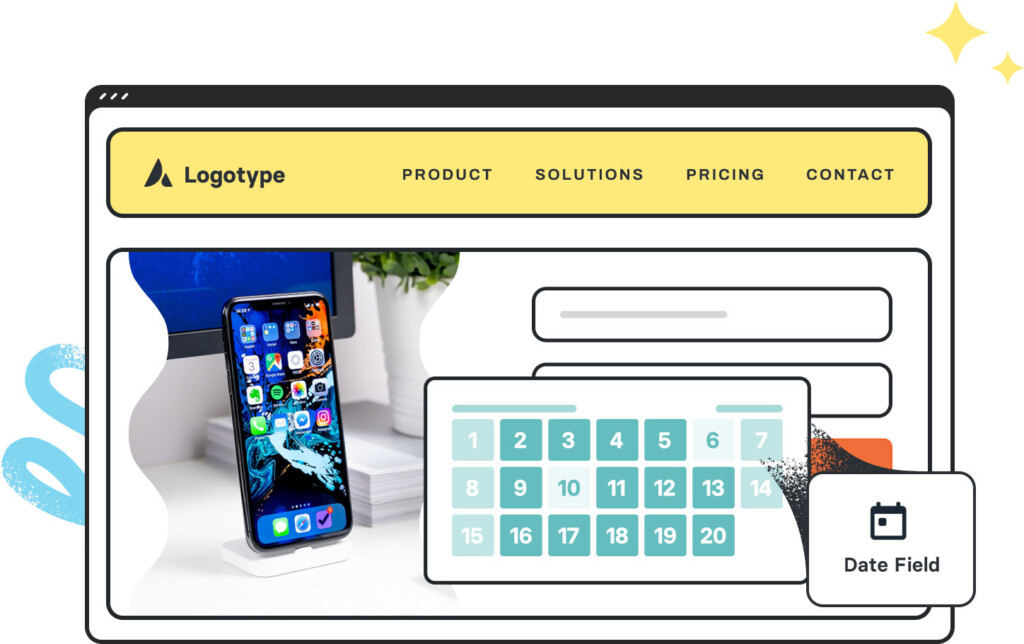
Avada Date Field Featured ImageDate Field
Avada Form Step ElementForm Step
Go to Top