Black Friday

Up to 30% off Avada One

Ends in

0
0
0
0
Days
0
0
Hrs
0
0
Min
0
0
Sec

See the deal →

Avada Design Elements

Popover

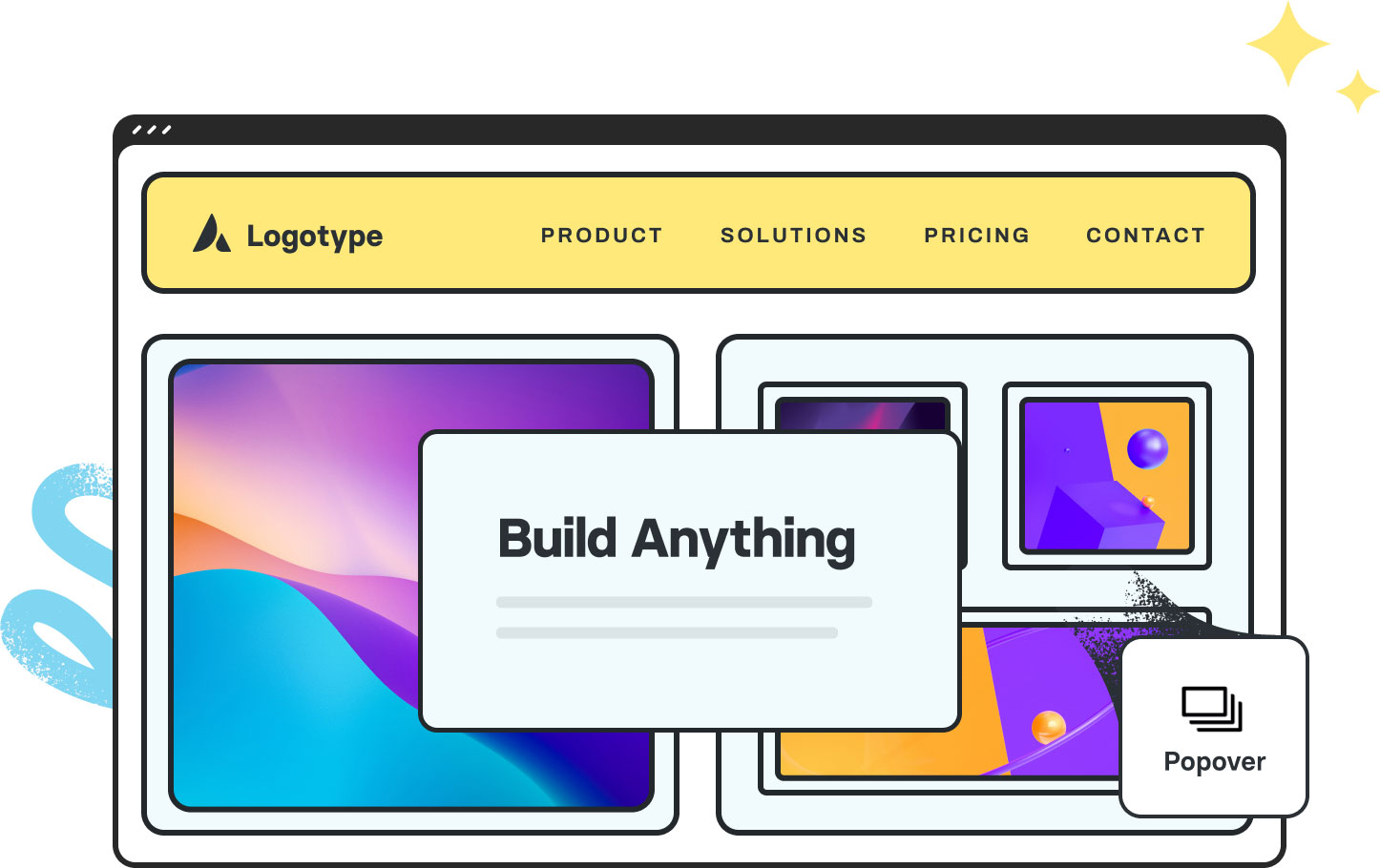
The Avada Popover Element adds interactive tooltips with text, media, or icons that appear on hover or click, offering extra context and detail while keeping layouts clean.

Documentation & Videos
Avada Popover Element Featured image

Interactive Display

Use it to show helpful details when users hover or click triggers on the page.

Custom Content & Style

You can add titles, text, icons, & adjust colors, size, & animations for added effect.

Flexible Placement

Easily position the Popovers above, below, or beside Elements for optimal visibility.

Avada Popover Element Examples

The Avada Popover Element allows you to add interactive tooltips that appear when users hover over or click a trigger element, such as text, icons, or buttons. With customizable titles, content, placement, and animation, popovers provide context, guidance, or extra detail without cluttering your web page design.


Gallery Element Sample Image 9
Gallery Element Sample Image 5
Gallery Element Sample Image 4
Gallery Element Sample Image 3

This Avada Popover Element is set up as follows: Triggering Content (Image), Popover Heading, Contents Inside Popover, Trigger Method (Hover), Popover Position (Top, Right, Bottom, Left), Popover Heading Background Color, Popover Content Background Color, Popover Border Color, and Popover Text Color.

Lorem ipsum dolor sit amet, consectetur adipisicing elit, sed do eiusmod tempor incididunt mouse hover trigger ut labore et dolore magna aliqua ut enim ad minim veniam, quis nostrud exercitation ullamco. Excepteur sint occaecat cupidatats.

This Avada Popover Element is set up as follows: Triggering Content (Image), Popover Heading, Contents Inside Popover, Trigger Method (Hover), Popover Position (Top), Popover Heading Background Color, Popover Content Background Color, Popover Border Color, and Popover Text Color.

Lorem ipsum dolor sit amet, consectetur adipisicing elit, sed do eiusmod tempor incididunt mouse click trigger ut labore et dolore magna aliqua ut enim ad minim veniam, quis nostrud exercitation ullamco. Excepteur sint occaecat cupidatats.

This Avada Popover Element is set up as follows: Triggering Content (Image), Popover Heading, Contents Inside Popover, Trigger Method (Click), Popover Position (Top), Popover Heading Background Color, Popover Content Background Color, Popover Border Color, and Popover Text Color.

Examples can include the individual option values set for that particular instance; however, in some cases, not all Element variations can be shown as they may be too numerous. Where a live example cannot be shown, an image representation will be used as a substitute. For more detailed information, please refer to the related Element documentation and videos.
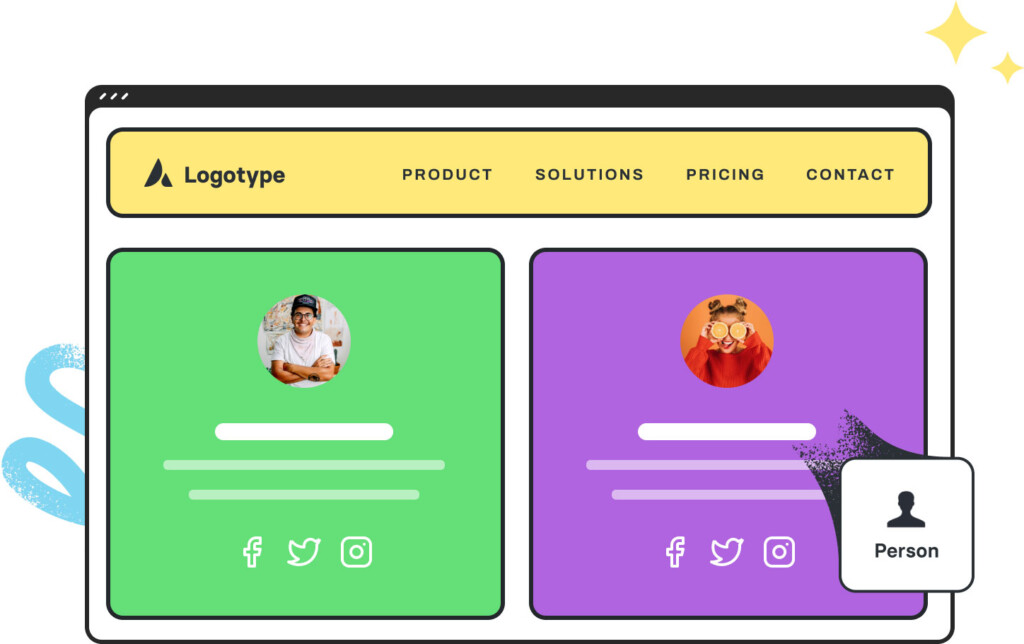
Avada Person Element Featured ImagePerson
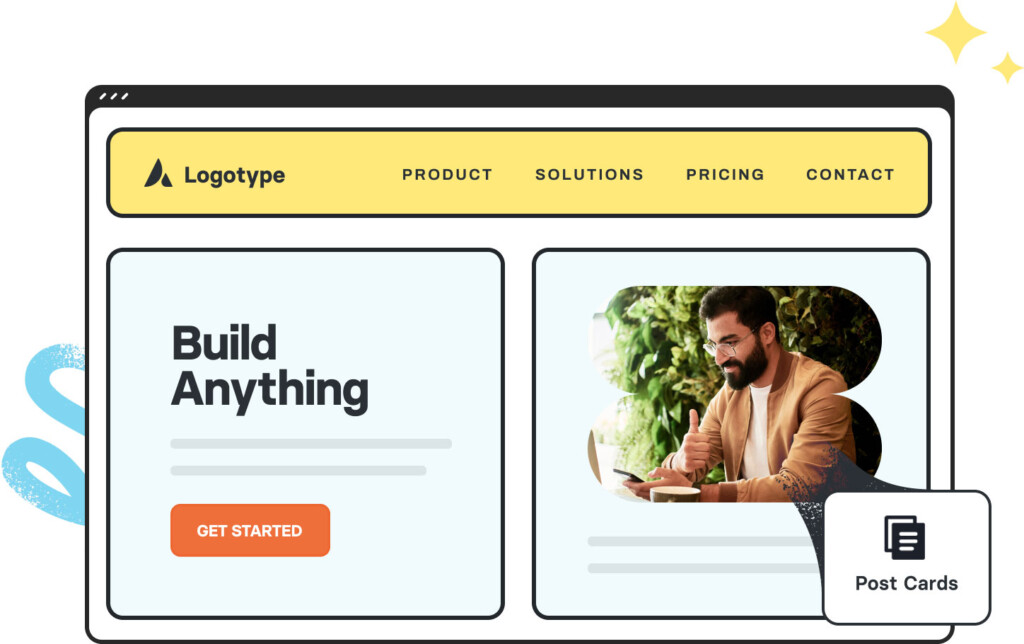
Avada Post Cards Element Featured ImagePost Cards
Prebuilts
Buy Now
Buy Avada Now!
We use essential cookies to run our site, and optional ones for analytics, advertising, and personalization. You can manage your choices at any time. See our Privacy Policy.
  • Embeds from this vendor are blocked and replaced with a placeholder until consent is given.

  • Embeds from this vendor are blocked and replaced with a placeholder until consent is given.

  • Embeds from this vendor are blocked and replaced with a placeholder until consent is given.

  • Embeds from this vendor are blocked and replaced with a placeholder until consent is given.

  • Enables Google Analytics to store data about your visit, such as pages viewed, time spent, and interactions, to help us understand and improve website performance.

  • Enables HubSpot to track your activity on this site, power the live chat widget, and manage marketing interactions, such as form submissions.

  • Used to store your authentication details.

  • Used to store your authentication details.

  • Used to check if your browser has cookies enabled.

  • Used to persist your user configuration in the admin dashboard.

  • The time at which wp-settings-[user_id] was set.

  • Remembers the state of Switch elements you have toggled.

  • Stores your privacy and consent choices so they are respected on future visits.

  • Set by Cloudflare to tell real visitors apart from bots and protect our Websites from automated attacks. It does not track you across websites and is not used for analytics or advertising.

  • Set by Cloudflare after you pass a security check, so you are not asked to complete it again on every page.

Go to Top