
Avada Design Elements

Alert

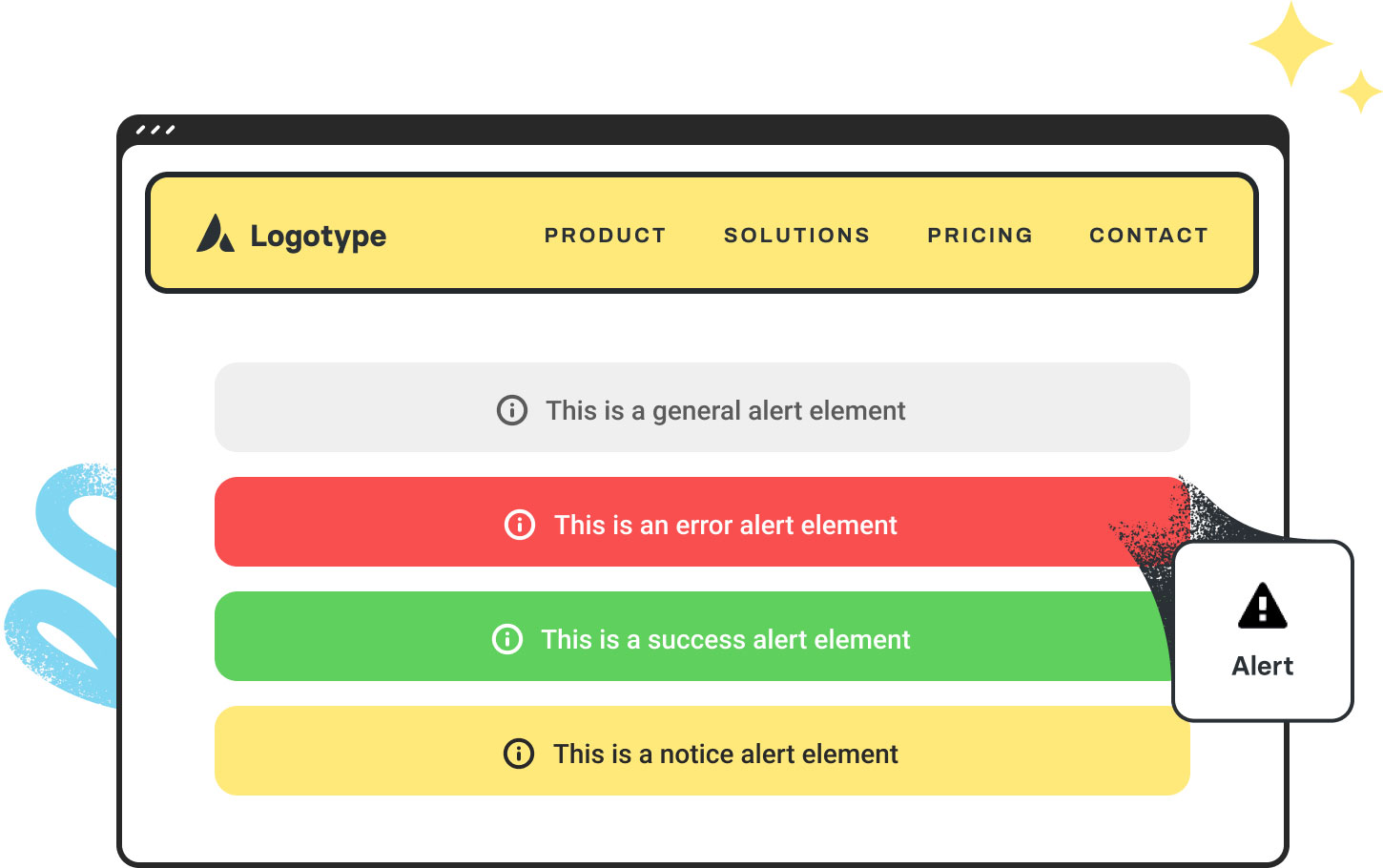
The Avada Alert Element features four preset styles (general, error, success, and notice) and one custom style, making it helpful for various conditions and content requirements on your website.

Avada Alert Element Featured Image

Instant Visibility

Predefined styles and bold visuals ensure your message is impossible to miss.

Flexible Styling

Customize colors, icons, borders, and animations to match your brand perfectly.

User-Friendly Control

Choose between dismissible or persistent alerts to suit the importance of your message.

Avada Alert Element Examples

The Avada Alert Element makes it easy to capture attention and communicate essential information with impact, whether you’re sharing urgent notices, drawing attention to crucial details, or even notifications in Avada Forms. With customizable styles, dismissible options, and complete design flexibility, you can create alerts that stand out, align with your brand, and keep your visitors informed in precisely the way you choose.

This Avada Alert Element is set up to showcase one of the four predefined styles – General

This Avada Alert Element is set up to showcase one of the four predefined styles – Error

This Avada Alert Element is set up to showcase one of the four predefined styles – Success

This Avada Alert Element is set up to showcase one of the four predefined styles – Notice

This Avada Alert Element showcases custom styling. Options include Accent Color, Background Color, Border Radius, Content Alignment, and a Dismiss Button.

This Avada Alert Element showcases custom styling. Options include Accent Color, Background Color, Border Radius, Custom Icon, Content Alignment, a Dismiss Button, and Alert Animation.

This Avada Alert Element showcases custom styling. Options include Accent Color, Background Color, Border Size, Border Radius, Custom Icon, Content Alignment, and a Dismiss Button.

This Avada Alert Element showcases custom styling. Options include Accent Color, Background Color, Border Radius, Custom Icon, Content Alignment, Text Underline, and Text Strikethrough.

This Avada Alert Element showcases custom styling. Options include Accent Color, Background Color, Border Radius, Custom Icon, Content Alignment, and Alert Animation.

This Avada Alert Element showcases custom styling. Options include Accent Color, Background Color, Border Radius, Custom Icon, Content Alignment, and Padding.

This Avada Alert Element showcases custom styling. Options include Accent Color, Background Color, Border Radius, Content Alignment, and Text Transform.

This Avada Alert Element showcases custom styling. Options include Accent Color, Background Color, Border Size, Custom Icon, Content Alignment, and a Dismiss Button.

Examples can include the individual option values set for that particular instance; however, in some cases, not all Element variations can be shown as they may be too numerous. Where a live example cannot be shown, an image representation will be used as a substitute. For more detailed information, please refer to the related Element documentation and videos.

Post
Avada Title Element Featured ImageTitle


Go to Top



















































































































