Performance Reimagined
Avada One v1.1
The latest version of Avada One, 1.1, released on November 20th, 2026, builds a faster foundation under every page, vastly improving JS, CSS, and HTML. Boost the performance of your sites, and use new tools for your content creation, marketing and sales, to speed up your daily workflow.
view full changelogEverything new. At a glance.
Native Lightbox
With zoom and custom colors
Modern JavaScript
No jQuery required
Fonts Page
Color Mode Condition
Inline SVG Icons
Only the icons a page uses
−60%
JavaScript
Median
−40%
CSS
Median
−20%
HTML Tags
Median

Avada One
1.1
Lighter pages. Same design.
+10 Lighthouse
Median, mobile
Spreadsheet Table Editor
Paste from Excel or Google Sheets
Accordion Element
Emails In Every Language
Incl. AI translation
Back In Stock
Birthday Emails
Connect Avada Sites
Image Preloading
Contact Imports
Posts From Forms
Lighthouse, Mobile
Ten Points Faster, Without Touching A Page
The median mobile Lighthouse score of our prebuilt home pages went from 86 to 96. Nobody re-optimised these sites. The gain is the lighter CSS, JavaScript and markup underneath.
Median of the prebuilt home pages measured with mobile Lighthouse (same engine as PageSpeed Insights). Scores move a few points between runs of the same page.
Avada One 1.0
Avada One 1.1
Transfer Size Per Home Page
Every Page Carries Less
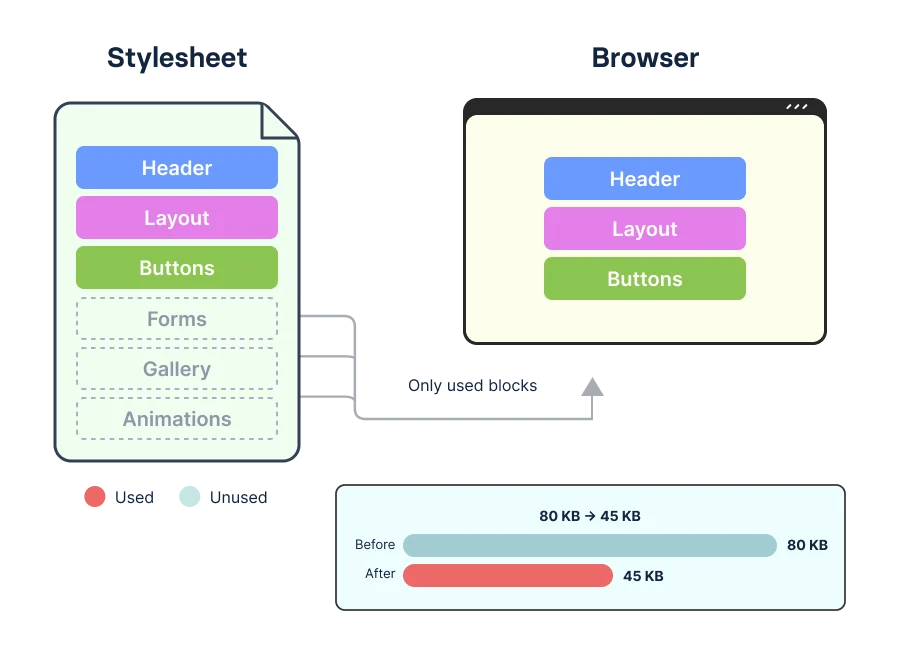
CSS is now split by option and loaded per page. JavaScript no longer needs jQuery and only loads the parts a page uses. Icons are inline SVG instead of icon fonts, saving another 20 to 45 KB per page, and up to 185 KB where Font Awesome was used.
JavaScript
Average of the compiled script, gzip. Up to 88% less.
CSS
Average of the compiled stylesheet, gzip. 37% to 55% less on measured prebuilts.
Atomic Elements
Drag To See The Difference
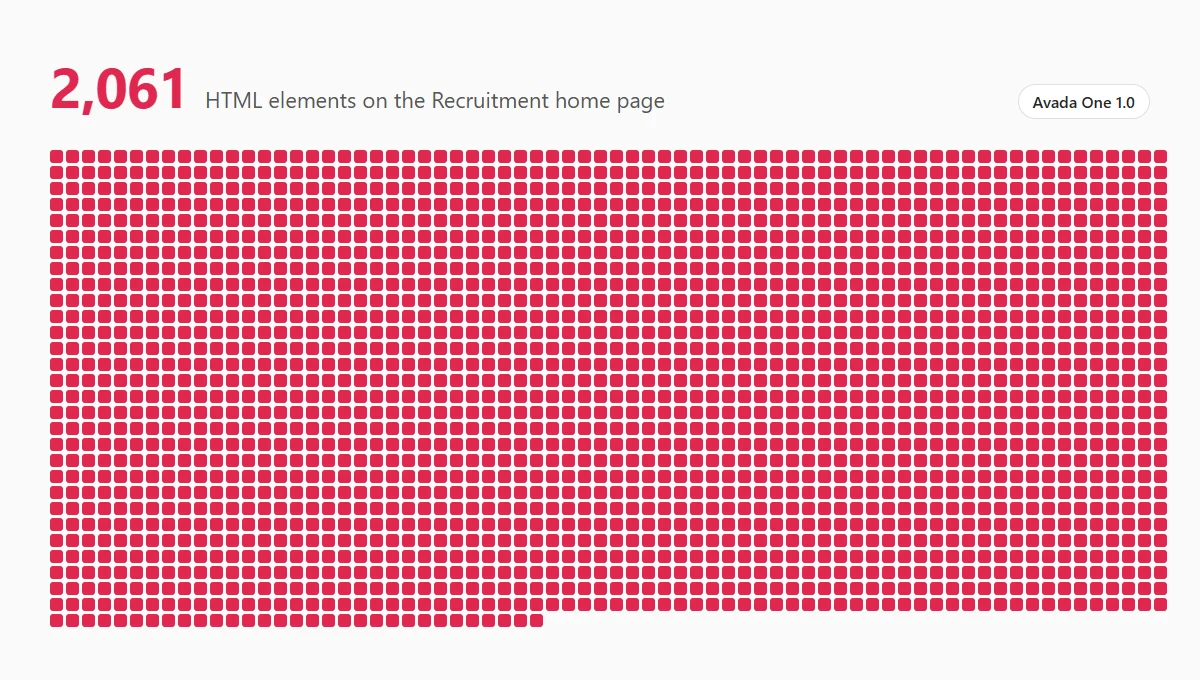
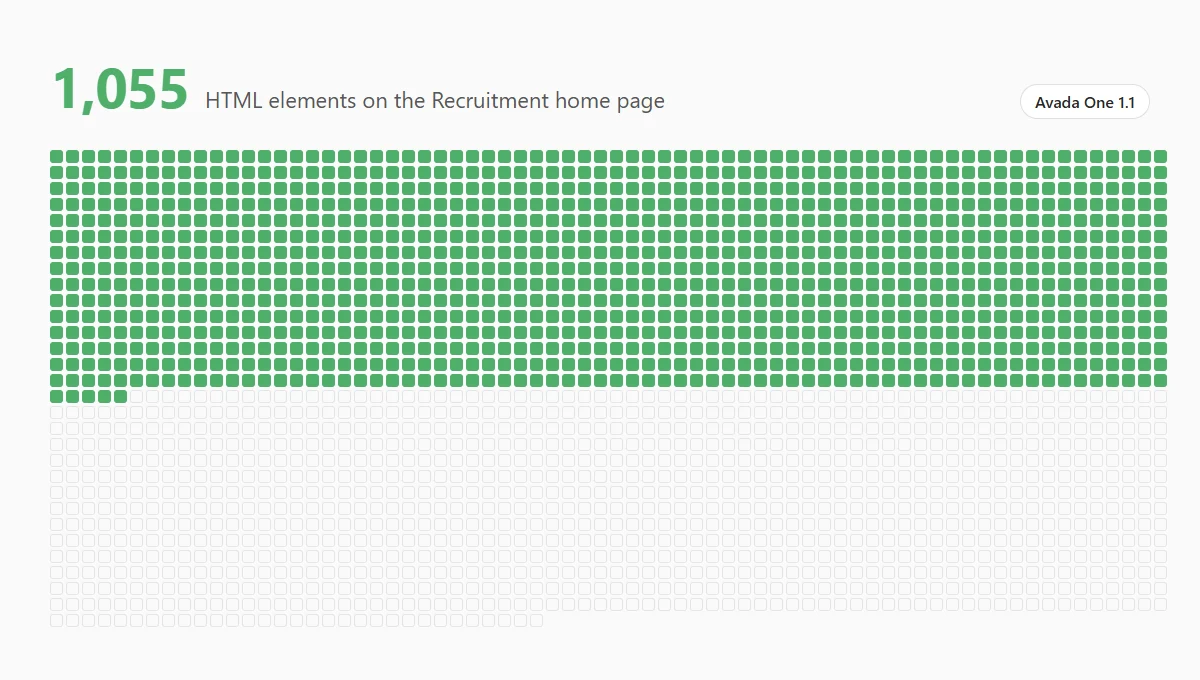
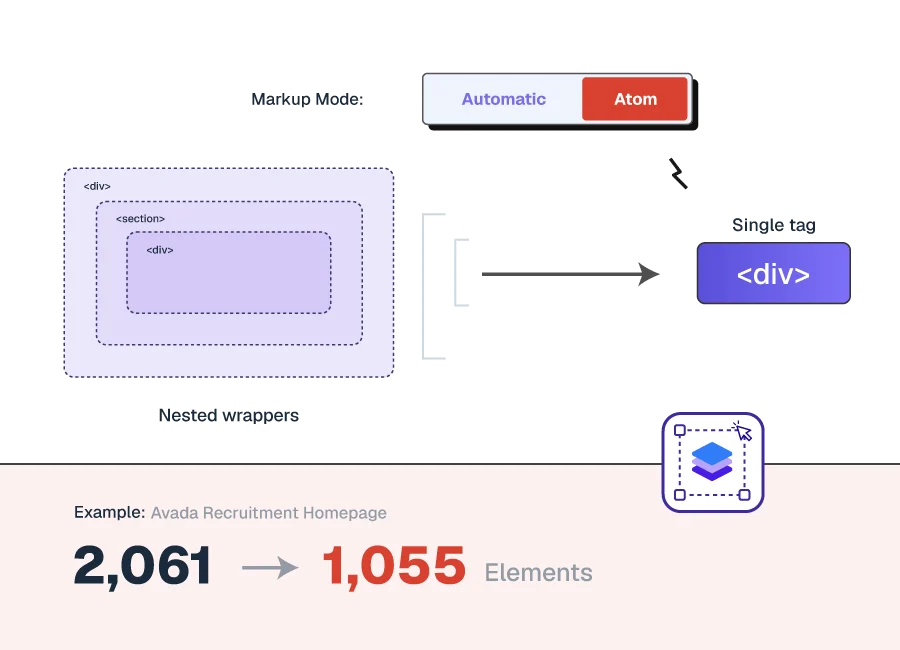
Every square is one HTML element on the Recruitment home page. Containers, Columns, Titles, Text Blocks, Images and Buttons dropped their extra wrappers, so the same design needs far fewer of them.
Across all measured prebuilts, home pages have around 20% fewer HTML elements.
jQuery Removed, New Native Scripts
12 Libraries Retired
Each one was replaced by native browser code, so pages no longer download them and jQuery is only loaded where a script still needs it.
iLightbox
Removed in 1.1Now
Avada’s native lightboxModernizr
Removed in 1.1Now
Native feature checkseasyPieChart
Removed in 1.1Now
Native Counter CirclesjQuery CountTo
Removed in 1.1Now
Native Counter BoxesjQuery Countdown
Removed in 1.1Now
Native CountdownSticky Kit
Removed in 1.1Now
Native sticky positioningjQuery Infinite Scroll
Removed in 1.1Now
Intersection Observer
Textillate
Removed in 1.1Now
Native title animationsjQuery Easing
Removed in 1.1Now
CSS & Web AnimationsjQuery Zoom
Removed in 1.1Now
Native image zoomFitVids
Removed in 1.1Now
Responsive without a scriptjQuery Mousewheel
Removed in 1.1Now
Native wheel eventsA Leaner CSS Architecture, Loaded Per Page
Avada One 1.1 rebuilds the CSS of every element from the ground up. Elements now use one clean, consistent class structure, and outdated selectors and unused rules are gone. Styles are split by option, so a page only loads the CSS of the layouts and styles it actually uses. CSS shared by several elements, like carousels, pagination, hover effects and form fields, loads once, and WooCommerce, The Events Calendar and bbPress styles only load where their content is shown. The result is around 40% less CSS on our prebuilt websites, and the pages look exactly the same.
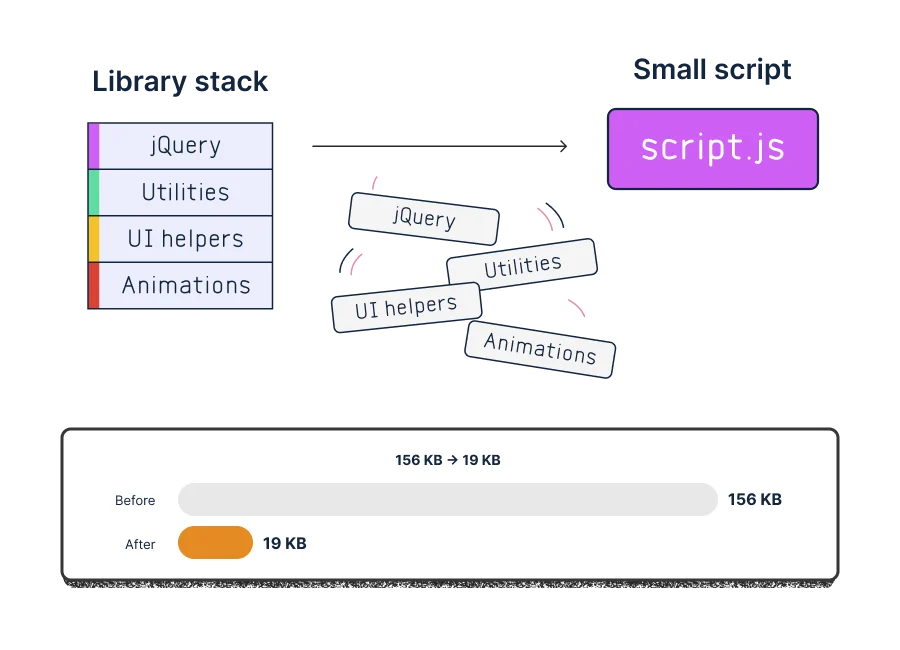
Modern JavaScript, No jQuery Required
Every element and feature script in Avada One 1.1 has been rewritten in modern, native JavaScript. jQuery is no longer loaded on every page, only where a script still needs it, e.g. WooCommerce or a third-party plugin. Twelve legacy libraries, from Modernizr to iLightbox, have been replaced by native code. Large scripts like Off Canvas, Privacy, Tabs and Post Cards are split by setting, so a page only loads the parts it uses. This cuts the JavaScript of our prebuilt websites by around 60%, and by up to 88%.
Atomic Elements: Less Markup, Same Design
Avada One 1.1 slims down the HTML of the building blocks you use most. Containers, Columns and Nested Rows now share one box model and output a single HTML node where their options allow it. Title, Text Block, Image and Button drop their extra wrappers, so a plain button is a single link and a one-paragraph text block is just the paragraph. With the new Markup Mode option set to Atom, these elements always output one single HTML tag. On our prebuilt websites, home pages now have an average of 20% fewer HTML elements, and up to a third fewer, so they render faster and are easier to style.
Inline SVG Icons, Only The Ones You Use
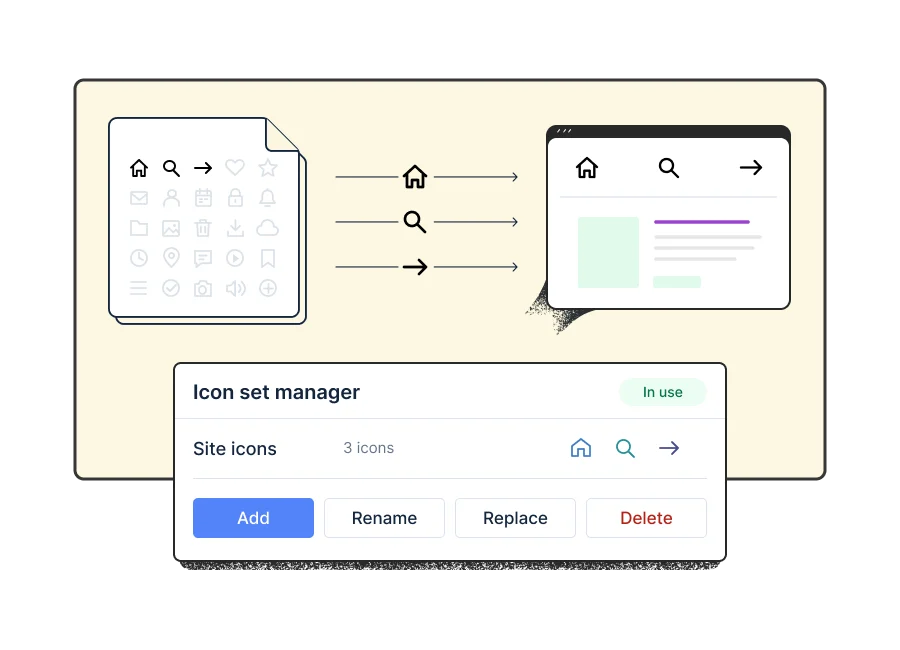
Icons in Avada One 1.1 are inline SVG instead of icon fonts. A page now only contains the icons it shows, instead of loading complete icon font files, so icons are sharp at every size and appear with the very first paint, instead of popping in after the page has loaded. On our prebuilt websites that means two fewer font files and 20 to 45 KB less per page, and up to 185 KB on pages that used Font Awesome. Your saved icons are converted automatically. Custom icon sets are now fully manageable too: add icons as SVG files or an IcoMoon ZIP, and rename, replace or delete them, with undo. Icons that are in use are protected.
A New Home For Your Fonts
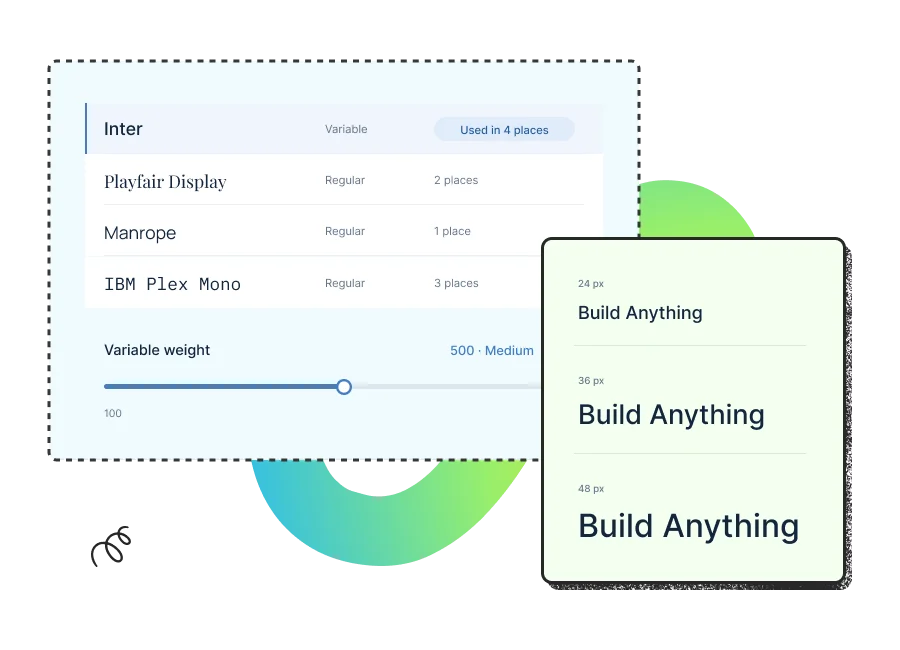
Avada One 1.1 adds a dedicated Fonts page to the dashboard. Manage all your custom and variable font families in one place, incl. Google variable fonts, see where each font is used, and get a warning before you rename or delete a font that is in use. Your existing custom fonts are migrated automatically. Global Options now preview each typography set as you edit it. Responsive typography moves from JavaScript to CSS clamp() for the typography sets, headings, body and the Title element, so text scales smoothly without a single line of script.
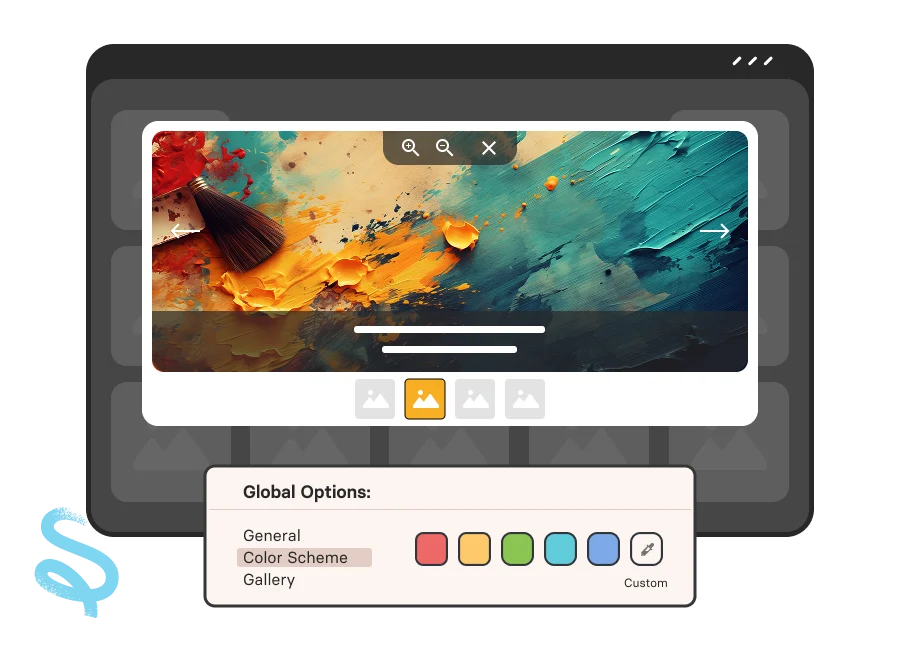
A Brand-New Native Lightbox
Avada One 1.1 replaces iLightbox with Avada’s own lightbox, built on native browser features. It needs no jQuery and only loads when a page actually has a lightbox link. Choose the slide direction, the arrow and caption layouts and the color scheme, incl. a Custom Colors scheme to match your brand, and let visitors zoom into images. Images open in full size even when a smaller size is shown on the page, and lightbox links inside carousels now open with a single click.
Feature Highlights
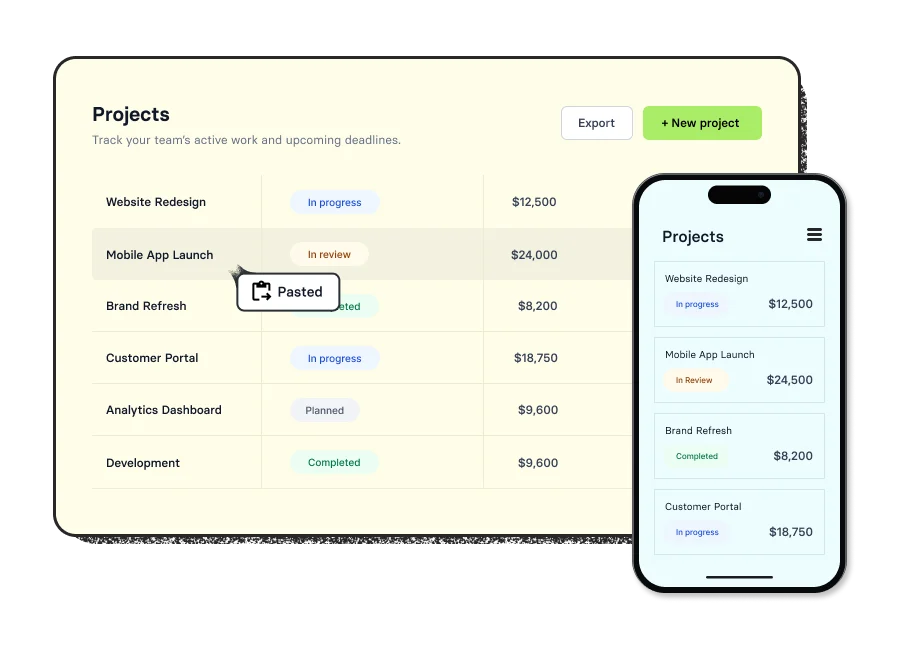
Spreadsheet-Style Table Editor
The rebuilt Table element edits like a spreadsheet. Paste straight from Excel or Google Sheets, or import a CSV file
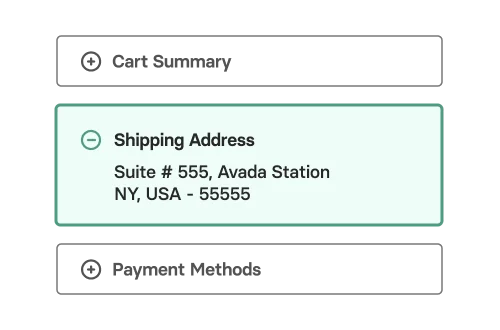
Toggles Become The Accordion Element
Native markup, better accessibility, plus Keep One Item Open, Update URL, Scroll To Opened Item and speed options, also for FAQ.
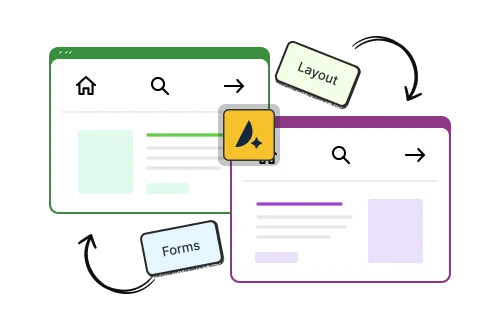

Connect Your Avada Sites
Send contacts to your other Avada sites, and import Global Options, Layouts, Forms, Library items and more from them.
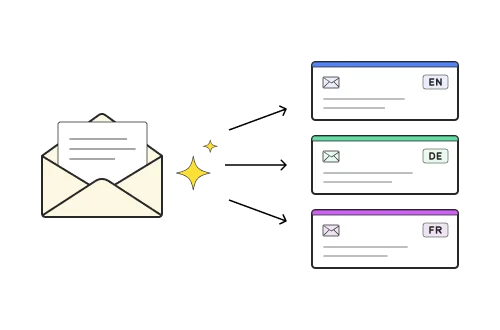
Emails In Every Language
Create language versions of your emails, incl. AI translation, so each contact receives the email in their own language.
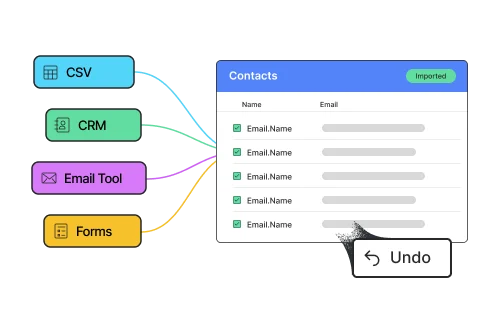
Import Contacts & Emails From Other Tools
Bring in contact lists & emails from CSV, HTML, MailPoet, Mailchimp, FluentCRM & Newsletter Plugin with undo.
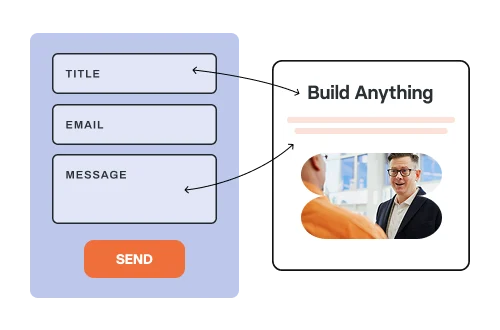
Create Posts From Form Submissions
The new Create Post form action turns submissions into posts of any post type, including the ACF field mapping.
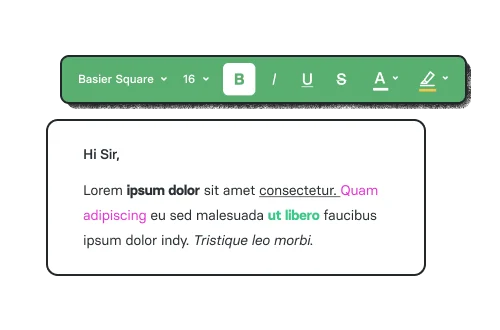
Rich Text Form Field
Let visitors format their answers with bold, italic, lists and links, right inside your Avada Forms. A natural fit for the Create Post action.
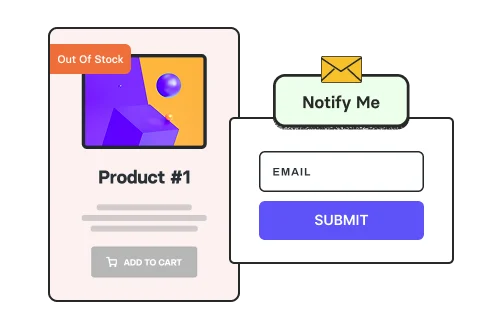
Back In Stock Notifications
Customers sign up on out of stock products and are emailed as soon as the product is available again.
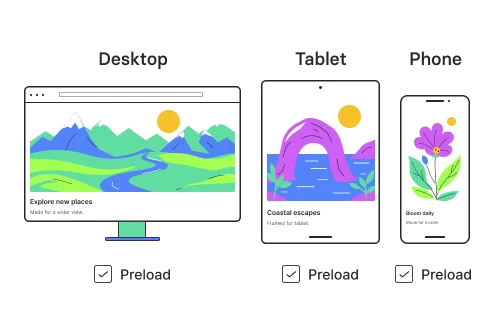
Image Preloading Per Breakpoint
A new Preload option on the Image element, Containers and Columns loads the right hero image first on every screen size, for a faster largest paint.
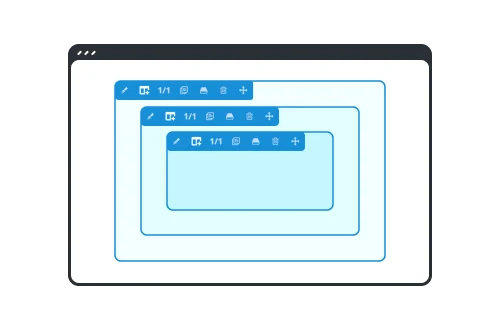
One Set Of Options For Containers, Columns & Nested Rows
Columns get all Container background options, Containers get hover colors, and Nested Rows get backgrounds, layers, borders, shadows, filters, animations and more.
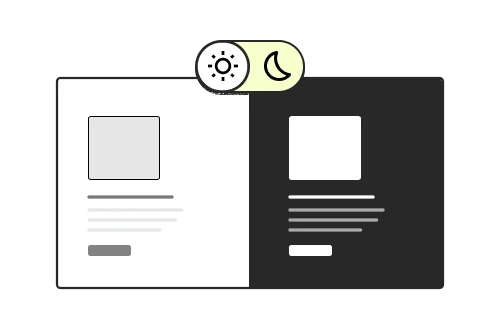
Show Content In Light Or Dark Mode
A new Color Mode condition in the dynamic display options shows or hides content per color mode. The Switch element gets a Color Mode control.

Birthday Emails
New Birthday and Country fields for contacts, and a Birthday Email that goes out on the day.
Also in This Release

Full Screen Sections That Fit Mobile Screens
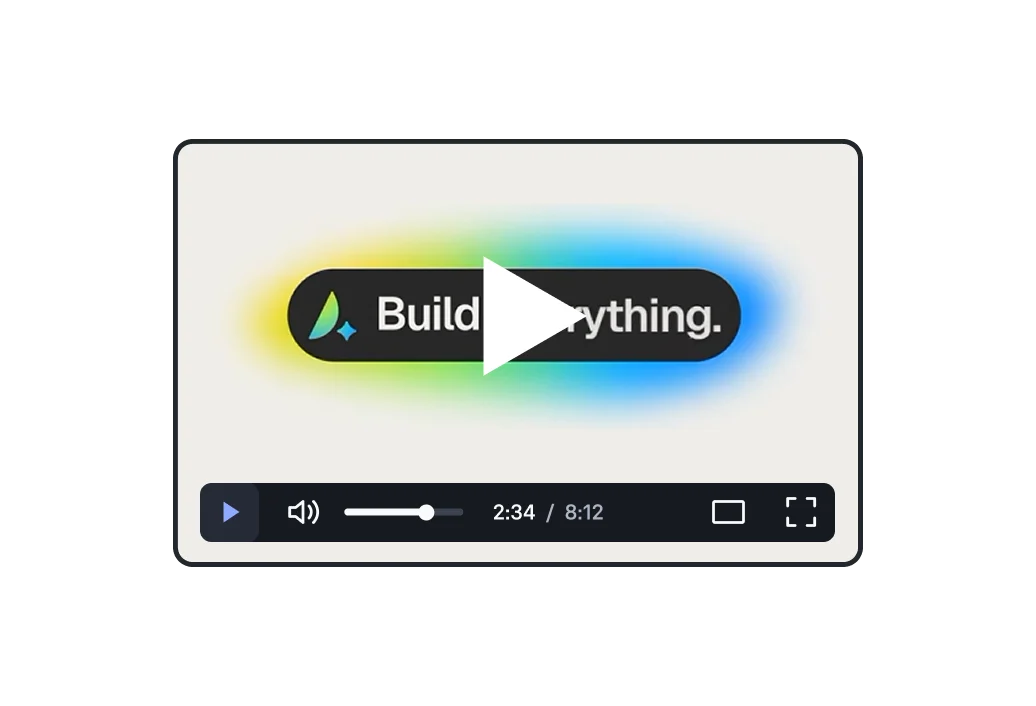
Preview Image For YouTube & Vimeo
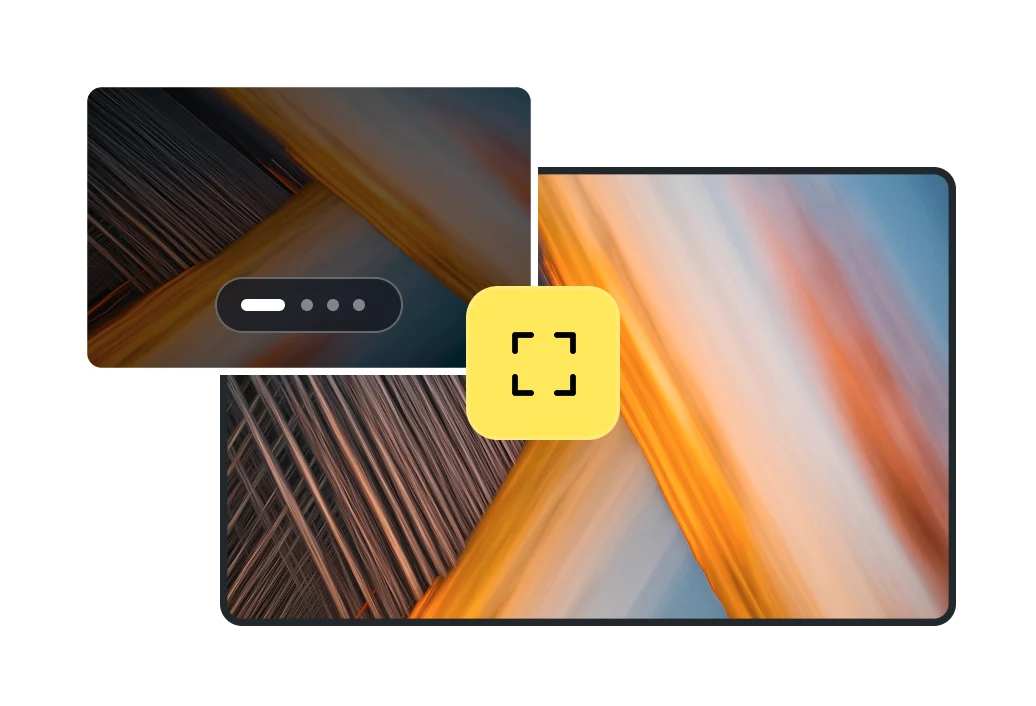
Image Lightbox For The Media Slider
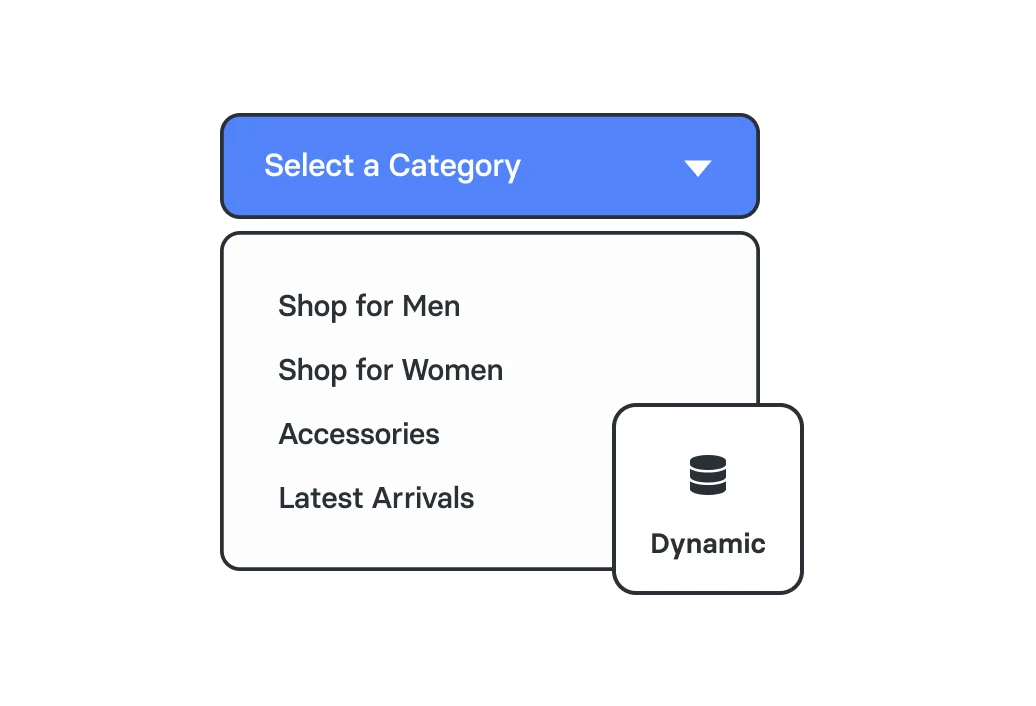
Taxonomy Terms As Form Field Options
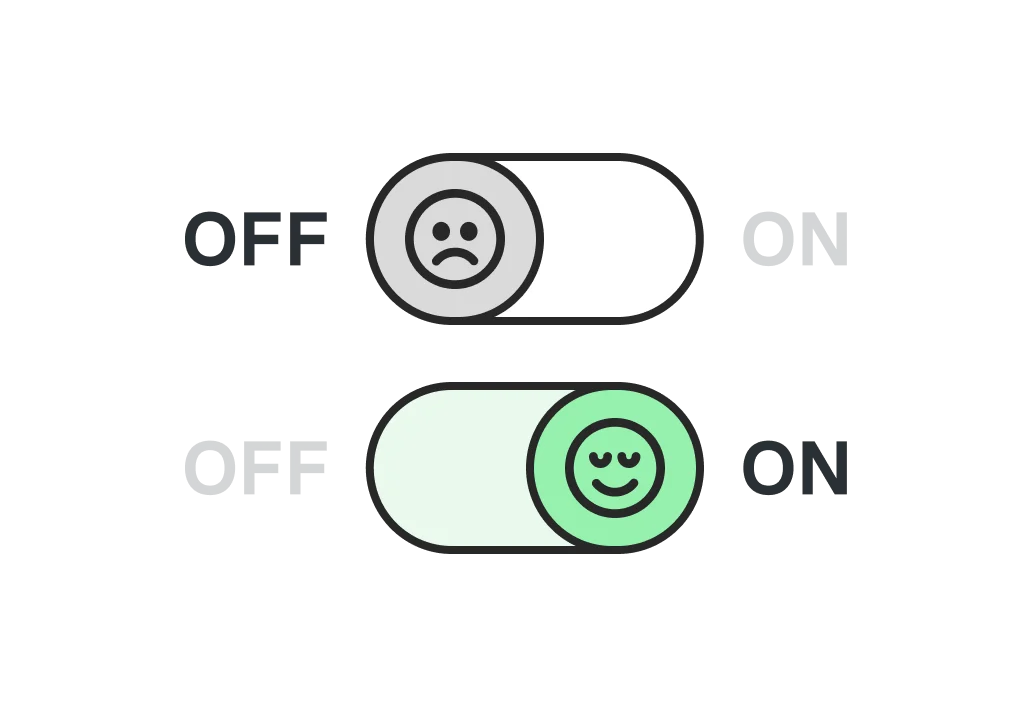
State Icons & Transitions For The Switch Element
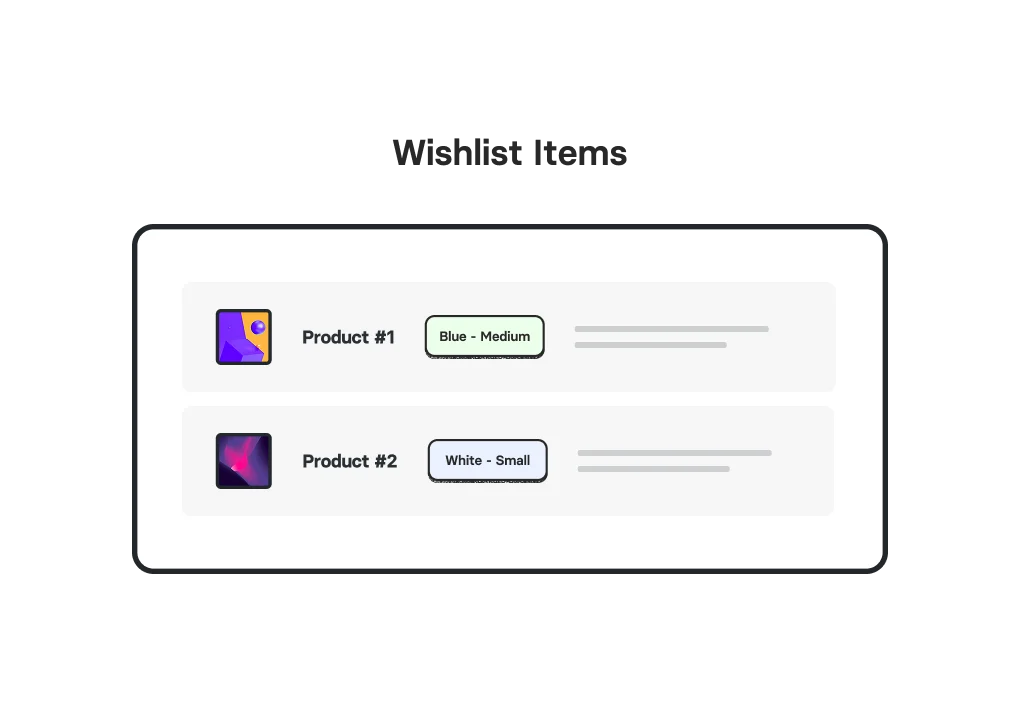
The Wishlist Remembers Variations
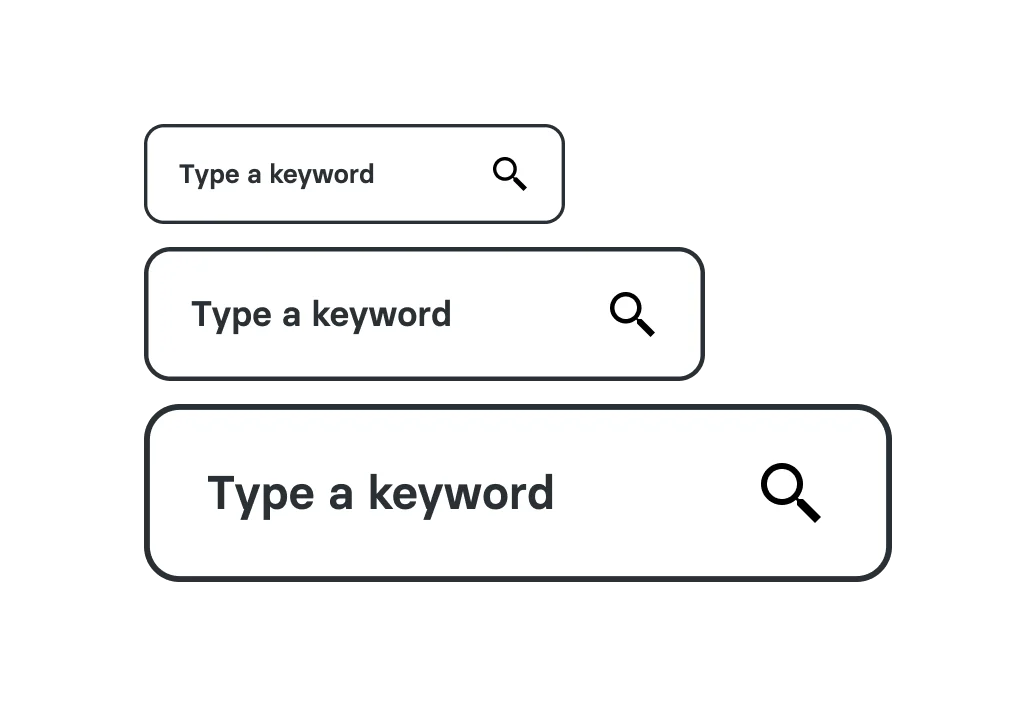
Responsive Width For The Search Element
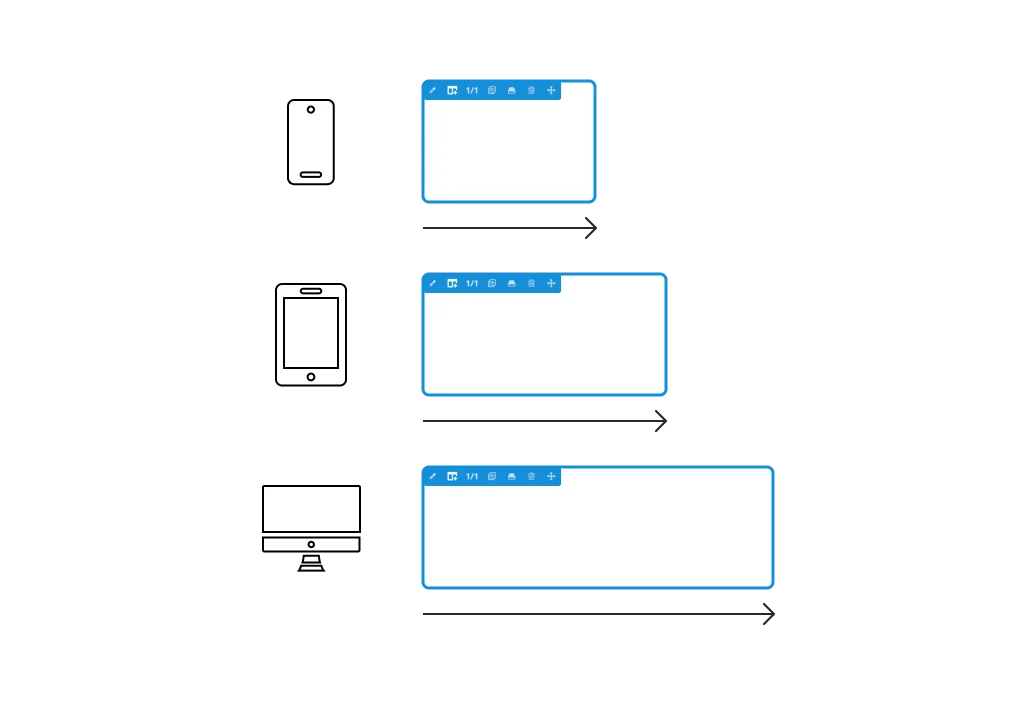
Responsive Row Max Width For Containers
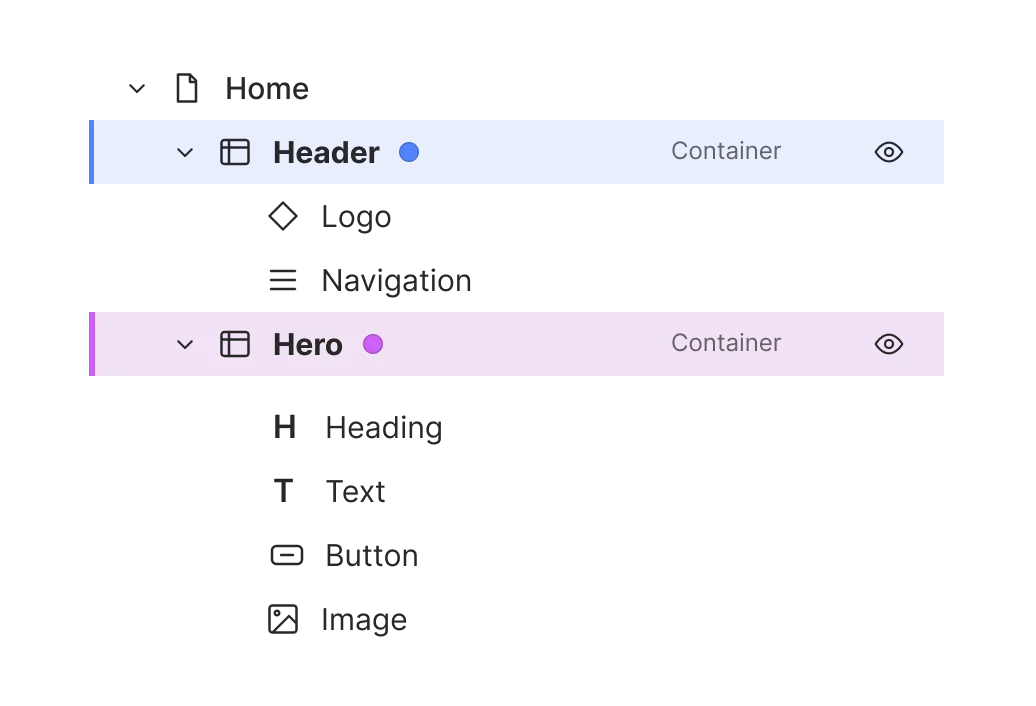
Palette Indicator In The Navigator
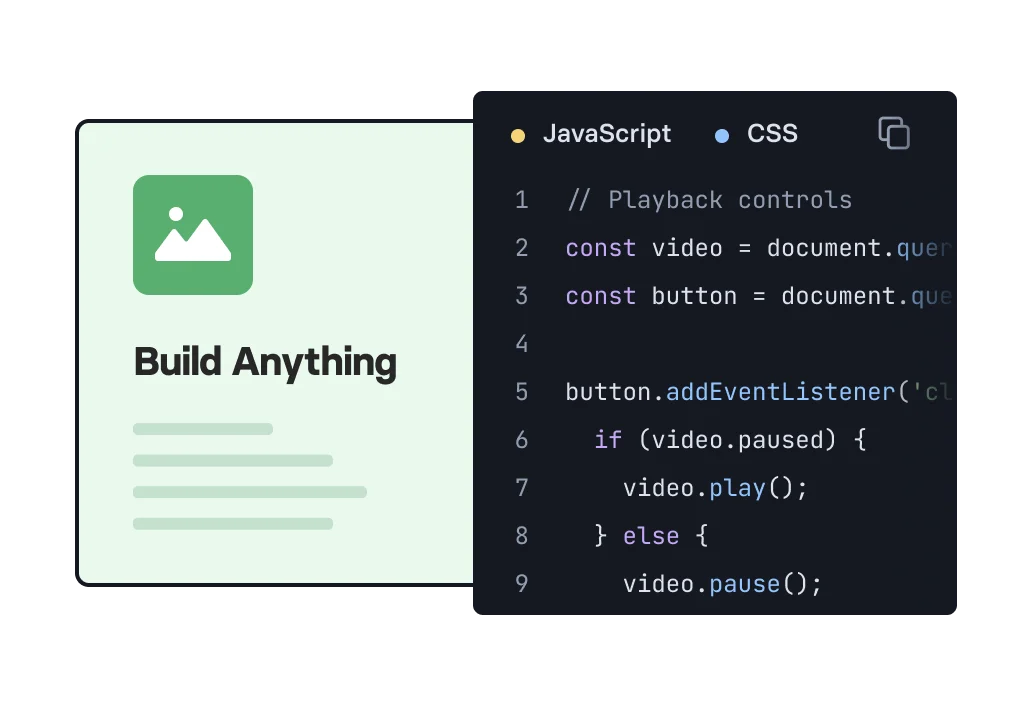
Custom Code Fields For Layouts
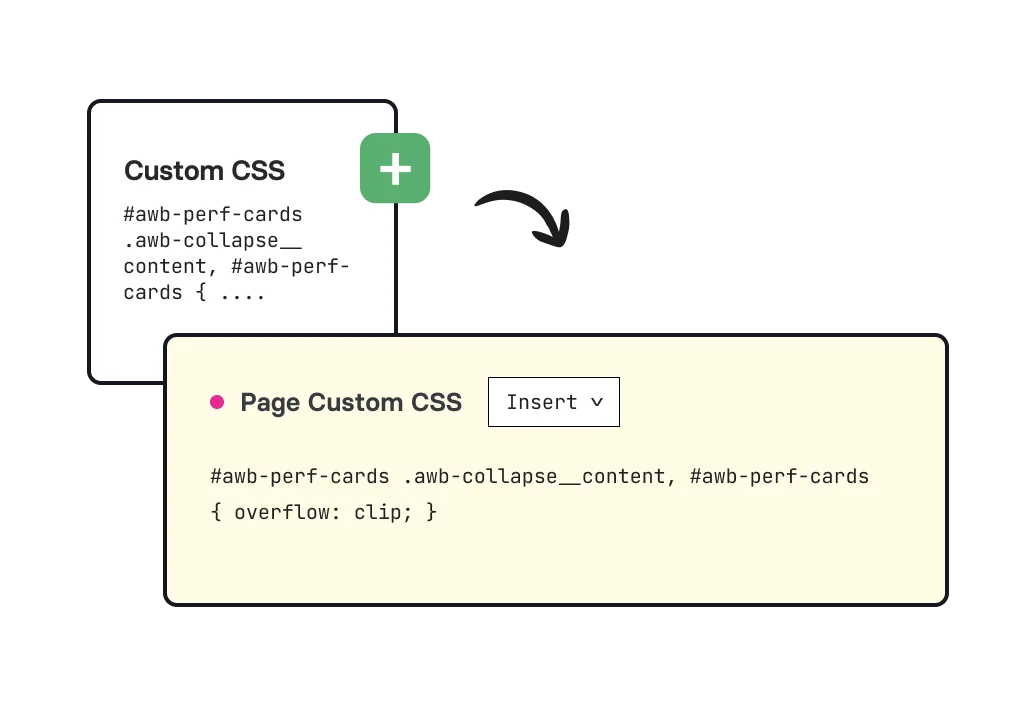
Easyily Expand CSS and JS Script Panels
changelog: list of all changes in Avada One 1.1
new features
fixes
improvements
- PERFORMANCE: Icons are now output as inline SVG instead of icon fonts, and only the icons used on a page are loaded
- PERFORMANCE: jQuery is no longer loaded on every page, only where a script needs it, e.g. WooCommerce, The Events Calendar or plugins. The front-end scripts of the elements and features, incl. Post Cards, Off Canvas, Tabs, Modal, Privacy, Dynamic Display, Video, Audio and the WooCommerce scripts, no longer use it
- PERFORMANCE: Large scripts are now split by setting, e.g. for Off Canvas, Privacy, Tabs, Post Cards and Categories, so only the parts a page uses are loaded
- PERFORMANCE: Removed the Modernizr, easyPieChart, jQuery Zoom, jQuery Easing, Sticky Kit, jQuery Infinite Scroll, jQuery Countdown, jQuery CountTo, FitVids, Textillate and jQuery Mousewheel libraries, replaced by native code
- PERFORMANCE: Live Editor only scripts are no longer loaded on the front end
- PERFORMANCE: Rebuilt the element CSS on a consistent BEM class structure, removing outdated selectors and unused CSS
- PERFORMANCE: Containers, Columns and Nested Rows now share one box model, and output a single HTML node where their options allow it
- PERFORMANCE: Reduced the markup of the Image, Text Block, Button, Title, Checklist and Separator elements, which now output fewer wrappers where possible. Checklists output their icon once per list instead of once per item
- PERFORMANCE: CSS that several elements use, e.g. for carousels, pagination, hover effects and form fields, is now shared and loaded once
- PERFORMANCE: Element CSS is now split by option, so only the styles of the used layouts and styles are loaded
- PERFORMANCE: Fixed breakpoints in the element CSS have been moved to the medium and small responsive files, which follow the Global Options breakpoints
- PERFORMANCE: WooCommerce, The Events Calendar and bbPress CSS is now only loaded on pages that show their content
- PERFORMANCE: Global CSS variables are now only printed when CSS on the page uses them
- PERFORMANCE: Added a Preload option to the Image element, Containers and Columns, to preload images per breakpoint, which replaces the Critical CSS image preloads
- PERFORMANCE: Cache resets no longer run slow full-table transient deletes, and no longer run on many requests at once during plugin updates
- PERFORMANCE: Removed unused legacy PHP functions
-
Added a Markup Mode option (Automatic | Atom) to the Title, Text Block, Image, Button, and Separator elements. Atom always outputs a single HTML tag and limits the options that need extra markup
-
Added a native lightbox, which replaces iLightbox, needs no jQuery and only loads when a lightbox link is used, incl. slide direction, arrow and caption layouts, a Custom Colors scheme and image zoom
-
Rebuilt the Table element with a spreadsheet-style editor, incl. pasting from Excel / Google Sheets and CSV imports
-
Rebuilt the Toggles element as the Accordion element on native markup with improved accessibility, incl. Keep One Item Open, Update URL, Scroll To Opened Item and Open / Close Speed options, also for the FAQ element
-
Added an HTML Tag option to the Text Block element
-
Added a “Load jQuery On Every Page” Global Option (Performance), for custom code or plugins that use jQuery without loading it
-
Added a Fonts page to the dashboard to manage custom and variable font families, incl. a migration of the existing custom fonts
-
Added icon management to custom icon sets: add icons (SVG files or an IcoMoon ZIP), rename, replace and delete them, with undo. Icons that are in use can’t be renamed or deleted
-
Added responsive typography to the Global Options typography sets, headings and body, as well as to the Title element, replacing the JS responsive typography with CSS clamp(). Existing responsive typography settings are converted automatically
-
Added Avada Sites connections, to send contacts to other Avada sites and to import Global Options, Layouts, Forms, Library items and more from them
-
Added language versions to emails, incl. AI translation, so that each contact receives the email in their language
-
Added Birthday and Country fields to contacts, as well as a Birthday Email
-
Added contact list import from CSV, MailPoet, Mailchimp, FluentCRM and The Newsletter Plugin, with undo
-
Added email import / export, incl. imports from MailPoet, FluentCRM, The Newsletter Plugin, Mailchimp and HTML files, and a new Marketing “Import & Export” permission (off by default)
-
Added a Create Post form action, to create posts of any post type from form submissions, incl. ACF field mapping
-
Added a Rich Text form field
-
Added a Taxonomy Terms dynamic data source for the options of the form Select, Radio and Checkbox fields
-
Added Color Mode to the dynamic display options, to show or hide content in light or dark mode
-
Added state icons, icon transitions, a transition speed and a Color Mode control to the Switch element
-
Added option parity between Containers, Columns and Nested Rows: Columns get all Container background options, Containers get hover colors, and Nested Rows get backgrounds, background layers, box shadow, filters, z-index and animations
-
Added an HTML tag, spacing, borders, responsive alignment and justification, sticky visibility and custom attributes to the Nested Row element
-
Added a responsive row max width option to Containers
-
Added a Preview Image option to the YouTube and Vimeo elements, shown on the video facade instead of the video thumbnail
-
Added an Image Lightbox option to the Media Slider element, which the slides use by default to open their own image
-
Added responsive Width, Minimum Width and Maximum Width options to the Search element
-
Added a Back In Stock sales feature, which lets customers sign up to be emailed when an out of stock product is available again
-
Added variation handling to the Wishlist, so that the selected variation is saved with the product
-
Added a palette indicator to Containers in the Live Editor Navigator
-
Added Markdown, HTML and rich text paste commands to the Live Editor command palette, which convert the content into Avada elements
-
Added breakpoint placeholders to custom CSS, e.g. @media (–awb-small), which follow the Global Options breakpoints
-
Added an Insert menu, Global Colors and Typography suggestions, CSS checks, resizing and an expanded editor to the code fields, a drawer next to the preview in the Live Editor
-
Added automatic icon sizes to the Global Options Favicon, cropped from one upload and shown in a preview, which now also replaces the WordPress Site Icon, e.g. in the admin bar
-
Added a Stack On option to the Countdown element, to choose the screen sizes on which its heading, counter and link stack
-
Added an Alignment option to the Countdown element, which positions the counter boxes and, in the stacked layout, the heading and link
-
Added an important update notice to the dashboard after updating to 1.1, about the changed markup, scripts and icons
-
Sticky footer option not working
-
Experiment conditions not being applied, and page views being counted on pages without the experiment content
-
Form Step elements being lost when saving forms
-
Multi-step form select placeholders using the wrong color on step 2 and later steps
-
Google Fonts preloading not printing any tags in Local fonts mode
-
Adobe Fonts causing a 404 error on every page when the Project ID doesn’t exist
-
Custom fonts weight being forced to Normal 400 in the Live Editor, and Global Options keeping weights the new font family doesn’t have
-
Carousels with pagination dots and loop mode reordering the slides, and the active dot not matching the visible items
-
Event Organizer Email dynamic data not being available for link options
-
Performance Wizard icon scanner no longer linking the icons
-
Custom Branding WP Admin Welcome Panel not showing on the WordPress dashboard
-
Custom Branding causing “Undefined array key email_from_name” PHP warnings on plans without Pro
-
Fatal error on PHP 8 when FS_METHOD is ftpext and the FTP connection fails
-
Options panel cache not being cleared per language
-
Dashboard CSS possibly being loaded from the browser cache after an update
-
Invalid HTML markup in Menu element submenus
-
System Status reporting an unlimited PHP memory limit as a failed check
-
Live Editor links possibly redirecting to the homepage for good when opened while logged out
-
Parallax Avada Sliders showing through the page content in the Live Editor
-
Container padding overlapping the column width selector in the Live Editor
-
Toolbars disappearing when using the drag handle in the Live Editor
-
Dropping a dragged Image Hotspot scrolling the Live Editor preview to the top
-
Dynamic Display options not working on Avada Studio content
-
Dashboard error dialogs for unsaved Global Options features and API timeouts
-
Prebuilt single page imports leaving out content that is built from global elements
-
Tabs possibly showing two panes when tabs were clicked quickly
-
Pagination and Load More in Post Cards lists of Compare, Wishlist, Price Tracker and Back In Stock items always showing the first page
-
Links and the lightbox in carousels needing a second click
-
Autoplay YouTube videos not starting in content that is shown later, e.g. tabs or modals, when lazy loading is on
-
Instagram element posts showing before privacy consent was given
-
WooCommerce product gallery zoom only working when an Image element with magnify was on the same page
-
WooCommerce product galleries not switching to the variation image when the thumbnails are lazy loaded
-
WooCommerce checkout State field select arrow covering its label
-
Cart showing “You’re -1 away from free shipping!” when the store offers no free shipping
-
Gravity Forms select arrows missing at load on forms with conditional logic, and AM / PM selects being clipped
-
The comment textarea could be resized wider than its column
-
Cloudflare Turnstile widget not being removed when the comment form moves for a reply
-
Avada AI and connected AI agents not being able to list or insert Library items
-
Library items inserted from the Live Editor command palette being added as global elements
-
Flip Boxes with the Classic flip effect blinking in Firefox
-
Fatal error from a Section Separator placed outside a container, e.g. in widget text
-
Stripe Button checkout not opening in a new tab because of popup blockers, and checkouts failing on cached pages after a day
-
Tabs content transitions still running when reduced motion is on
-
Form logics treating a field hidden by another logic as empty, so fields depending on it were shown
-
Vimeo element preview image loading the player without starting the video when clicked
-
Media Slider YouTube and Vimeo slides continuing to play after sliding to another slide
-
Vimeo element video facade loading the player without starting the video when clicked
-
Motion Effects lagging behind the scroll and mouse, Infinite Float jumping at the end of each loop, Scroll Blur replacing the column filters, and the effects running with reduced motion
-
Avada Forms notifications being lost when cloning a form
-
Vimeo element structured data thumbnail URL not being reachable by Google
- IMPROVEMENT: The Title element margin is now a responsive option, incl. medium and small Global Options, which inherit from the next larger screen size, replacing the separate mobile margin
- IMPROVEMENT: Improved the Avada Slider options, incl. the default value display and reset buttons, Custom content as the default for new slides, and icon picker fixes
- IMPROVEMENT: Added the Custom Code fields to Layouts, while the other Avada post types now offer a single Custom Code field
- IMPROVEMENT: Several dashboard improvements, incl. a column chooser for the tables, status changes, list actions and filtered CSV exports for contacts, and member exports for lists
- IMPROVEMENT: Improved the contacts and lists import, incl. list selection, status handling and mapping of the created and updated dates
- IMPROVEMENT: Post Cards lists of Compare, Wishlist and Price Tracker items with a limited number of items now refresh and show the next item after an item is removed
- IMPROVEMENT: Experiments no longer set a cookie for each Link, and the misleading Impressions stats have been renamed
- IMPROVEMENT: The Image element lightbox now opens the full size image when a smaller image size is used
- IMPROVEMENT: Improved the Switch element on small screens, and added responsive label typography and padding options
- IMPROVEMENT: The name field is now focused when creating Experiments, Variations, Events, Links, Contacts, Lists and Campaigns
- IMPROVEMENT: Plugin updates in Avada > Plugins no longer deactivate the plugin, so add-ons that depend on it stay active
- IMPROVEMENT: Image captions are now output as a figure with a figcaption
- IMPROVEMENT: Global color Lightness, Chroma and Alpha adjustments now scale toward the end of their range, and shades share the chroma fade
- IMPROVEMENT: The Wishlist is now enabled by default, like the other sales features
- IMPROVEMENT: 100% height containers, full screen Avada Sliders, the framed layout and the maintenance page now fit the visible screen on mobile, instead of reaching below it behind the browser toolbar, and Flyout menus, Off Canvas and the privacy bar size to the visible screen
- IMPROVEMENT: Tooltip and Popover element triggers can now be reached and opened with the keyboard
- UPDATED: Compatibility with WooCommerce 11.3
- COMPATIBILITY: Translated pages showing the original form, options being lost on sites whose default language isn’t English, and Layouts not showing the Layout Section translation of the current language, when WPML is active
- COMPATIBILITY: Global Options saved with “All languages” selected only being applied to the default language, when WPML or Polylang is active
- COMPATIBILITY: Polylang 3.9+ Language Switcher widget rendering empty in the Widget element