
Avada 7.15
The latest version of Avada, 7.15.3, released on May 12th 2026, includes Google Consent Mode v2, AJAX-driven Avada Woo Filter Elements, a reimagined Woo Sorting Element, a new Woo Category Filter and a new Woo Brand Filter Element, an option to have collapsible Woo Filters, usage of form inputs in the Notices Element, dynmic data in notification emails, typography options for form labels, a new form placeholder animation, new options for the Tag Cloud Element, navigator search in Live Editor, dynamic data copy & paste, Events Calendar category colors in Meta Element and on calendar views, and so much more.
Google Consent Mode v2 & Complete Privacy And Cookie Control
Avada 7.15.3 delivers a major upgrade to privacy and cookie consent management, giving users a powerful, beautifully designed solution built directly into Avada.
New features include native support for Google Consent Mode v2, automatic inclusion of WordPress necessary cookies, cookie description and lifespan options, and a tabbed layout for the Privacy Bar, along with expanded styling and behaviour controls.
The Privacy Element has also been upgraded with support for cookie groups, built-in Accept and Reject buttons, and extensive new design controls. Multiple Privacy Elements can now be used across your site, all synchronised automatically to maintain a consistent consent state.
Finally, Off Canvas panels can now react to consent actions, enabling personalised experiences based on user choices.

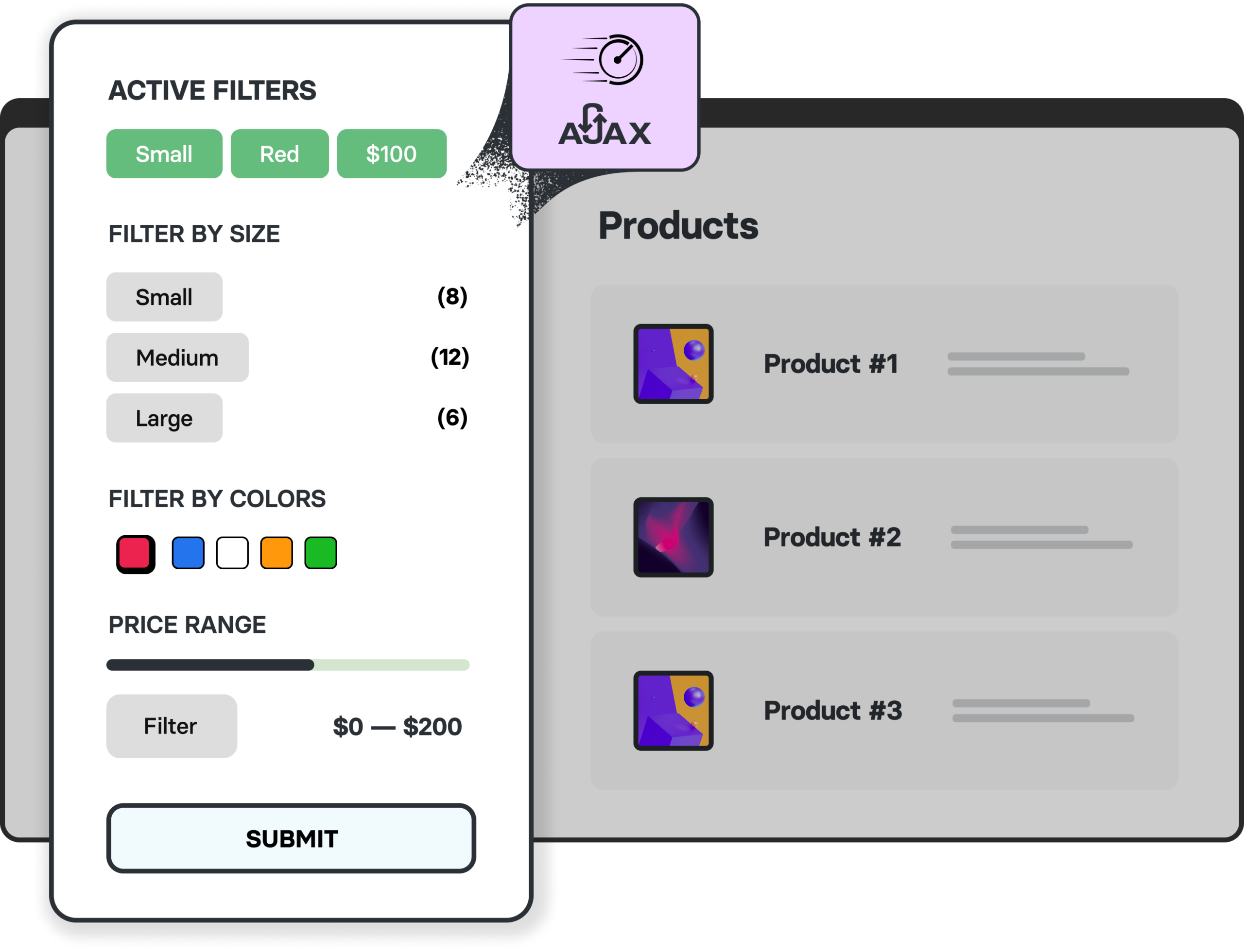
AJAX-Driven WooCommerce product filters
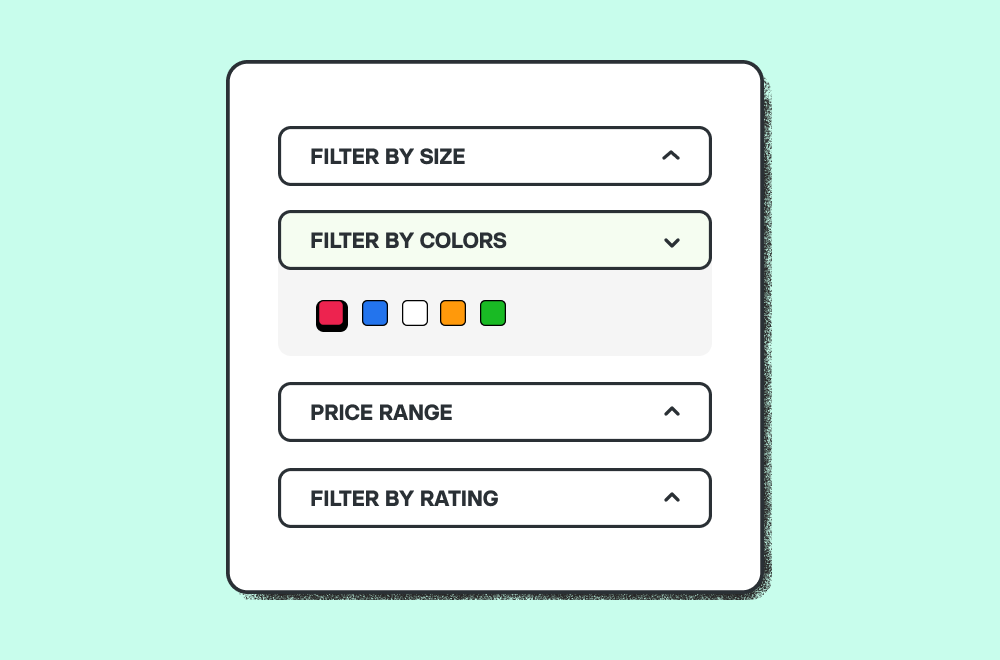
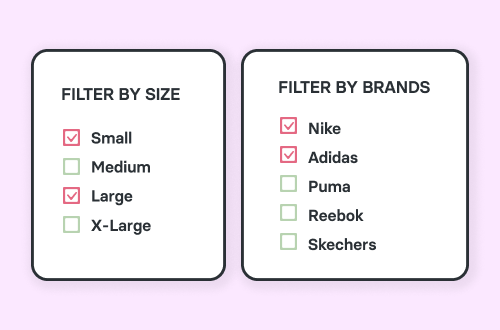
With the release of Avada 7.15, filtering your shop’s products just got faster and smoother than ever. Our new AJAX-driven WooCommerce filters let customers refine products instantly—without page reloads—creating a seamless, app-like shopping experience. Whether filtering by price, rating, attributes, or brands, results update in real time to keep shoppers engaged and focused. Fully integrated with WooCommerce and built to work effortlessly within Avada’s powerful design system, these enhanced filters not only improve usability but also help boost conversions by making it easier for customers to find exactly what they’re looking for.
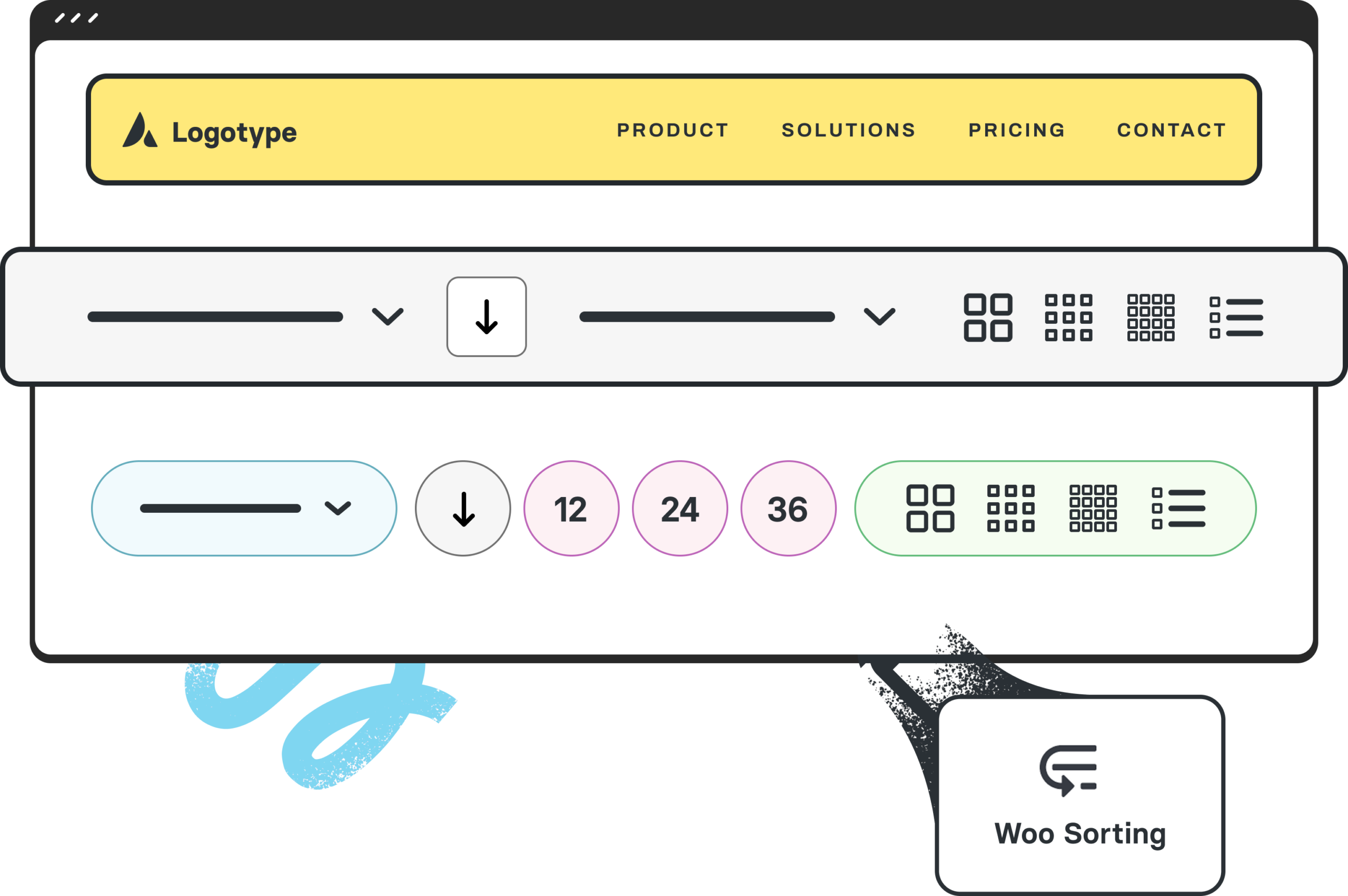
Woo Sorting Element Reimagined
The Avada Woo Sorting Element has been completely reimagined, delivering a powerful overhaul packed with dozens of new options and expanded design capabilities. This update gives you full control over both functionality and styling, allowing you to tailor the sorting experience to match your brand and layout perfectly. From enhanced layout choices to advanced styling controls for typography, spacing, colors, and more, every detail is now fully customizable. Whether you prefer a dropdown, a select box, or bold button styles, the revamped Woo Sorting Element ensures your product ordering options look as refined as the rest of your store.
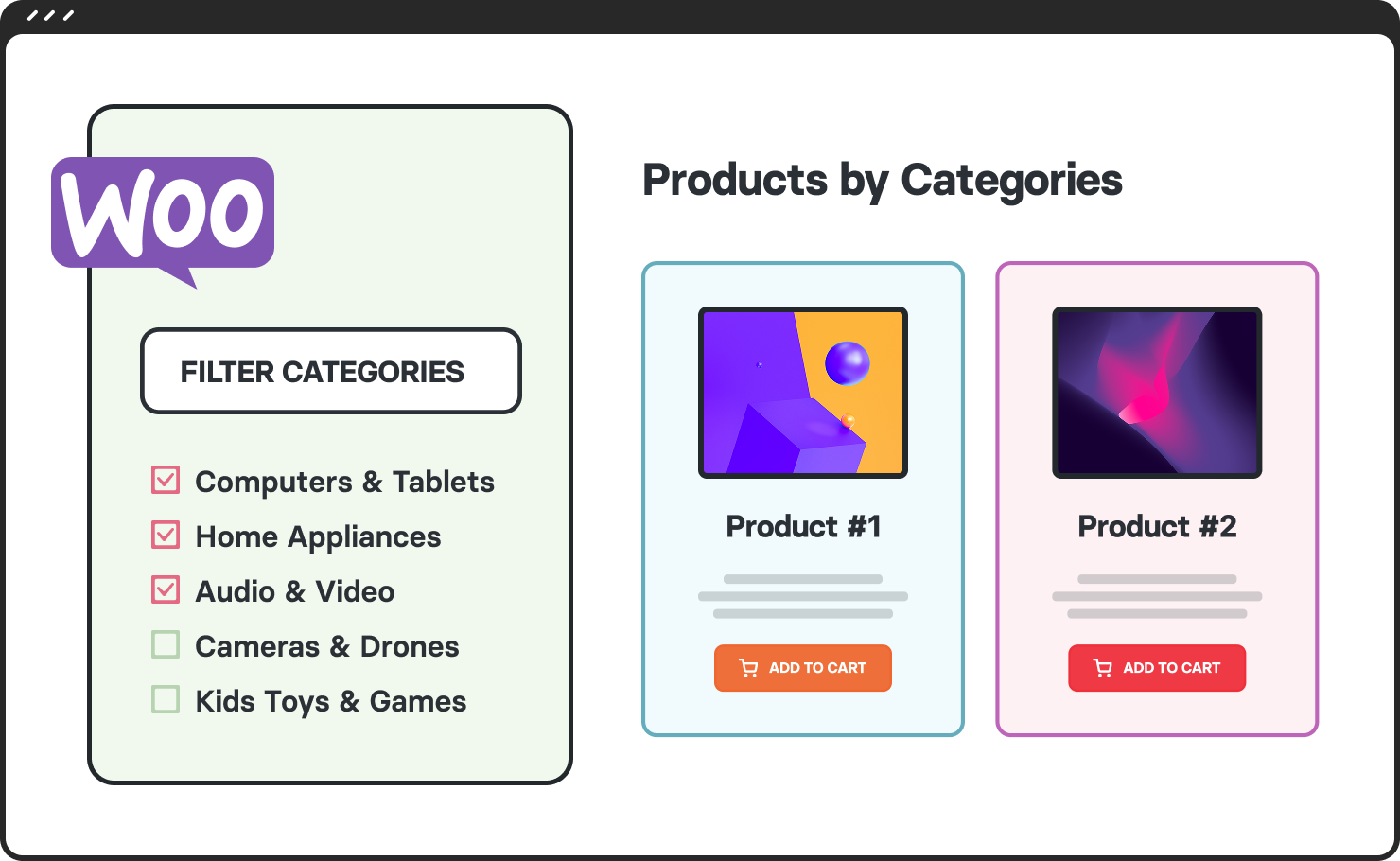
Woo Filter By Category element
Avada 7.15 introduces a brand new Woo Filter By Category Element, giving you a powerful and intuitive way to help customers browse your products by category. Present categories in flexible Column layouts, adjust spacing effortlessly with built-in gap controls, and customize the look with refined styling options for images, borders, and hover states. Seamlessly integrated into Avada’s design system, the Category Filter Element enhances navigation and creates a clean, engaging shopping experience that keeps your store both organized and visually appealing.
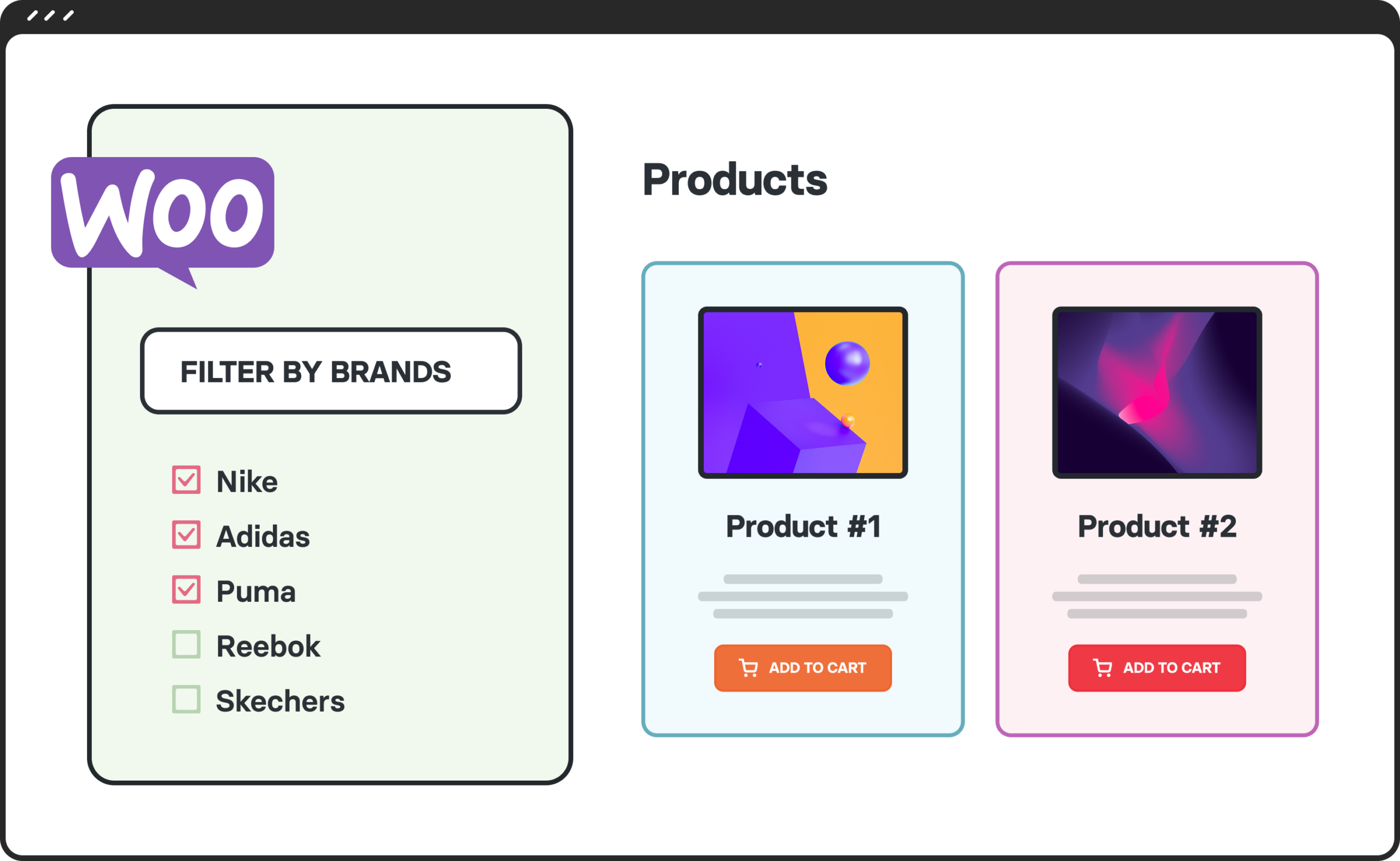
Woo Filter By Brand element
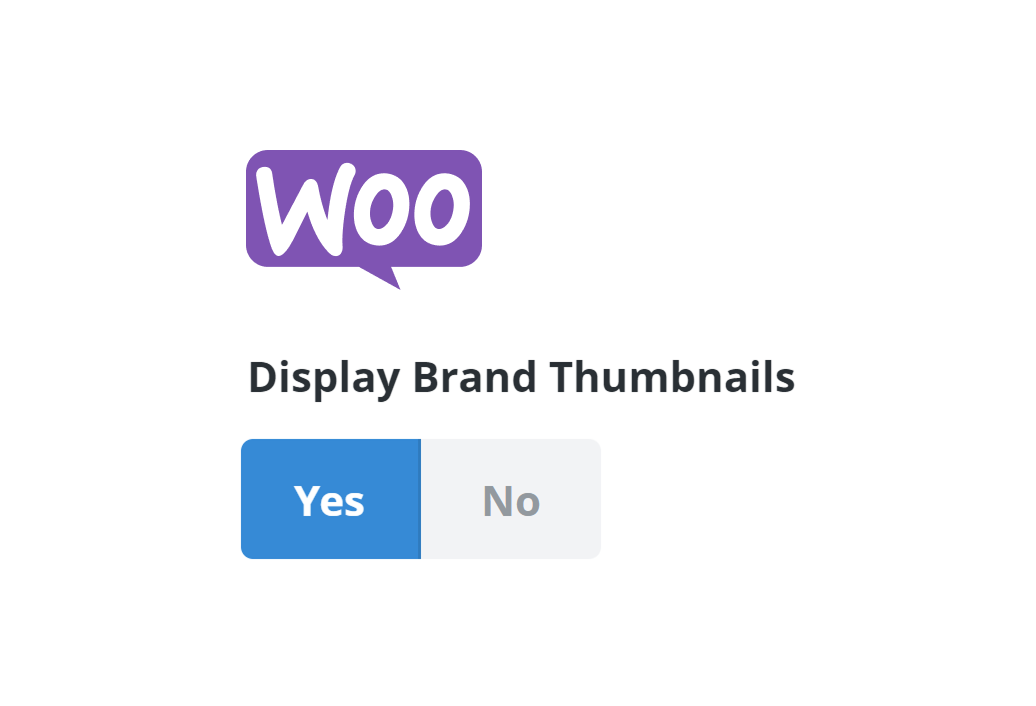
Avada 7.15 introduces a brand new Woo Filter By Brand Element, which makes it easier than ever to showcase and filter by your product brands in a clean, highly customizable layout. Display brands in columns, fine-tune the spacing with an intuitive gap control, and style thumbnails with opacity and border settings. Fully integrated into Avada’s design system, the Brands Filters Element helps customers quickly navigate by their favorite brands while keeping your shop visually polished.
Use form input values in the Notices element
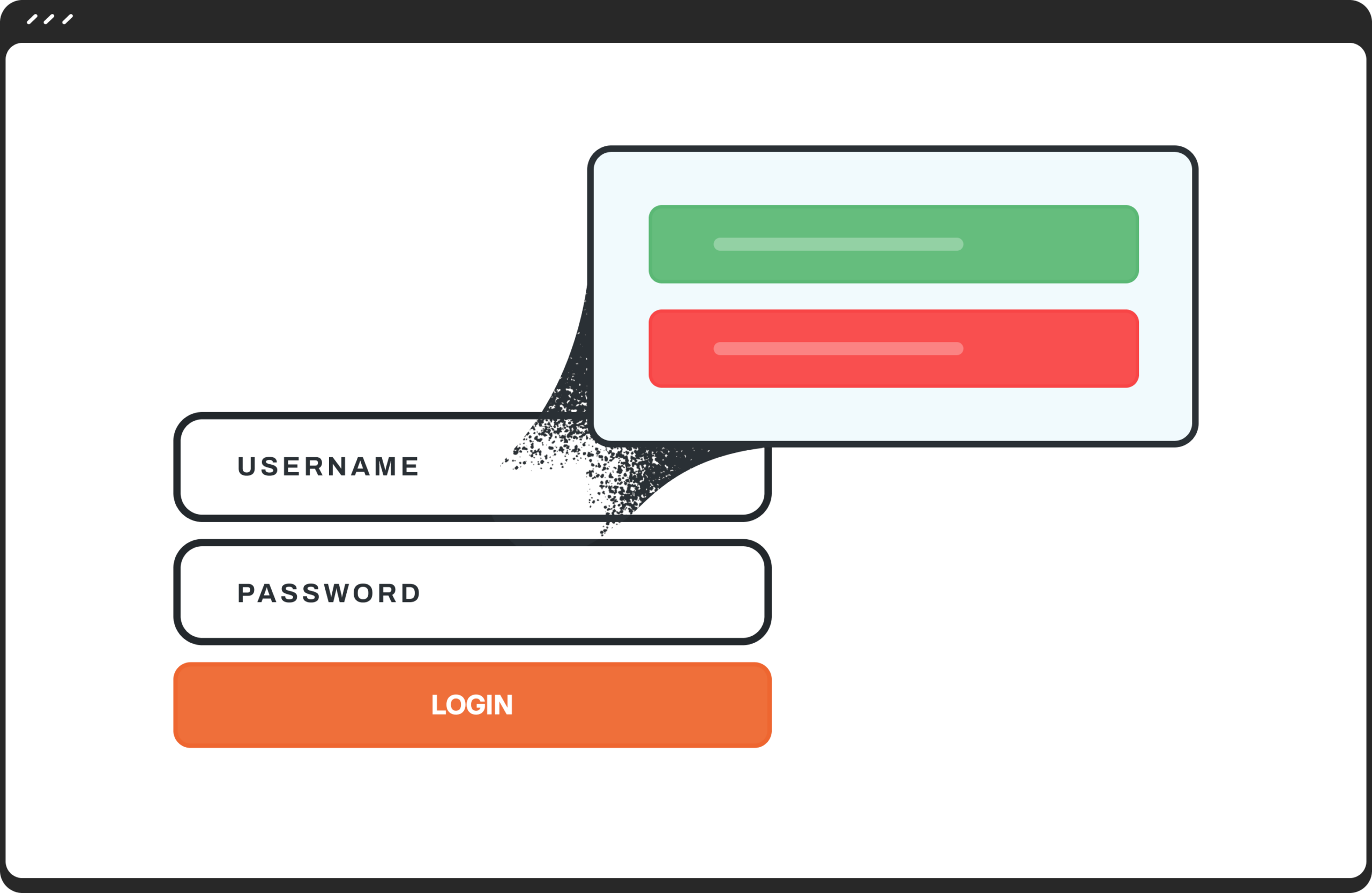
The Avada Forms Notices Element now supports dynamic form input values, allowing you to personalize messages using simple placeholders like [name], [email], and other field IDs. This means you can instantly display user-submitted information inside Avada Form Notices—perfect for confirmation messages, custom thank-you text, or tailored follow-ups. By pulling values directly from form inputs, you can create more engaging, contextual experiences without any custom code. This addition unlocks powerful personalization.