The Avada Setup Wizard
A step-by-step feature that guides users through the process of setting up a new website. It is intended to make it easier for users to get started with Avada, even if they have little to no experience designing and building sites.
Explainer Video
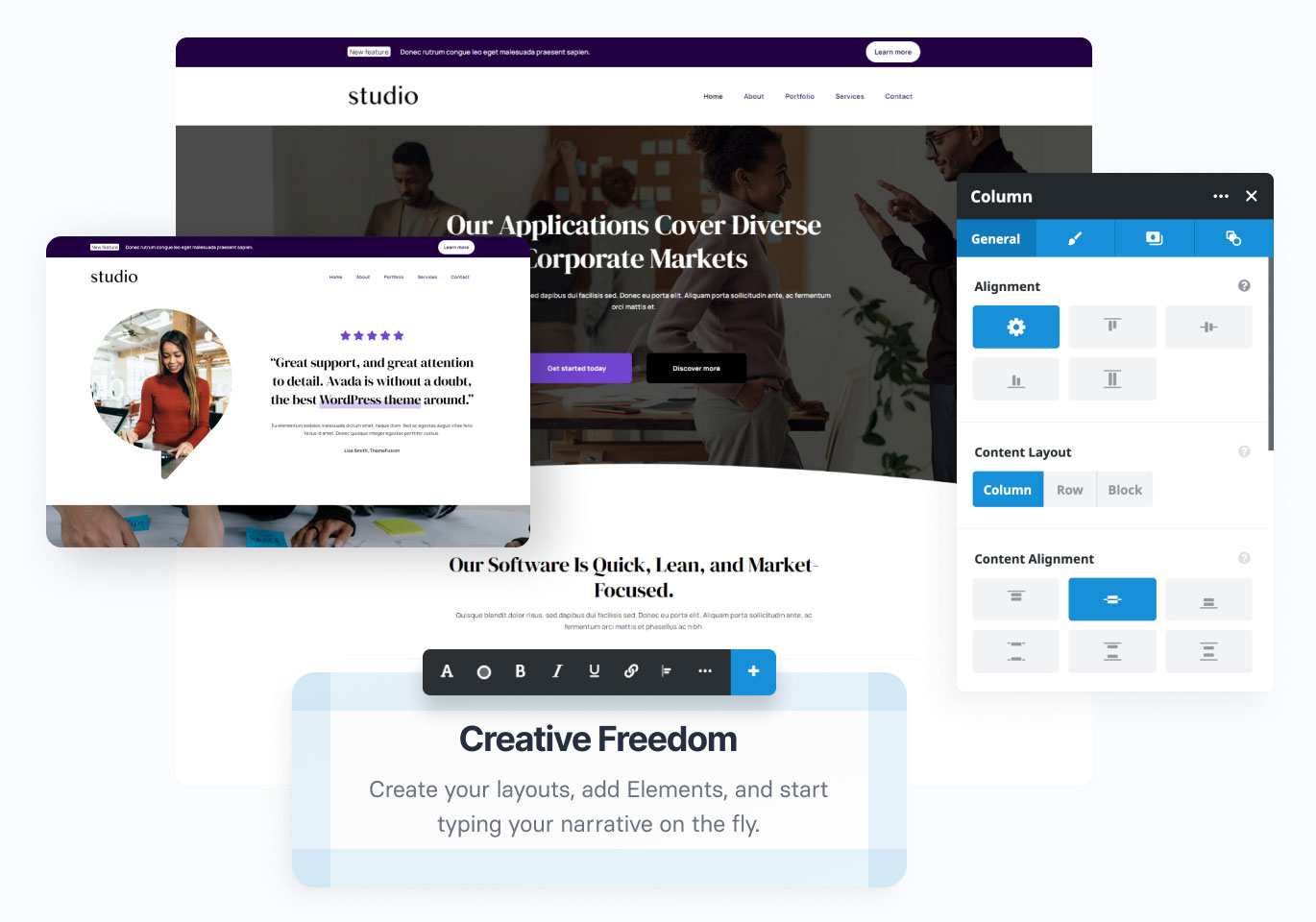
Build websites on the fly, and fast.
Experience complete design control with no coding knowledge required.
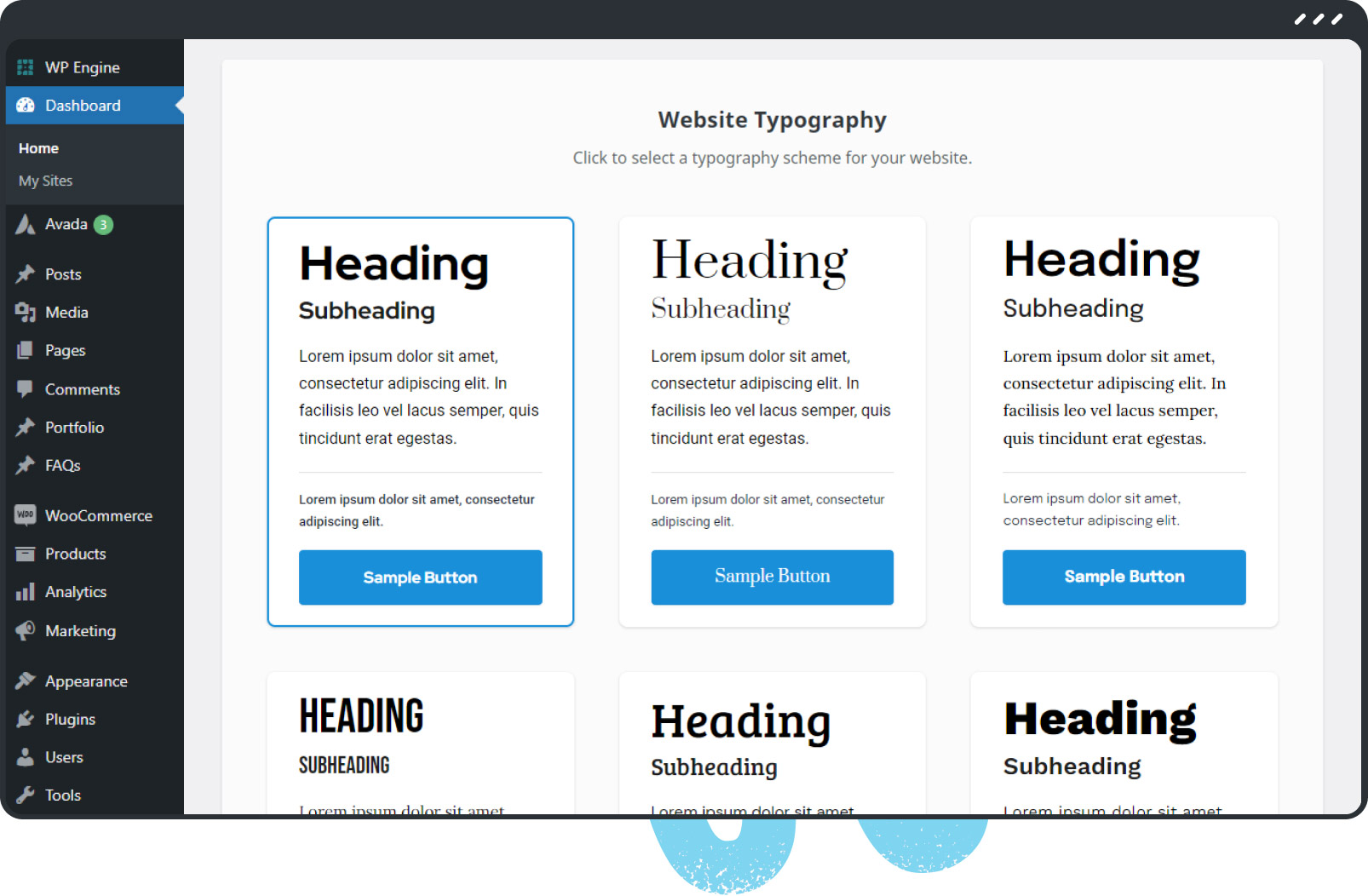
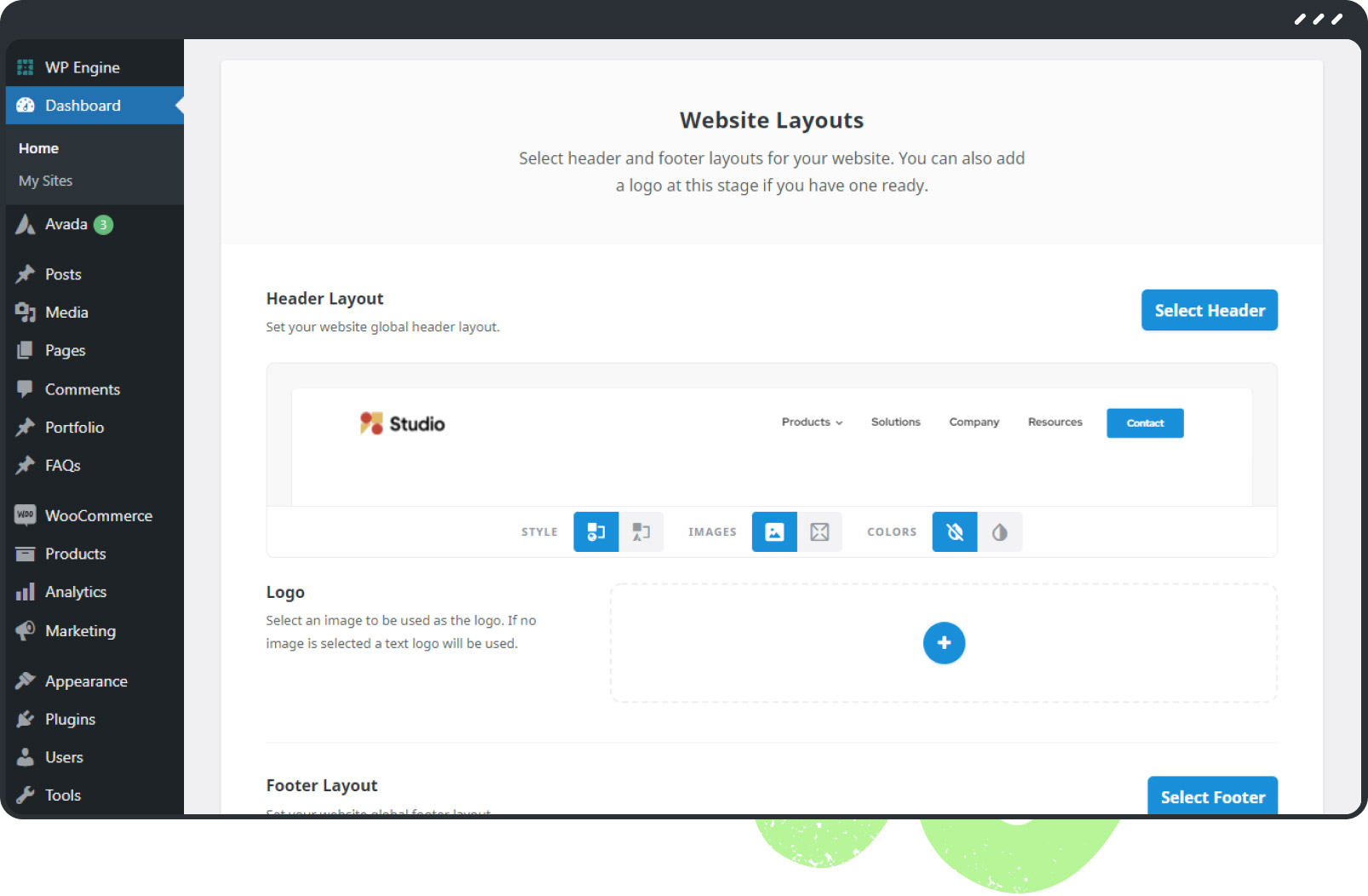
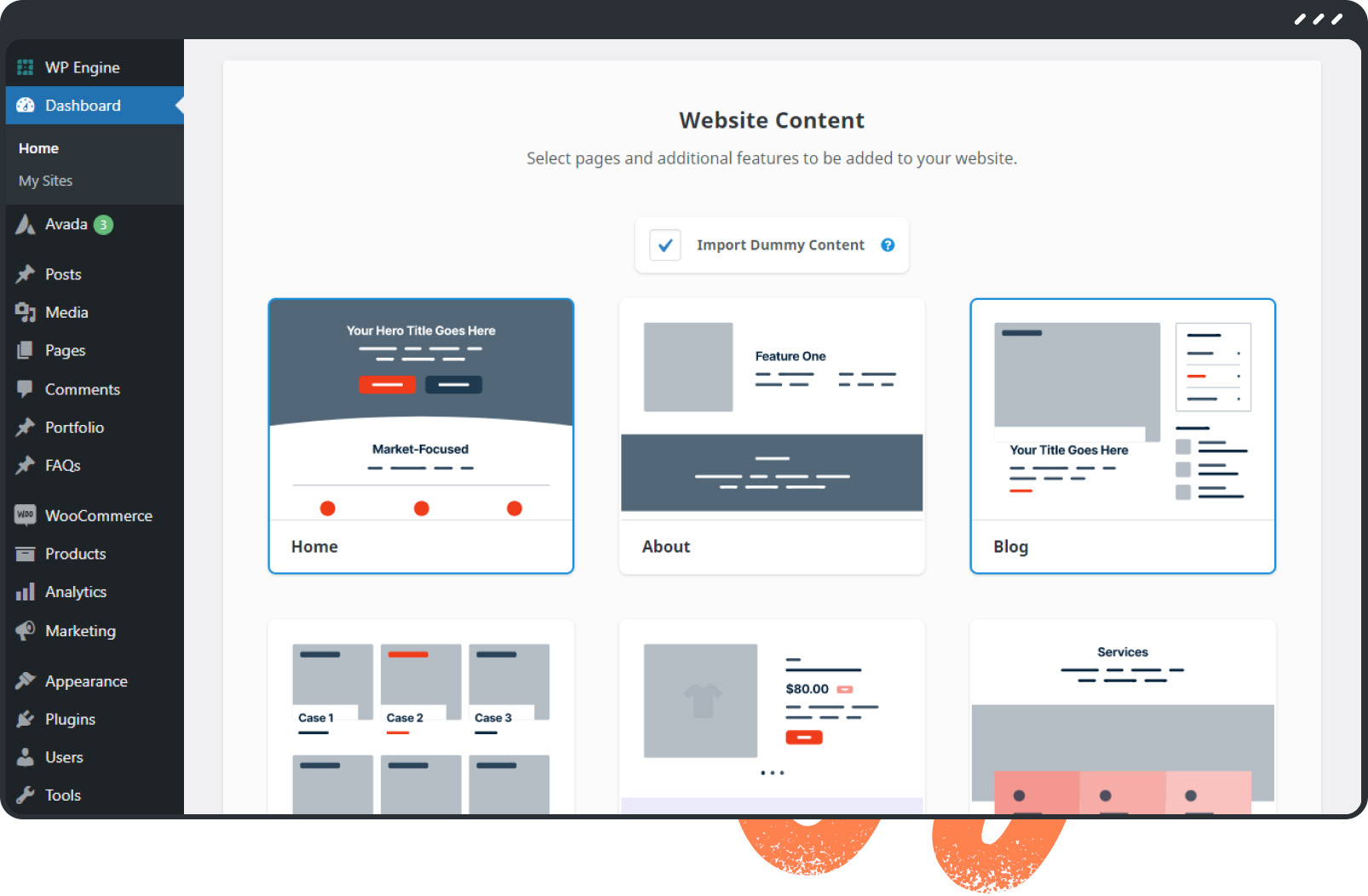
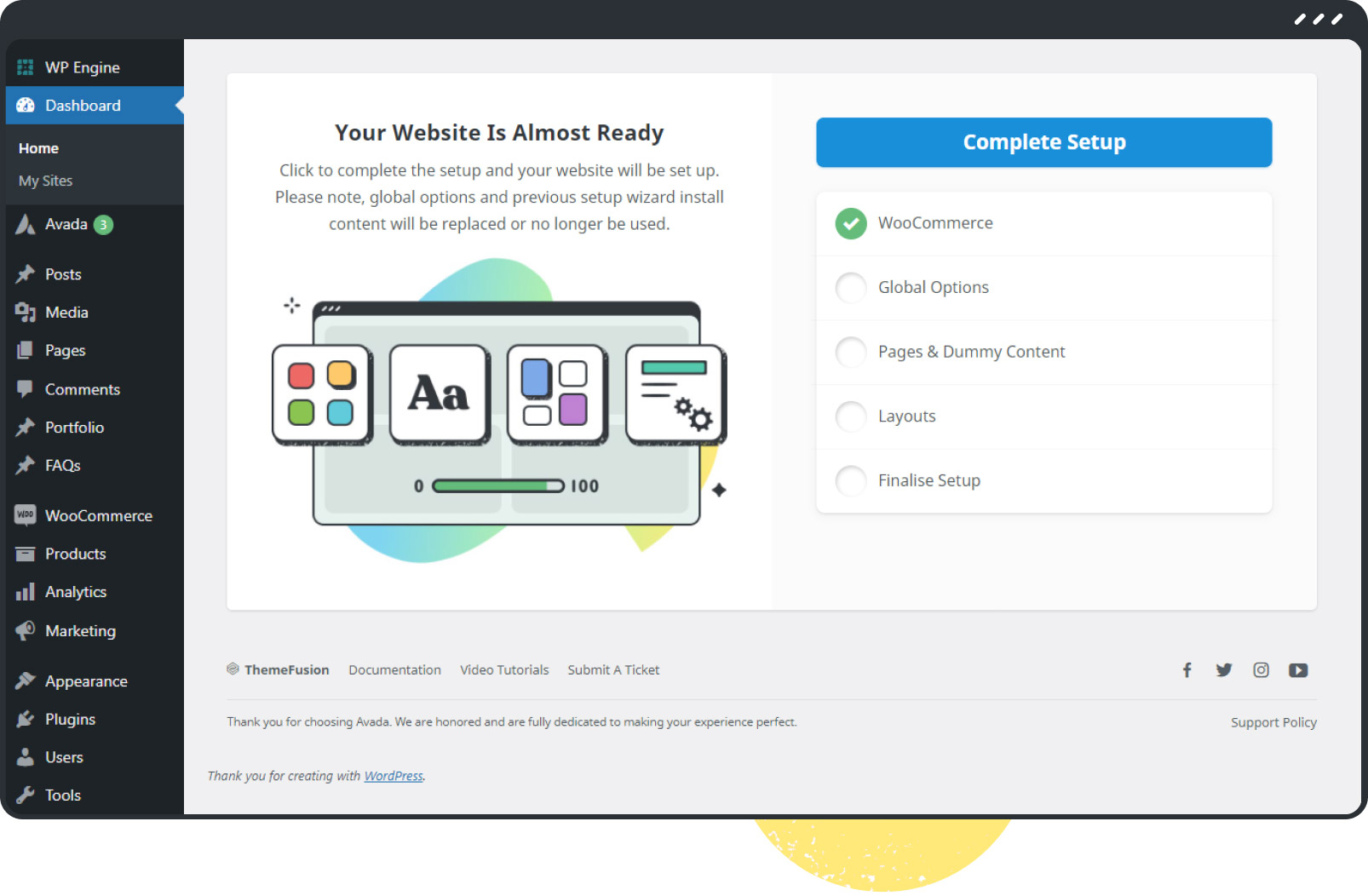
Remove the guesswork from designing websites
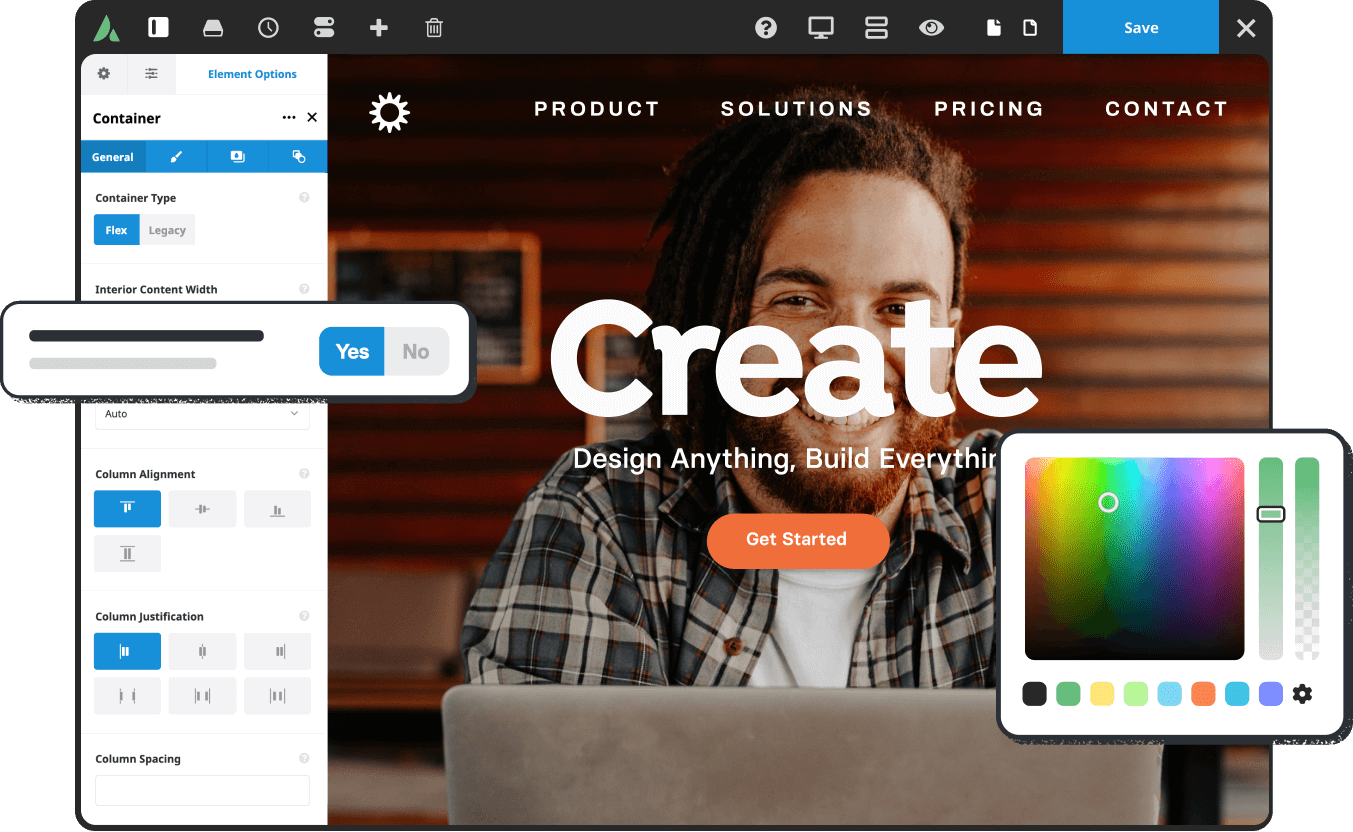
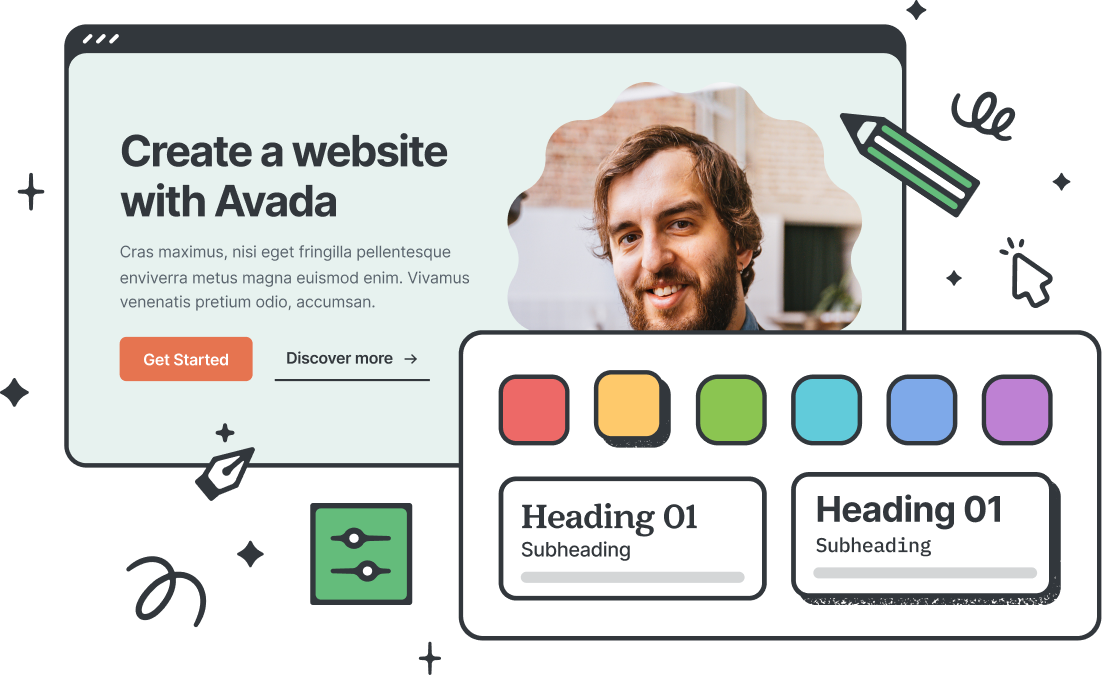
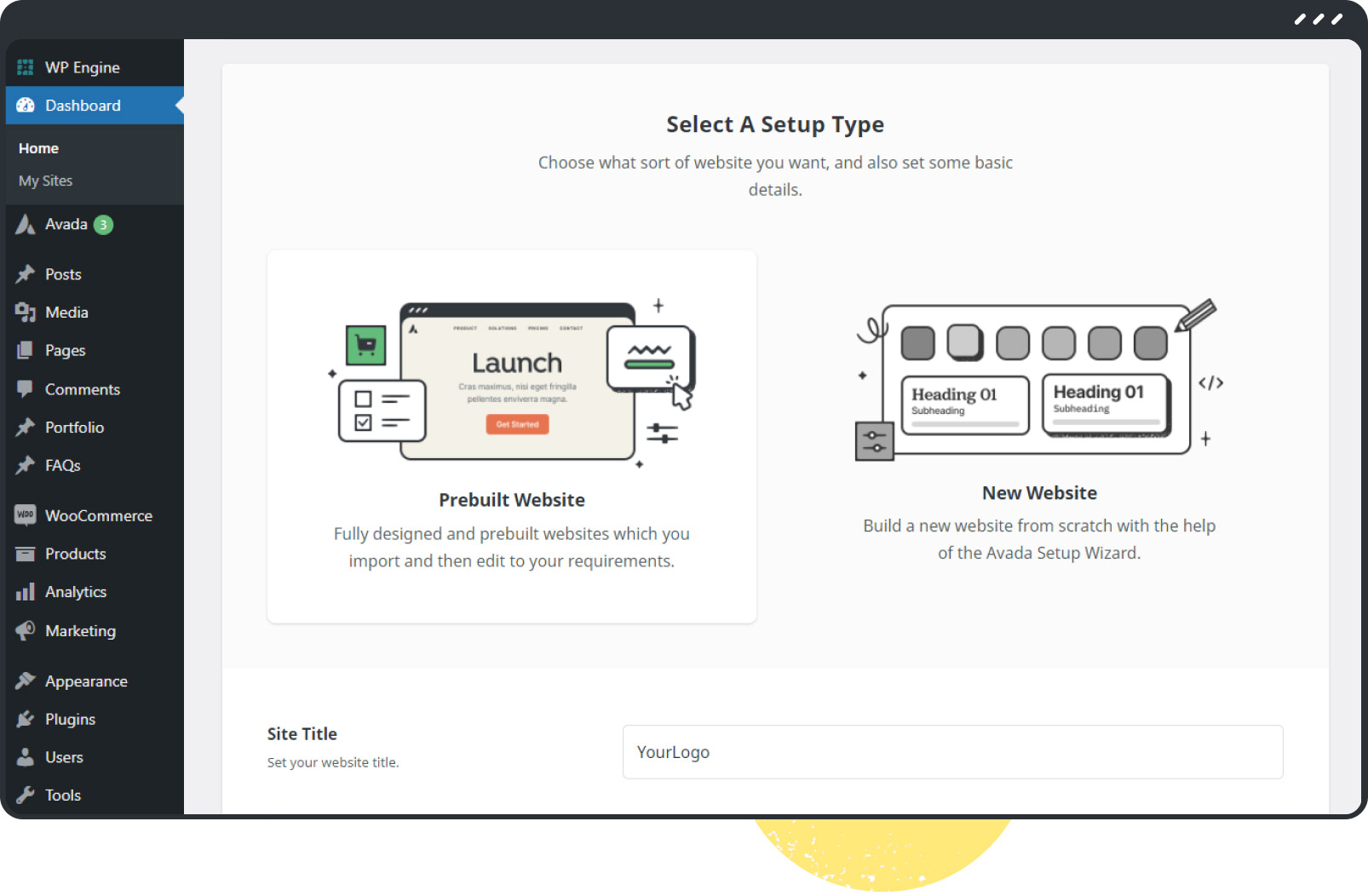
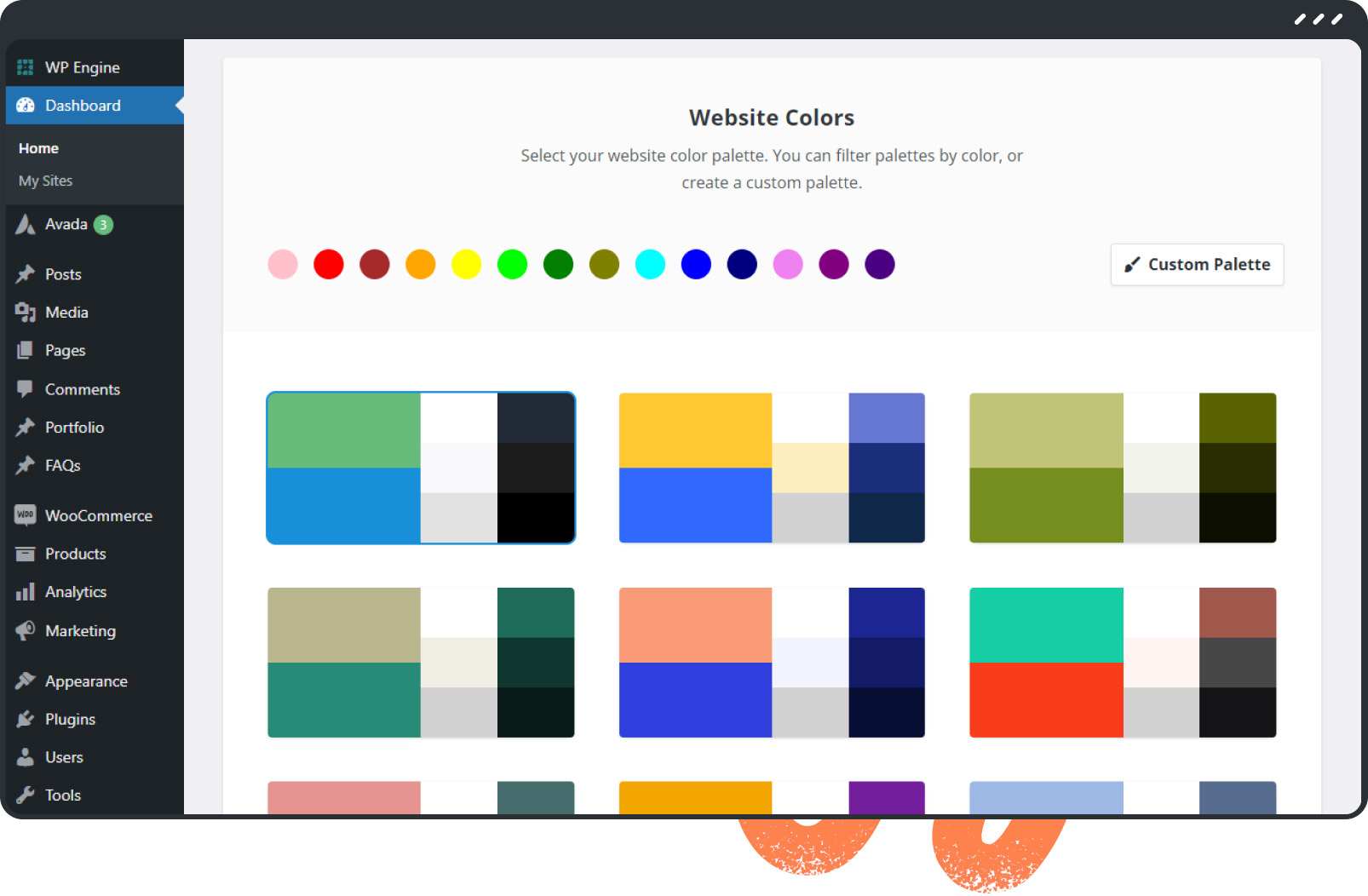
The Setup Wizard provides steps to follow, such as selecting a prebuilt website and content to use as a starting point, then customizing the website’s colors and fonts, page and post layouts, headers, and even configuring basic settings like the site title and tagline.
Additional Features

Choose a Prebuilt website or start building from scratch
Avada’s prebuilt content and websites make it easy for you to generate websites on the fly and fast.
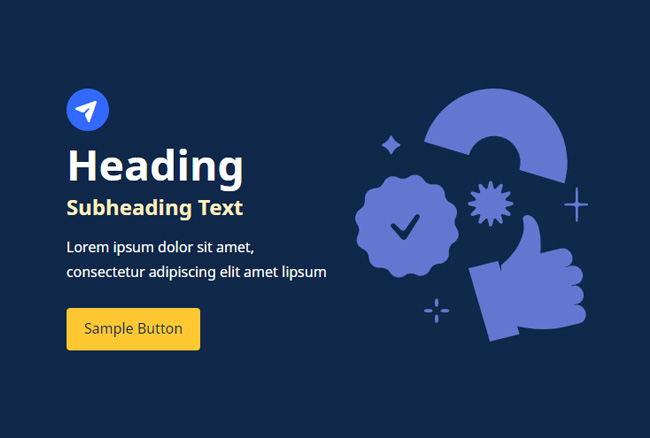
Toggle and Switch Content Colors Prior to Import
An interesting perspective on light/dark and alternative styling when generating layouts and content.
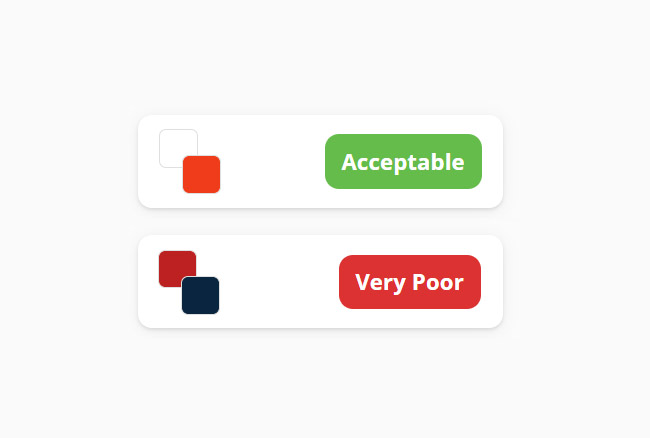
Color Accessibility Recommendations For Improved Design
Accessibility is vital. These recommendations make it easier for you to make design and styling decisions.