

Avada Website Builder

Avada Website Builder

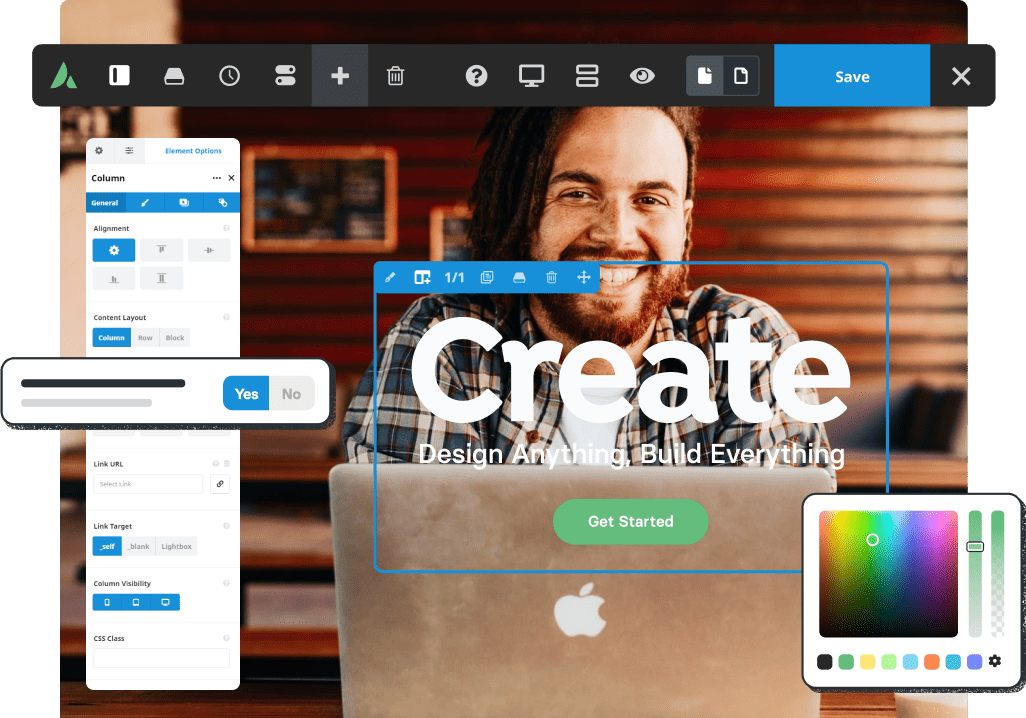
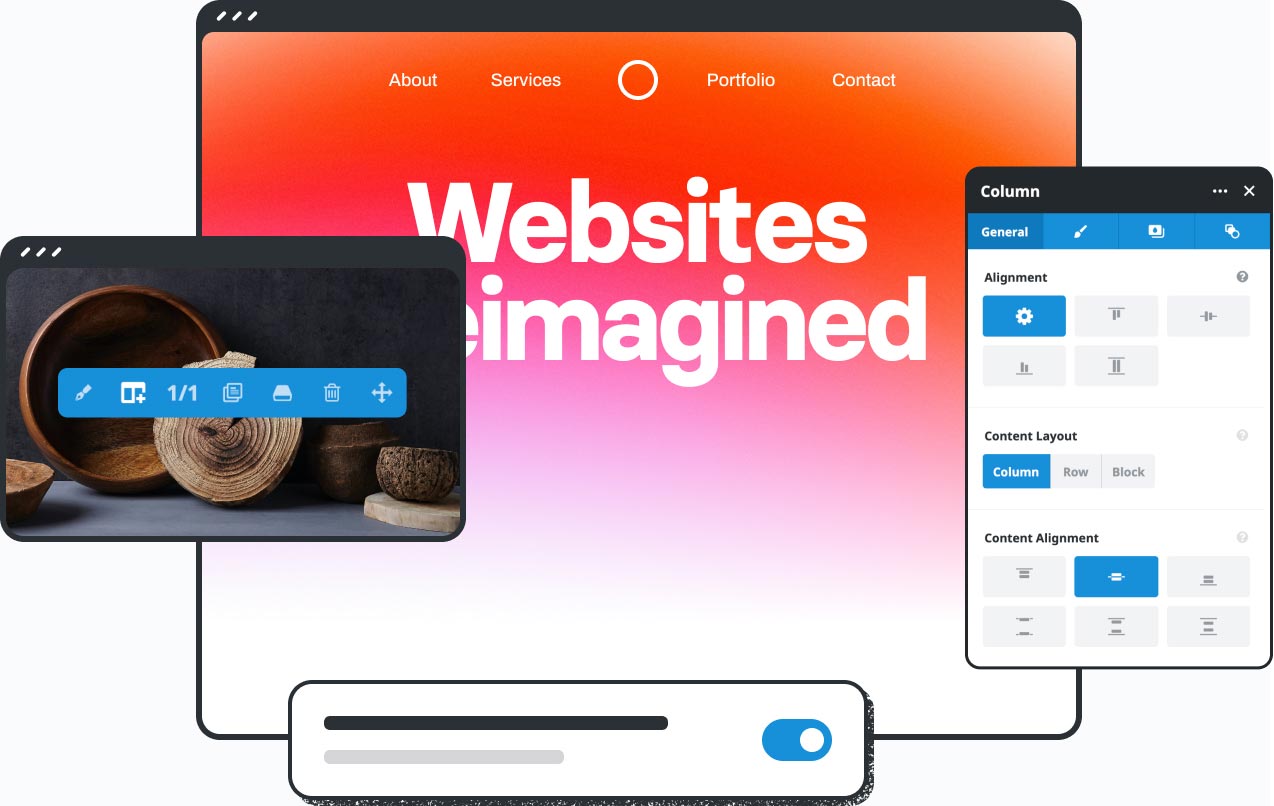
The live design interface gives you complete design freedom, allowing for an intuitive design workflow that will empower you to create any design style of choice. The only limit is your imagination.

Avada Design Elements

120+ Design & Layout Elements

Loaded with flexible options, these elements are highly adjustable for any design style and purpose.

No Coding Knowledge Required

No Coding Knowledge Is Required

The Avada design interface is straightforward and intuitive, making it easy even for beginners to master.

Mobile Friendly Across All Devices

Mobile Friendly Across All Devices

Avada is mobile-friendly and responsive across all devices, from mobile to desktop and tablets.

Build Stunning Websites On The Fly, And Fast.

You have total control over the creative process to elevate the website’s brand message above the competition.

Build A Website On The Fly
Pro
Included in Avada One Pro

Build With AI, Right In The Builder

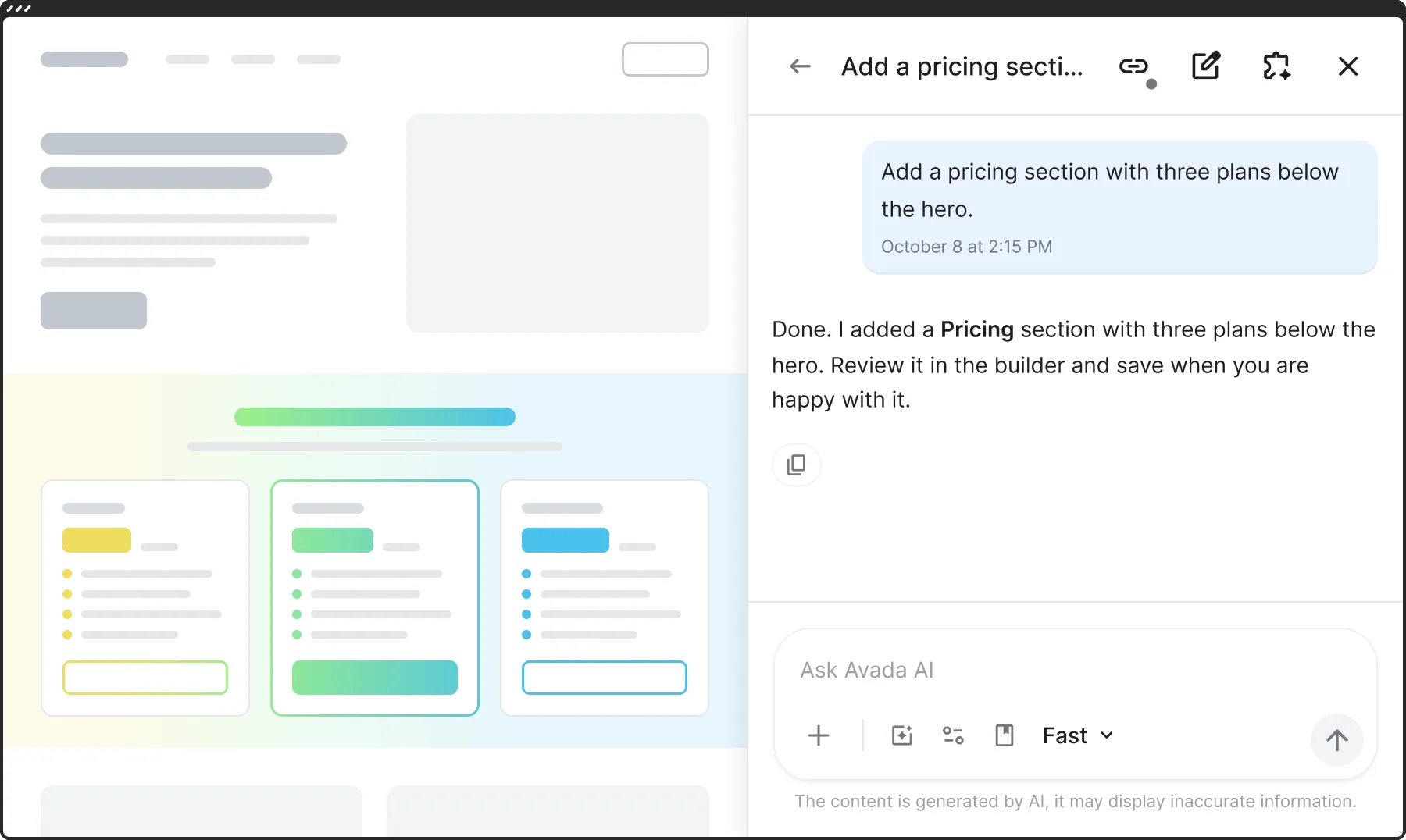
Ask Avada AI in the chat panel and it adds sections, edits elements and text, and pulls design examples from Avada Studio and the prebuilt websites. You see every change on the page, and nothing is saved until you click Save.

An AI app next to the Live Builder, changing the page through External AI

Intuitive Visual Drag & Drop Website Builder

The intuitive workflow & layout options will give you the confidence to create content easily.
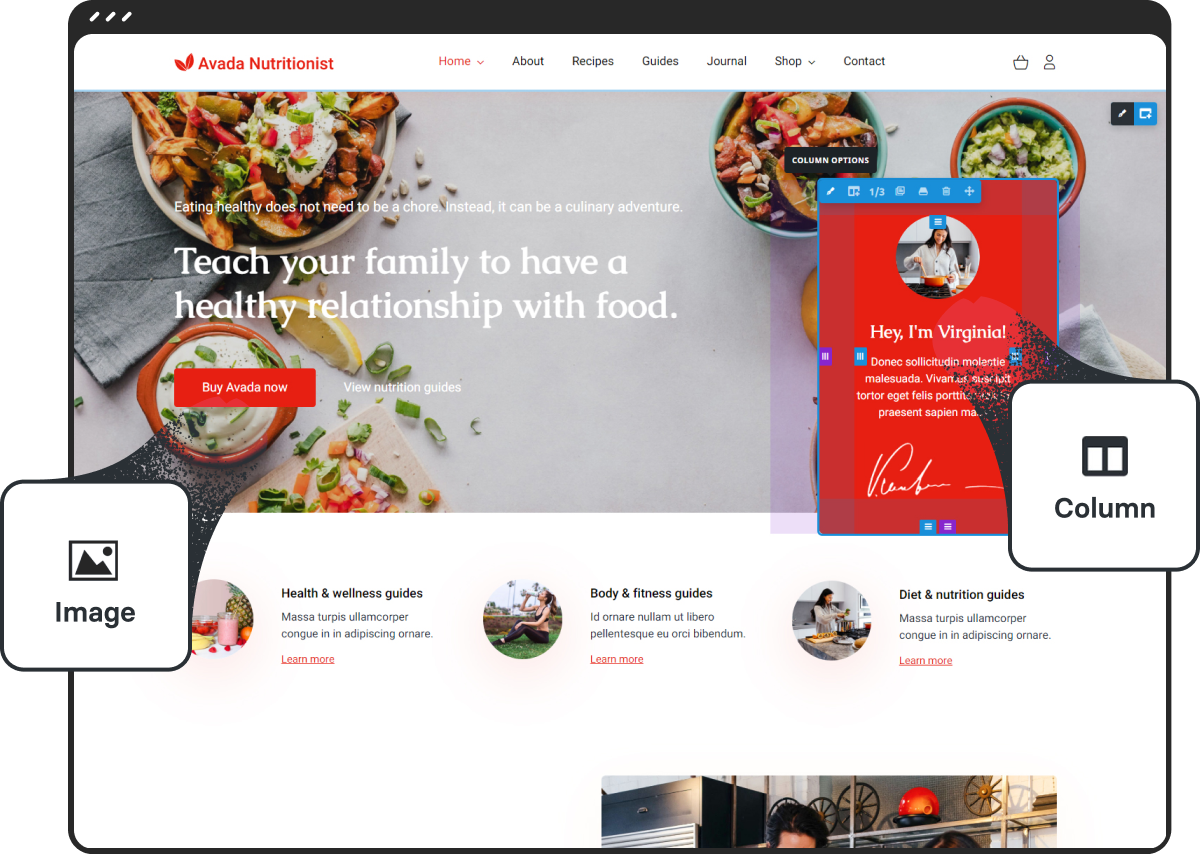
Creative Freedom

Complete Creative Freedom

Intuitive design tools make it easy for you to convey your brand’s message accurately and with style.
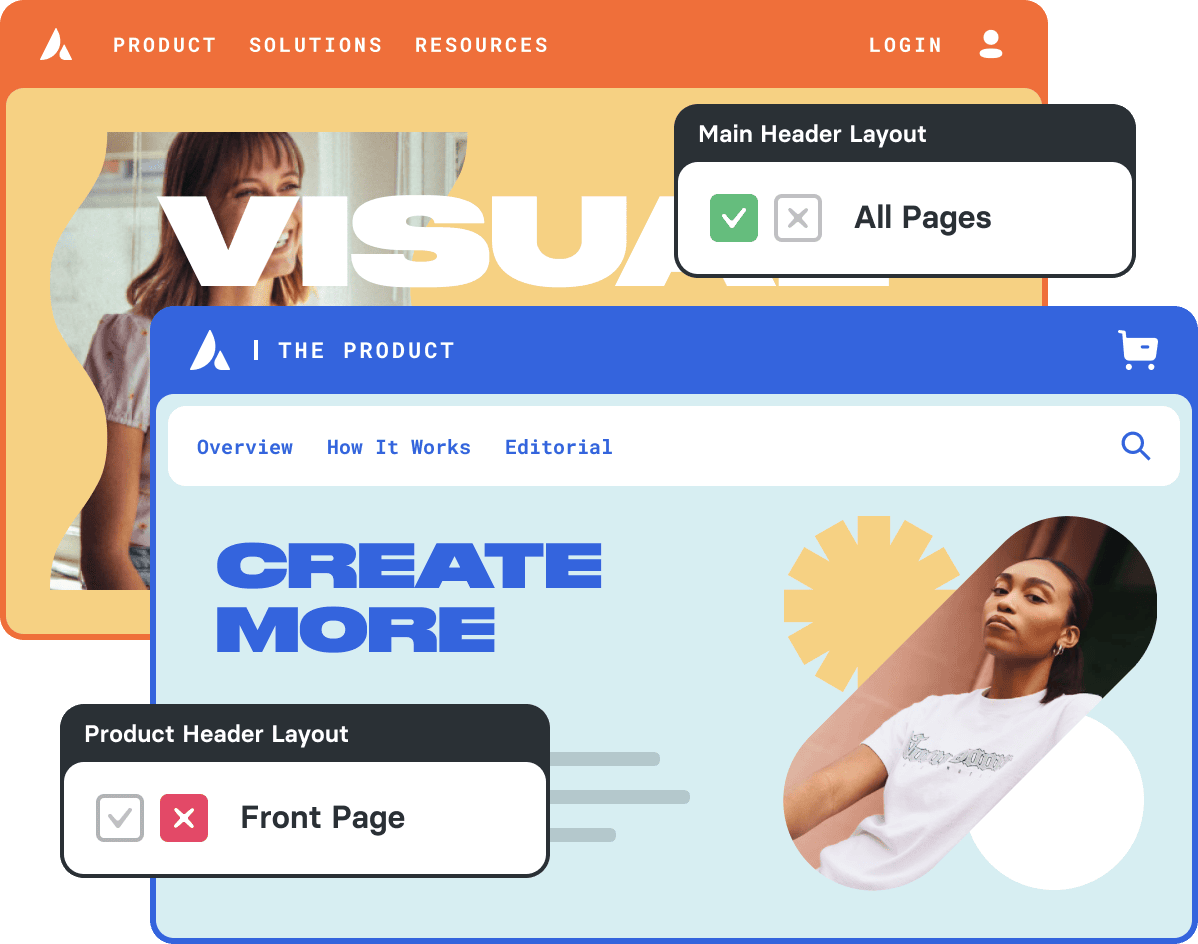
Design And Build Everything

Design Anything & Build Everything

Align your website with your inbound marketing strategy & turn potential customers into repeat customers.

Tools That Keep You Fast

Navigator

A map of every container, column and element on the page. Jump to any of them, rename, reorder or hide them.


Command Palette

Press Cmd​​​ + K​​ (Ctrl​ + K on Windows) to add an element, find something on the page or open any option by typing.

History

Your last 25 actions are listed. Go back to any earlier state of the page until you save.

Keyboard Shortcuts

Save, undo, copy, paste and more from the keyboard. The full list is under the question mark in the toolbar.

Go to Top