Avada Design Elements

Woo Order Additional Info

The Avada Woo Notices Element displays WooCommerce messages—errors or confirmations — in a consistent, styled format, ensuring important updates stand out to users.

Woo Order Additional Info 2

Supplement Order Details

It displays additional order notes & custom checkout fields in summaries.

Improves Transparency

It ensures that customers are kept informed with all relevant purchase information.

Custom Styling

You can style the typography, spacing, & alignment for a seamless order integration.

Avada Woo Order Additional Info Element Examples

The Avada Woo Order Additional Info Element shows customers any extra details provided during checkout, such as order notes or custom fields. By displaying this information clearly in order summaries, it ensures transparency, enhances communication, and creates a more professional shopping experience.

Avada Retail Order Additional Info

The Avada Woo Order Additional Info Element displays extra customer-provided information submitted during checkout, such as notes or special instructions. Typically displayed on the order confirmation page or within a customer’s account, this element helps store owners track custom requests or delivery preferences.

Examples can include the individual option values set for that particular instance; however, in some cases, not all Element variations can be shown as they may be too numerous. Where a live example cannot be shown, an image representation will be used as a substitute. For more detailed information, please refer to the related Element documentation and videos.
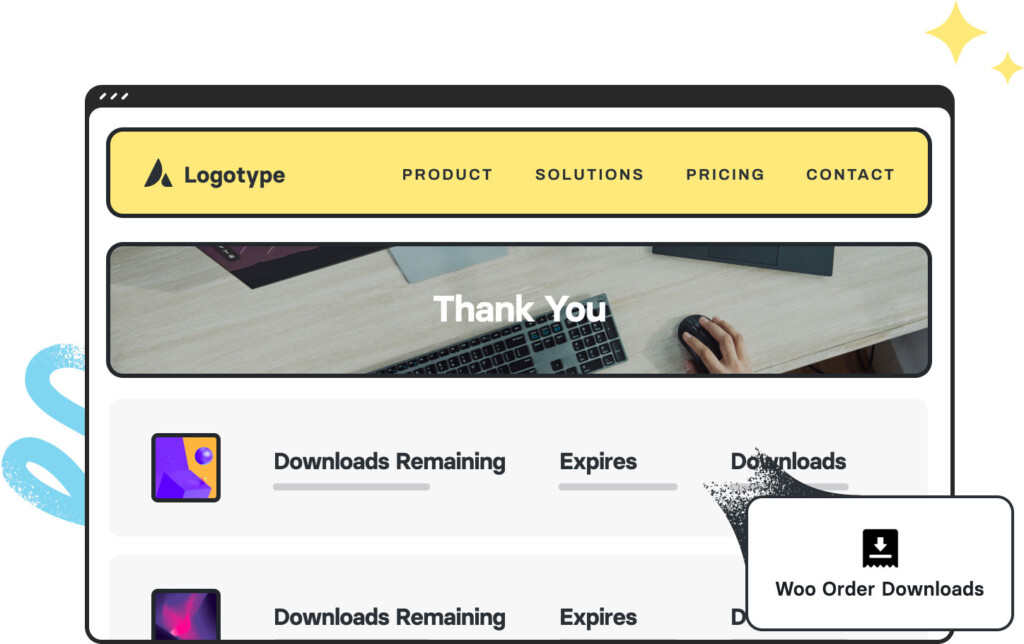
Woo Order Downloads 3Woo Order Downloads
Avada Text Path Element IllustrationText Path
Go to Top