Avada Design Elements

Woo Filter By Category

Provide increased product visibility, and usability for customers with an engaging shopping experience

Avada Woo Filter by Category Element

Increased Product Visibility

Allow users to quickly browse and find specific products by selecting category criteria

Enhanced Usability

It helps customers discover products in less popular categories which boosts sales

Better Shopping Experience

It reduces decision fatigue and saves time for customers by eliminating irrelevant items

Avada Woo Filter By Category Element Examples

The Woo Filter By Category Element makes it easy for shoppers to browse products by category with a clean, intuitive layout. With flexible columns, spacing controls, and styling options, it improves navigation while keeping your store organized and visually appealing.

Avada Woo Filter By Category Element

A powerful and intuitive way to help customers browse products by category. Present categories in flexible Column layouts, adjust spacing effortlessly with built-in gap controls, and customize the look with flexible styling options for images, borders, and hover states. Seamlessly integrated into Avada’s design system, the Category Filter Element enhances navigation and creates a clean, engaging shopping experience.

Examples can include the individual option values set for that particular instance; however, in some cases, not all Element variations can be shown as they may be too numerous. Where a live example cannot be shown, an image representation will be used as a substitute. For more detailed information, please refer to the related Element documentation and videos.

Avada Woo Filter by Brands ElementWoo Filter By Brands
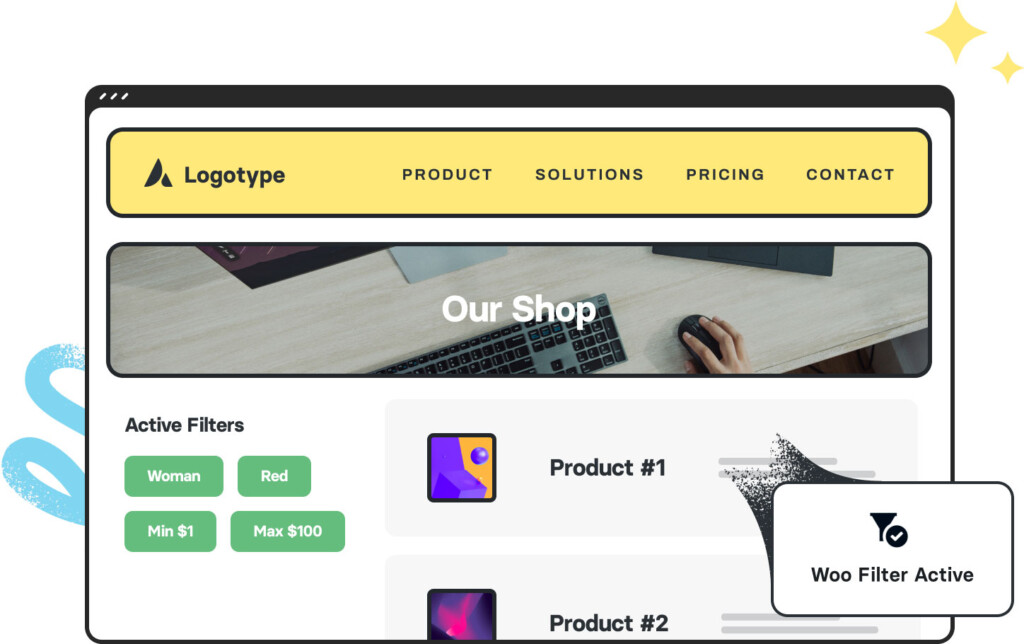
Woo Active FiltersWoo Filter Active
Go to Top