Black Friday

Up to 30% off Avada One

Ends in

0
0
0
0
Days
0
0
Hrs
0
0
Min
0
0
Sec

See the deal →

Avada Design Elements

Tag Cloud

The Avada Tag Cloud Element displays your site’s tags in an engaging, interactive cloud, with customizable typography, colors, and hover effects to improve content discovery.

Documentation & Videos
Avada Tag Cloud Element Featured Image

Dynamic Display

It automatically pulls WordPress post tags to highlight relevance & navigation.

Styling Control

You can easily customize the colors, fonts, spacing, & hover states for a vibrant display.

Interactive Experience

Visitors can explore related content intuitively through clickable WordPress post tags.

Avada Tag Cloud Element Examples

The Avada Tag Cloud Element displays your site’s tags as an interactive cloud, giving users a quick way to explore related topics and content. With styling options for typography, colors, alignment, spacing, and hover effects, the element turns standard metadata into an attractive and engaging navigation tool.

This Avada Tag Cloud Element is set up as follows: Taxonomy (Categories), Show Count (On), Margin, Style (Basic), Alignment (Center), Tag Spacing (6px), Font Size Type (Static), Font Size (15px), Letter Spacing (0.01em), Border Radius (5px), and Random Colors (Background + Text).

This Avada Tag Cloud Element is set up as follows: Taxonomy (Categories), Show Count (On), Margin, Style (Basic), Alignment (Flex Start), Tag Spacing (10px), Font Size Type (Static), Font Size (15px), Letter Spacing (0.01em), Border Size, Border Radius (10px), and Random Colors (Background + Text).

This Avada Tag Cloud Element is set up as follows: Taxonomy (Categories), Show Count (On), Margin, Style (Basic), Alignment (Center), Tag Spacing (20px), Font Size Type (Static), Font Size (17px), Letter Spacing (0.02em), Tags Padding, Border Size, Border Radius (0px), and Random Colors (Background + Text).

This Avada Tag Cloud Element is set up as follows: Taxonomy (Categories), Show Count (Off), Margin, Style (Arrows), Alignment (Flex End), Tag Spacing (30px), Font Size Type (Static), Font Size (15px), Letter Spacing (0.02em), Tags Padding, Border Radius (5px), Background Color, and Text Color.

This Avada Tag Cloud Element is set up as follows: Taxonomy (Categories), Show Count (On), Margin, Style (Basic), Alignment (Center), Tag Spacing (20px), Font Size Type (Variable), Letter Spacing (0.01em), Tags Padding, Border Radius (2px), Random Colors (Text), Background Color, and Border Color.

Examples can include the individual option values set for that particular instance; however, in some cases, not all Element variations can be shown as they may be too numerous. Where a live example cannot be shown, an image representation will be used as a substitute. For more detailed information, please refer to the related Element documentation and videos.
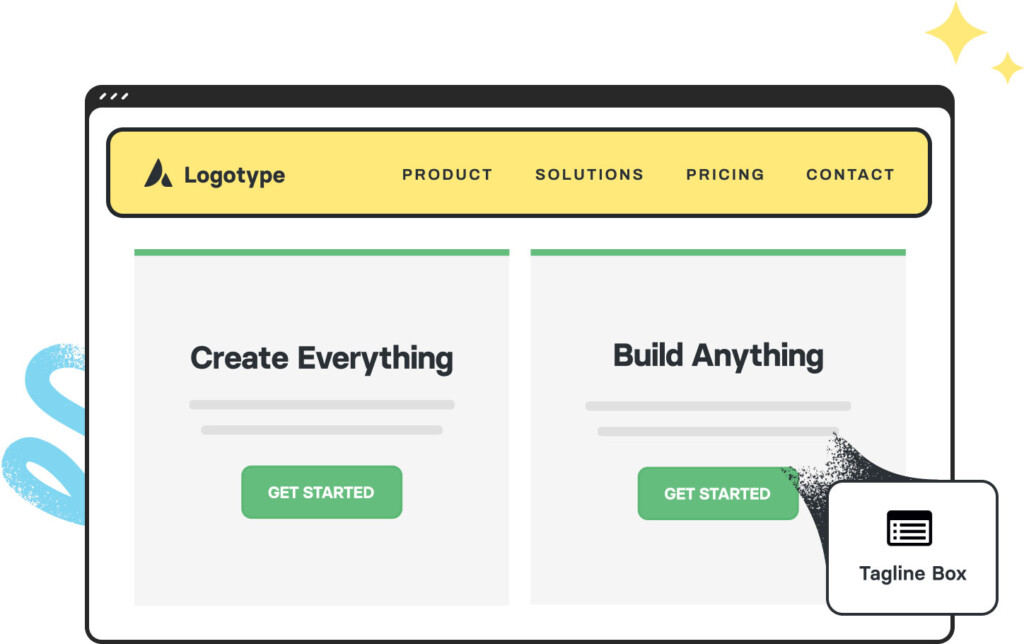
Avada Tagline Box Element Featured ImageTagline Box
Prebuilts
Buy Now
Buy Avada Now!
We use essential cookies to run our site, and optional ones for analytics, advertising, and personalization. You can manage your choices at any time. See our Privacy Policy.
  • Embeds from this vendor are blocked and replaced with a placeholder until consent is given.

  • Embeds from this vendor are blocked and replaced with a placeholder until consent is given.

  • Embeds from this vendor are blocked and replaced with a placeholder until consent is given.

  • Embeds from this vendor are blocked and replaced with a placeholder until consent is given.

  • Enables Google Analytics to store data about your visit, such as pages viewed, time spent, and interactions, to help us understand and improve website performance.

  • Enables HubSpot to track your activity on this site, power the live chat widget, and manage marketing interactions, such as form submissions.

  • Used to store your authentication details.

  • Used to store your authentication details.

  • Used to check if your browser has cookies enabled.

  • Used to persist your user configuration in the admin dashboard.

  • The time at which wp-settings-[user_id] was set.

  • Remembers the state of Switch elements you have toggled.

  • Stores your privacy and consent choices so they are respected on future visits.

  • Set by Cloudflare to tell real visitors apart from bots and protect our Websites from automated attacks. It does not track you across websites and is not used for analytics or advertising.

  • Set by Cloudflare after you pass a security check, so you are not asked to complete it again on every page.

Go to Top