
Avada Design Elements

Social Links

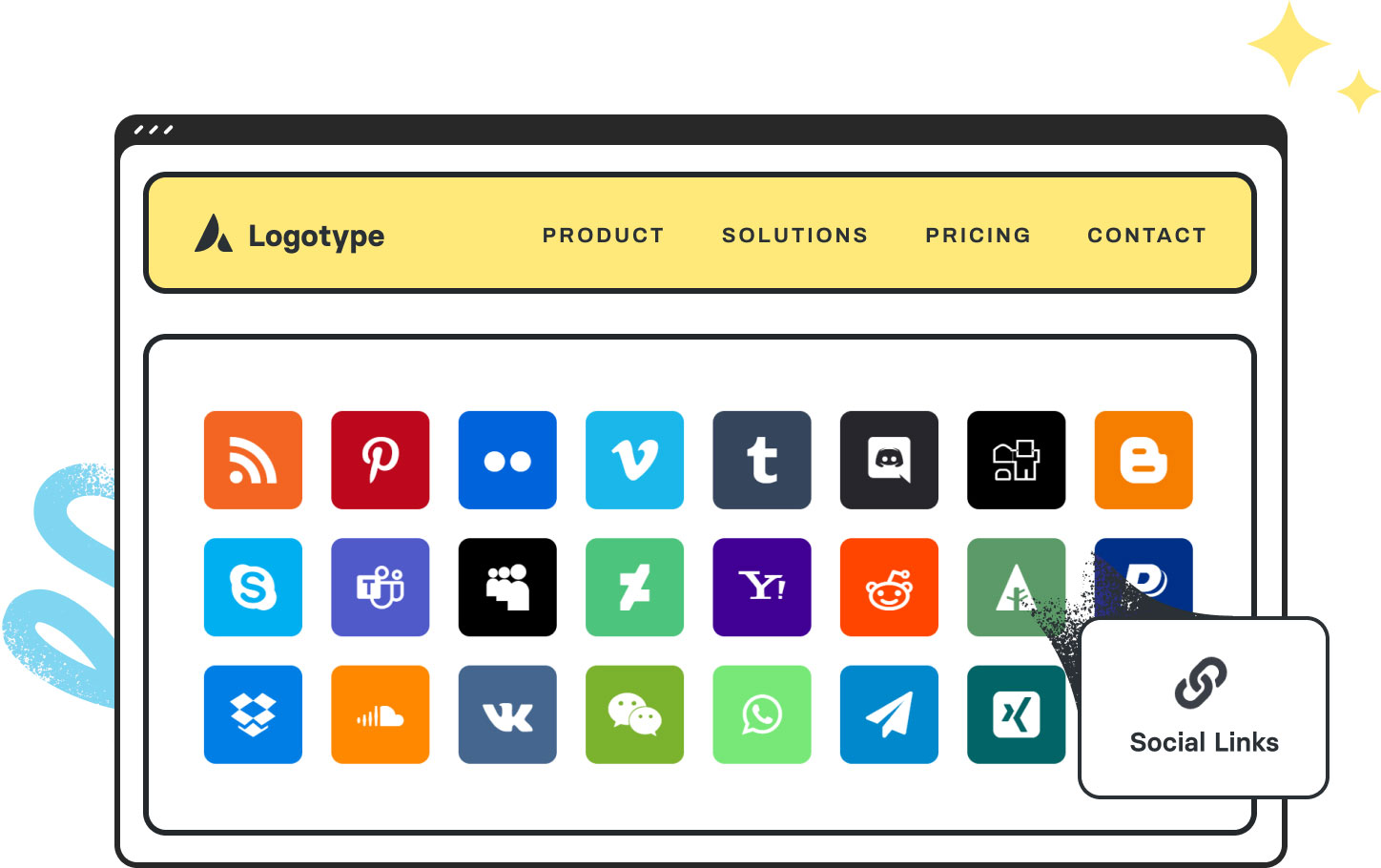
The Avada Social Links Element adds branded social icons anywhere on your site, styled with color, size, and hover options to create consistent, professional social connections.

Avada Social Links Element Featured Image

Many Social Profiles

You can choose from a wide range of social media platforms for maximum engagement.

Full Styling Control

Easily customise the size, shape, color, & hover states to align with your site's branding.

Flexible Placement

You can add social icons to headers, footers, sidebars, or anywhere within pages & posts.

Avada Social Links Element Examples

The Avada Social Links Element makes it easy to add branded social media icons anywhere on your site, linking directly to your profiles. With customizable colors, shapes, sizes, and hover effects, you can create a consistent, stylish way for visitors to connect with you across platforms.

This Avada Social Links Element is set up as follows: Forty Social Types, Show Custom Social Icons (Yes/No), Alignment (Left/Center/Right), Margin, Tooltip Position, Font Size, Boxed Style (Yes/No), Boxed Padding, Boxed Border Radius, and Color Type (Custom Colors/Brand Colors).

Examples can include the individual option values set for that particular instance; however, in some cases, not all Element variations can be shown as they may be too numerous. Where a live example cannot be shown, an image representation will be used as a substitute. For more detailed information, please refer to the related Element documentation and videos.

Avada Slider Revolution Element Featured ImageSlider Revolution
Avada Sound Cloud Element Featured ImageSoundCloud
Go to Top





















































































































