
Avada Logo
Avada Design Elements

Modal Text/HTML

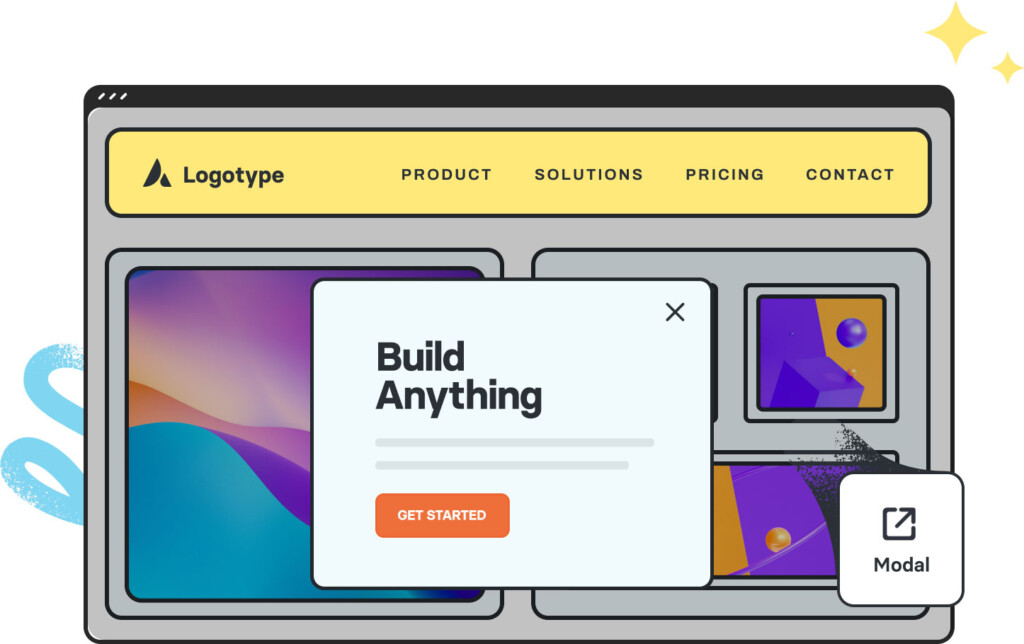
The Avada Modal Text/HTML Link Element triggers modals through clickable text or HTML links, seamlessly connecting content with custom pop-ups that enhance interaction.

Avada Modal Text Element Featured Image

Seamless Integration

It turns any text or HTML link into a modal trigger without disrupting flow.

Flexible Styling

You can style the trigger text like normal site content for a natural look.

Expands Use Cases

It allows you to tie modals to inline content, not just buttons or banners.

Avada Modal Text/HTML Element Examples

The Avada Modal Text/HTML Link Element acts as a trigger to open Avada Modals through styled text or HTML links. It’s a subtle yet powerful way to integrate modal pop-ups into your website content naturally, allowing you to link words, phrases, or HTML elements that summon custom modal windows when clicked.

Large Modal Sample

Lid est laborum dolo rumes fugats untras. Etha rums ser quidem rerum facilis dolores nemis onis fugats vitaes nemo minima rems.

This Avada Modal Text/HTML Element is set up as follows: Name of Modal, Modal Heading, Size of Modal (Large), Background Color, Border Color, Show Footer (Yes), and Content of Modal.

Small Modal Sample

Lid est laborum dolo rumes fugats untras. Etha rums ser quidem rerum facilis dolores nemis onis fugats vitaes nemo minima rems.

This Avada Modal Text/HTML Element is set up as follows: Name of Modal, Modal Heading, Size of Modal (Small), Background Color, Border Color, Show Footer (Yes), and Content of Modal.

Custom Style Options

Lid est laborum dolo rumes fugats untras. Etha rums ser quidem rerum facilis dolores nemis onis fugats vitaes nemo minima rems.

This Avada Modal Text/HTML Element is set up as follows: Name of Modal, Modal Heading, Size of Modal (Large), Background Color, Border Color, Show Footer (Yes), and Content of Modal.

Header & Footer Control

Lid est laborum dolo rumes fugats untras. Etha rums ser quidem rerum facilis dolores nemis onis fugats vitaes nemo minima rems.

This Avada Modal Text/HTML Element is set up as follows: Name of Modal, Modal Heading, Size of Modal (Large), Background Color, Border Color, Show Footer (No), and Content of Modal.

Examples can include the individual option values set for that particular instance; however, in some cases, not all Element variations can be shown as they may be too numerous. Where a live example cannot be shown, an image representation will be used as a substitute. For more detailed information, please refer to the related Element documentation and videos.
Avada News Ticker Element Featured ImageNews Ticker
Go to Top





















































































































