
Avada Logo
Avada Design Elements

Counter Circles

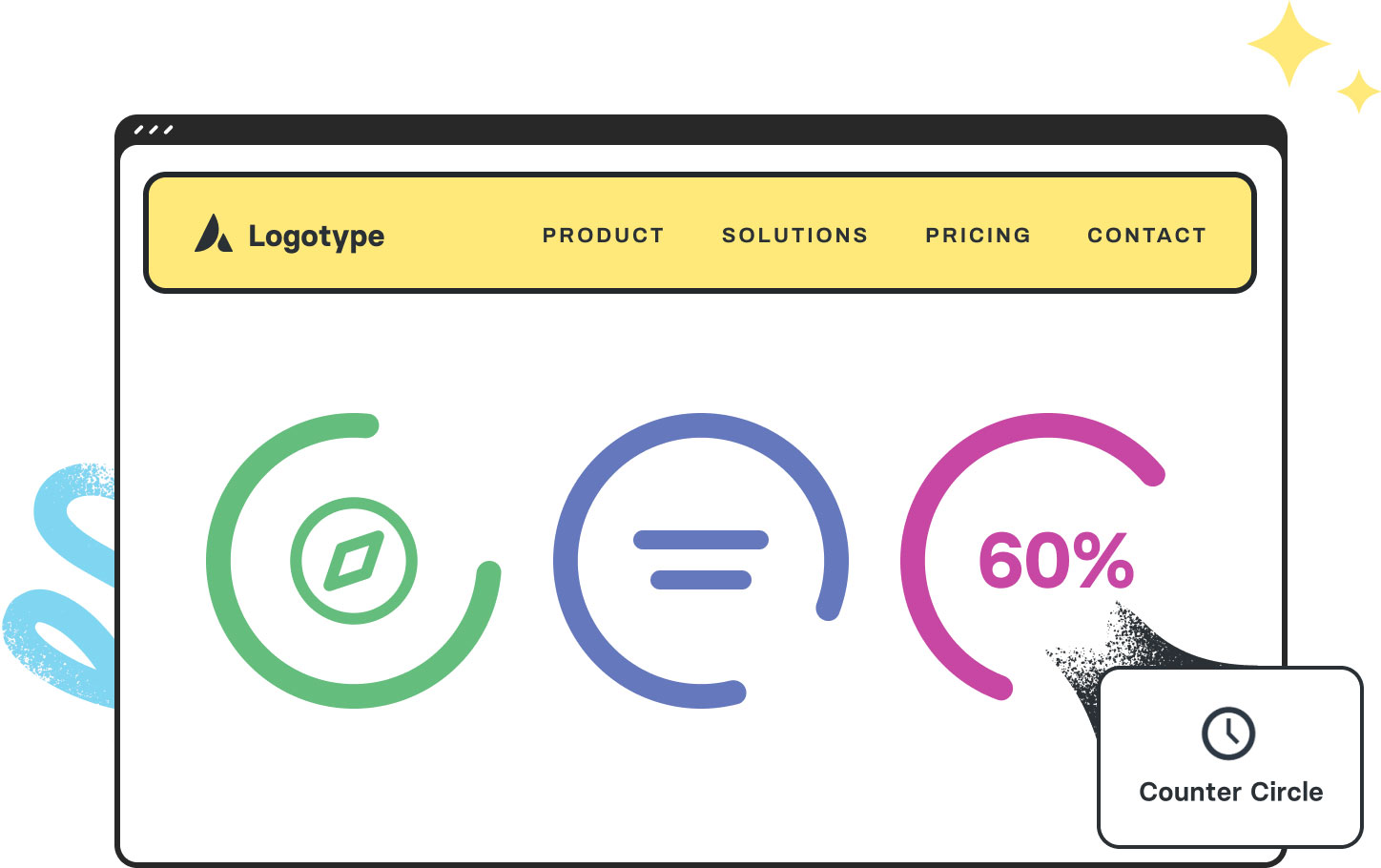
The Avada Counter Circles Element presents percentages or progress with animated circular visuals, adding motion and color to key stats in a clean, professional, and engaging format.

Avada Counter Circle Element Featured Image

Animated Trigger Control

The circles animate from empty to full, & you can control when this happens in the viewport.

Easily Customizable

Control filled/unfilled colors, size, inclusion of scale, & animation for visual impact.

Flexible Layouts

Set the number of counter circles to match the columns, giving you complete layout flexibility.

Avada Counter Circles Element Examples

The Avada Counter Circles Element allows you to present numerical data (such as percentages, skill levels, and achievements) within animated circles that fill up visibly, making statistics not only informative but also visually interesting. You can decide when animations start (on scroll or immediately), how fast they run, the colours of the filled and unfilled areas, the size of circles, whether to include scales, and more—ideal for showcasing metrics or progress in a way that’s eye-catching and intuitive.

62%

This Avada Counter Circles Element is set up as follows: One child item, Filled Area Percentage (62), Filled Color, Unfilled Color, Counter Size (157px), Show Scales (No), Countdown (No), Animation Speed (1500ms), and Counter Circle Text.

81/100

This Avada Counter Circles Element is set up as follows: One child item, Filled Area Percentage (81), Filled Color, Unfilled Color, Counter Size (208px), Show Scales (Yes), Countdown (No), Animation Speed (1300ms), and Counter Circle Text.

This Avada Counter Circles Element is set up as follows: Three child items, Filled Area Percentage (84, 100, 66), Filled Color, Unfilled Color, Counter Size (90px, 150px, 210px), Show Scales (No), Countdown (No), Animation Speed (1500ms), and Counter Circle Text (Icon Element).

Examples can include the individual option values set for that particular instance; however, in some cases, not all Element variations can be shown as they may be too numerous. Where a live example cannot be shown, an image representation will be used as a substitute. For more detailed information, please refer to the related Element documentation and videos.
Avada Code Block Element Featured ImageCode Block
Avada Counter Boxes Element Featured ImageCounter Boxes
Go to Top





















































































































