
Avada Design Elements

Avada Form

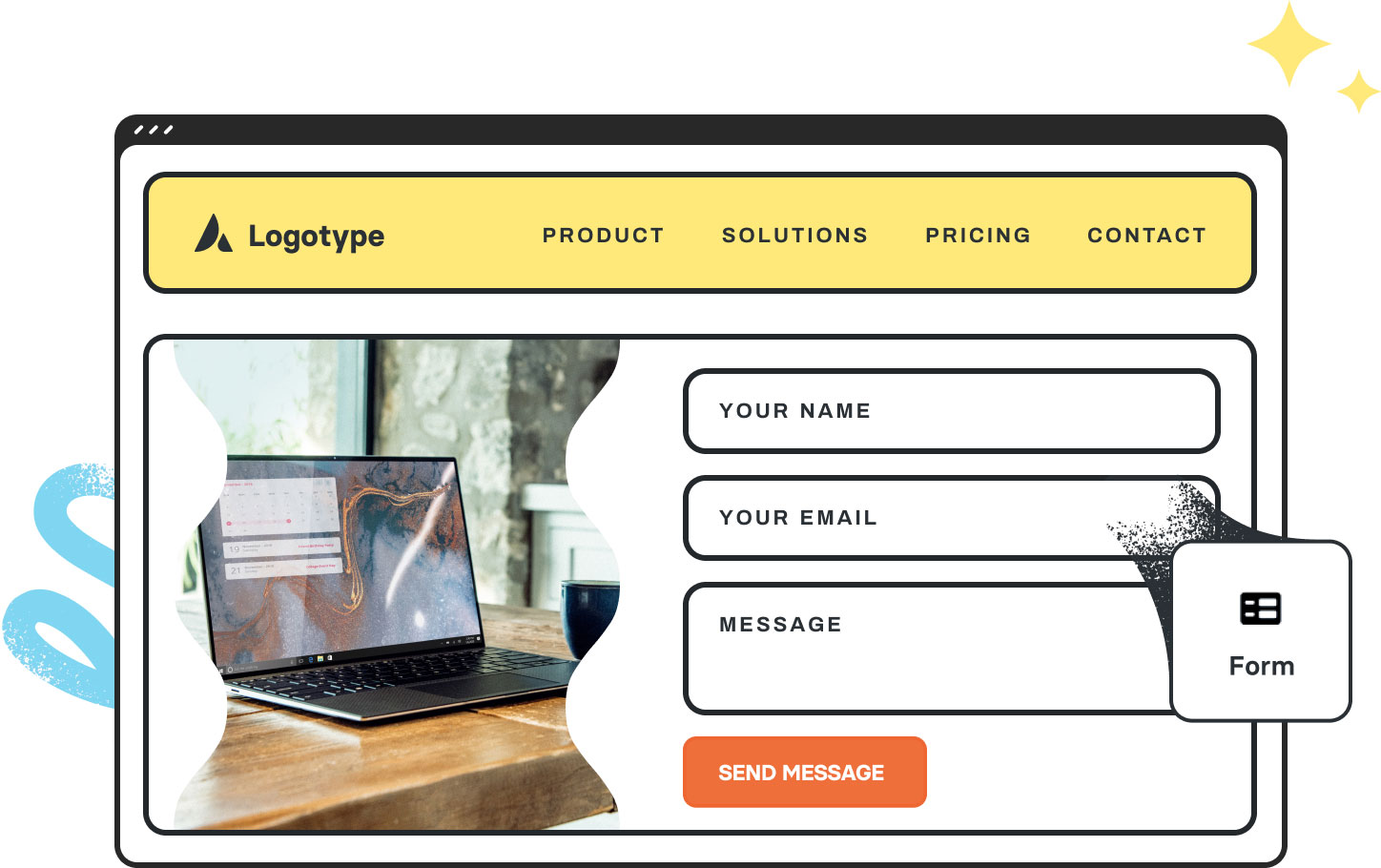
The Avada Form Element allows you to insert any Avada Form anywhere on your site, with full styling, logic, and integrations—no third-party plugins needed for complete form flexibility.

Avada Form Element Featured Image

Flexibility & Branding

Full control over layout, styling, validation, and branded success messages to match your identity.

Powerful Features

Includes conditional logic, custom notifications or auto-replies, and integration with external services (e.g. Mailchimp, HubSpot).

All-in-One Solution

Removes the need for extra form plugins by combining all essential form features into Avada’s ecosystem.

Avada Avada Form Element Examples

The Avada Form Element allows you to deploy forms built with the Avada Form Builder anywhere on your website—whether contact forms, marketing signups, surveys, or reservations—with drag-and-drop ease, conditional logic, branding options, and integrations, eliminating the need for third-party WordPress plugins.

Avada Recruit Agency Contact Form

The Avada Form Element enables you to deploy fully customizable forms using the Avada Form Builder, such as contact forms, surveys, or lead generation tools. It serves as the container for all your form fields, providing you with complete control over structure, layout, and styling. With options for form actions, email routing, success messages, and integrations, the Form Element enables you to design interactive and user-friendly forms that align perfectly with your site’s branding—all without needing to write a single line of code.

Examples can include the individual option values set for that particular instance; however, in some cases, not all Element variations can be shown as they may be too numerous. Where a live example cannot be shown, an image representation will be used as a substitute. For more detailed information, please refer to the related Element documentation and videos.
Avada Checklist Element Featured ImageChecklist
Go to Top





















































































































