How To Manage Fonts in Avada
Last Update: November 22, 2026
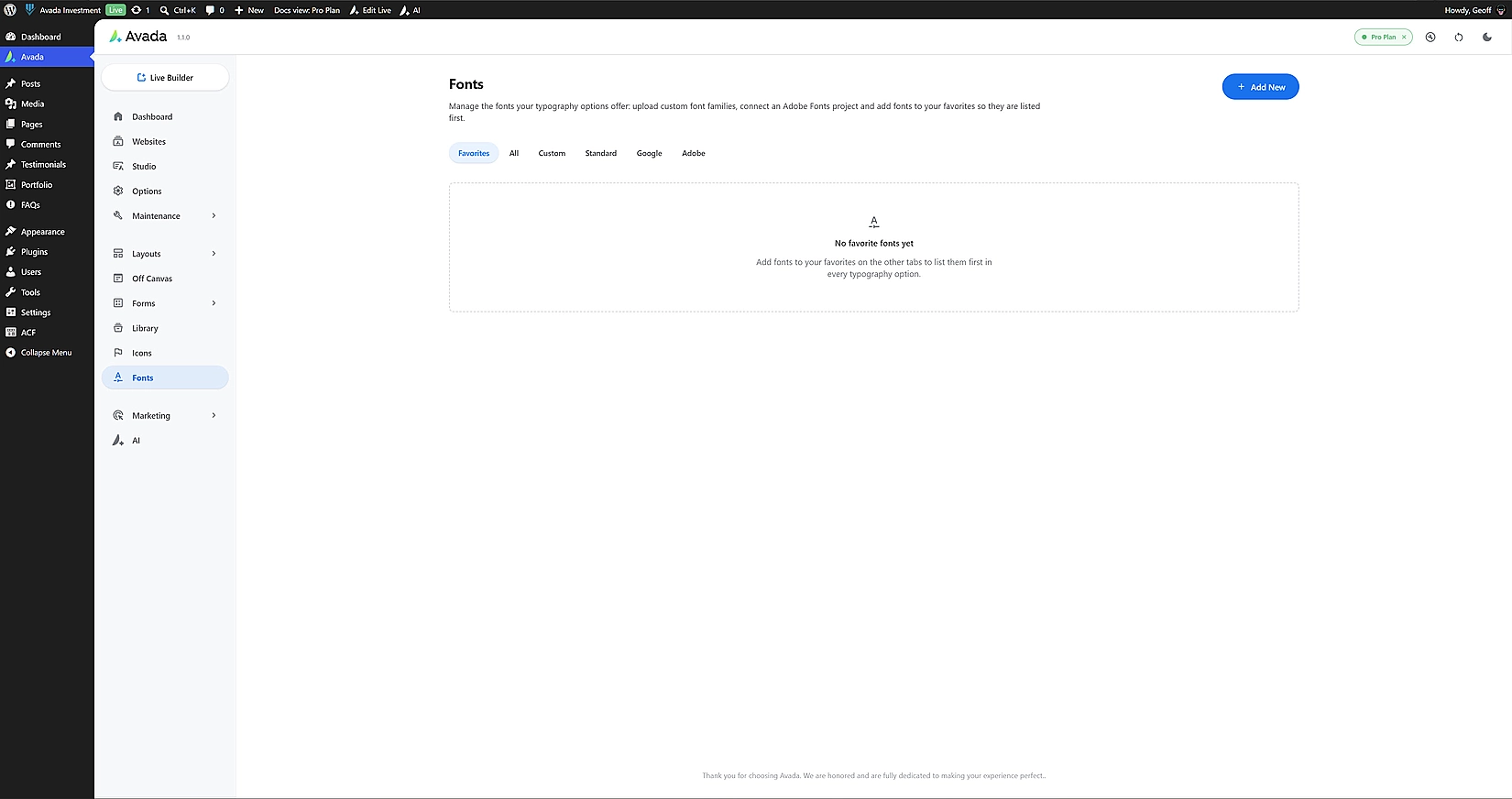
In Avada One 1.1, a Font managment page was added to the Avada Dashboard. You will find this under Fonts, from the Avada Dashboard. This is a central area to manage ALL your fonts on your Avada website. Read on to find out more about each area, and watch the video for a visual overview.
Favorites
The Favorites panel is of course initially empty. On any other panel however, you can click on the star on a font panel, and that font will be added to your Favorites. This means that is will be displayed first in any typography setting.
There is also an option (once there are favorites) to ONLY show these favorite fonts in the typography optons. This is a user by user setting.
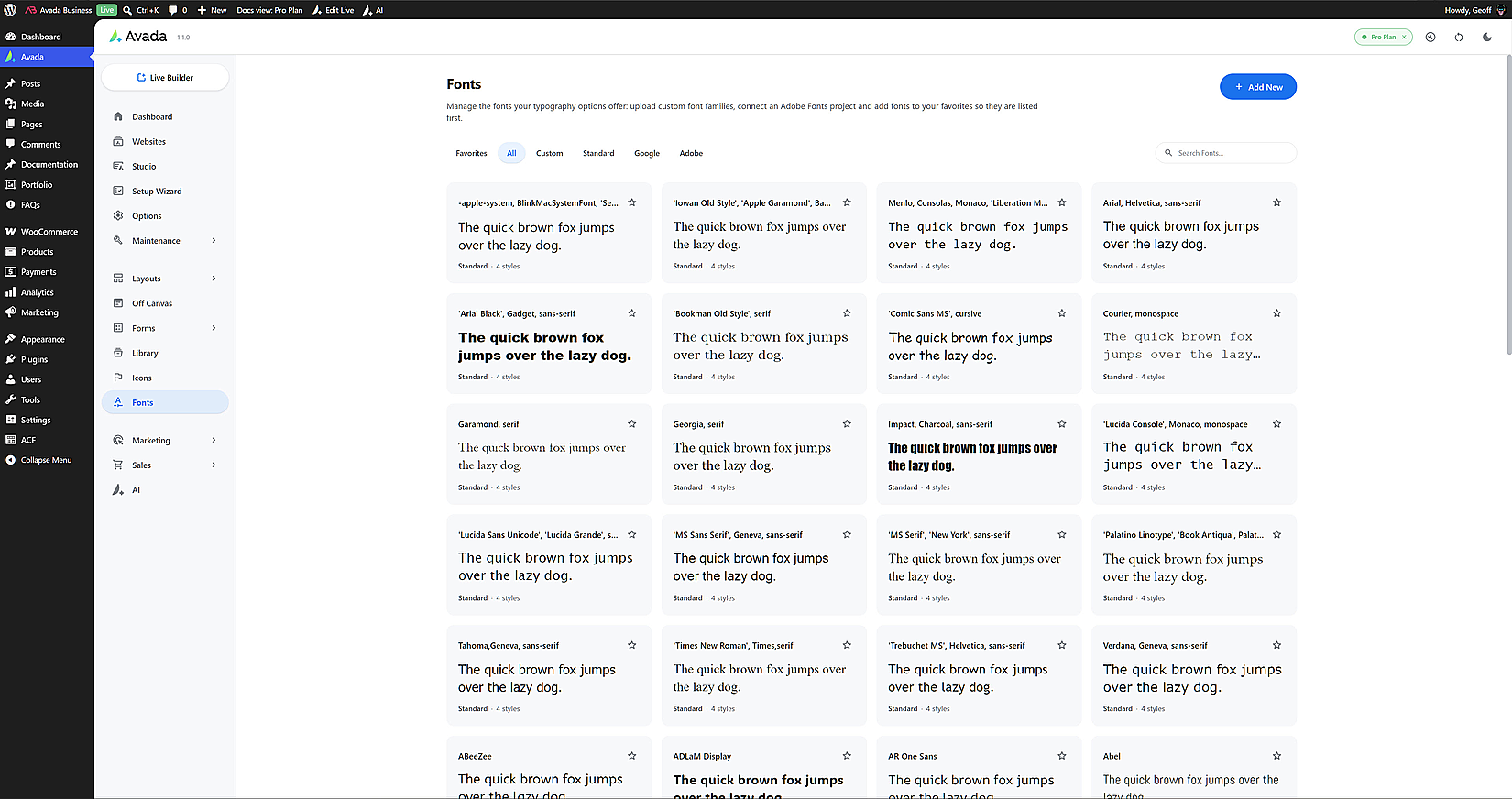
All
The All panel displays all available fonts for your website. This is a handy place to search for a specific font name, as it will be here, no matter what type of font it is.
Custom
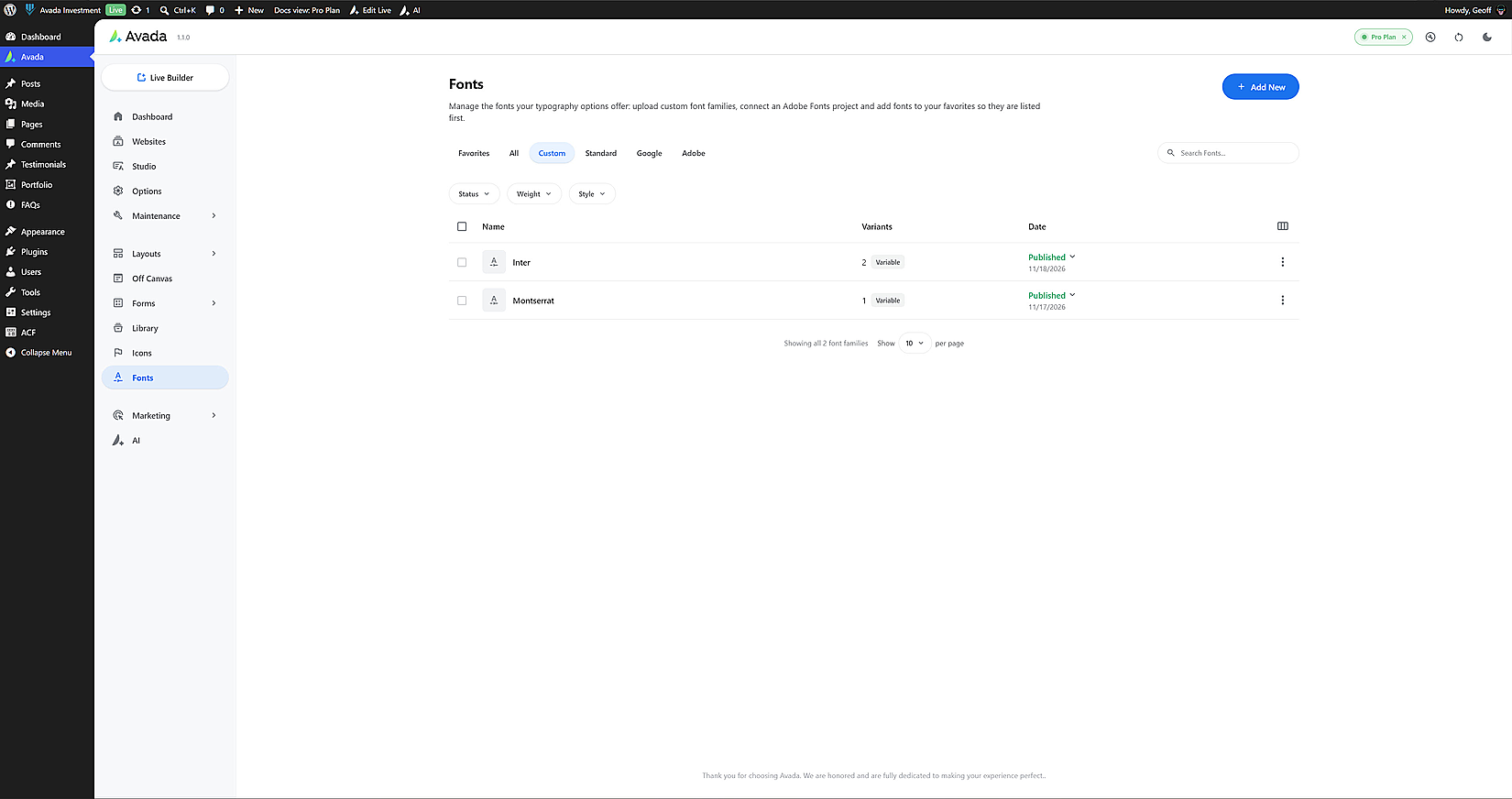
This is where you upload your custom fonts. You create a font family, and then you can add variants to it. See the video above for how this works.
Standard
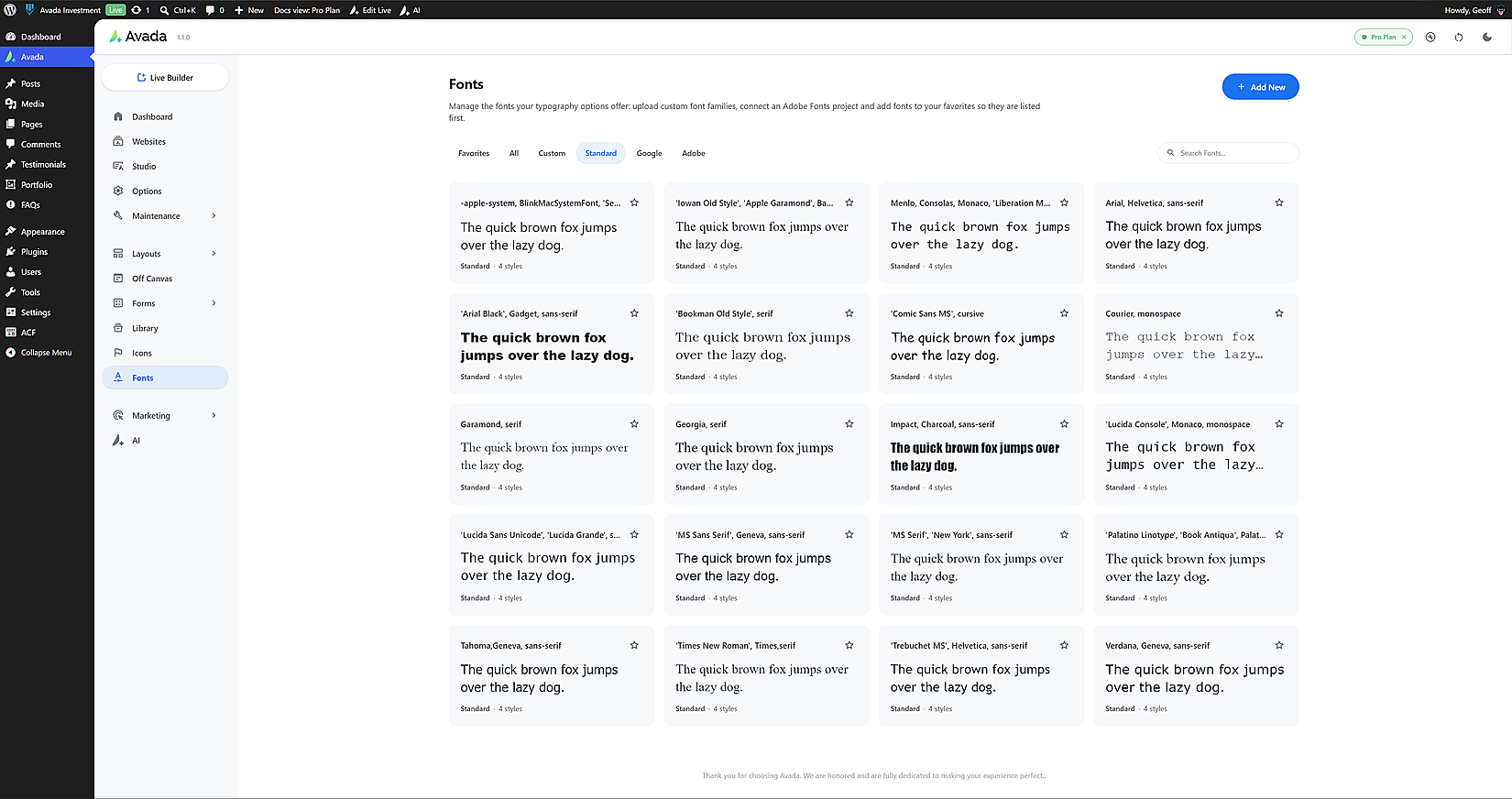
The Standard panel displays the standard system fonts that were once the mainstay of typography in web design. Google Fonts has of course changed all that, but the standard fonts are still very useful.
Using standard system fonts can improve website performance because they are already installed on most operating systems and browsers, so there is no need to download additional font files. This reduces HTTP requests, page load times, and the amount of data transferred, helping your website load faster. If a visitor doesn’t have the specified font installed, the browser automatically moves to the next font in the CSS font stack, eventually using a generic fallback font such as sans-serif or serif. This ensures text is always displayed, although its appearance may differ slightly from the intended design.
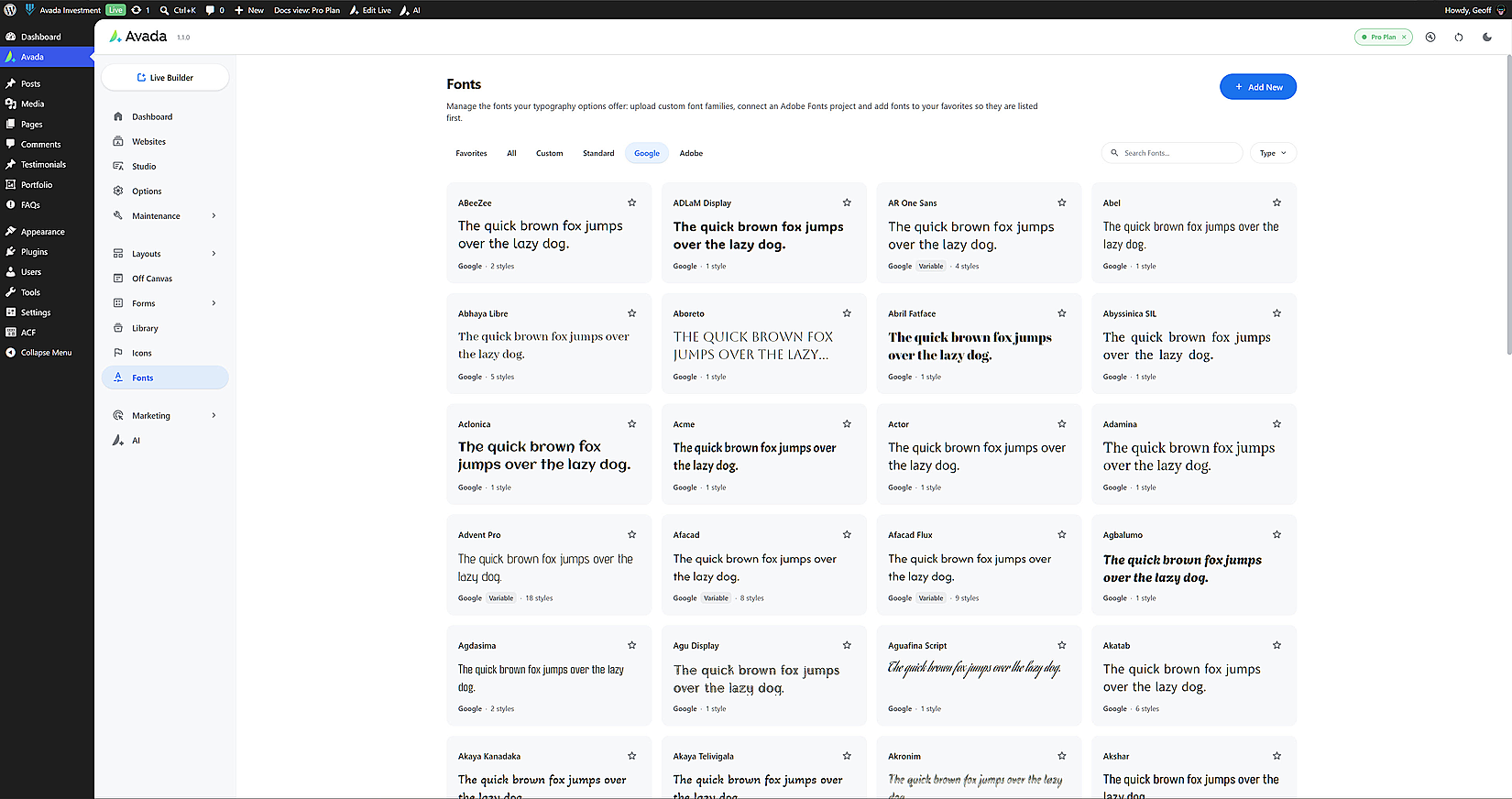
Google fonts is the next tab, and here the entire family of almost 2,000 Google Fonts is listed. You can of course scroll through all these, or you can search for specific fonts, or filter to just variable fonts. Variable fonts have a small Variable badge at the bottom, and all fonts show how many styles they have.
This just lets you know that the font is not only available in regular but also other weights light 600, 800 etc. A variable font can cover all the weights, and also in between values within just one definition file, while standard fonts have one file per weight.
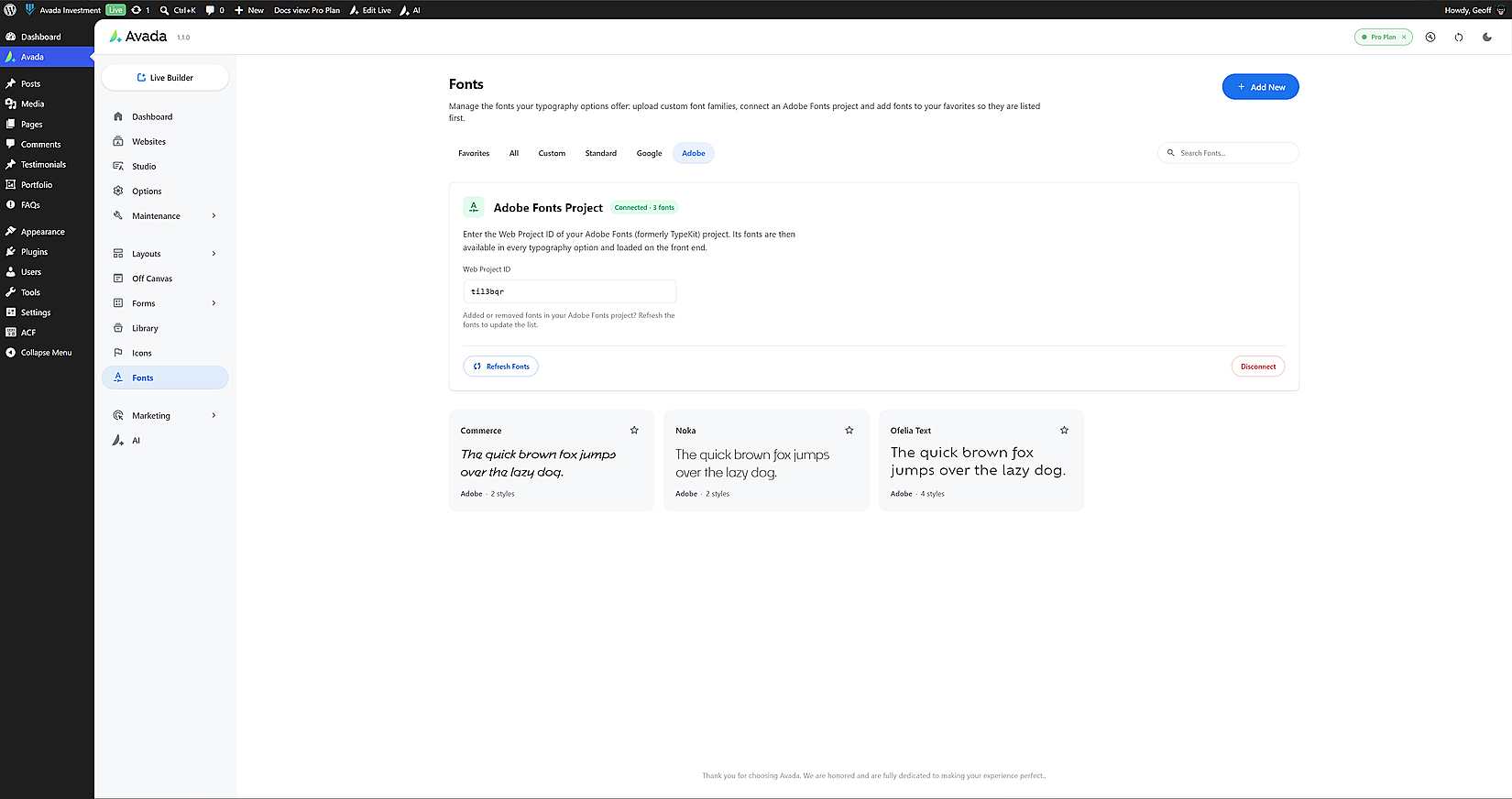
Adobe
The last tab is Adobe. Just enter the Web Project ID of your Adobe Fonts project (this was formerly TypeKit) and then its fonts are then available in every typography option and loaded on the front end.