Share
As of 2025, website speed has never mattered more. Faster load times improve the user experience, boost search rankings, and increase conversions across industries, especially as search engines such as Google prioritize mobile-first indexing to improve website performance. One of the simplest and most impactful ways to improve performance is to optimize your images — and modern formats like WebP and AVIF make this easier than ever.
If you’re using Avada and WordPress, you can take advantage of these high-performance image formats without any additional plugins or external tools. Avada handles the conversions for you, helping you deliver a faster, more efficient website with just a few clicks.
In this guide, we’ll walk through why WebP and AVIF matter, how they improve SEO (Search Engine Optimization), and how you can enable them in Avada to instantly enhance your site’s performance.
Overview
How Image Compression Works
Before diving deeper into formats like WebP and AVIF, it helps to understand what image compression actually does. In simple terms, compression reduces the size of an image file by removing unnecessary data, all while trying to maintain the image’s visual appearance.
Different compression techniques determine how that data is removed — and how much of it. There are two primary approaches to image compression:
Lossy Compression
Lossy compression reduces file size by selectively discarding information that the human eye is less likely to notice. This allows for very small file sizes, but it can sometimes introduce visible imperfections, such as slight blurring or compression artifacts, especially at higher compression levels.
Lossyless Compression
Lossless compresion keeps every bit of the original image data intact. When the file is decompressed, the image is restored exactly as it was. While this ensures perfect quality, it typically results in larger files compared to lossy methods.
Why WebP and AVIF Are Game-Changers
In recent years, WebP and AVIF have become increasingly popular because they offer significant performance benefits:
WebP
AVIF
Why WebP & AVIF Matter for SEO & Performance
Large images are one of the biggest contributors to slow pages, and Google has made it clear: performance is a ranking factor. A lighter site loads faster, reduces bounce rates, and helps deliver a better Google’s Core Web Vitals score.
Using modern format images solve this by dramatically reducing file sizes while preserving (and often improving) visual quality:
Compared to the traditional JPEG format, these modern alternatives can reduce image weight by 30–70% or more. The result is faster rendering, smoother browsing, and stronger SEO performance across your site.
Built-In Image Optimization With Avada
One of Avada’s powerful advantages is that you don’t need to rely on external tools or complex workflows. Image optimization, and optimization features in general is built directly into Avada’s Performance options. Modern image formats like WebP and AVIF can make your pages load much faster—without sacrificing quality.
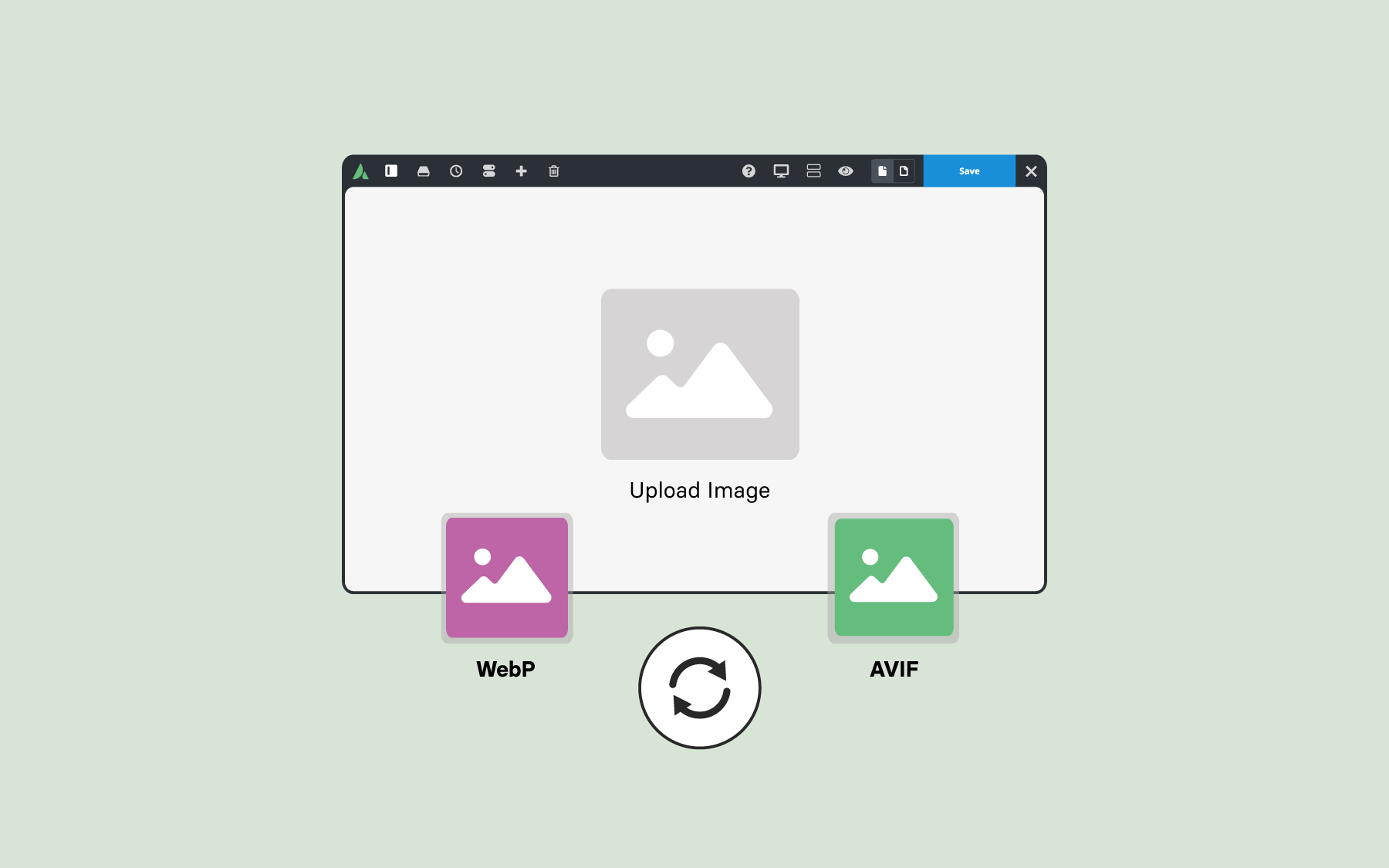
If you navigate to the WordPress Dashboard → Avada → Options → Global Options → Performance → Images section, you’ll find the “Upload Image Format” setting. Switching this from “Default” to WebP or AVIF tells Avada to automatically convert your future uploads to a faster, lighter format. If your server doesn’t support AVIF, Avada intelligently falls back to WebP, ensuring compatibility.
You can also choose whether to retain the original files. Keeping them provides extra flexibility, but the converted versions are what power faster performance.
Once enabled, optimization happens automatically. For example, an original JPEG at 337KB may be converted to a WebP file as small as 122KB — an instant improvement with no loss in quality. Across an entire website, these savings add up quickly.
Convert Existing Library Images for Immediate Gains
If your site already contains many images, Avada helps you modernize them all at once. In the Avada System Status area (WordPress Dashboard → Avada → Maintenance → System Status), the “Convert Image Formats” option allows you to convert all JPEG and PNG files in the WordPress Media Library to the modern format you selected.
This process cannot be reversed, so it’s worth reviewing your settings before beginning. Once the conversion completes, you’ll see the updated files right inside the WordPress Media Library, with links to originals if you chose to keep them. The benefit is immediate: your site begins serving lighter, faster-loading images across every page and post.
Control How Images Display Across Your Site
After converting your images, Avada gives you full control over which versions are displayed. The “Display Image Format” option lets you choose whether your site loads the modern optimized files or the original uploads.
Most users will keep this set to “Modern” for speed and SEO benefits. However, the “Original” option provides flexibility for troubleshooting or specific use cases. Advanced users can also selectively control this behavior using Avada’s filter hooks.
Summary
A Faster, Leaner Website — Powered by Avada and WordPress. Enabling WebP or AVIF in Avada makes your website lighter, faster, and more efficient. You improve user experience, strengthen your Core Web Vitals scores, and enhance SEO — all without plugins, additional software, or technical complexity.
If you’re ready to elevate your site’s performance, enabling modern image formats is one of the most impactful steps you can take — and Avada makes it incredibly simple.