Avada Logo
Avada Design Elements

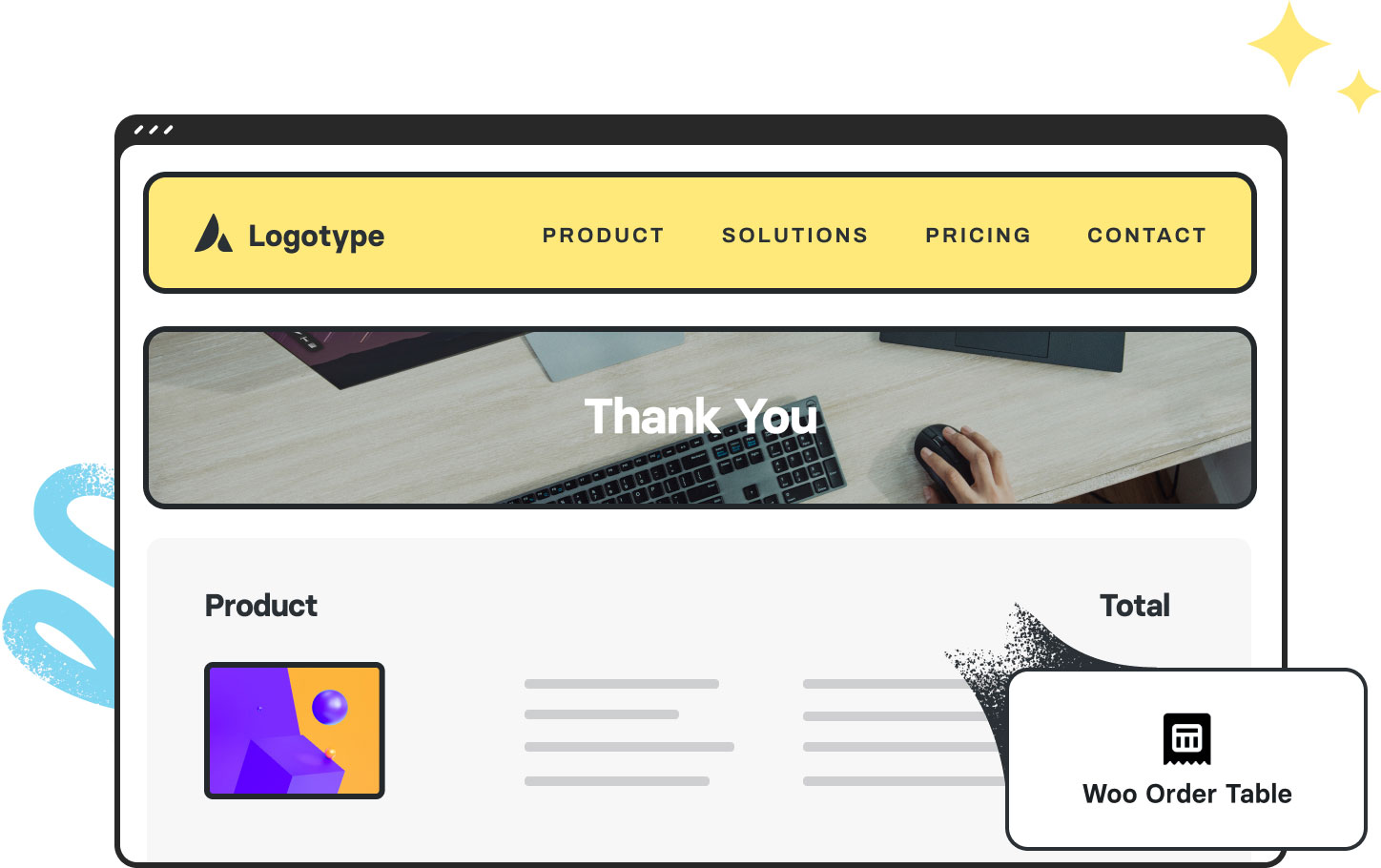
Woo Order Table

The Avada Woo Order Table Element lists purchased items in a simple table layout, showing name, quantity, and price, keeping order information clear and easy to review.

Woo Order Table 2

Organized Display

Present product details in an organized, easy-to-read table for customers.

Boost Transparency

It ensures that customers can confirm product details & pricing at a glance.

Custom Styling

You can adjust the typography, spacing, & more to suit your store's online aesthetic.

Avada Woo Order Table Element Examples

The Avada Woo Order Table Element displays the products included in a customer’s order in a clear, tabular format with details such as product name, quantity, and price. Organizing order information neatly helps customers review their purchases quickly and confidently.
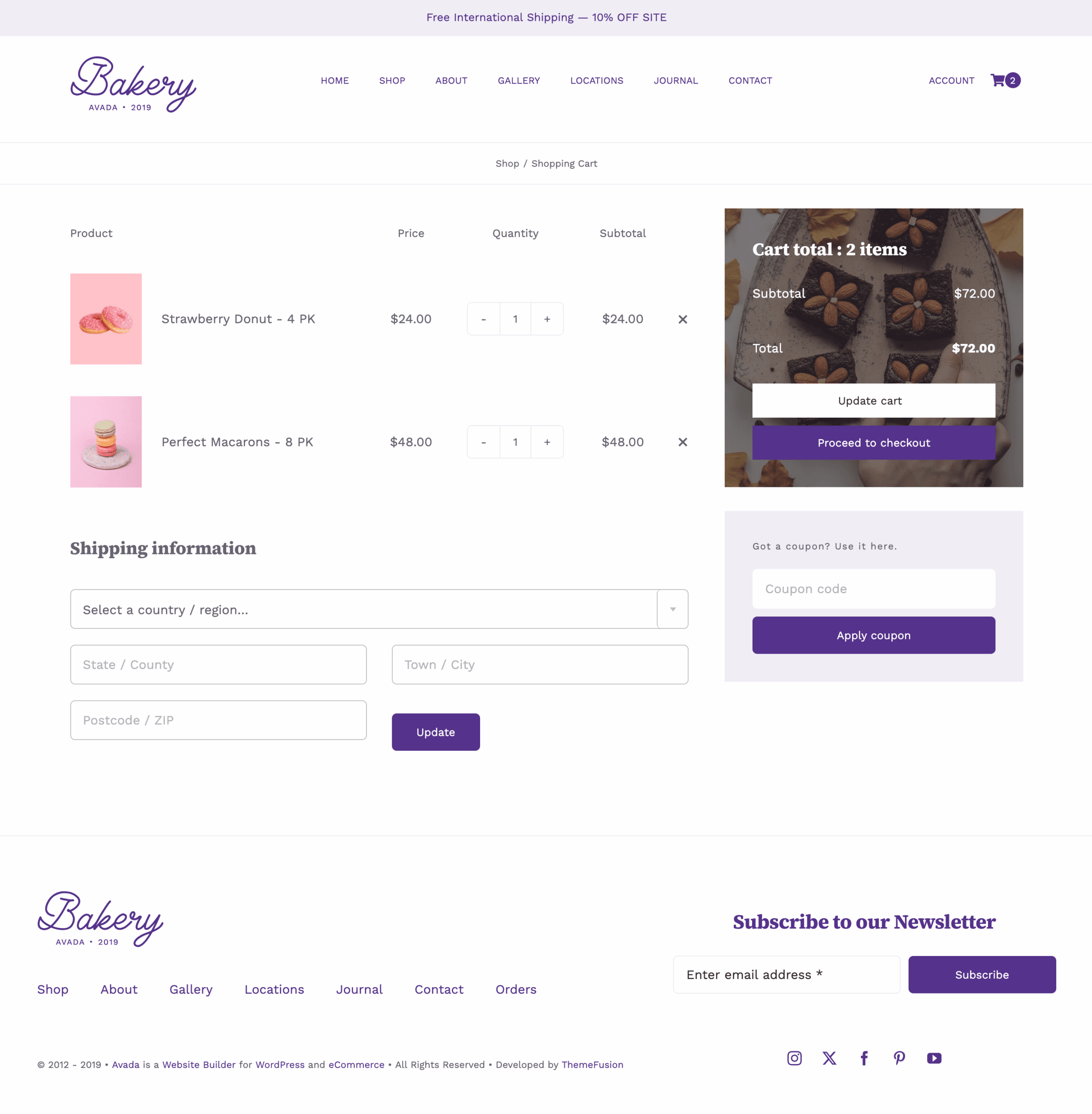
Avada Retail Woo Order Table

The Avada Woo Order Downloads Element displays downloadable products that a customer has purchased, typically shown on the order confirmation page or in their account section. It includes links to files, download limits, and expiration dates, giving customers easy access to their digital content. This Element ensures that the download experience is both seamless and visually consistent with your site, enhancing customer trust for digital product sales.

Examples can include the individual option values set for that particular instance; however, in some cases, not all Element variations can be shown as they may be too numerous. Where a live example cannot be shown, an image representation will be used as a substitute. For more detailed information, please refer to the related Element documentation and videos.

Open Street Map 3Open Street Map
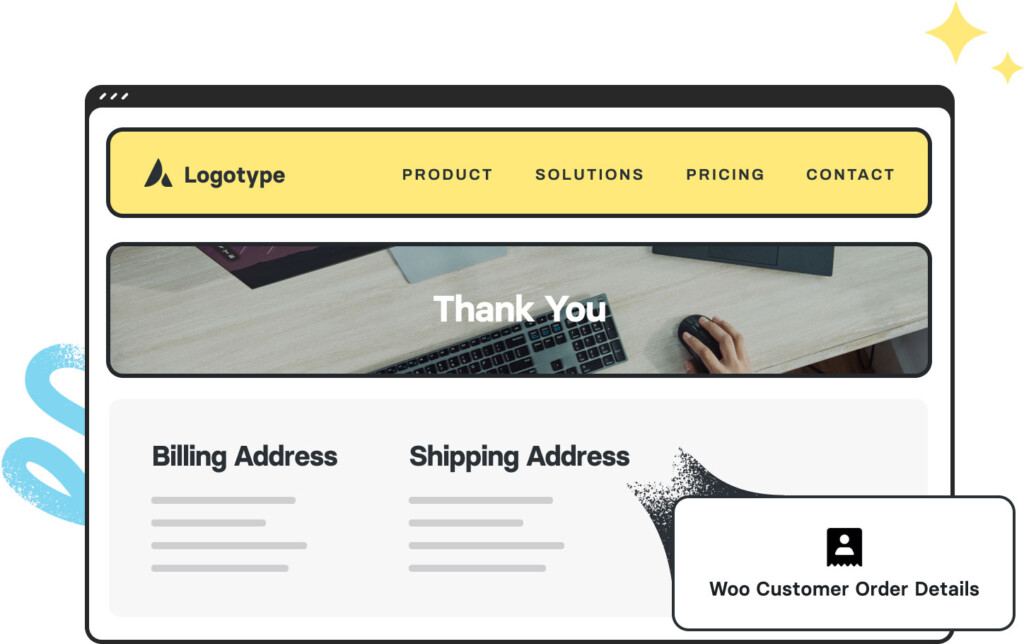
Woo Customer Order DetailsWoo Order Customer Details
Go to Top