Woo Checkout Shipping Element
Last Update: February 11, 2026
The Avada Woo Checkout Shipping Element is one of five Woo Checkout Elements, and allows you to add an independent shipping section to your Woo Checkout page layout.
Watch the video below for a visual overview of the Element, view the Avada Checkout Shipping Element page for live examples, and read on to see the complete list of options.
How To Use The Woo Checkout Shipping Element
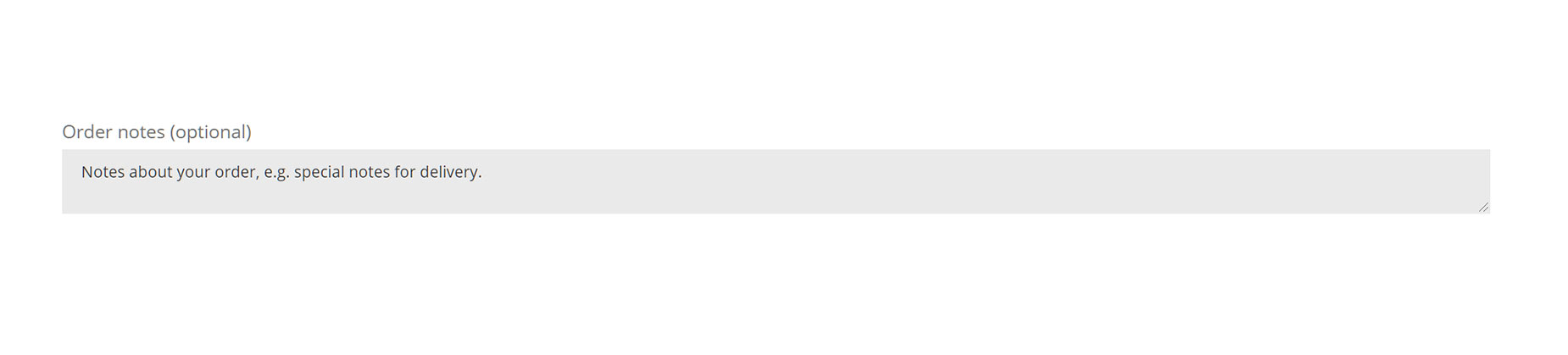
The Avada Woo Checkout Shipping Element does precisely what it says – it allows you to place a Shipping input section into your WooCommerce Checkout Layout. This is an area where the user can add any notes about the shipping and delivery of the item. Read below for a description of all Element options.
Element Options
Note: The displayed option screens below show ALL the available options for the element. If you have Avada’s Option Network Dependencies turned on, you will only see options relevant to your selections, and so the options screen may look somewhat different.