Avada Logo
Avada Design Elements

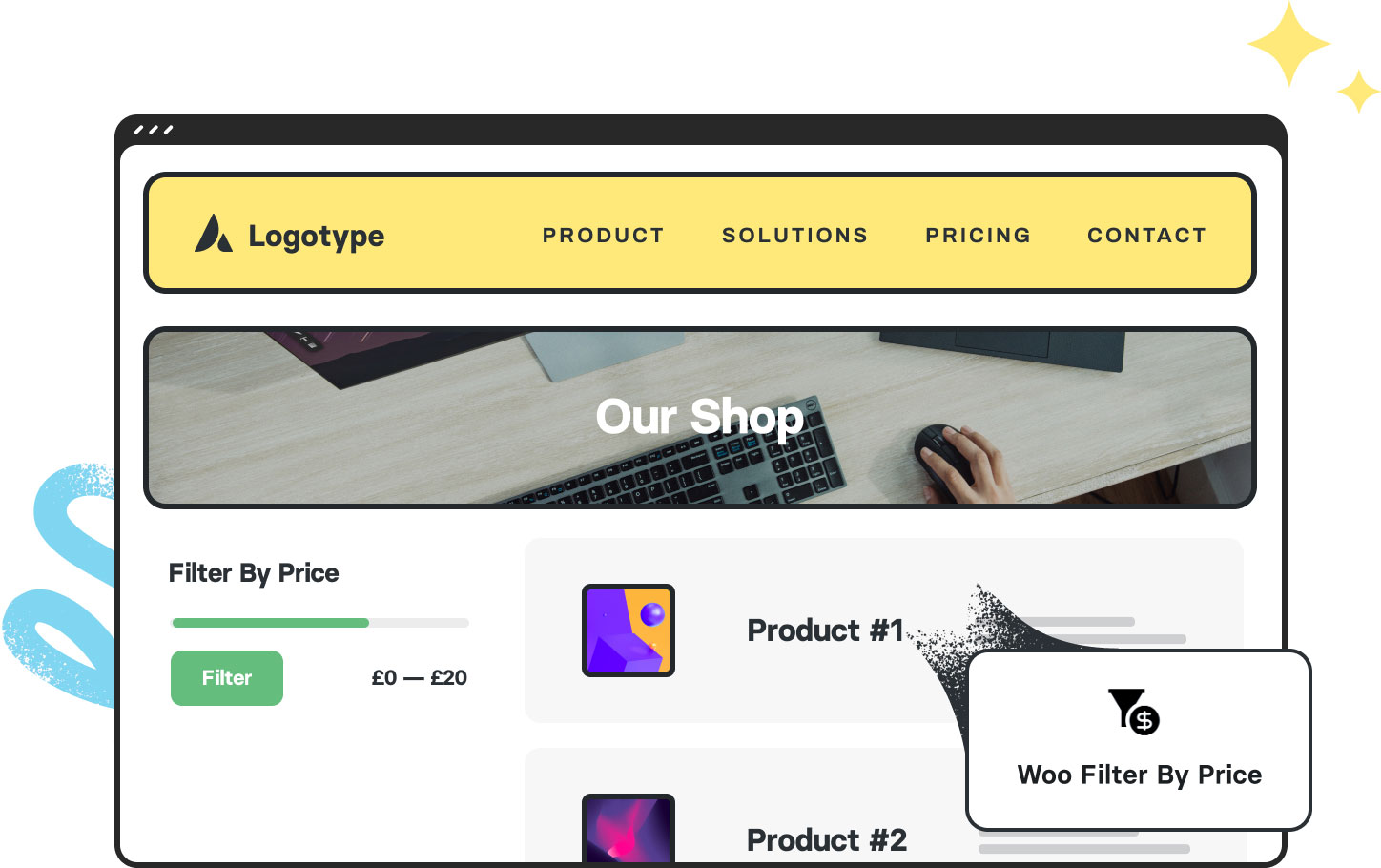
Woo Filter By Price

The Avada Woo Filter by Price Element lets users filter products by budget range using a stylish, customizable slider or input fields, improving usability and visual consistency.

Woo Filter by Price

Price Range Filter

It lets customers set minimum & maximum price bounds for more manageable searching.

Real-Time Filtering

The Element updates products in real time immediately as users adjust the range.

Custom Styling

Style slider handles, labels, track colors, & typography to match your store's design.

Avada Woo Filter By Price Element Examples

The Avada Woo Filter by Price Element offers a price range slider or input fields, allowing users to filter products within a specific budget range. With style controls for handles, ranges, labels, and layout, it enhances usability while maintaining brand consistency.
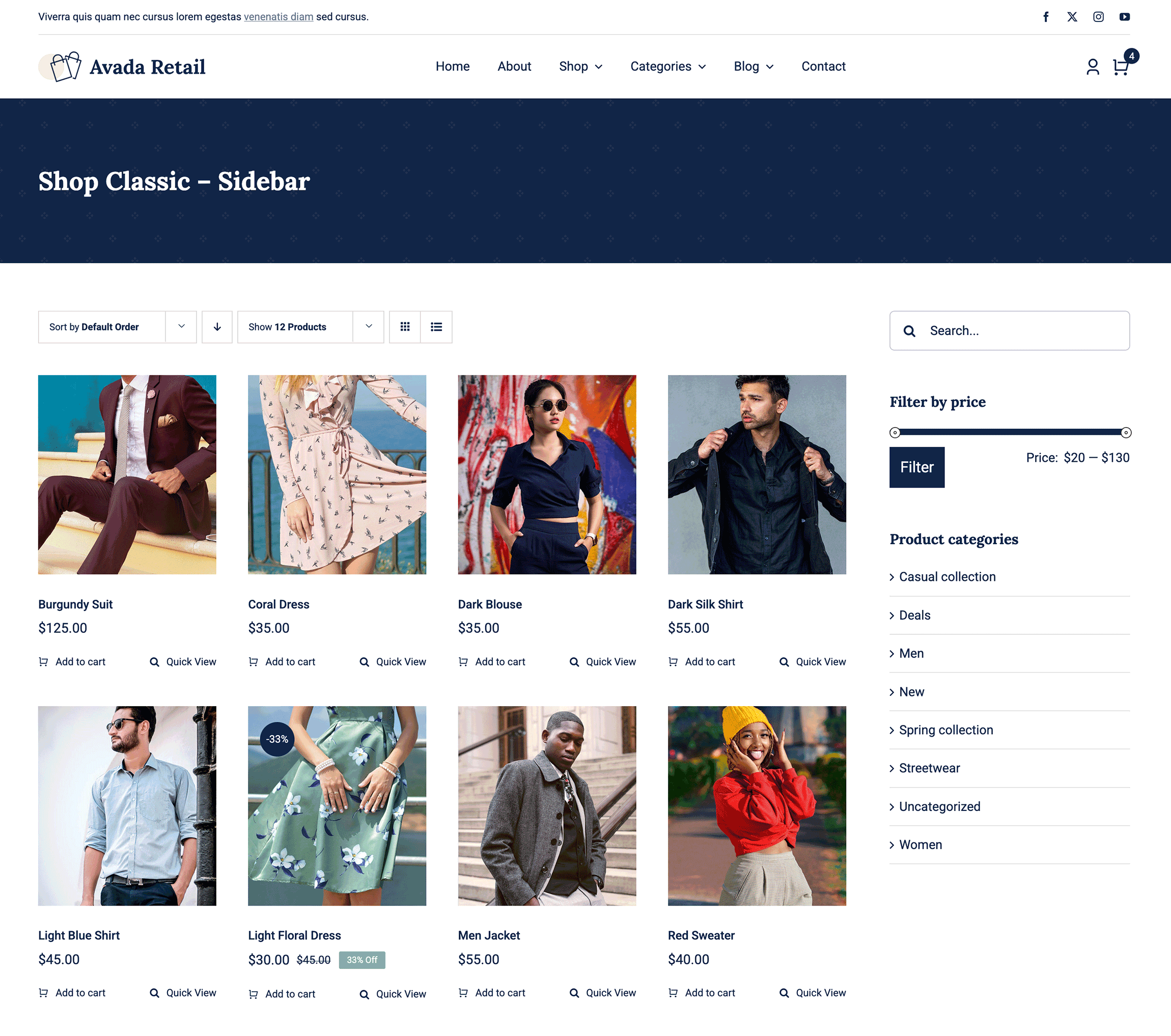
Avada Retail Woo Filter By Price Element

The Avada Woo Filter By Price Element is an Avada Layout Element that lets customers narrow down products on your WooCommerce shop or archive pages by selecting a specific price range. It provides an interactive slider or input fields for setting minimum and maximum values, updating the product results instantly to match the chosen budget.

Examples can include the individual option values set for that particular instance; however, in some cases, not all Element variations can be shown as they may be too numerous. Where a live example cannot be shown, an image representation will be used as a substitute. For more detailed information, please refer to the related Element documentation and videos.
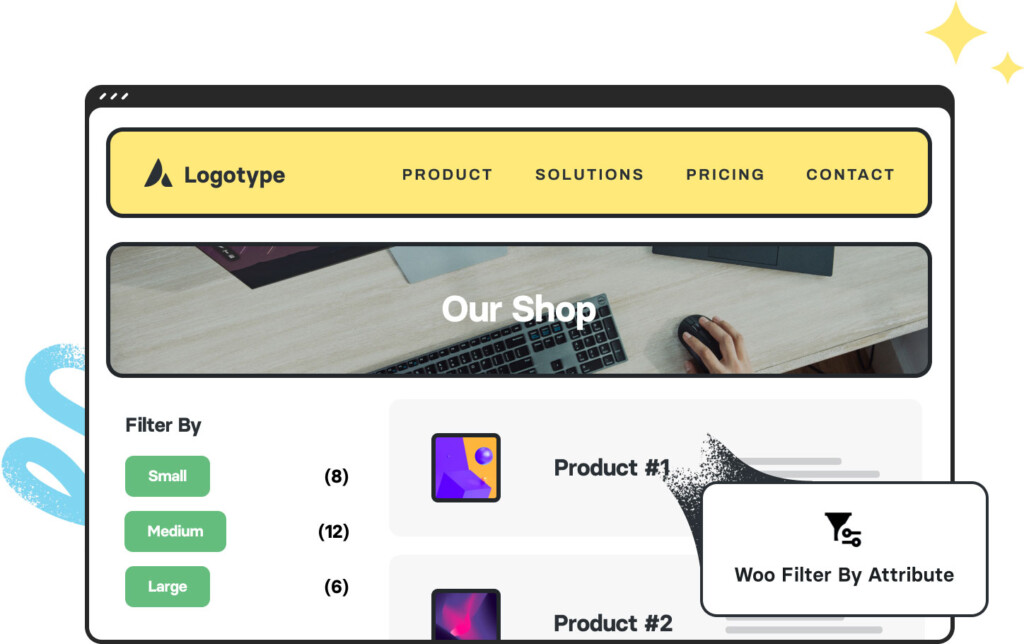
Woo Filter by AttributeWoo Filter By Attribute
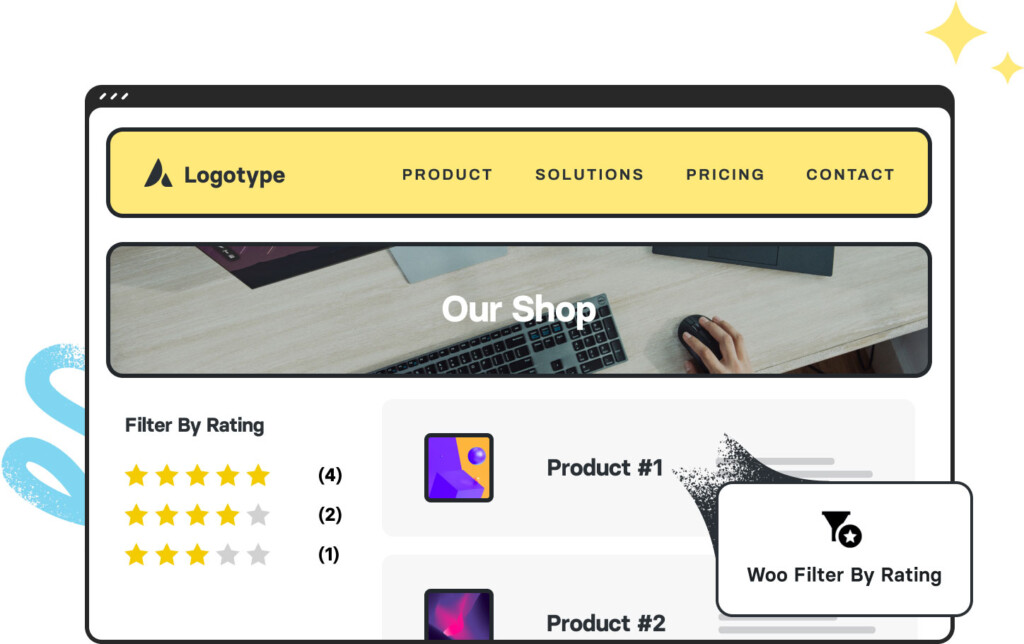
Woo Filter by Rating 2Woo Filter By Rating
Go to Top