
Avada Builder Plugin
Last Update: February 26, 2026
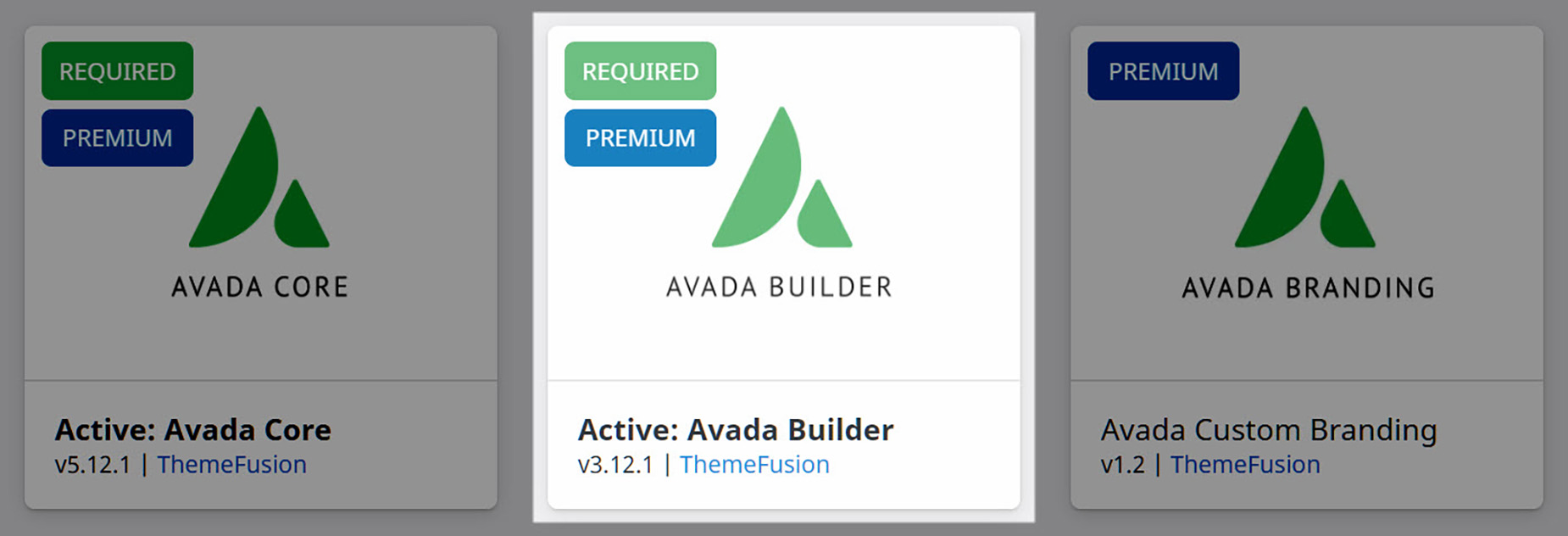
The Avada Builder plugin is one of two required Avada plugins and is core to the Avada Live Visual Builder, which powers the design experience in Avada. It works alongside Avada to provide drag-and-drop functionality for creating pages, posts, layouts, and dynamic content across your website. While the theme handles the overall framework and styling, the Avada Builder plugin delivers the interactive building tools that let you visually construct your site without writing code.
The latest Avada version is: 7.16 (Released on August 4, 2026)
How to Install And Activate The Avada Builder Plugin
Expert Tip – The Avada Live Visual Builder Interface is not active by default when opening a page or post. However, you can change this globally and keep it active for pages and posts by going to Options > Builder Options > Avada Builder Auto Activation in the Avada Dashboard.


















































































































